Signs, Keychains & Codes · Comparison
Name Signs, Keychains and QR Codes: The Best Free Generators
The best free generators for name plates, desk signs, name keychains, pet tags, QR codes and Spotify codes, with tips for clean two-colour prints.
Quick comparison
| Generator | Best for | Price | Files | Link |
|---|---|---|---|---|
| 01Make My Sign (MakerLab) | Multicolour name plates and flat signs | Free | 3MF, STL | Open |
| 02Text2STL | Quick 3D lettering and simple name plates | Free | STL | Open |
| 03Sweeping 2-Line Name Plate | Fun office desk name plates | Free | 3MF, STL | Open |
| 04Custom Name Keychain Generator (Multilingual Fonts) | Name keychains in unusual fonts or languages | Free | 3MF, STL | Open |
| 05Name Keychain Generator [NO AMS] | Name tags for kids, classes and parties | Free | 3MF, STL | Open |
| 06Image to Keychain (MakerLab) | Keychains from logos and drawings | Free | 3MF | Open |
| 07Customizable Parametric QR Code Generator | WiFi and contact QR plates | Free | 3MF, STL | Open |
| 08QRCode2STL | WiFi signs and QR keychains | Free | STL, PNG | Open |
| 09Customizable Spotify Keychain / Tag | Music gifts with a scannable code | Free | 3MF, STL | Open |
| 10BrailleGen | Tactile braille labels and signs | Free | STL | Open |
Text is the easiest way to make a print personal. A name on a desk plate, a keychain for every child in the class, a QR code for the guest Wi-Fi. These are also the prints people ask makers for most, so a good set of generators pays off quickly.
Quick answer
- Best sign maker: Make My Sign (MakerLab). Free browser editor for name plates, badges and signs, exports multicolour 3MF.
- Best free text-to-STL: Text2STL. Any Google Font, no account.
- Best name keychains: Custom Name Keychain Generator, with any Google Font and non-Latin scripts.
- Best without a multicolour printer: Name Keychain Generator [NO AMS].
- Best QR code generator: Customizable Parametric QR Code Generator on MakerWorld, or QRCode2STL without an account.
Signs and name plates
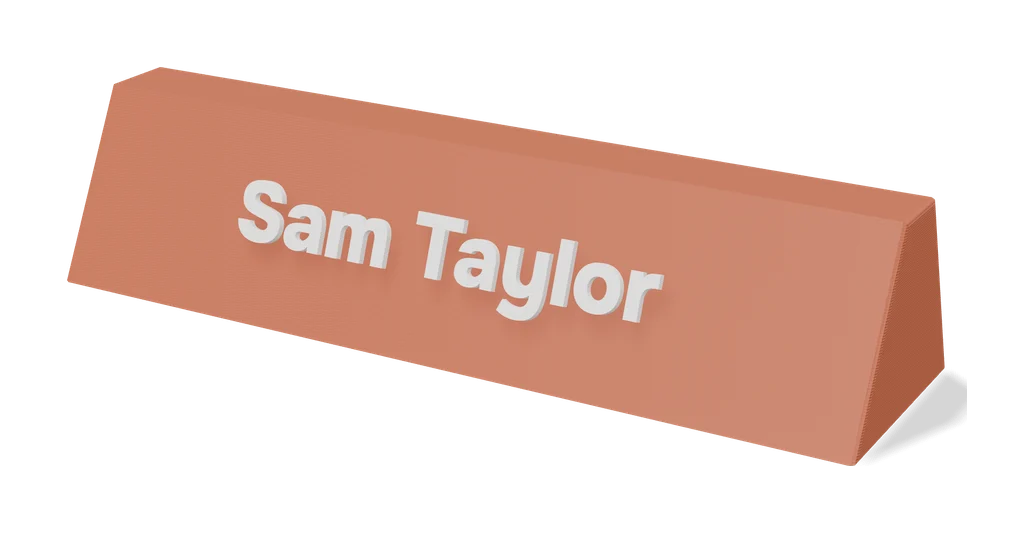
Make My Sign is Bambu Lab’s own sign editor inside MakerLab. You type your text, pick a shape and colours, and download a 3MF with the colours already assigned. It is free with a MakerWorld account.
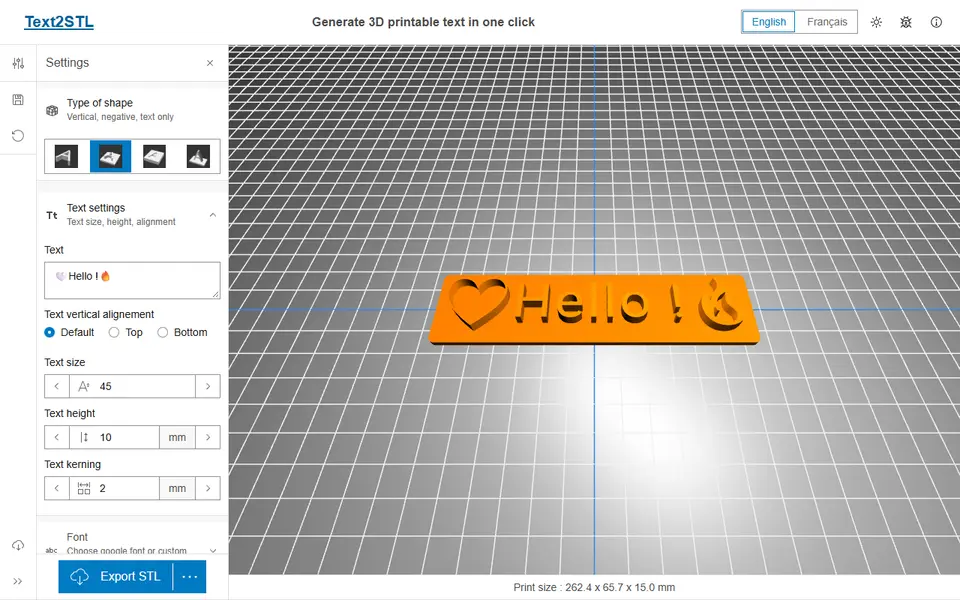
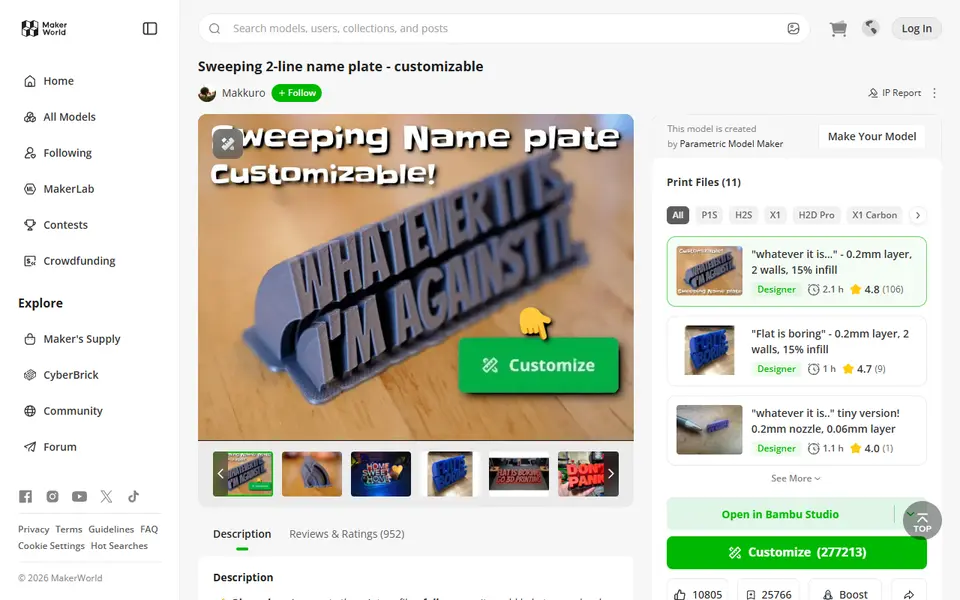
For a curved desk name plate, the Sweeping 2-Line Name Plate is one of the most customised models on MakerWorld. Text2STL is the go-to web tool when you just want letters: pick from more than 1,000 Google Fonts, choose plain, plate, engraved or standing text, and download an STL.
House numbers have their own House / Office Number Plate Generator with six styles in two colours. For accessibility signs, BrailleGen turns text into Grade 1 or Grade 2 braille tiles.
Keychains and tags
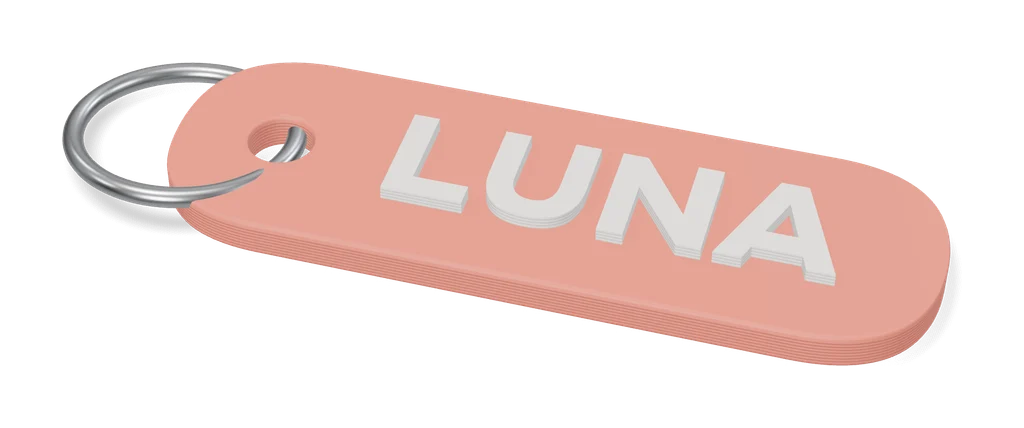
The Custom Name Keychain Generator makes layered name keychains in any Google Font, including non-Latin scripts, or from your own SVG. The Name Keychain Generator [NO AMS] is built for single-nozzle printers: its bubble-outline design gives two colours with one filament swap.
To turn a picture or logo into a keychain, use Image to Keychain (MakerLab). For pets, the PETTAG V.2 puts the name on the front and phone numbers on the back.
QR codes, Spotify codes and NFC
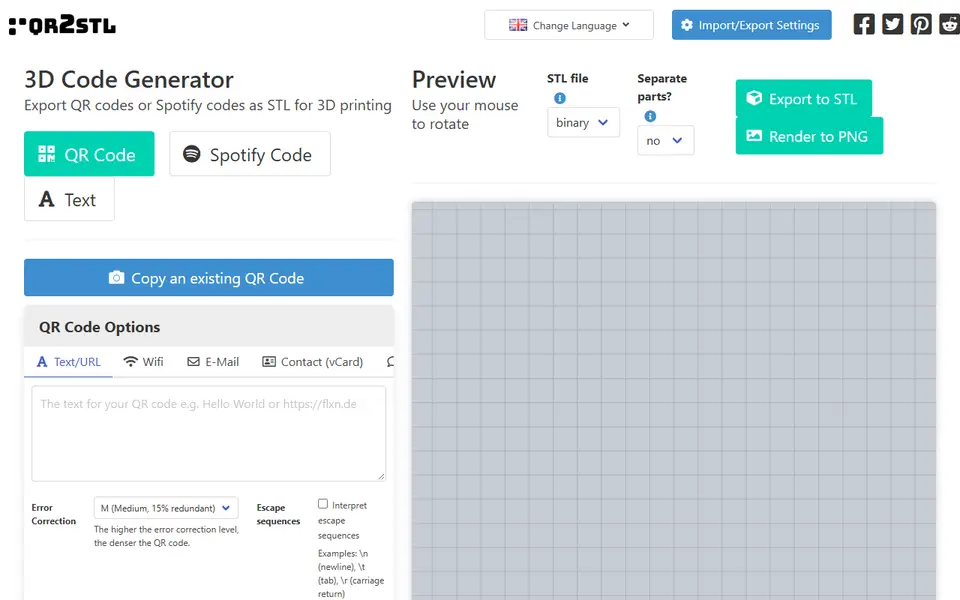
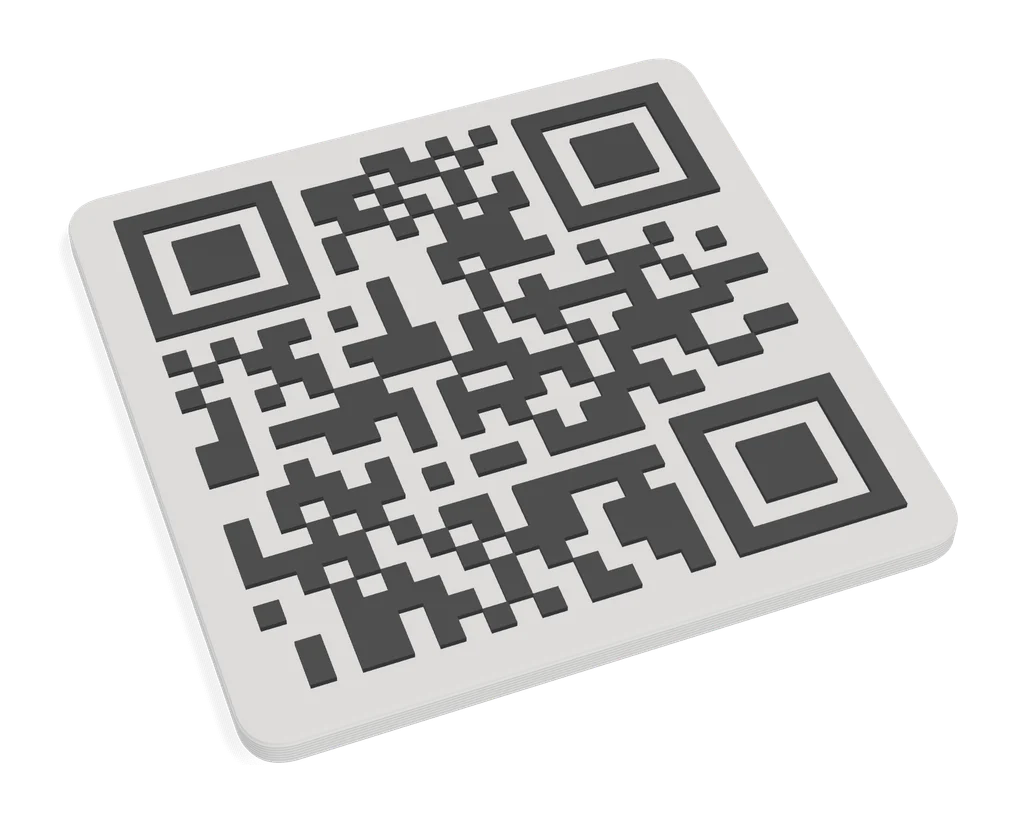
The Customizable Parametric QR Code Generator on MakerWorld handles links, Wi-Fi logins, phone numbers and contact cards. Without an account, QRCode2STL is an open-source web app that also does Spotify codes and NFC-ready tags.
For a song on a keychain, the Customizable Spotify Keychain / Tag makes a scannable Spotify code, with an optional slot for the cover art.
Tips for crisp text and codes
- Keep letters at least 1 mm thick and strokes wider than your nozzle (0.4 mm or more).
- Change colour at the right layer. Most generators tell you the height; otherwise use your slicer’s layer preview.
- Print codes flat on the bed, face up, and test with your phone before you print a batch.
- Add an NFC tag under a QR plate so phones can tap as well as scan.
Frequently asked questions
How do I print a two-colour name keychain without a multicolour printer?
Add a pause or filament change in your slicer at the layer where the letters start. When the printer stops, swap the filament and resume. Generators such as the Name Keychain Generator [NO AMS] are designed for exactly this.
Will a 3D printed QR code scan?
Yes, if the contrast is strong and the modules are crisp. Print black on white (or the other way round), keep the code at least 4 to 5 cm wide, and use a 0.4 mm nozzle or smaller.
Can I sell keychains I make with these generators?
It depends on the licence. Many MakerWorld customizers are for personal use only, and some designers sell a commercial membership. Web tools such as Vextrude say you may use the models commercially. Check each listing.
What is the best filament for keychains?
PLA works for most keychains. Silk PLA gives a shiny look, and PETG or TPU hold up better on keys that live in a pocket.
What you'll need
Multicolour PLA for keychains and HueForge
Dual- and tri-colour silks give a single-nozzle printer colour shifts with no extra hardware, and a matched colour set is what lets HueForge and colour lithophanes blend thin layers into a full image.
- Bambu Lab PLA Silk Multi-ColorCo-extruded dual and tri colours that shift with the viewing angle; great for keychains and name tags.
- SUNLU Multi-Color Silk PLA (dual/tri/four-colour)Budget dual-, tri- and four-colour silk for colourful prints without an AMS.
- Bambu Lab PLA CMYK Lithophane BundleFour 1 kg spools (cyan, magenta, yellow, white) made for colour lithophanes and handy for HueForge-style layering.
Silk PLA for vases and ornaments
Silk PLA's glossy, metallic sheen turns simple vase-mode prints and ornaments into gift-worthy pieces with no painting or post-processing.
- Bambu Lab PLA Silk+Stronger layer adhesion than typical silk blends, so thin-walled ornaments are less brittle.
- Polymaker Panchroma Silk PLASuccessor to PolyLite Silk, reformulated to print faster and more reliably.
- eSUN PLA-SilkLong-running, affordable silk with a strong shine in many colours.
Key rings for printed keychains
A sturdy metal split ring is what turns a printed name tag into a keychain that survives life in a pocket; printed plastic loops wear through quickly.
- Bambu Lab Split Ring Keychain 25 mm (10 pcs)Silver 25 mm rings sized for printed tags; easy to add to a filament order.
- 25 mm split key rings with chains and jump rings (bulk)Bulk packs with chains and jump rings suit craft-market batches and gift sets.
Some of these are affiliate links: we may earn a small commission, at no extra cost to you. More about that
Every generator in this guide
Signs & Text
Make My Sign (MakerLab)
Bambu Lab's browser editor for flat name plates, badges, signs and tags
Signs & Text
Sweeping 2-Line Name Plate
Hugely popular curved desk name plate you customize in MakerWorld's browser editor
Keychains
Custom Name Keychain Generator (Multilingual Fonts)
Layered name keychains in any Google Font, non-Latin text or your own SVG
Keychains
Name Keychain Generator [NO AMS]
Bubble-outline name keychains in 1,500+ fonts, two colours without an AMS
Keychains
Image to Keychain (MakerLab)
Bambu Lab tool that turns a picture into a layered multicolour keychain
Codes
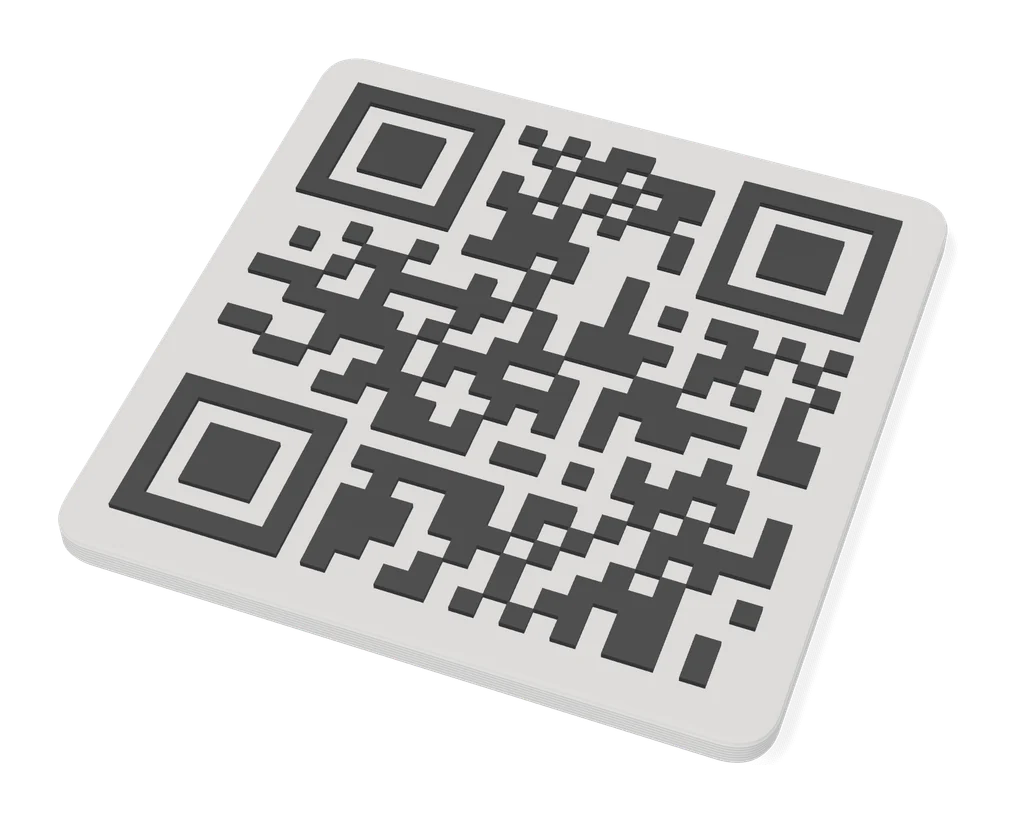
Customizable Parametric QR Code Generator
Hugely popular MakerWorld QR plate generator for URLs, WiFi, phone and vCard
Codes
Customizable Spotify Keychain / Tag
Scannable Spotify code keychain or desk tag with an optional cover art slot
Signs & Text
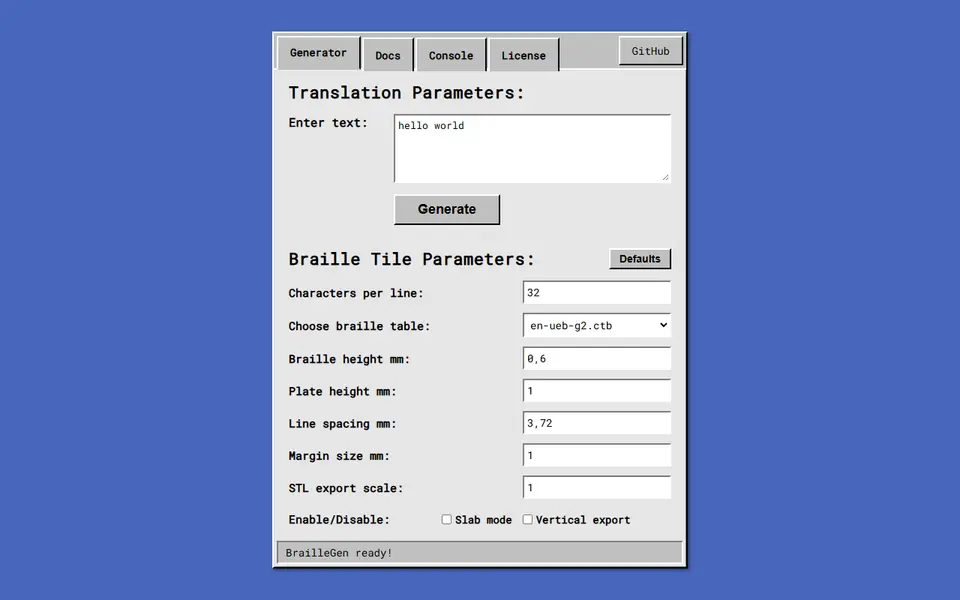
BrailleGen
Open-source web app that turns text into printable Grade 1 or Grade 2 braille tiles