Make My Sign (MakerLab)
Bambu Lab's browser editor for flat name plates, badges, signs and tags
Opens makerworld.com
About Make My Sign (MakerLab)
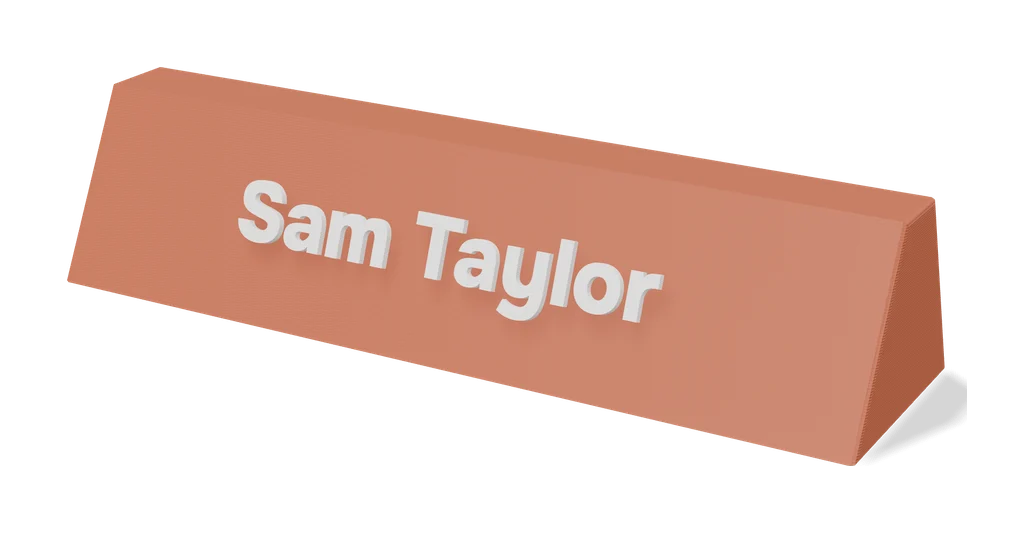
Make My Sign is one of Bambu Lab's own MakerLab tools on MakerWorld. It opens a flat-design editor in the browser where you place text, icons and shapes on a base plate, starting either from a template or from a blank canvas. MakerLab describes it as the tool for name plates, badges, signs, light box panels and anything else flat.
Because it lives inside MakerWorld, the result opens directly in Bambu Studio, and MakerLab lists it among its multi-colour friendly tools, so layered colour signs print well on an AMS. Files download as 3MF or STL. Threads on the Bambu Lab forum show people using it for desk plates, pet tags and keychains, and also mention occasional download or export hiccups.
It is a good fit for Bambu Lab owners who want a colourful sign without touching CAD. You need a free Bambu Lab account to open it.
What you can make
- Desk name plates
- Badges
- Flat wall and door signs
- Light box panels
- Pet tags and keychains
How to use it
- Sign in to MakerWorld and open Make My Sign in MakerLab
- Start from a template or a blank plate
- Add text, icons and shapes and set colours
- Download the file and slice it in Bambu Studio
Good
- Templates plus free placement of text, icons and shapes on a base plate
- Listed by MakerLab as multi-colour friendly for AMS printing
- Free and integrated with MakerWorld and Bambu Studio
Not so good
- Requires a Bambu Lab account to open
- Forum users have reported occasional download and export glitches
What you'll need to print it
Materials and parts that give the best results with Make My Sign (MakerLab).
Multicolour PLA for keychains and HueForge
Dual- and tri-colour silks give a single-nozzle printer colour shifts with no extra hardware, and a matched colour set is what lets HueForge and colour lithophanes blend thin layers into a full image.
- Bambu Lab PLA Silk Multi-ColorCo-extruded dual and tri colours that shift with the viewing angle; great for keychains and name tags.
- SUNLU Multi-Color Silk PLA (dual/tri/four-colour)Budget dual-, tri- and four-colour silk for colourful prints without an AMS.
- Bambu Lab PLA CMYK Lithophane BundleFour 1 kg spools (cyan, magenta, yellow, white) made for colour lithophanes and handy for HueForge-style layering.
Multicolour filament systems
An automatic filament changer prints multi-colour signs, keychains and HueForge pieces without you standing by to swap filament at every colour layer.
- Bambu Lab AMS liteFour-spool open unit for the A1 series; the cheapest way into Bambu multicolour.
- Bambu Lab AMS 2 ProEnclosed four-spool unit with built-in filament drying for Bambu's enclosed printers.
- Creality CFS (Creality Filament System)Creality's multicolour unit for K2-series printers; expands to 16 colours with RFID and moisture-proof storage.
Some of these are affiliate links: we may earn a small commission, at no extra cost to you. More about that
Read next
Alternatives to Make My Sign (MakerLab)
All signs & text generators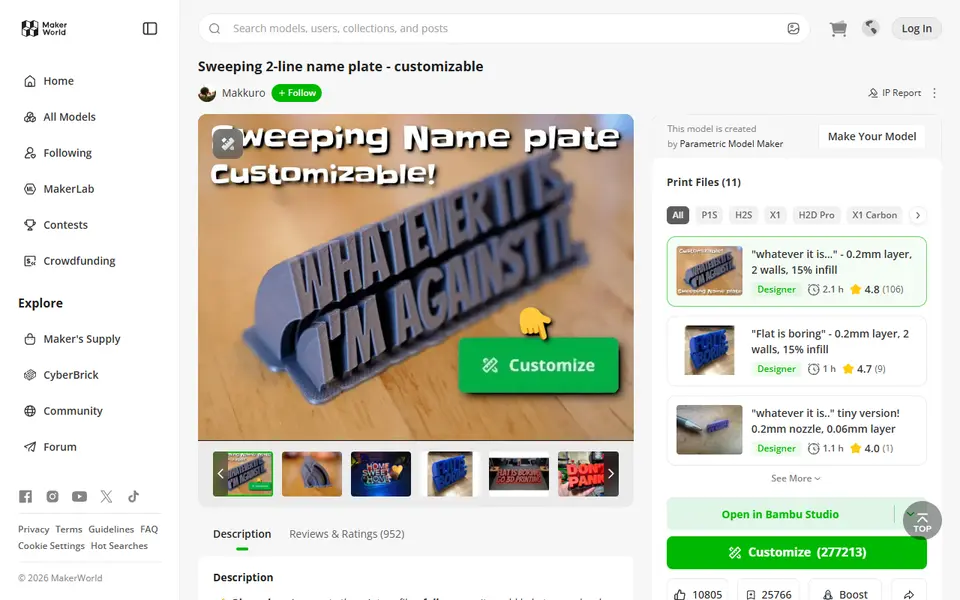
Signs & Text
Sweeping 2-Line Name Plate
Hugely popular curved desk name plate you customize in MakerWorld's browser editor
Signs & Text
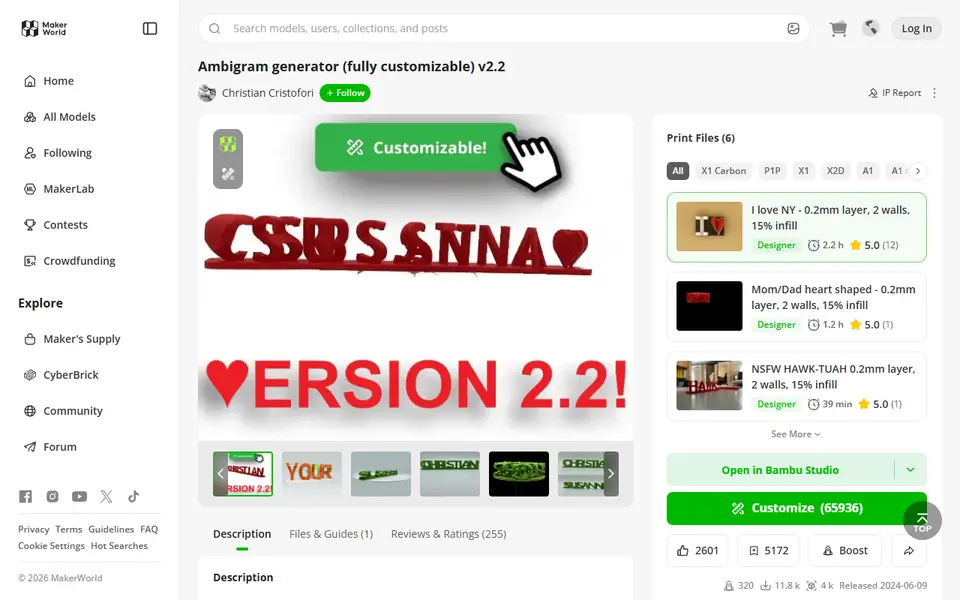
Ambigram Generator
Dual-text illusion block that shows one name from one side and another from the other