Printers · Comparison
Bambu Lab A1 vs A1 mini: Which One for Generator Prints?
A1 or A1 mini for Gridfinity bins, lithophanes, keychains, signs and HueForge art: bed size in Gridfinity units, AMS lite multicolor, price, noise and space.
Quick comparison
| Generator | Best for | Price | Account | Exports | Multicolor | Link |
|---|---|---|---|---|---|---|
| 01 Perplexing Labs Gridfinity Generator | Custom Gridfinity and wall-storage parts in one place | Free Free to generate and download | Not needed | STL | No | Open Perplexing Labs Gridfinity Generator |
| 02 Extrabold Gridfinity Baseplate Generator | Large drawers on small printers | Free | Not needed | STL, 3MF | No | Open Extrabold Gridfinity Baseplate Generator |
| 03 GRIPS: Gridfinity Interlocking Baseplate System | Wall-to-wall Gridfinity baseplates for big drawers and toolboxes | Free | Needed | 3MF, STL | No | Open GRIPS: Gridfinity Interlocking Baseplate System |
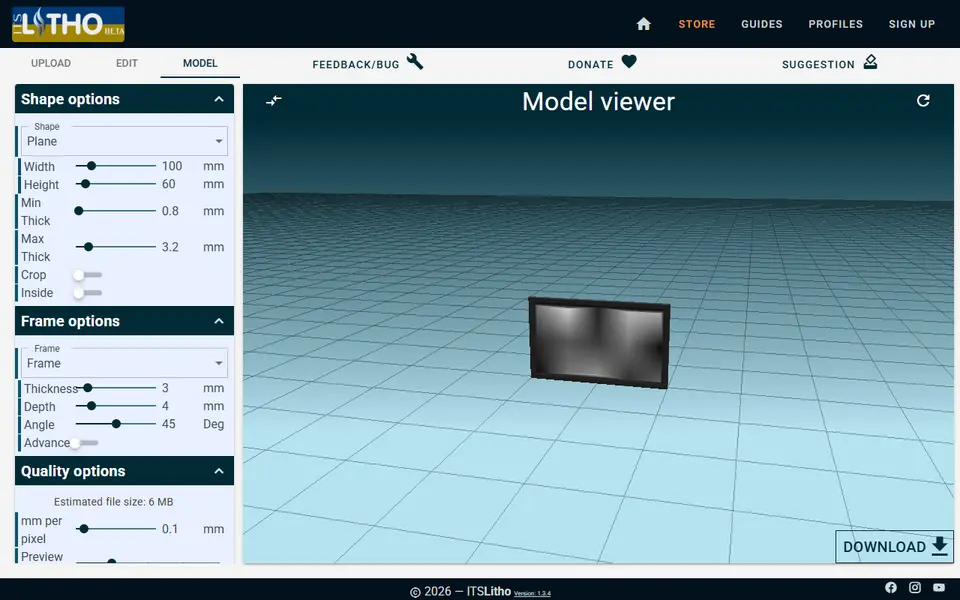
| 04 ItsLitho | Photo gifts, lamp shades and night lights | Freemium Free to design and download STL files, with optional donations | Not needed | STL | No | Open ItsLitho |
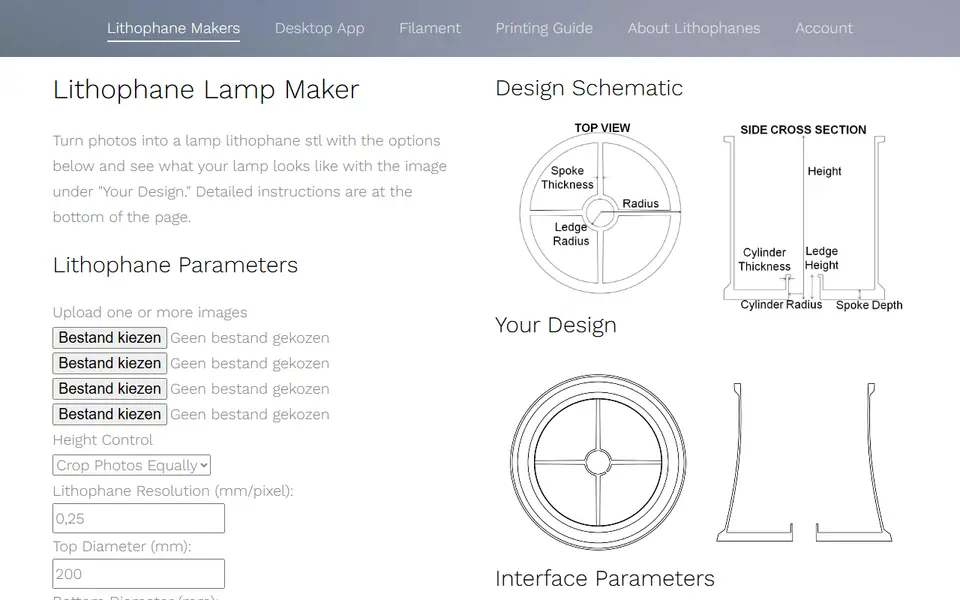
| 05 Lithophane Maker | Lithophanes that fit an existing lamp or night light | Free Web tools are free and Patreon-supported | Not needed | STL | Yes | Open Lithophane Maker |
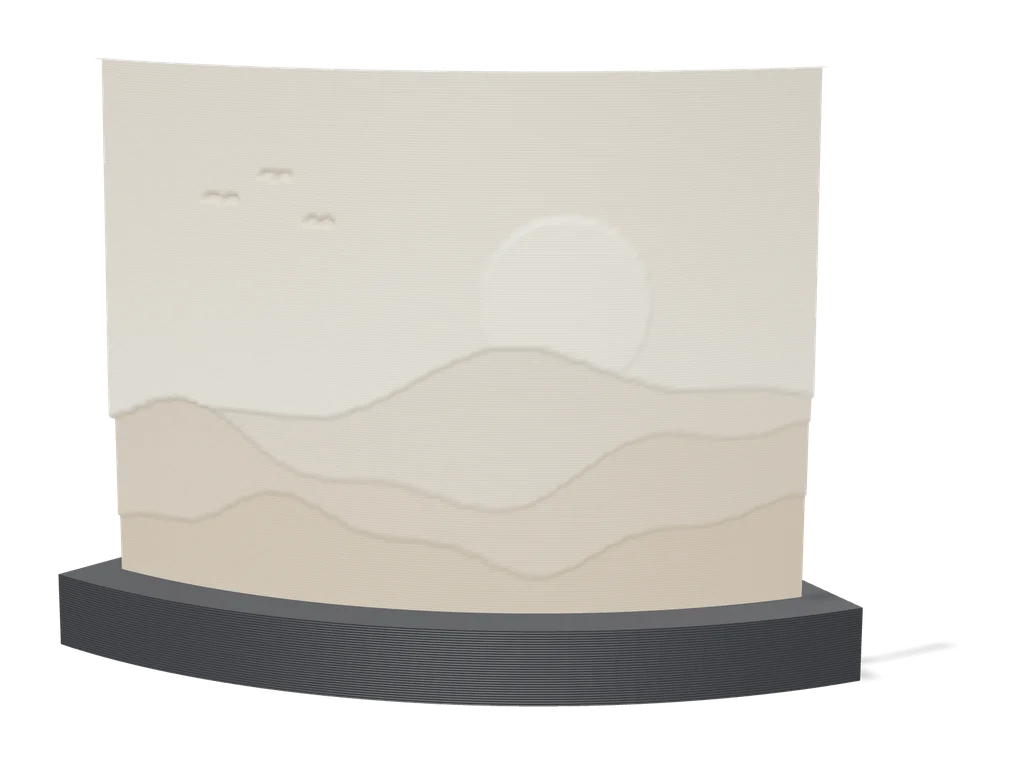
| 06 Make My Lithophane (MakerLab) | Bambu Lab owners making color photo lithophanes | Free Free with a MakerWorld account | Needed | 3MF | Yes | Open Make My Lithophane (MakerLab) |
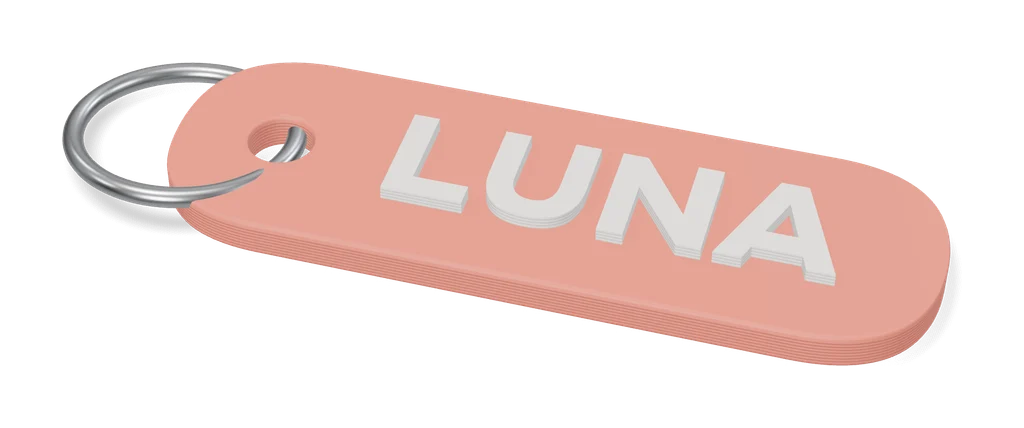
| 07 Custom Name Keychain Generator (Multilingual Fonts) | Name keychains in unusual fonts or languages | Free Free for personal use | Needed | 3MF, STL | Yes | Open Custom Name Keychain Generator (Multilingual Fonts) |
| 08 Name Keychain Generator [NO AMS] | Name tags for kids, classes and parties | Free Free for personal use | Needed | 3MF, STL | Yes | Open Name Keychain Generator [NO AMS] |
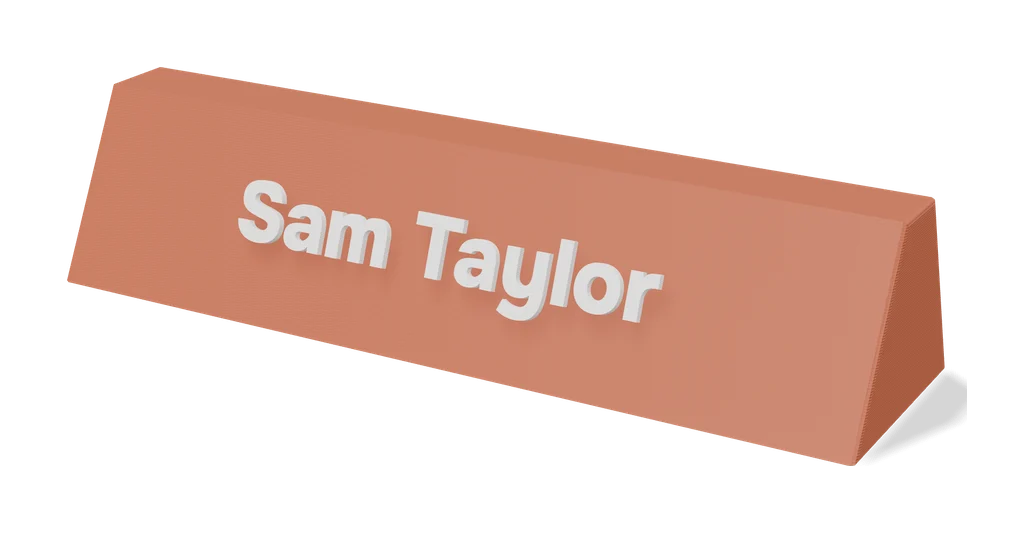
| 09 Make My Sign (MakerLab) | Multicolor name plates and flat signs | Free Free with a MakerWorld account | Needed | 3MF, STL | Yes | Open Make My Sign (MakerLab) |
| 10 HueForge | Serious filament painting and wall art | Paid Personal Use lifetime $30 | Not needed | STL, 3MF | Yes | Open HueForge Affiliate link |
| 11 MakerLab Chroma Canvas | First filament paintings on a Bambu Lab printer | Free Free with a MakerWorld account | Needed | 3MF | Yes | Open MakerLab Chroma Canvas |
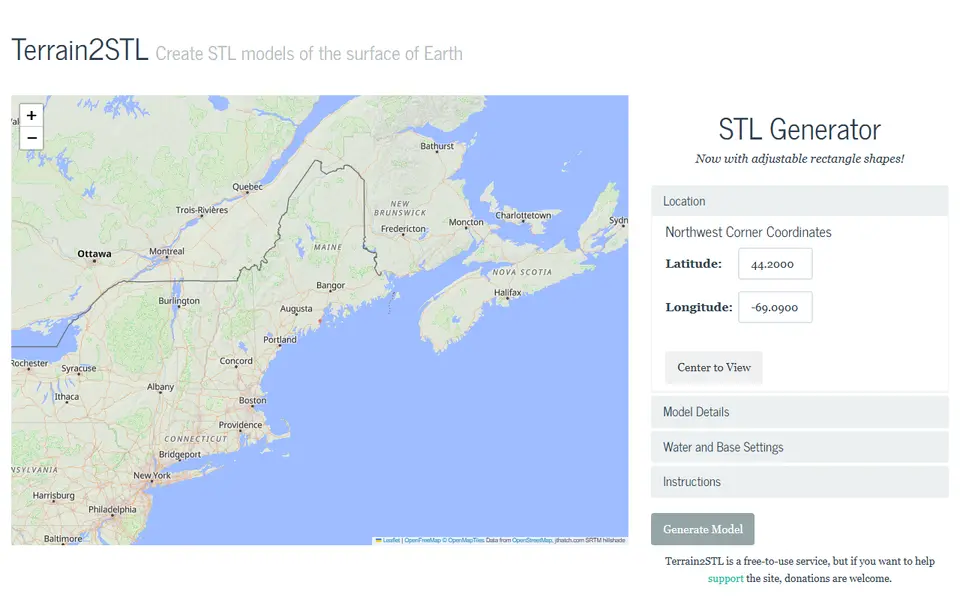
| 12 Terrain2STL | Quick mountain and island relief prints | Free Free to use | Not needed | STL | No | Open Terrain2STL |
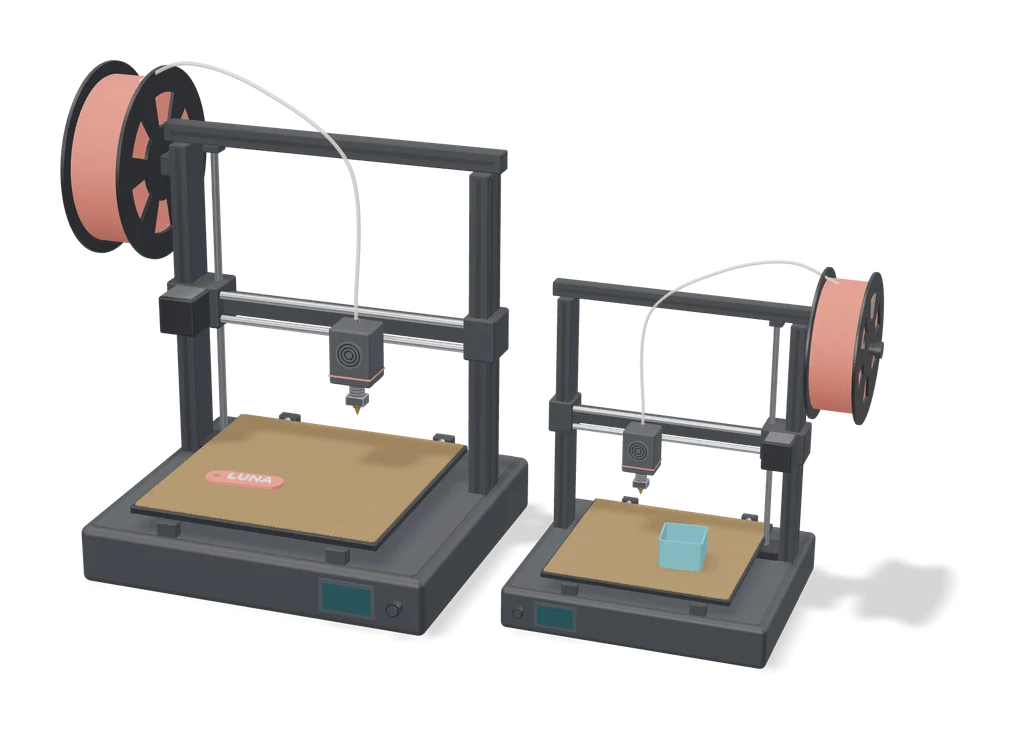
Buy the A1 if you print Gridfinity drawers, signs, maps or larger HueForge art: its 256 mm bed holds a 6 x 6 Gridfinity baseplate in one piece and has about twice the area of the mini. Buy the A1 mini if you mostly print keychains, name tags, small lithophanes and gifts, and desk space or budget is tight. Both calibrate themselves, both take the same four-spool AMS lite for multicolor, and both are open-frame printers made for PLA, PETG and TPU.
This comparison uses Bambu Lab’s published specs and the prices on our best 3D printers page. SkipTheCAD has not tested the two printers side by side.
Quick answer
- Pick the A1 for Gridfinity baseplates, door signs, terrain maps, lithophane lamps and filament paintings over 180 mm.
- Pick the A1 mini for keychains, name tags, coasters, desk plates, small lithophanes and small filament paintings.
- Pick a Combo (with the AMS lite) if you want two-color keychains, signs and HueForge prints without swapping filament by hand.
- Need more than 256 mm? The Bambu Lab A2L has a 330 x 320 mm bed that fits 7 x 7 Gridfinity units; it is on the best 3D printers page.
A1 vs A1 mini: the specs that matter
| Spec | A1 | A1 mini |
|---|---|---|
| Build volume | 256 x 256 x 256 mm | 180 x 180 x 180 mm |
| Gridfinity baseplate in one piece | 6 x 6 units (252 mm) | 4 x 4 units (168 mm) |
| Multicolor | AMS lite, 4 colors (A1 Combo) | AMS lite, 4 colors (A1 mini Combo) |
| Max bed temperature | 100 °C | 80 °C |
| Printer size | 465 x 410 x 430 mm | 347 x 315 x 365 mm |
| Weight | 8.3 kg | 5.5 kg |
| Noise in Silent Mode | Under 48 dB | Under 48 dB |
| Price at our September 2026 check | $299, or $399 as a Combo | $219, or $329 as a Combo |
The build volume, bed temperature, size and weight come from Bambu Lab’s spec pages for the A1 and the A1 mini. Both list PLA, PETG and TPU as ideal and ABS or ASA as not recommended, so the materials are the same.
How many Gridfinity units fit on each bed?
The A1 prints a 6 x 6 Gridfinity baseplate in one piece; the A1 mini tops out at 4 x 4. A Gridfinity cell is 42 mm, so that is 36 cells against 16, and the A1’s bed has about twice the area (65,536 against 32,400 square millimeters).
The difference shows up when you fill a drawer. A drawer of 500 x 400 mm holds 11 x 9 units. On the A1 mini that grid needs at least 9 pieces (3 x 3); on the A1, at least 4 (2 x 2). The border that fills the leftover millimeters can add a row of pieces on either printer. Fewer pieces means fewer seams and fewer clips to print. Both printers can do it, because the generators split the grid for you:
- Measure the inside of the drawer in millimeters.
- Enter it in a baseplate generator. The Extrabold Gridfinity Baseplate Generator runs in the browser, splits the plate to your printer’s bed and adds connector clips for the seams. On MakerWorld, GRIPS cuts it into sections with jigsaw tabs.
- Print the bins from the Perplexing Labs Gridfinity Generator or any other tool in the storage category. A bin up to 4 x 4 fits both printers; the A1 just fits more bins per plate.
Which is better for lithophanes, keychains and signs?
For small things the two print the same; the difference is size and batch.
- Lithophanes. Printed upright, both the width and the height count against the build volume. A 6 x 4 inch (152 x 102 mm) photo panel fits both printers. Panels, lamp shades and globes over 180 mm, such as a large shade from Lithophane Maker, need the A1. ItsLitho covers flat panels, arcs and lamp shades with a backlit preview, and Make My Lithophane in MakerLab limits the size to the Bambu Lab printer you pick at export. More tools are on the lithophane generators page.
- Keychains and name tags. Both are fine. The Name Keychain Generator [NO AMS] has a batch mode that fills a whole plate from a list of names, and the A1’s plate holds about twice as many as the mini’s. The Custom Name Keychain Generator is the flexible choice with an AMS. See the keychain category for the rest.
- Signs. A desk name plate from Make My Sign fits both. Door signs, house numbers and long name signs over 180 mm need the A1, or printing in parts. The signs and text category lists more sign generators.
- Maps. A terrain tile from Terrain2STL is as big as you set it, and a wall map outgrows 180 mm quickly, so the A1 suits it better.
- Filament paintings. HueForge and Chroma Canvas prints are flat, so the bed sets the largest picture: up to about 180 mm on the mini and 256 mm on the A1. HueForge also has a HugeForge plugin that tiles a print across several build plates.
Is the AMS lite worth it for generator prints?
Yes, if you print a lot of two-color keychains, signs or filament paintings. The A1 Combo and the A1 mini Combo come with the same AMS lite: four spools, loaded and swapped automatically. Without it you add a pause in the slicer and swap the filament by hand, which works well for prints that change color at one or two heights, such as most name keychains.
Two things are worth knowing before you buy one:
- Every color change costs time and filament. The printer cuts the old filament and purges before the new color prints. A filament painting or a two-color keychain changes color at a few set heights, so the waste stays small. A print with several colors on the same layer changes on every layer, which takes longer and wastes more.
- The AMS lite needs its own space. It stands next to the printer. On the A1 you can also mount it on top with a printed bracket that Bambu Lab publishes on MakerWorld (Bambu Lab wiki).
For choosing between the two big filament painting tools, see HueForge vs Chroma Canvas. Chroma Canvas is free but built for Bambu Lab printers, which suits both of these.
How much do the A1 and A1 mini cost?
At our September 2026 check, Bambu Lab’s US store listed the A1 mini at $219 and the A1 at $299. As Combos with the AMS lite they were $329 and $399. That puts the A1 $80 above the mini, or $70 as a Combo. Bambu Lab runs sales often and changes its prices, so check the store pages for the A1 and the A1 mini before you buy; prices outside the US differ.
One trade-off stands out: at those prices an A1 mini Combo and a plain A1 are $30 apart. The mini Combo buys you four colors on a small bed; the plain A1 buys you the big bed with hand swaps for color. If most of your prints come from Gridfinity and sign generators, the bed matters more. If they are keychains and small gifts, the colors do.
Which fits a small room better?
The A1 mini is the easier fit; on noise they are the same on paper. Bambu Lab quotes under 48 dB for both with Silent Mode and active motor noise canceling on, on the product pages for the A1 and the A1 mini.
Space is where they differ. The A1 measures 465 x 410 x 430 mm and weighs 8.3 kg; the A1 mini is 347 x 315 x 365 mm and 5.5 kg. Both move the bed front to back while they print, so leave room in front of and behind the printer, plus a spot beside it for the AMS lite if you get one.
How to choose in four steps
- Measure your biggest planned print. A drawer grid, a door sign, a lamp or a wall map over 180 mm points to the A1.
- Count your color prints. If most of what you make has two or more colors, budget for a Combo.
- Check your desk. Allow for the bed moving front to back and for the AMS lite beside the printer.
- Compare current prices. Check the store on the day you buy, and see the best 3D printers page for the other picks, including enclosed printers and the larger A2L.
Frequently asked questions
How many Gridfinity units fit on an A1 mini?
A 4 x 4 baseplate, which is 168 mm square, fits the 180 mm bed of the A1 mini. The 256 mm bed of the A1 takes 6 x 6, which is 252 mm. For a bigger drawer, a baseplate generator such as Extrabold or GRIPS splits the grid into pieces that fit your bed and join back together.
Can I add an AMS lite to an A1 or A1 mini later?
Yes. Bambu Lab sells the AMS lite on its own for the A1 series, so you can start with the plain printer, swap filament by hand at a pause for two-color prints, and add the four-spool AMS lite when you print enough multicolor to want it automatic.
Is the A1 mini quieter than the A1?
On paper they are the same. Bambu Lab quotes under 48 dB for both with Silent Mode and active motor noise canceling on. The A1 mini is smaller and lighter, which matters more on a shelf or a small desk than the noise does.
What you'll need
A printer from our buyer's guide, and the materials that suit the generators above.
All 10 beginner printers comparedBambu Lab A1
Best all-round first printer for generator users
$299 (Combo with AMS lite $399)
Fits 6 x 6 Gridfinity units and lithophanes up to 256 mm.
Check price at Amazon for the Bambu Lab A1 Affiliate linkBambu Lab A1 mini
Cheapest easy start: keychains, small lithophanes, name tags
$219 (Combo with AMS lite $329)
Fits 4 x 4 Gridfinity units and lithophanes up to 180 mm.
Check price at Amazon for the Bambu Lab A1 mini Affiliate linkBambu Lab A1 Combo
Best-value way into automatic four-color printing
$399
Fits 6 x 6 Gridfinity units and lithophanes up to 256 mm.
Check price at Amazon for the Bambu Lab A1 Combo Affiliate linkMatte PLA that hides layer lines
Matte filament hides layer lines and cuts glare, so raised lettering on signs and nameplates stays readable from any angle and a drawer full of bins looks uniform.
- Bambu Lab PLA Matte (affiliate link) Wide color range with AMS-ready RFID, ideal for multi-color signs.
- Polymaker Panchroma Matte PLA (formerly PolyTerra) (affiliate link) The former PolyTerra line under a new name: soft matte look and good value for printing Gridfinity in bulk. In Europe? Buy from 3DJake (affiliate link)
- SUNLU Matte PLA (affiliate link) Low-cost matte option for large batches of bins and baseplates. In Europe? Buy from 3DJake (affiliate link)
Multicolor PLA and color sets
Dual- and tri-color silks give a single-nozzle printer color shifts with no extra hardware, and a matched color set is what lets HueForge and color lithophanes blend thin layers into a full image.
- Bambu Lab PLA Silk Multi-Color (affiliate link) Co-extruded dual and tri colors that shift with the viewing angle; great for keychains and name tags.
- SUNLU Multi-Color Silk PLA (dual/tri/four-color) (affiliate link) Budget dual-, tri- and four-color silk for colorful prints without an AMS. In Europe? Buy from 3DJake (affiliate link)
- Bambu Lab PLA CMYK Lithophane Bundle (affiliate link) Four 1 kg spools (cyan, magenta, yellow, white) made for color lithophanes and handy for HueForge-style layering.
PETG for functional and outdoor prints
PETG handles heat, sunlight and repeated flexing better than PLA, so Gridfinity bins in a hot garage or signs mounted outdoors keep their shape.
- Bambu Lab PETG Basic (affiliate link) Upgraded formula that Bambu says matches PLA Basic for strength while staying impact-tough; low price per spool in multi-roll bundles.
- Polymaker PETG (affiliate link) High-flow replacement for PolyLite PETG: strong, low-odor and quick to print. In Europe? Buy from 3DJake (affiliate link)
- Overture High Speed PETG (affiliate link) Good-value PETG in a large color range for functional parts in bulk.
Some of these are affiliate links: we may earn a small commission, at no extra cost to you. More about that
Every generator in this guide
Storage
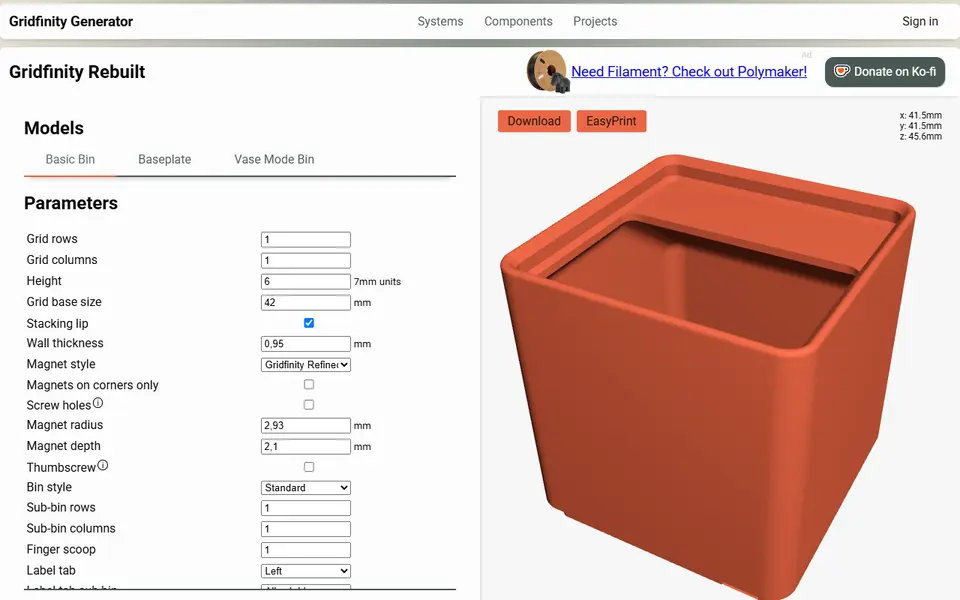
Perplexing Labs Gridfinity Generator
Browser generator for Gridfinity bins, baseplates, openGrid, Multiboard and HSW parts
Storage
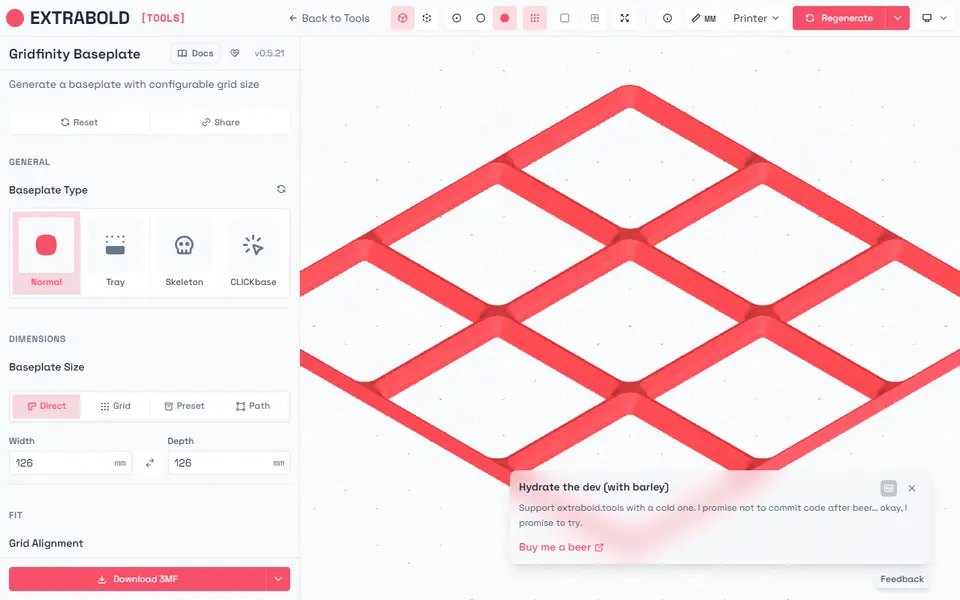
Extrabold Gridfinity Baseplate Generator
Printer-aware Gridfinity baseplates that split themselves to fit your print bed
Storage
GRIPS: Gridfinity Interlocking Baseplate System
Drawer-sized Gridfinity baseplates, cut into printer-sized pieces that lock together
Lithophanes
ItsLitho
Browser lithophane designer with many shapes, an image editor and a backlit preview
Lithophanes
Lithophane Maker
Specialist lithophane site for lamps, night lights, globes and color lithophanes
Lithophanes
Make My Lithophane (MakerLab)
Bambu Lab's free lithophane tool with mono and CMYK color modes and frames
Keychains
Custom Name Keychain Generator (Multilingual Fonts)
Layered name keychains in any Google Font, non-Latin text or your own SVG
Keychains
Name Keychain Generator [NO AMS]
Bubble-outline name keychains in 1,500+ fonts, two colors without an AMS
Signs & Text
Make My Sign (MakerLab)
Bambu Lab's browser editor for flat name plates, badges, signs and tags
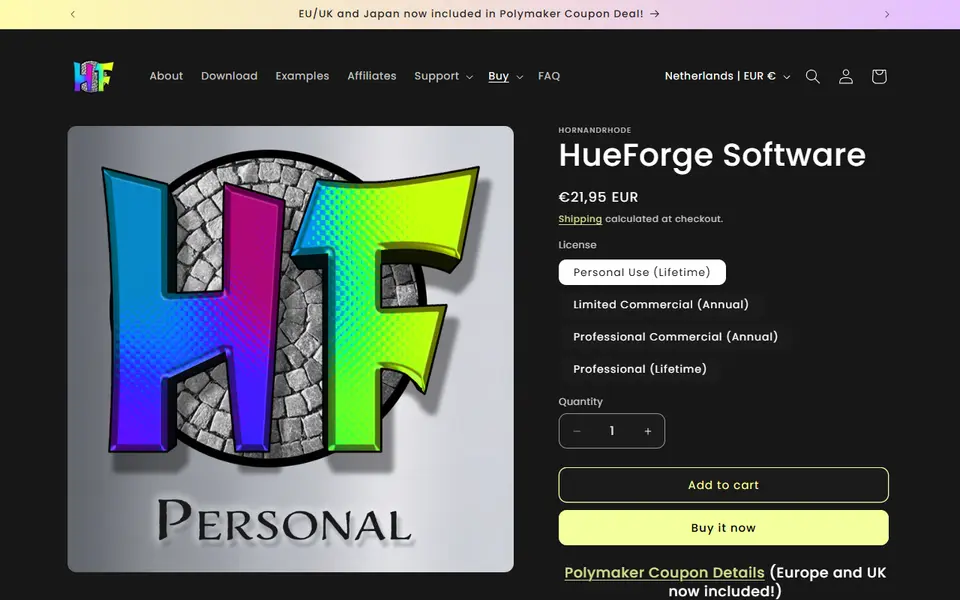
Image to Relief
HueForge
Desktop app that turns images into filament paintings using layered color swaps
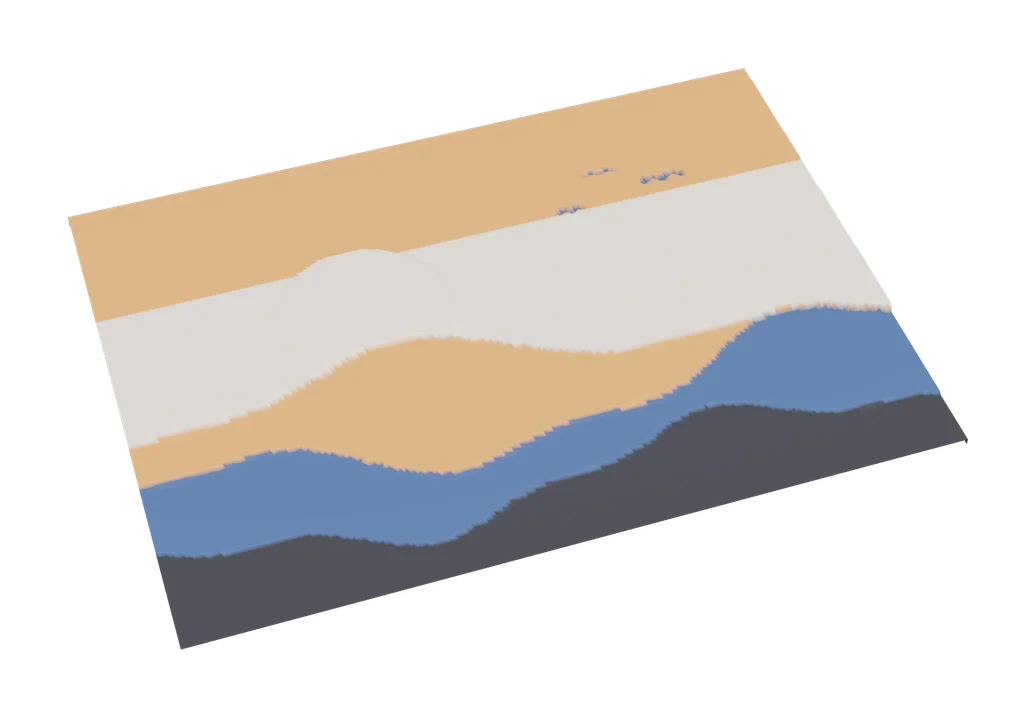
Image to Relief
MakerLab Chroma Canvas
Bambu Lab's free browser tool for HueForge-style filament paintings from any image
Get the next guide in your inbox
Every two weeks: the newest no-CAD generators, one guide and a print tip. Free, no spam, unsubscribe any time.