HueForge
Desktop app that turns images into filament paintings using layered color swaps
Opens shop.thehueforge.com
About HueForge
HueForge is the program that made filament painting popular. It turns an image into a thin relief where each height band is printed in a different filament, and because thin layers let light through, the colors blend into shading and gradients that look close to a painting or print. It works on any single-nozzle printer with manual filament swaps, and on AMS or MMU setups too.
The app simulates how light passes through each filament, shows a live preview, and lets you tune color order, layer heights and where each swap happens. It exports an STL along with the swap plan, and a 3MF plugin is available. A large community shares HueForge designs and filament data, which makes it easier to get good results.
HueForge runs on Windows, macOS and Linux. A personal lifetime license costs $24, with commercial licenses for people who sell prints. It suits anyone serious about wall art, portraits or landscape prints made from images.
What you can make
- Filament paintings
- Portrait wall art
- Landscape prints
- Posters and logos with color blends
How to use it
- Buy and install HueForge
- Load an image and add your filaments
- Adjust color order, heights and swap points in the preview
- Export the STL and set the swaps in your slicer
Good
- Accurate light-blending preview based on filament data
- Works with single-nozzle printers through manual swaps
- Large community and many shared designs
Not so good
- Paid desktop software with no web version
- Many settings to learn for top results
- Filament data must be accurate for good colors
What you'll need to print it
Materials and parts that give the best results with HueForge.
Matte PLA for signs and Gridfinity
Matte filament hides layer lines and cuts glare, so raised lettering on signs and nameplates stays readable from any angle and a drawer full of bins looks uniform.
- Bambu Lab PLA MatteWide colour range with AMS-ready RFID, ideal for multi-colour signs.
- Polymaker Panchroma Matte PLA (formerly PolyTerra)The former PolyTerra line under a new name: soft matte look and good value for printing Gridfinity in bulk.
- SUNLU Matte PLALow-cost matte option for large batches of bins and baseplates.
White PLA for lithophanes
A lithophane is only as good as the light passing through it. A neutral, evenly pigmented white gives smooth grey gradients, while an off-white or patchy batch shows up as blotches and colour casts once it is backlit.
- Bambu Lab PLA Basic Jade WhiteThe white Bambu uses in its own lithophane workflow; RFID presets make first prints predictable on Bambu printers.
- Polymaker PolyLite PLA Cold WhiteA cool-toned white (listed next to the warmer standard White) that keeps backlit photos crisp instead of yellowish.
- eSUN PLA+ WhiteAffordable and easy to find, good for large or batch lithophane panels.
Multicolour filament systems
An automatic filament changer prints multi-colour signs, keychains and HueForge pieces without you standing by to swap filament at every colour layer.
- Bambu Lab AMS liteFour-spool open unit for the A1 series; the cheapest way into Bambu multicolour.
- Bambu Lab AMS 2 ProEnclosed four-spool unit with built-in filament drying for Bambu's enclosed printers.
- Creality CFS (Creality Filament System)Creality's multicolour unit for K2-series printers; expands to 16 colours with RFID and moisture-proof storage.
Some of these are affiliate links: we may earn a small commission, at no extra cost to you. More about that
Read next
Alternatives to HueForge
All image to 3d generators
Image to 3D
ImageToStl
Free online converter that turns PNG or JPG images into heightmap or extruded STL
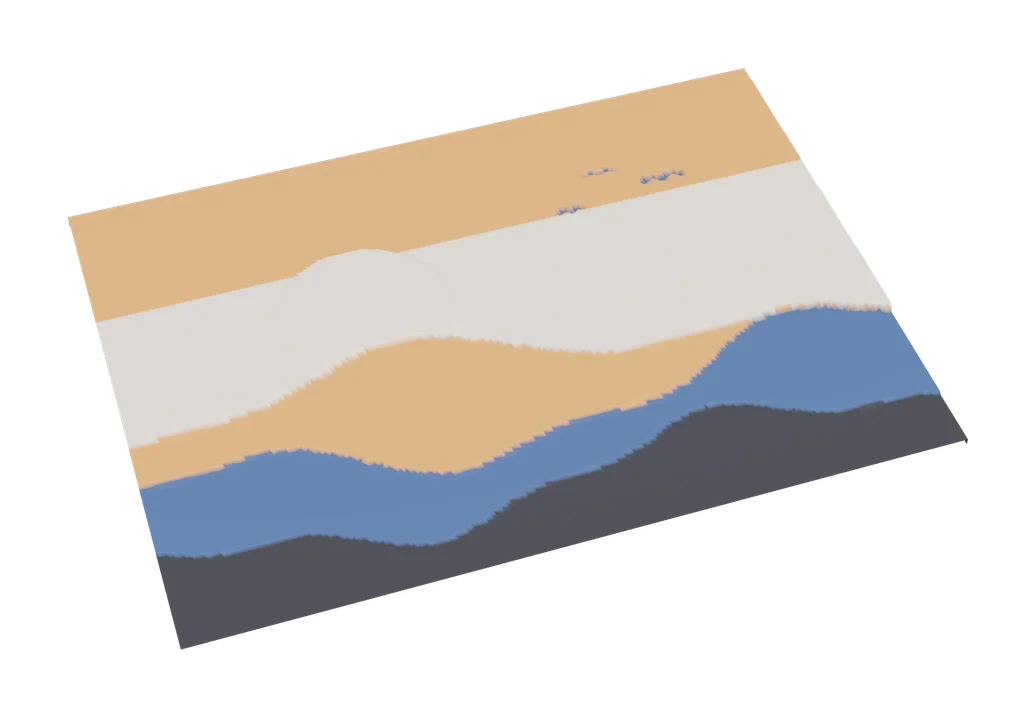
Image to 3D
MakerLab Chroma Canvas
Bambu Lab's free browser tool for HueForge-style filament paintings from any image

Image to 3D
MakerLab Relief Sculpture Maker
AI tool that turns photos or 3D models into printable bas-relief plaques