Image to Relief · Comparison
Best Image to STL Converters: Relief, Logo or Real 3D?
Image to STL can mean a relief, an extruded logo or a full 3D model. Free JPG and PNG to STL tools for each, compared on exports, accounts and price.

Quick comparison
| Generator | Best for | Price | Account | Exports | Multicolor | Link |
|---|---|---|---|---|---|---|
| 01 ImageToStl | Quick logo plaques and simple reliefs | Free | Not needed | STL, 3MF, OBJ, GLB, FBX | Yes | Open ImageToStl |
| 02 Meshy 3D Relief Generator | Plaques, medallions, logo tiles and casting molds made from a picture | Free | Not needed | STL, OBJ | No | Open Meshy 3D Relief Generator Affiliate link |
| 03 Tripo AI 3D Relief Generator | Free photo, pet and logo relief plaques without an account | Free | Not needed | STL, OBJ, PNG | No | Open Tripo AI 3D Relief Generator Affiliate link |
| 04 Image Online Image to STL | A quick relief plaque or logo extrude from an image | Free | Not needed | STL | No | Open Image Online Image to STL |
| 05 QuickSTL Image to STL | Quick, private photo and logo conversions to STL | Free | Not needed | STL | No | Open QuickSTL Image to STL |
| 06 Bekuto 3D | Multi-color prints of logos and icons from SVG files | Free | Not needed | STL, 3MF | Yes | Open Bekuto 3D |
| 07 MakerTools3D | Multicolor logos, signs and keychains on AMS-style printers | Free | Not needed | 3MF, STL, SVG | Yes | Open MakerTools3D |
| 08 ColorPlate | A colored logo sign printed face down | Free | Not needed | STL, 3MF, PNG | Yes | Open ColorPlate |
| 09 Embossify | Simple photo reliefs for printing or CNC | Freemium | Not needed | STL | No | Open Embossify |
| 10 SculptOK | Photo reliefs, portrait plaques and relief coins | Freemium | Needed | STL, OBJ, GLB, PNG | No | Open SculptOK |
| 11 MakerLab Relief Sculpture Maker | Photo plaques and pet portraits in one color | Free | Needed | 3MF | No | Open MakerLab Relief Sculpture Maker |
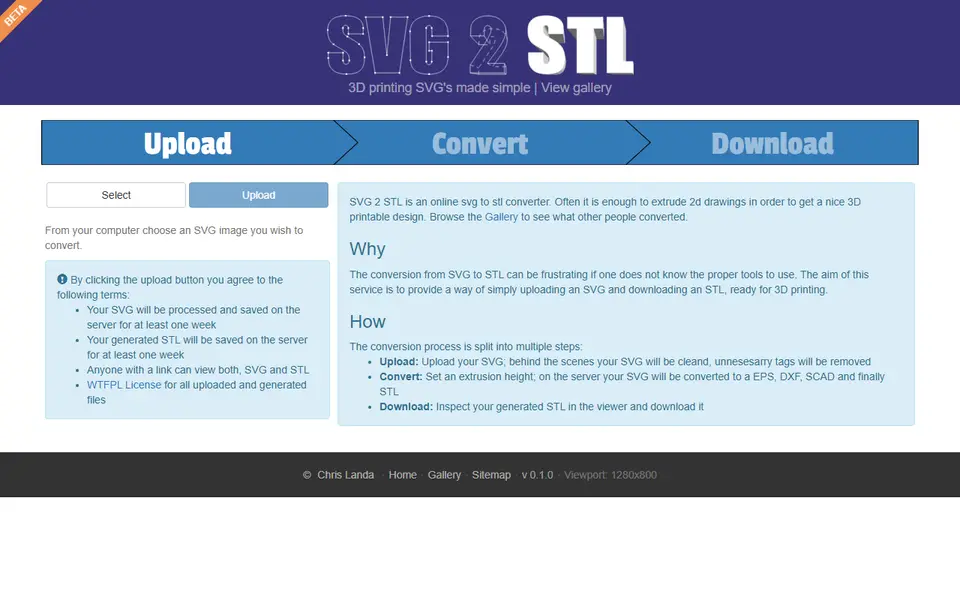
| 12 SVG 2 STL | Quick logo and silhouette extrusions | Free | Not needed | STL | No | Open SVG 2 STL |
| 13 Hi3DGen | Free single-color figurines and sculpts from one photo | Free | Not needed | STL, OBJ, PLY, GLB | No | Open Hi3DGen |
| 14 Meshy | Figurines and multicolor AMS prints from a prompt or photo | Freemium | Needed | STL, 3MF, OBJ, GLB, FBX, USDZ | Yes | Open Meshy Affiliate link |
| 15 Tripo AI | Characters, creatures and collectible figures | Freemium | Needed | STL, 3MF, OBJ, GLB, FBX | No | Open Tripo AI Affiliate link |
| 16 MakerLab Image to 3D Model | Bambu Lab owners turning photos into figurines | Freemium | Needed | STL, 3MF, GLB | Yes | Open MakerLab Image to 3D Model |
“Image to STL” covers three different jobs, and the right tool depends on which one you mean. For a raised picture on a plate (a relief), ImageToStl and the Meshy 3D Relief Generator are free with no account. For a logo or silhouette pushed up into a solid shape, use the extrude mode in ImageToStl or Bekuto 3D. For a real 3D object you can turn around, like a figurine of your dog, you need an AI tool such as Hi3DGen or Meshy.
Quick answer
- Best all-round free converter: ImageToStl. JPG or PNG to heightmap or extruded STL, no account, many export formats.
- Best photo relief plaque: Meshy 3D Relief Generator. Free, no account, sizes in millimeters, and Meshy says your image is never uploaded.
- Best AI depth relief without an account: Tripo AI 3D Relief Generator, for portraits and pets.
- Best multicolor logo from a PNG: MakerTools3D. Reduces an image to 2 to 16 colors and exports a 3MF with one part per color.
- Best free photo to 3D model: Hi3DGen. A free demo with no sign-up that exports STL.
- Best AI 3D model for printing: Meshy, with STL and multicolor 3MF export.
Every image to STL tool we list is on the image to STL and relief generators page.
The three kinds of image to STL
Before you pick a tool, decide what you want the print to look like.
- Heightmap relief. The tool reads each pixel as a height and builds a textured plate, like a coin or a carved plaque. A lithophane is a thin relief made to be lit from behind. This works for photos.
- Extruded outline. The tool traces the shapes in a logo, icon or silhouette and pushes them straight up into a flat solid with clean edges. This is what you want for a logo plaque, a badge, a cookie cutter shape or a stencil. It works best with high-contrast artwork, not photos.
- True 3D model. An AI model guesses the full shape of the object in the picture, including the side you cannot see, and gives you a mesh you can print standing up. This is the only route to a figurine from a photo.
| Tool | Type | Input | Export | Account | Price |
|---|---|---|---|---|---|
| ImageToStl | Relief and extruded outline | PNG, JPG | STL, 3MF, OBJ, GLB, FBX | No | Free, with ads |
| Meshy 3D Relief Generator | Relief (from brightness) | PNG, JPG, WebP | STL, OBJ | No | Free |
| Tripo AI 3D Relief Generator | Relief (AI depth map) | JPG, PNG, WebP | STL, OBJ, PNG height map | No | Free |
| Image Online Image to STL | Relief, lithophane and extruded outline | Image | STL | No | Free, with ads |
| QuickSTL Image to STL | Lithophane, relief coin, SVG logo, terrain | Photo, SVG, heightmap | STL | No | Free |
| Embossify | Relief (from brightness) | JPEG only | STL | No | Free low resolution, $5 per high-resolution render |
| SculptOK | Relief (AI depth map) | JPG, PNG, WEBP | STL, OBJ, GLB, PNG | Yes | 100 free credits, then from $19 a month |
| Relief Sculpture Maker (MakerLab) | Relief (AI depth) | Photo or 3D model | 3MF | Yes | Free |
| Bekuto 3D | Extruded outline | SVG, PNG, JPG | STL, 3MF | No | Free |
| MakerTools3D | Multicolor flat plate or relief | PNG, JPG | 3MF, STL, SVG | No | Free, with ads |
| ColorPlate | Multicolor flat plate | SVG, PNG | STL, 3MF, PNG | No | Free |
| SVG 2 STL | Extruded outline | SVG | STL | No | Free |
| Hi3DGen | True 3D model | One photo | STL, OBJ, PLY, GLB | No | Free demo |
| Meshy | True 3D model | Text or photo | STL, 3MF, OBJ, GLB, FBX, USDZ | Yes | 100 free credits a month, Pro $20 a month |
| Tripo AI | True 3D model | Text, photo or sketch | STL, 3MF, OBJ, GLB, FBX | Yes | 200 free credits a month, Pro $20 a month |
| Image to 3D (MakerLab) | True 3D model | One photo | STL, 3MF, GLB | Yes | 2 free tries, then 24 to 45 credits a model |
Checked on September 25 and 26, 2026 against each tool’s own pages, and on October 10, 2026 for Image Online and ColorPlate. How we check explains what we looked at.
Heightmap relief: photo to plaque
A relief tool turns a picture into a plate whose surface rises and falls. There are two ways to get the heights, and they suit different pictures.
Brightness tools read light areas as high and dark areas as low. They are fast and predictable, but a dark shadow on a face also becomes a dip, so clean, high-contrast images work best. ImageToStl does this for free with no account, with options to invert the height, smooth out spikes, add a solid base and add a keyring loop. Large images are scaled down to about 1,000 to 1,200 pixels, so very fine detail is limited. Image Online’s Image to STL page has no size cap and builds the STL in your browser, so nothing is uploaded. Besides terracing heights into fixed levels and dropping a flat background, it has a Height from Color setting that reads hue instead of brightness, so letters in different colors can come out at different heights. It exports STL only, and its terms allow personal and commercial use. The Meshy 3D Relief Generator gives more print control: relief depth from 0.5 to 12 mm, plate size from 40 to 120 mm on the longest edge and base thickness from 1 to 6 mm, all carried over into the file. An invert switch turns the relief into a mold for resin, soap or chocolate. Embossify is an older, simpler option that takes JPEG only, with free low-resolution renders and $5 for a high-resolution one.
AI depth tools estimate the actual shape of what is in the photo and turn that into a height map, which suits faces, pets and objects. The Tripo AI 3D Relief Generator needs no account: you upload a JPG, PNG or WebP of up to 10 MB, adjust the height map, set relief depth and board thickness, and export STL or OBJ. Two catches: your image is processed on Tripo’s servers, and the longest side always comes out at 100 mm, so you scale it in your slicer. SculptOK has separate AI models for color photos, portraits and line art, but it needs an account and runs on credits, with plans from $19 a month. On a Bambu Lab printer, Relief Sculpture Maker in MakerLab is free with a MakerWorld account and sends a 3MF straight to Bambu Studio.
If you want the photo to glow when lit from behind, you want a lithophane instead. Our lithophane generator guide compares the tools for flat panels, lamps and color lithophanes. QuickSTL Image to STL also covers the basics: a flat or arced lithophane, a relief coin from a portrait and a terrain model from a grayscale heightmap, all free as STL.
Extruded outline: logo, silhouette or stencil
An extruded outline keeps only the shapes in your image and lifts them to one or more fixed heights. It gives crisp, flat surfaces that print cleanly, which is what you want for a logo plaque, a sign or a badge.
The extrude mode in ImageToStl traces the shapes in a PNG or JPG logo or silhouette and has an outline simplification setting. Image Online has an extrude mode too, with or without a backing plate, and it runs in your browser. The free Image to STL tool on Omnvert extrudes a logo or makes a photo relief on its server, and works best from an SVG. Bekuto 3D is better when your logo has several colors: it splits the drawing into its filled shapes and gives each one its own color, starting height and depth, and the 3MF keeps every color as a separate part. It works best from an SVG. A PNG or JPG is traced into a single dark silhouette on a white rounded plate, so detailed pictures lose most of their detail.
For a multicolor logo from a PNG, MakerTools3D reduces the image to 2 to 16 colors and exports a 3MF where each color is a separate part, as a flat plate or a relief with a height per color. Fully transparent pixels are left out, so the background disappears. Your image is uploaded to the site’s server, and the domain was registered in May 2026, so it has little track record.
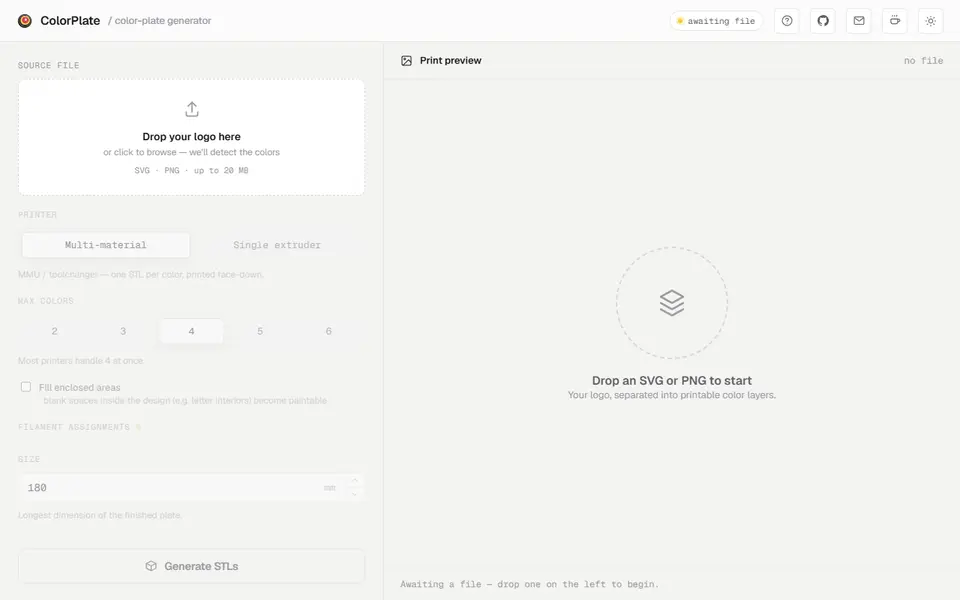
ColorPlate takes fewer colors, up to six from an SVG or PNG, but builds a cleaner sign: the color areas sit side by side with no gaps or overlaps on a solid backing plate, and the plate prints face down. It warns when a color area is thinner than your nozzle can print. Without an AMS, its Single extruder mode stacks the colors by height into one STL with a list of the layers to change filament at. It is free with no account, but your file is processed on its server, and photos do not work well.
If you already have the logo as a vector file, start there instead: edges stay crisp at any size. Our SVG to STL guide covers those tools, and for spray stencils see the stencil section of the sign and 3D text generators guide.
True 3D model: photo to figurine
A heightmap or an extrusion is always flat on the back. For a figurine, a bust or an object you can hold, you need an AI image-to-3D generator.
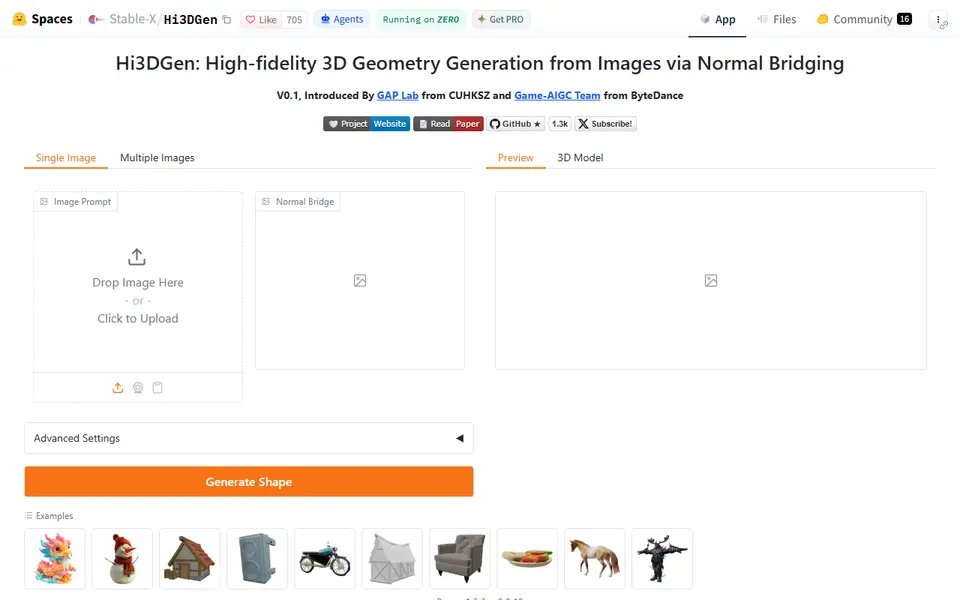
Hi3DGen is the free starting point. It is a research demo on Hugging Face with no sign-up that removes the background from your photo and exports STL, OBJ, PLY or GLB. The mesh has no color, the unseen back is guessed, and the app warns each mesh is about 40 MB, so plan to simplify it before slicing. Without an account you get 2 minutes of GPU time a day.
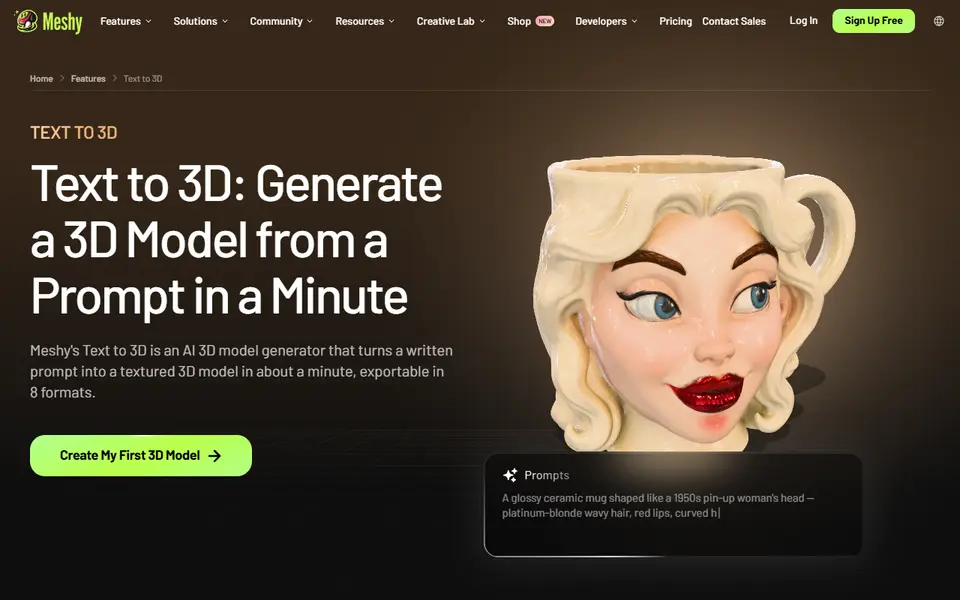
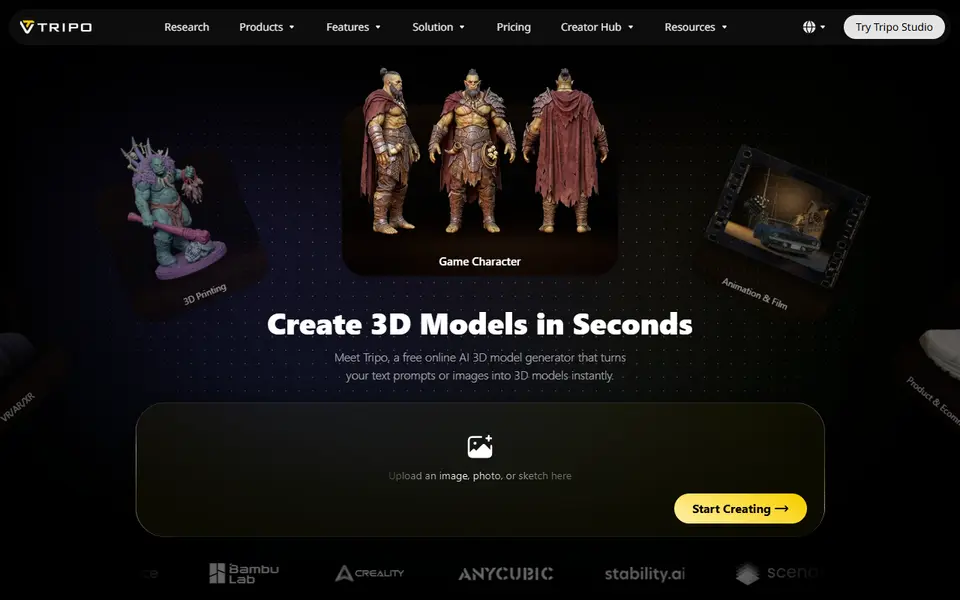
Meshy is built for printing: it checks and repairs models, can split them into parts and exports STL or a multicolor 3MF. The free plan gives 100 credits a month under a CC BY 4.0 license. Tripo AI has the larger free plan, 200 credits a month (about 13 models) with 15 exports, but free models are public and non-commercial. Bambu Lab owners can pick between several engines, including Meshy, Tripo and Hi3D, in MakerLab Image to 3D, with 2 free tries per account and then 24 to 45 credits a model.
Our AI 3D model generator guide compares these tools in more depth, and Meshy vs Tripo looks at the two biggest ones side by side.
What about a full-color picture?
If you want the picture itself in color on a flat print, look at filament painting. Tools such as HueForge, Kromacut and Chroma Canvas (MakerLab) stack thin layers of filament so the colors blend into a painted image. Tinting Voxel is a free option that works out the layer stack from your own filaments’ colors and TD values and exports a 3MF with one part per filament. Our free HueForge alternatives guide compares them, and HueForge vs Chroma Canvas helps you choose between the paid and the free option.
Which image to STL converter should I pick?
- A photo of a face or pet as a wall plaque: an AI depth relief, such as the Tripo AI 3D Relief Generator.
- A clean, high-contrast image or pattern as a plate: the Meshy 3D Relief Generator or ImageToStl.
- A photo that glows when lit: a lithophane generator.
- A one-color logo or silhouette: the extrude mode in ImageToStl.
- A multicolor logo: Bekuto 3D from an SVG, MakerTools3D from a PNG, or ColorPlate for a sign with a backing plate.
- A figurine or object from a photo: Hi3DGen for free, Meshy or Tripo AI for print-ready files.
Tips for a better result
- Crop tight and remove clutter. Busy backgrounds turn into noisy surfaces in a relief, and AI depth is not always right on busy scenes.
- Use contrast for brightness tools. Dark shadows turn into dips, so an evenly lit photo works better.
- Check the size before you slice. Some tools fix the size (Tripo’s relief is always 100 mm on the longest side), so scale in your slicer.
- Print reliefs in one color. A relief is lit from the front, so a single matte or silk filament makes it look like carved stone or cast metal.
- Check the license before you sell. Several of these tools limit commercial use on free plans. See selling prints made with generators.
Frequently asked questions
How do I convert a JPG to STL for free?
Upload it to a free browser converter such as ImageToStl or the Meshy 3D Relief Generator. Both need no account. ImageToStl turns a JPG or PNG into a heightmap relief or an extruded outline and exports STL, 3MF, OBJ and more. The Meshy tool makes a relief plate with depth, base thickness and plate size set in millimeters. For a logo or silhouette, use the extrude mode in ImageToStl rather than a heightmap.
Can I turn a photo into a real 3D model for free?
Yes, with an AI image-to-3D tool. Hi3DGen is a free demo with no sign-up that exports STL, OBJ, PLY or GLB, though the mesh has no color and the back of the object is guessed. Tripo AI gives 200 credits a month on its free plan, about 13 models, but free models are public and non-commercial. Meshy gives 100 credits a month. Both need an account.
What is the difference between a relief and a lithophane?
Both turn a picture into varying thickness. A lithophane is thin and meant to be lit from behind, so the photo shows up in the light. A relief is meant to be seen with light falling on the front, like a coin or a carved plaque, and works in one matte or silk color.
Can I convert a PNG with a transparent background?
Yes. MakerTools3D leaves fully transparent PNG pixels out of the mesh, so the background disappears and inner gaps become real holes, which suits keychains and badges. ImageToStl also works with PNG files and has a background removal option.
What you'll need
Multicolor PLA and color sets
Dual- and tri-color silks give a single-nozzle printer color shifts with no extra hardware, and a matched color set is what lets HueForge and color lithophanes blend thin layers into a full image.
- Bambu Lab PLA Silk Multi-Color (affiliate link) Co-extruded dual and tri colors that shift with the viewing angle; great for keychains and name tags.
- SUNLU Multi-Color Silk PLA (dual/tri/four-color) (affiliate link) Budget dual-, tri- and four-color silk for colorful prints without an AMS. In Europe? Buy from 3DJake (affiliate link)
- Bambu Lab PLA CMYK Lithophane Bundle (affiliate link) Four 1 kg spools (cyan, magenta, yellow, white) made for color lithophanes and handy for HueForge-style layering.
Matte PLA that hides layer lines
Matte filament hides layer lines and cuts glare, so raised lettering on signs and nameplates stays readable from any angle and a drawer full of bins looks uniform.
- Bambu Lab PLA Matte (affiliate link) Wide color range with AMS-ready RFID, ideal for multi-color signs.
- Polymaker Panchroma Matte PLA (formerly PolyTerra) (affiliate link) The former PolyTerra line under a new name: soft matte look and good value for printing Gridfinity in bulk. In Europe? Buy from 3DJake (affiliate link)
- SUNLU Matte PLA (affiliate link) Low-cost matte option for large batches of bins and baseplates. In Europe? Buy from 3DJake (affiliate link)
Multicolor filament systems
An automatic filament changer prints multi-color signs, keychains and HueForge pieces without you standing by to swap filament at every color layer.
- Bambu Lab AMS lite (affiliate link) Four-spool open unit for the A1 series; the cheapest way into Bambu multicolor.
- Bambu Lab AMS 2 Pro (affiliate link) Enclosed four-spool unit with built-in filament drying for Bambu's enclosed printers.
- Creality CFS (Creality Filament System) (affiliate link) Creality's multicolor unit for K2-series printers; expands to 16 colors with RFID and moisture-proof storage.
Some of these are affiliate links: we may earn a small commission, at no extra cost to you. More about that
Every generator in this guide
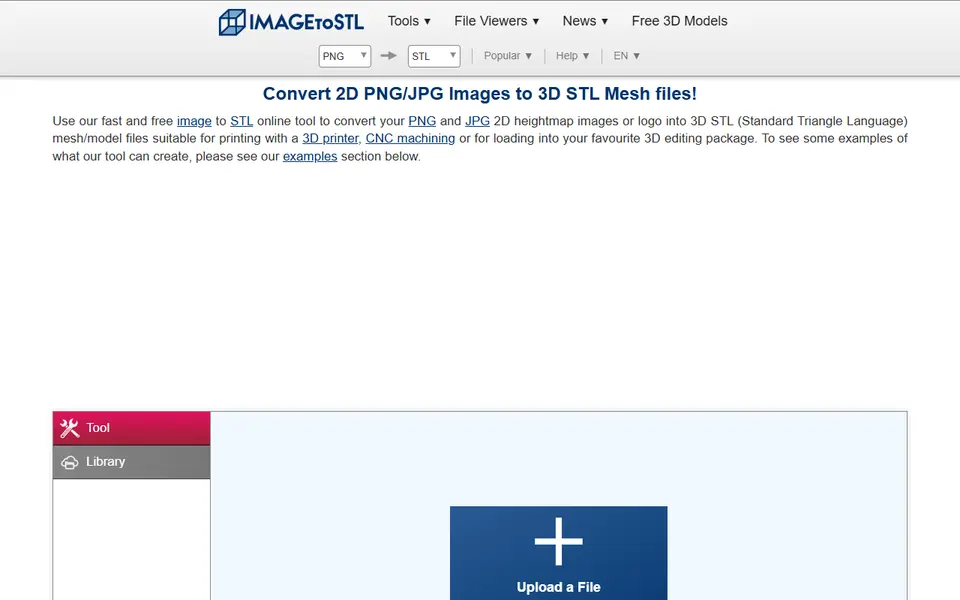
Image to Relief
ImageToStl
Free online converter that turns PNG or JPG images into heightmap or extruded STL
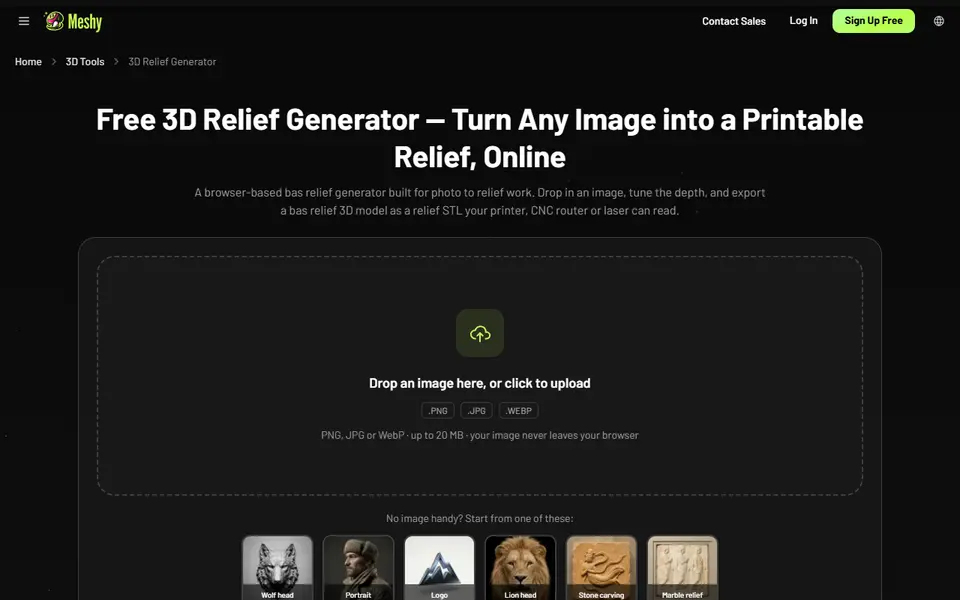
Image to Relief
Meshy 3D Relief Generator
Turns a picture into a printable relief plaque or casting mold, right in your browser
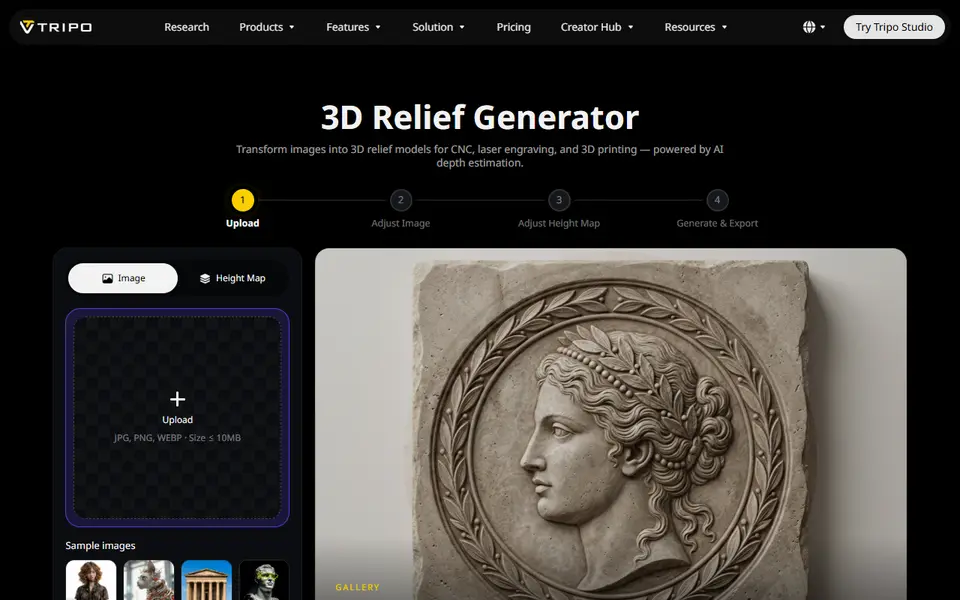
Image to Relief
Tripo AI 3D Relief Generator
Turns a photo or logo into a raised relief panel via an AI height map, as STL or OBJ
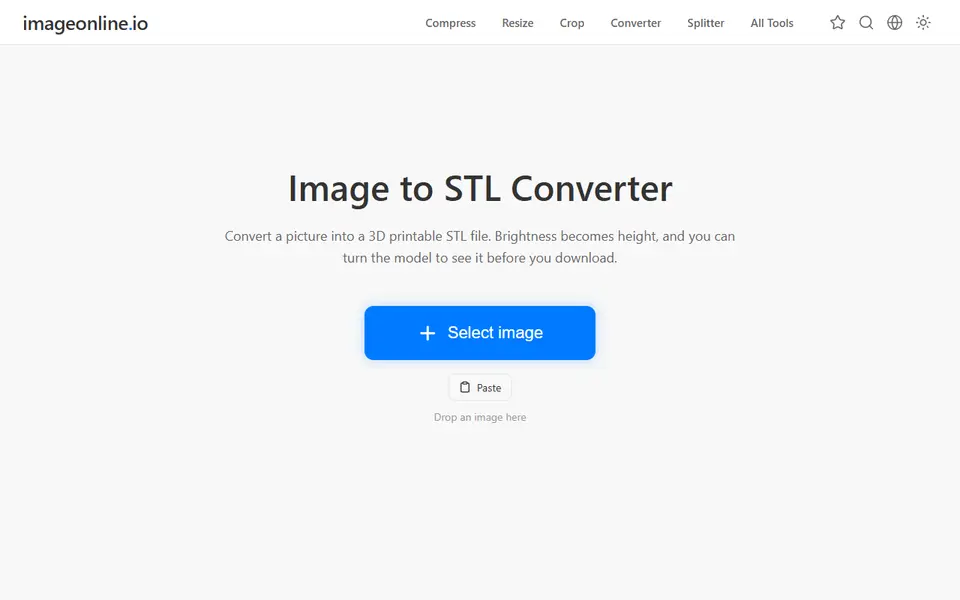
Image to Relief
Image Online Image to STL
Free image to STL relief, lithophane or extruded logo, made in your browser with no upload or account
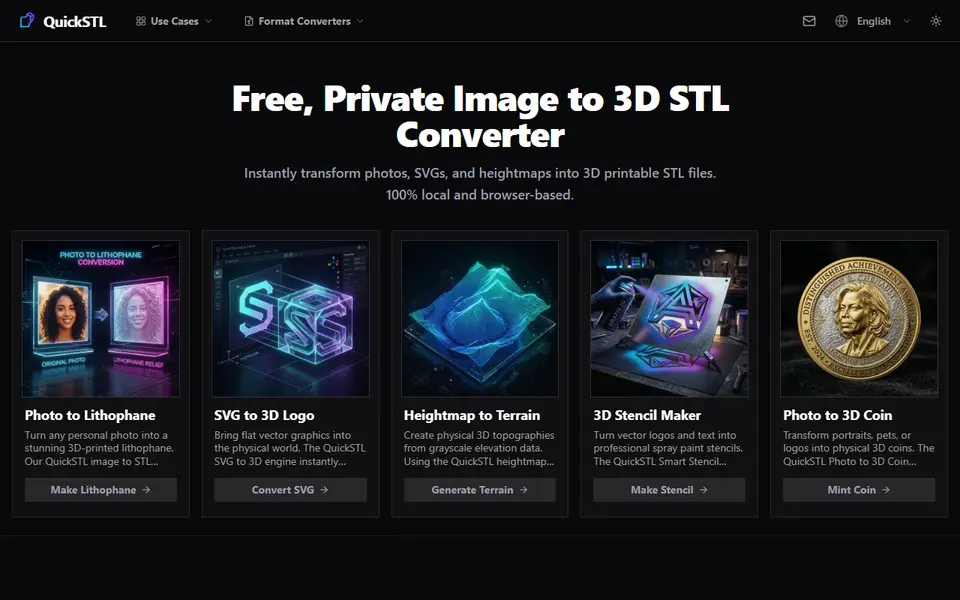
Image to Relief
QuickSTL Image to STL
Free browser converters for photo lithophanes, relief coins, SVG logos and heightmap terrain
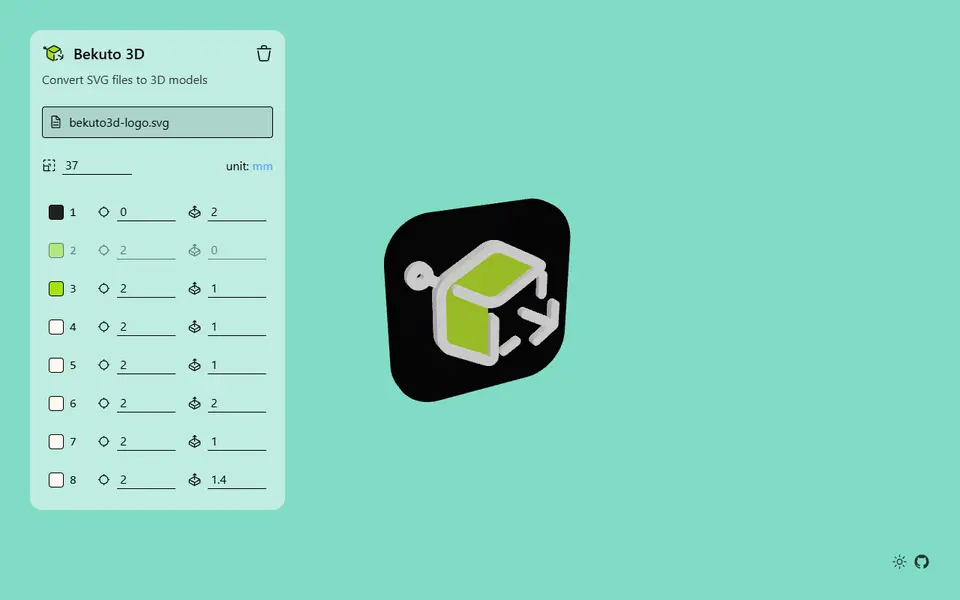
Image to Relief
Bekuto 3D
Turn SVG logos and simple images into layered, multi-color 3D models in your browser
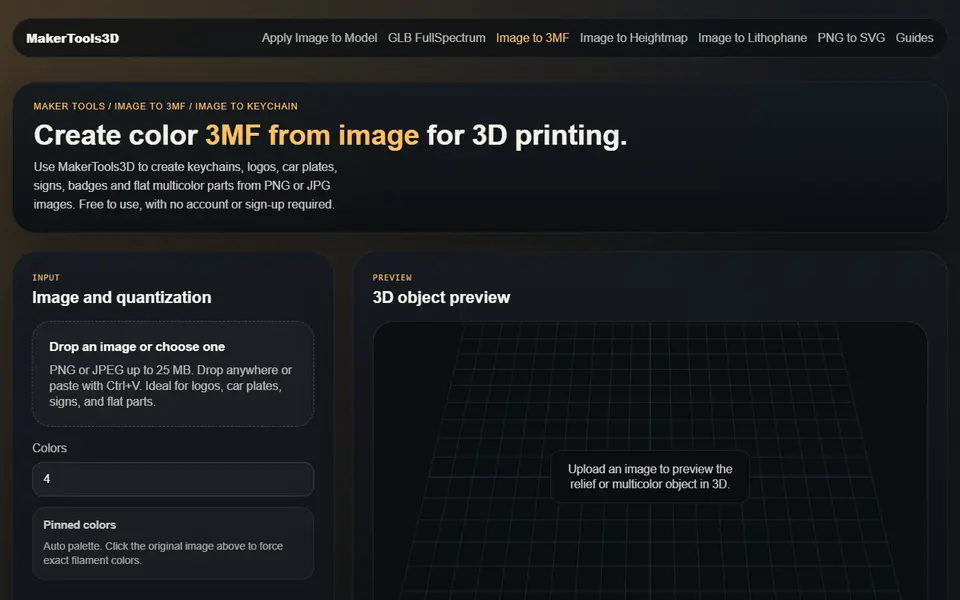
Image to Relief
MakerTools3D
Turns PNG and JPG images into multicolor 3MF plates, keychains and decals
Signs & Text
ColorPlate
Free logo to multicolor plate: one STL per color plus a backing plate, or a filament-swap version, no account
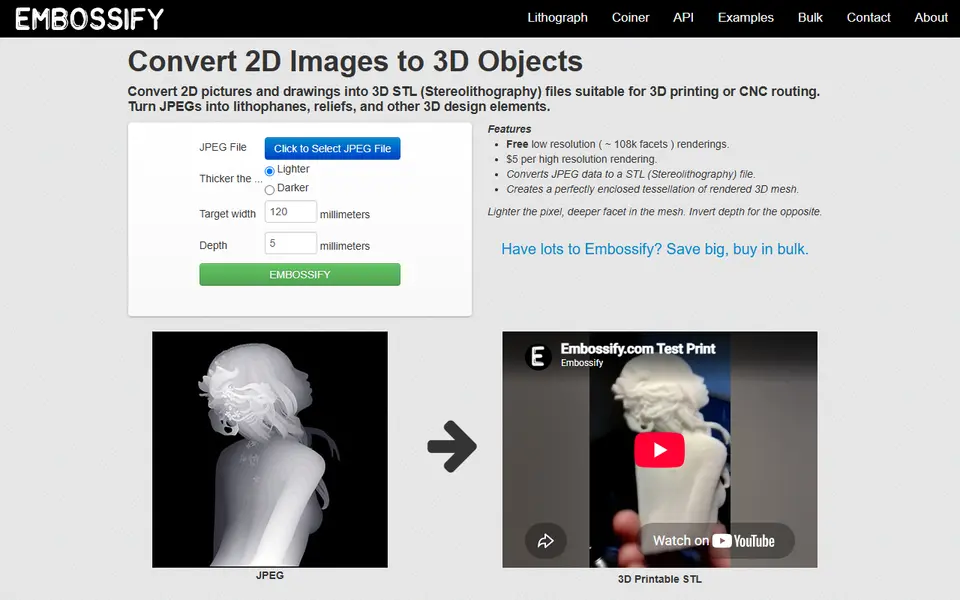
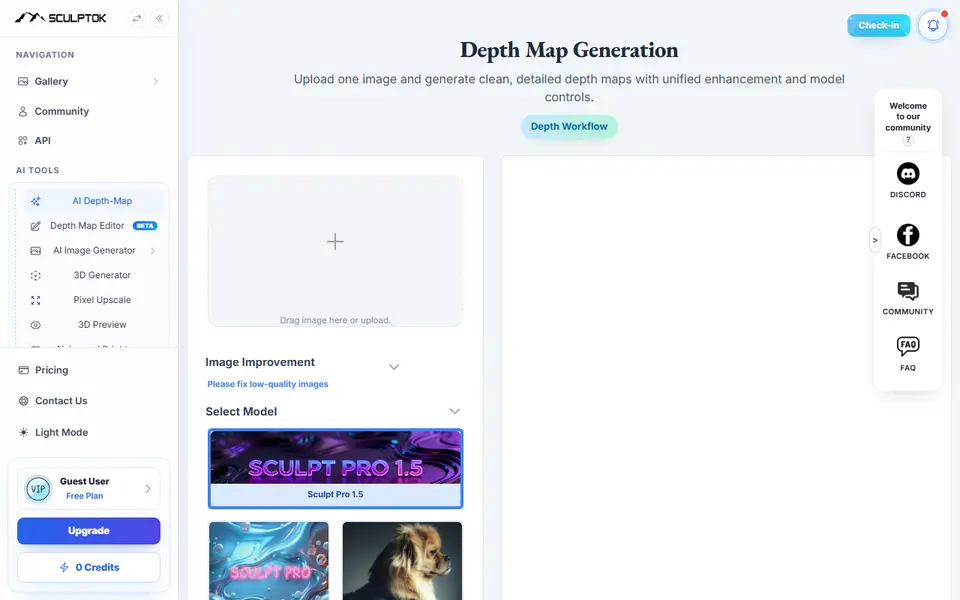
Image to Relief
SculptOK
AI turns a photo into a depth map, then into a relief or lithophane STL to print
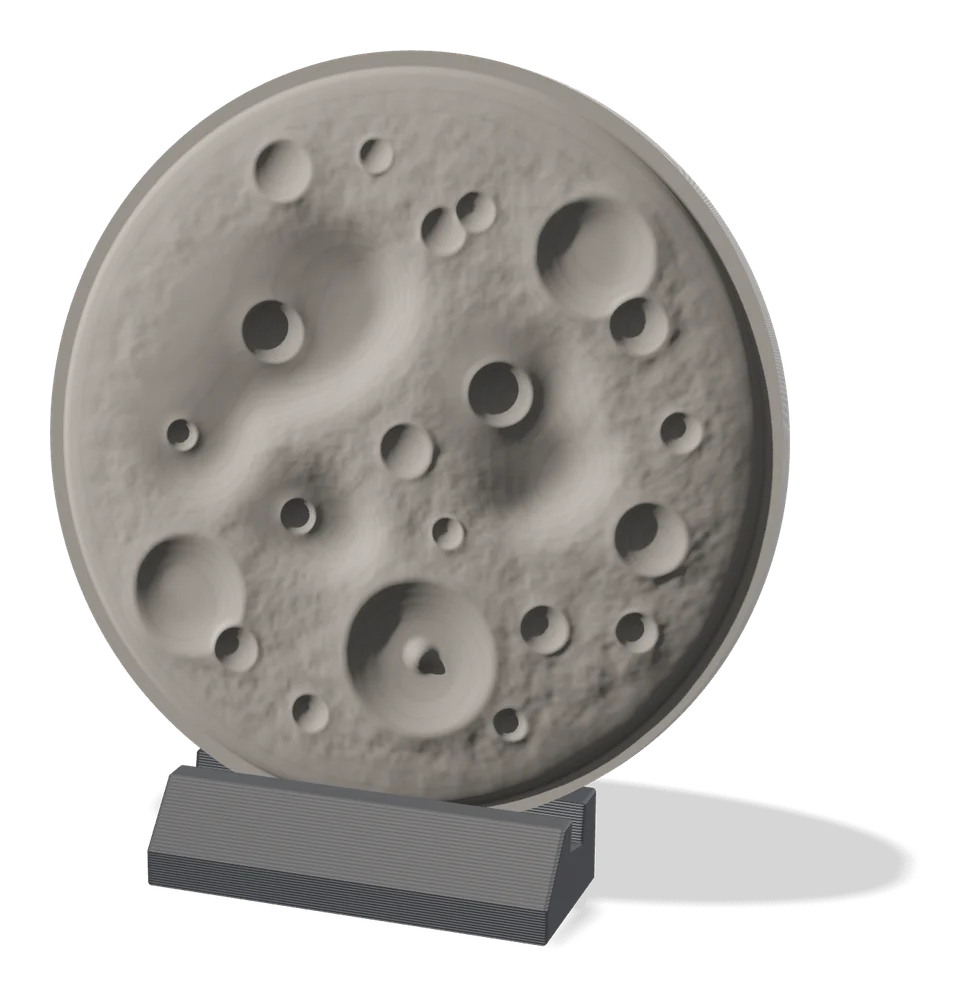
Image to Relief
MakerLab Relief Sculpture Maker
AI tool that turns photos or 3D models into printable bas-relief plaques
AI to 3D
Hi3DGen
Free research demo that turns one photo into a detailed, untextured mesh you can export as STL
AI to 3D
Tripo AI
Turn text, images or sketches into detailed 3D models with STL, 3MF and OBJ export
AI to 3D
MakerLab Image to 3D Model
MakerWorld's AI photo-to-3D tool with a choice of Meshy, Tripo, Rodin and more
Get the next guide in your inbox
Every two weeks: the newest no-CAD generators, one guide and a print tip. Free, no spam, unsubscribe any time.