Meshy 3D Relief Generator
Turns a picture into a printable relief plaque or casting mold, right in your browser
Meshy 3D Relief Generator is a free browser tool for plaques, medallions, logo tiles and casting molds made from a picture. The relief tool is free with no account, credits or watermark; Meshy's AI model generators are billed separately. Exports STL and OBJ. Last checked .
Opens meshy.ai (affiliate link)
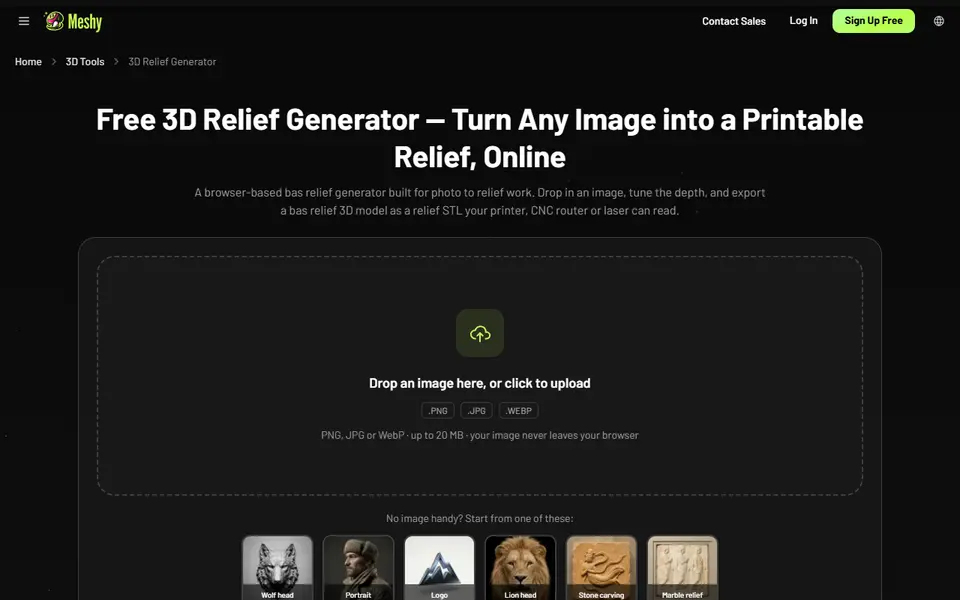
What is Meshy 3D Relief Generator?
Meshy 3D Relief Generator is a free browser tool that turns a flat picture into a raised plate you can print. You upload a PNG, JPG or WebP image of up to 20 MB and the tool reads brightness as height, so light areas rise from the base and dark areas stay low. A 3D preview rebuilds as you move the sliders, and six sample images let you try it straight away.
The main settings are relief depth (0.5 to 12 mm) and plate size (40 to 120 mm on the longest edge), with base thickness (1 to 6 mm) under the advanced settings, and Meshy says those millimeters carry over into the exported file. Solid mode closes the mesh with a back plate for slicers, while Planar mode exports only the surface for CNC or laser software. An invert switch turns the design into a mold, and the advanced settings also add smoothing, a depth cutoff for flattening busy backgrounds and mesh quality.
Meshy says the image is processed in your browser and never uploaded, and export needs no account, credits or watermark. It suits plaques, medallions, logo tiles and casting molds. Because it works from brightness rather than AI depth estimation, clean high-contrast images give much better results than snapshots full of shadows.
What you can make
- Wall plaques and portrait reliefs
- Logo and emblem tiles
- Coins and medallions
- Inverted molds for resin, soap or chocolate
- Flat relief surfaces for CNC carving
How to use Meshy 3D Relief Generator
- Upload a PNG, JPG or WebP image, or pick one of the samples
- Keep Solid mode selected for 3D printing
- Set the relief depth and plate size, and base thickness under Advanced settings
- Use the depth cutoff or smoothing to clean up a busy background
- Download the STL and print it flat on the bed
What you'll need to print it
Filament and parts that suit what you make with Meshy 3D Relief Generator.
Matte PLA
White PLA
0.2 mm nozzle
Some of these are affiliate links: we may earn a small commission, at no extra cost to you. More about that
Meshy 3D Relief Generator pros
- Free with no sign-up, and Meshy says your image is never uploaded
- Depth, base thickness and plate size are real millimeters in the exported file
- One switch inverts the relief into a casting mold
Meshy 3D Relief Generator cons
- Plate size tops out at 120 mm on the longest edge, so bigger pieces need scaling in the slicer
- Height comes from brightness, so busy or shadowy photos turn into noisy surfaces
- Single-color output; the OBJ texture is for rendering, not multi-material printing
Rate Meshy 3D Relief Generator
One rating per account. Signing in takes one email link, no password.
Reviews
Made with Meshy 3D Relief Generator
Read next
Meshy 3D Relief Generator alternatives
Image to STL and relief generators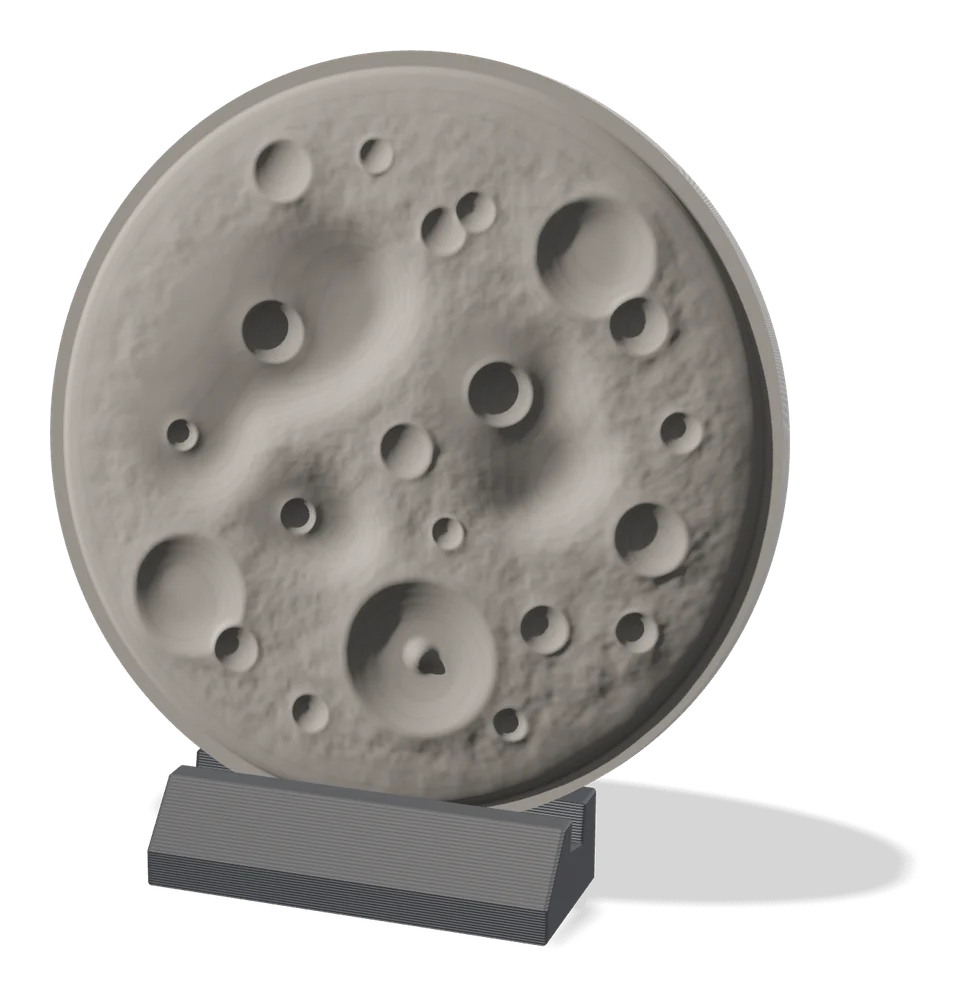
Image to Relief
MakerLab Relief Sculpture Maker
AI tool that turns photos or 3D models into printable bas-relief plaques
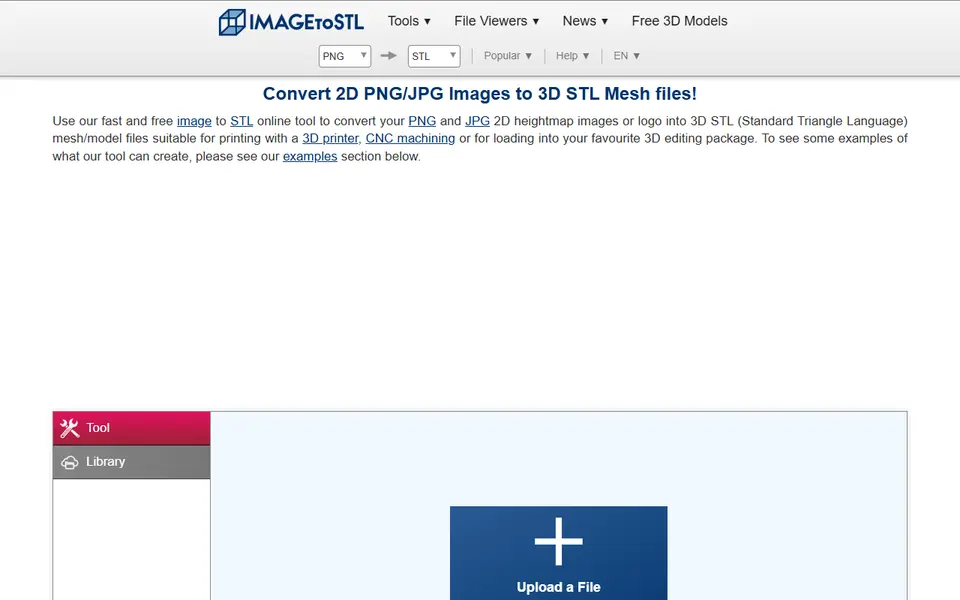
Image to Relief
ImageToStl
Free online converter that turns PNG or JPG images into heightmap or extruded STL
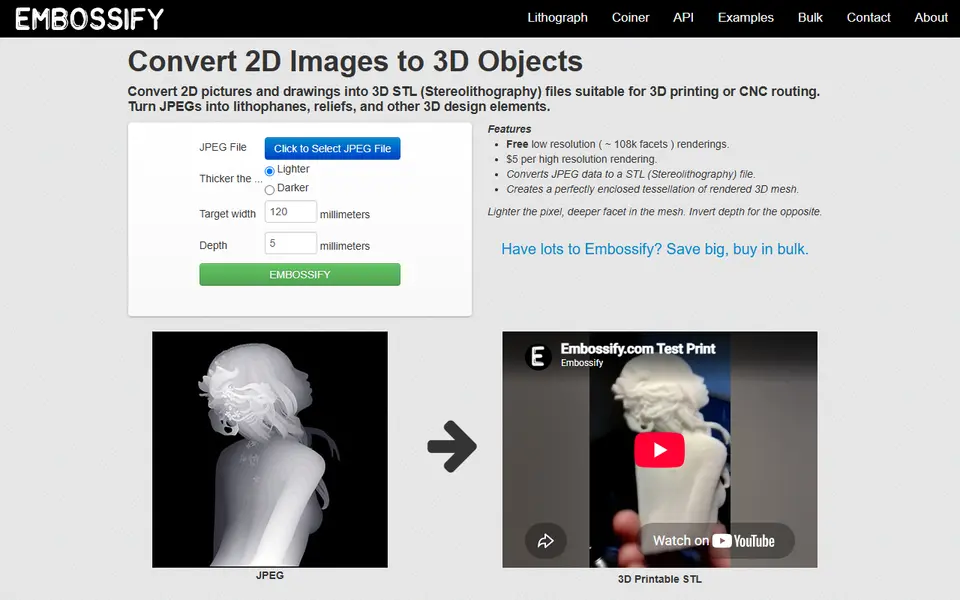
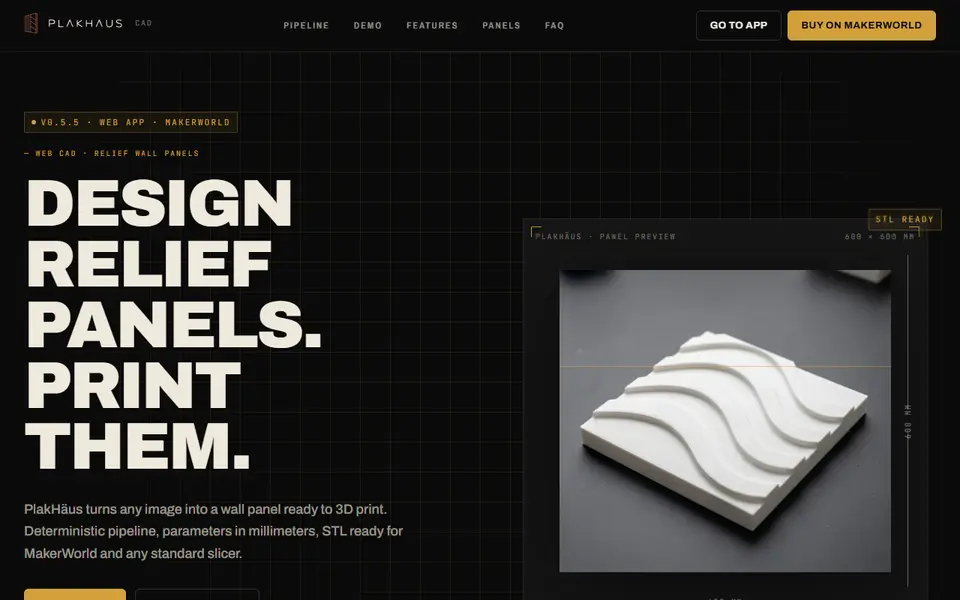
Image to Relief
PlakHäus
Turn images and patterns into printable relief wall panels and matching casting molds
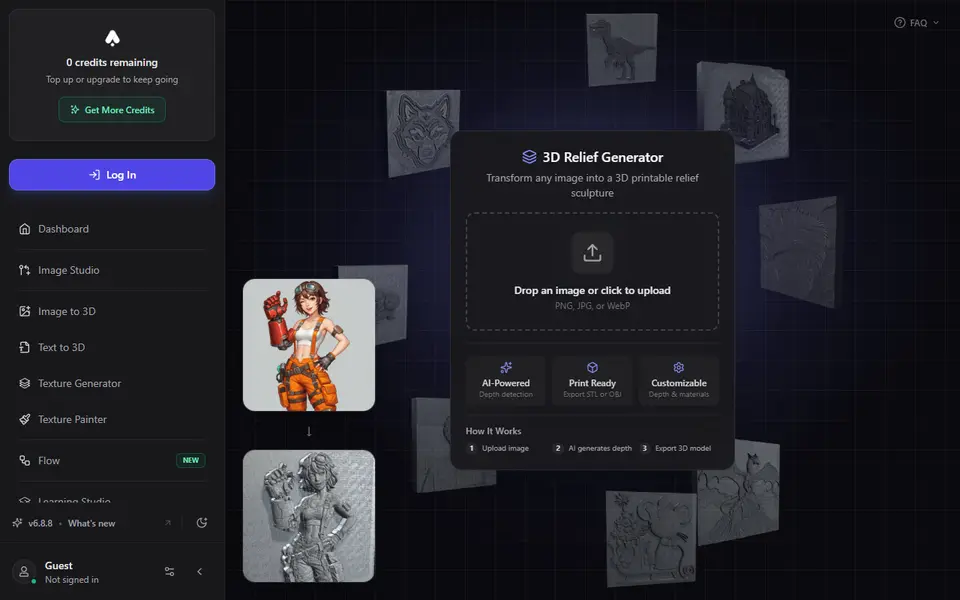
Image to Relief
3D AI Studio 3D Relief Generator
Turns one photo into a raised relief plaque using an AI depth map, with STL or OBJ export on paid plans
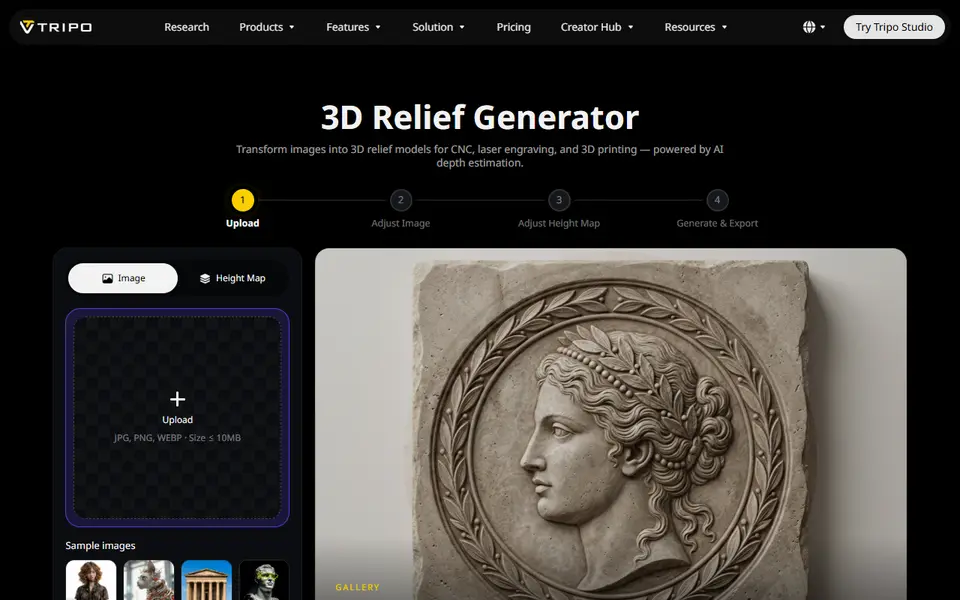
Image to Relief
Tripo AI 3D Relief Generator
Turns a photo or logo into a raised relief panel via an AI height map, as STL or OBJ