Tripo AI 3D Relief Generator
Turns a photo or logo into a raised relief panel via an AI height map, as STL or OBJ
Tripo AI 3D Relief Generator is a free browser tool for free photo, pet and logo relief plaques without an account. Free; the page FAQ says basic generation needs no account and exports carry no watermark. It does not say where the limits of basic use are. Exports STL, OBJ and PNG. Last checked .
Opens tripo3d.ai (affiliate link)
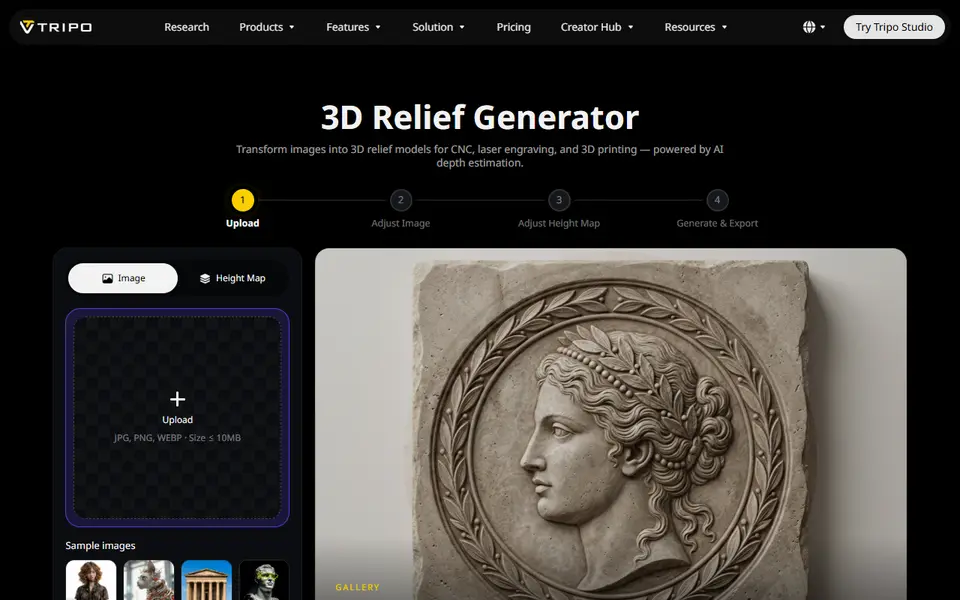
What is Tripo AI 3D Relief Generator?
Tripo AI 3D Relief Generator is a free browser tool that turns a flat picture into a raised relief, the kind of surface you see on coins, carved plaques and decorative tiles. It comes from the team behind Tripo Studio, but it runs on its own page with a four-step workflow, and you do not need to sign in.
You upload a JPG, PNG or WebP of up to 10 MB, or start from one of the sample images, and crop it. An AI depth model on Tripo's servers then turns the picture into a grayscale height map in about a minute. You can tweak the contrast, brightness and sharpness of that map before the mesh is built, then set relief depth, board thickness, smoothness and a resolution from Draft to Ultra in the 3D preview. Export gives you STL or OBJ, and the height map itself can be saved as a PNG. Already have a grayscale height map? You can upload it instead of a photo.
It suits makers who want a portrait, pet or logo plaque without learning displacement maps in Blender. The longest side always comes out at 100 mm, so you scale the model in your slicer, and the result is a single-color relief that is best printed in one filament or in resin.
What you can make
- Photo relief wall plaques
- Portrait and pet relief panels
- Logo and emblem reliefs
- Ornamental relief tiles
- Reliefs from your own grayscale height maps
How to use Tripo AI 3D Relief Generator
- Open the 3D Relief Generator and upload a JPG, PNG or WebP (or a ready height map), or pick a sample image
- Crop the image and click Generate height map
- Adjust the height map's contrast, brightness or sharpness if needed and click Generate 3D model
- Set relief depth, board thickness, smoothness and model resolution in the preview
- Click Export, choose STL or OBJ, then scale and slice the file
What you'll need to print it
Filament and parts that suit what you make with Tripo AI 3D Relief Generator.
Matte PLA
Silk PLA
Resin
- Siraya Tech Fast ABS-like Resin (affiliate link) Siraya Tech
- Siraya Tech Blu Tough Resin (affiliate link) Siraya Tech
Some of these are affiliate links: we may earn a small commission, at no extra cost to you. More about that
Tripo AI 3D Relief Generator pros
- No account needed to generate the height map, build the model or reach the STL/OBJ export
- Separate image, height map and model steps let you fix a bad depth map before the mesh is built
- Accepts a ready-made grayscale height map as well as photos, can save its own height map as a PNG, and shows relief height and total thickness in mm
Tripo AI 3D Relief Generator cons
- Your image is processed on Tripo's servers, and Tripo's terms claim broad rights to what free users upload and generate
- Single-color output only; no color layers or multi-part 3MF
- No size field: the longest side is fixed at 100 mm, so you scale it in the slicer
Rate Tripo AI 3D Relief Generator
One rating per account. Signing in takes one email link, no password.
Reviews
Made with Tripo AI 3D Relief Generator
Read next
Tripo AI 3D Relief Generator alternatives
Image to STL and relief generators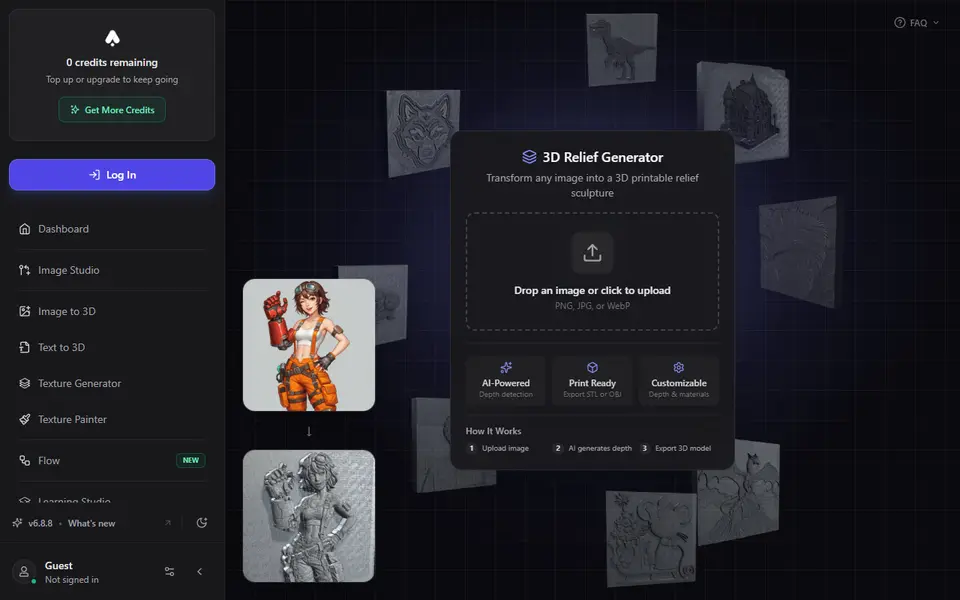
Image to Relief
3D AI Studio 3D Relief Generator
Turns one photo into a raised relief plaque using an AI depth map, with STL or OBJ export on paid plans
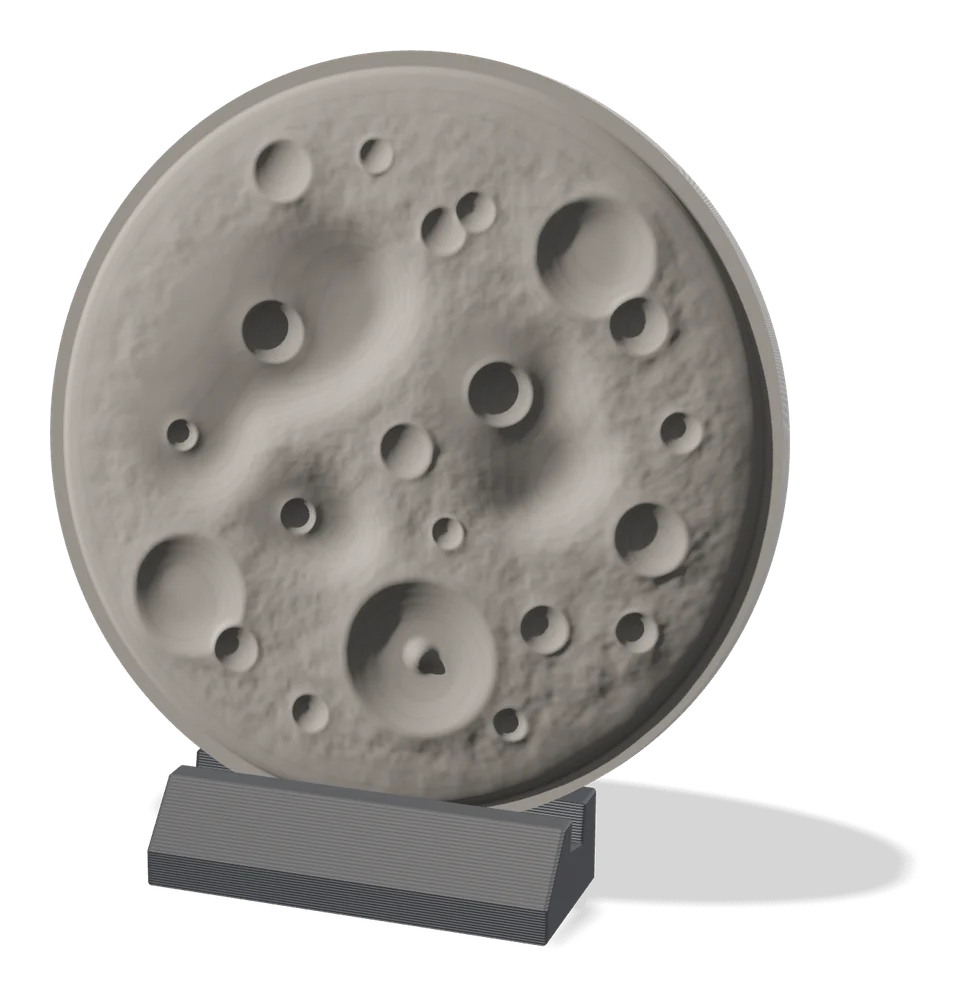
Image to Relief
MakerLab Relief Sculpture Maker
AI tool that turns photos or 3D models into printable bas-relief plaques
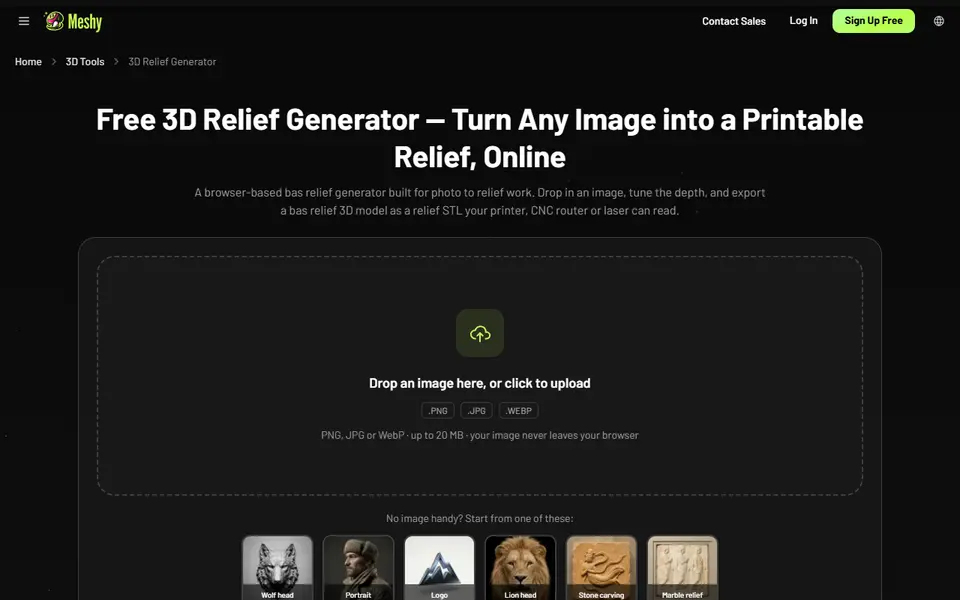
Image to Relief
Meshy 3D Relief Generator
Turns a picture into a printable relief plaque or casting mold, right in your browser
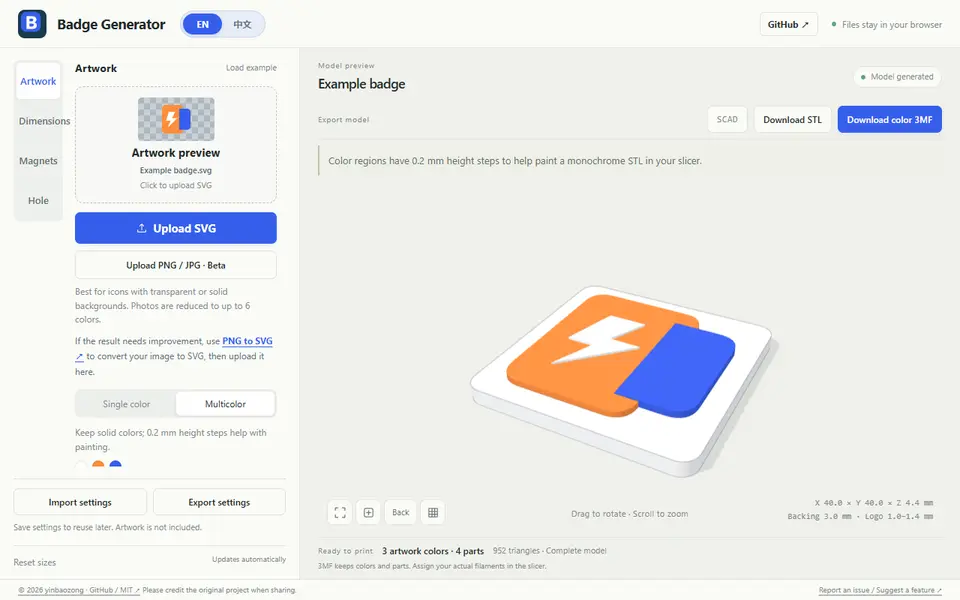
Image to Relief
Badge Generator (SVG to 3D)
Free browser tool that turns an SVG logo into a raised badge or magnet, single or multicolor, as STL or color 3MF

Image to Relief
Shadowbox Maker (MakerLab)
Turns a flat image into stacked cut-out layers for a framed 3D shadowbox

Image to Relief
Mesh Graffiti (MakerLab)
Paint colors, text and logos onto the surface of your own STL or 3MF model