Badge Generator (SVG to 3D)
Free browser tool that turns an SVG logo into a raised badge or magnet, single or multicolor, as STL or color 3MF
Badge Generator (SVG to 3D) is a free browser tool for multicolor logo badges and magnets from an SVG. Free, open source, no account. Exports STL and 3MF. Last checked .
Opens yinbaozong.github.io
What is Badge Generator (SVG to 3D)?
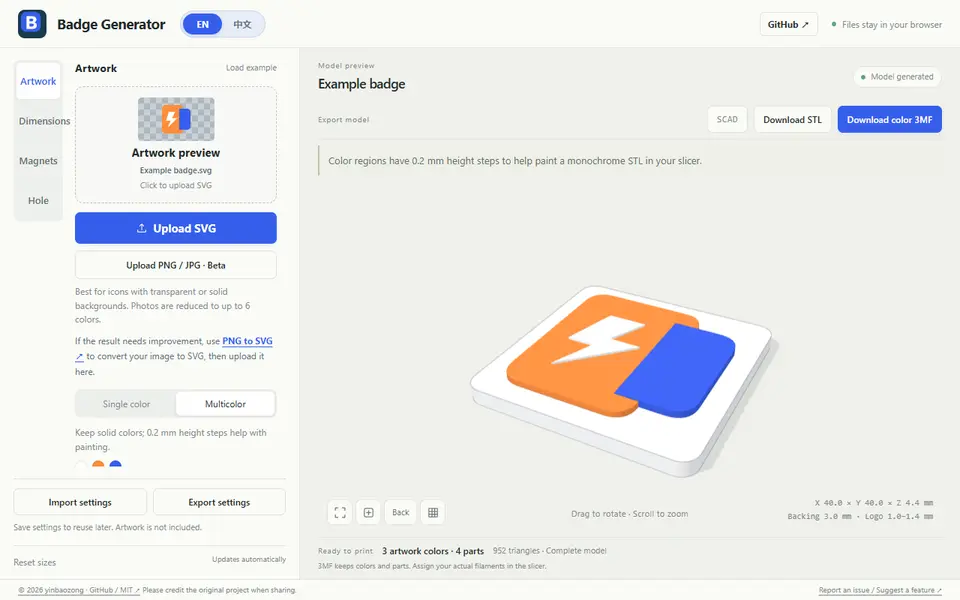
Badge Generator turns a logo or icon into a printable badge: a flat backing with the artwork raised on top. You upload an SVG, or try the PNG and JPG import, which is still in beta and works best on icons with a transparent or plain background. Photos are reduced to at most six colors. Everything runs in the browser and your files are not uploaded.
In single color mode you get a white backing with dark artwork. Multicolor mode keeps the solid colors of the SVG and lifts each color region by 0.2 mm, so you can assign filaments in the slicer; gradients are reduced to one color. The backing can be a rounded rectangle, a regular hexagon, an interlocking puzzle shape that joins badges of the same size, or an outline that follows the logo. You set width and length (5 to 300 mm), border, backing thickness and logo thickness, or switch off the backing to print the logo alone.
For magnets you click up to eight pocket positions on the back and enter the magnet size; the tool adds clearance itself. A keyring hole can be placed automatically or by clicking. Downloads are STL, a color 3MF with separate parts, or an OpenSCAD file, and you can save your settings as a template. It is free, MIT-licensed and available in English and Chinese. SVGs with strokes, text or masks need converting to filled paths first.
What you can make
- Logo badges
- Fridge magnets
- Multicolor logo plaques
- Interlocking puzzle badges
- Logo keychains
How to use Badge Generator
- Upload an SVG, or load the example
- Choose single color or multicolor and a backing shape
- Set the size and thickness, and add magnet pockets or a keyring hole
- Download the STL or the color 3MF
What you'll need to print it
Filament and parts that suit what you make with Badge Generator.
6 x 2 mm magnets
Multicolor filament systems
Also handy
Print removal and cleanup tools
Some of these are affiliate links: we may earn a small commission, at no extra cost to you. More about that
Badge Generator pros
- Free, open source (MIT), no account, files stay in the browser
- Multicolor 3MF with each SVG color as its own part, or a single-color STL
- Magnet pockets and a keyring hole you place by clicking on the model
Badge Generator cons
- PNG and JPG import is a beta; clean SVGs with filled paths work best
- Gradients become one flat color, and 3MF colors still have to be matched to your filaments
Rate Badge Generator
One rating per account. Signing in takes one email link, no password.
Reviews
Made with Badge Generator
Read next
Badge Generator alternatives
Image to STL and relief generators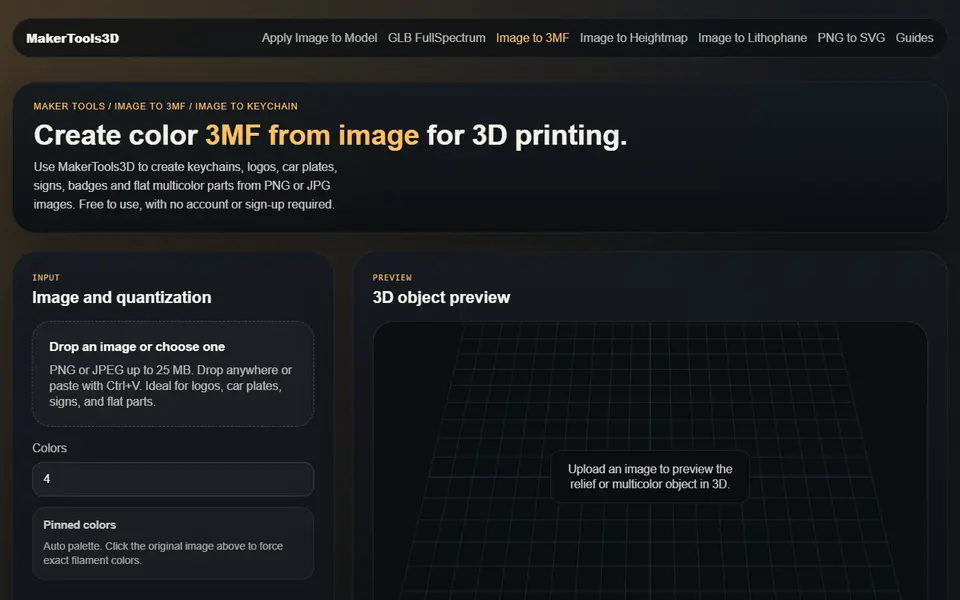
Image to Relief
MakerTools3D
Turns PNG and JPG images into multicolor 3MF plates, keychains and decals
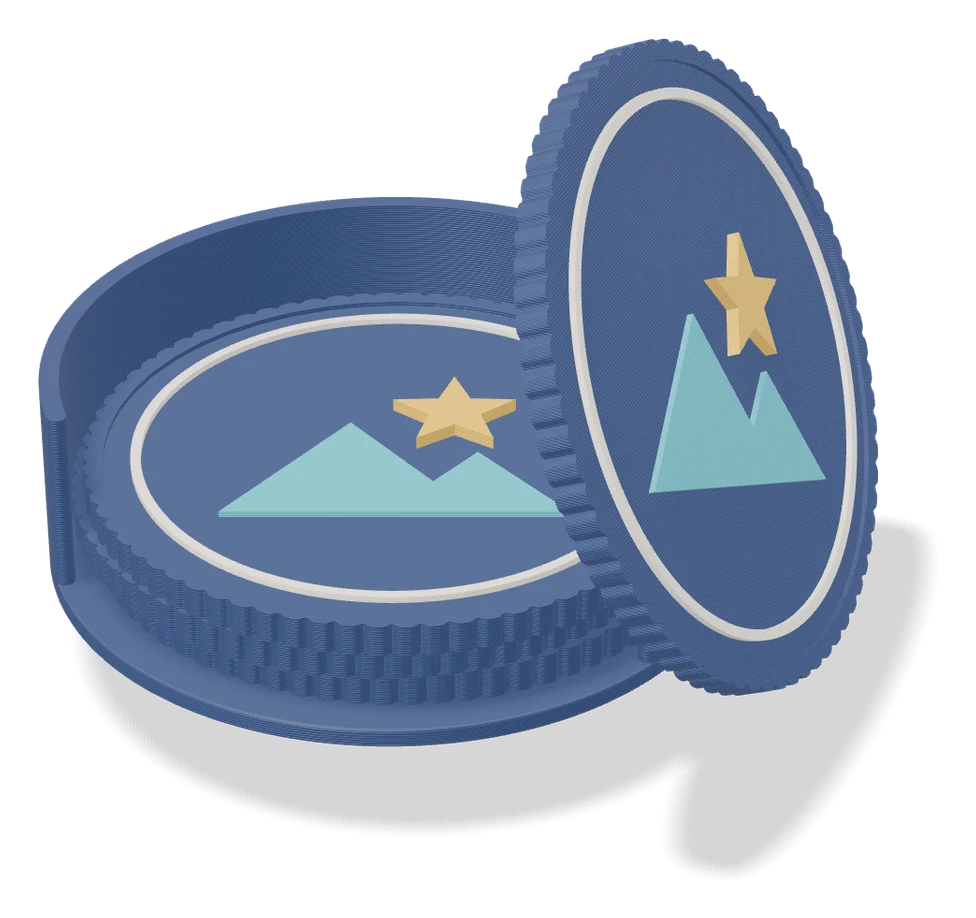
Image to Relief
Mesh Graffiti (MakerLab)
Paint colors, text and logos onto the surface of your own STL or 3MF model
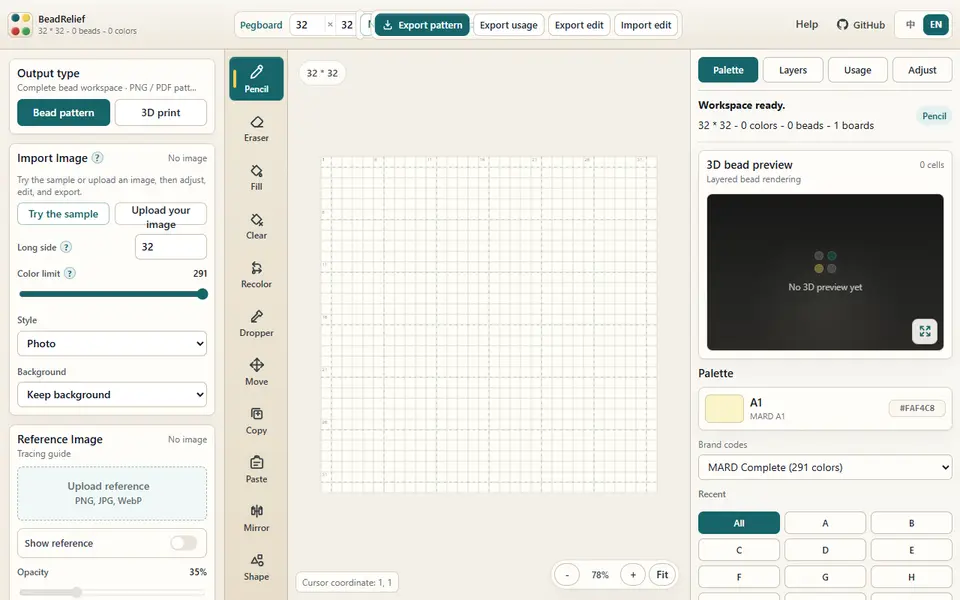
Image to Relief
BeadRelief
Turns an image into a bead-style pixel relief and a multicolor 3MF for Bambu AMS printers

Image to Relief
Shadowbox Maker (MakerLab)
Turns a flat image into stacked cut-out layers for a framed 3D shadowbox
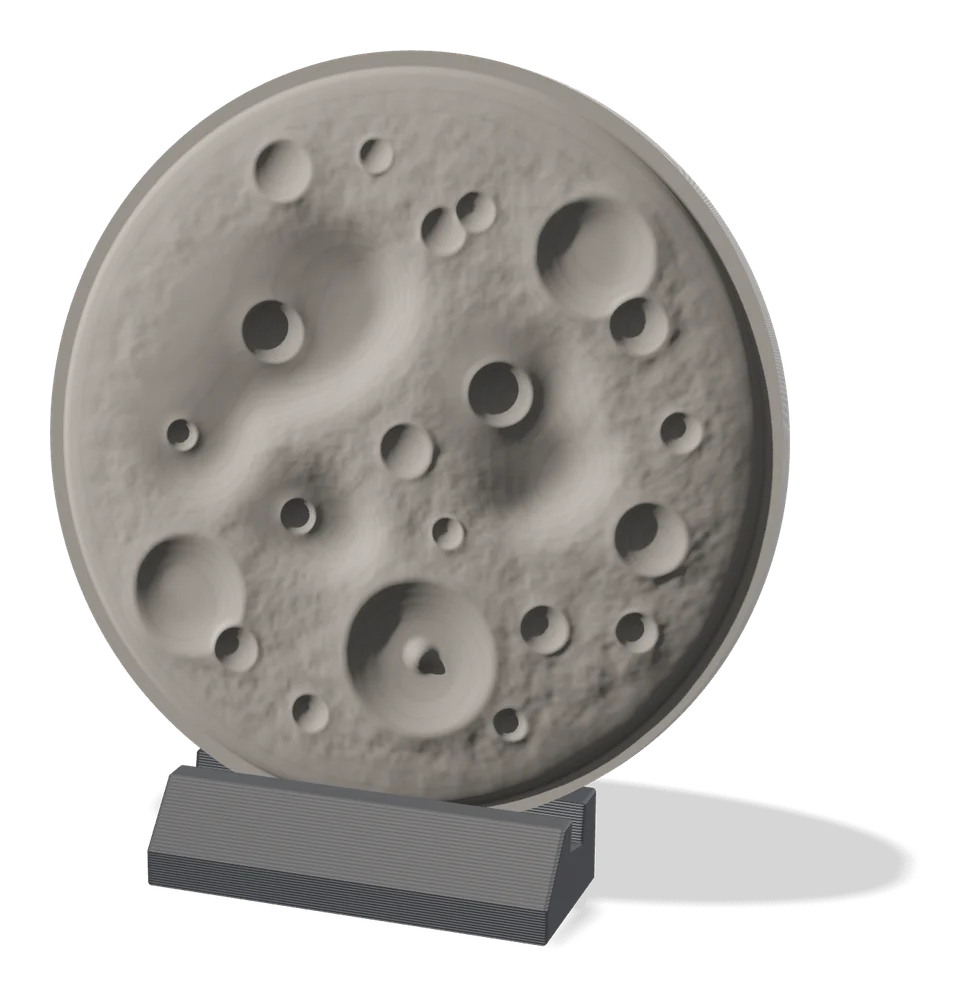
Image to Relief
MakerLab Relief Sculpture Maker
AI tool that turns photos or 3D models into printable bas-relief plaques
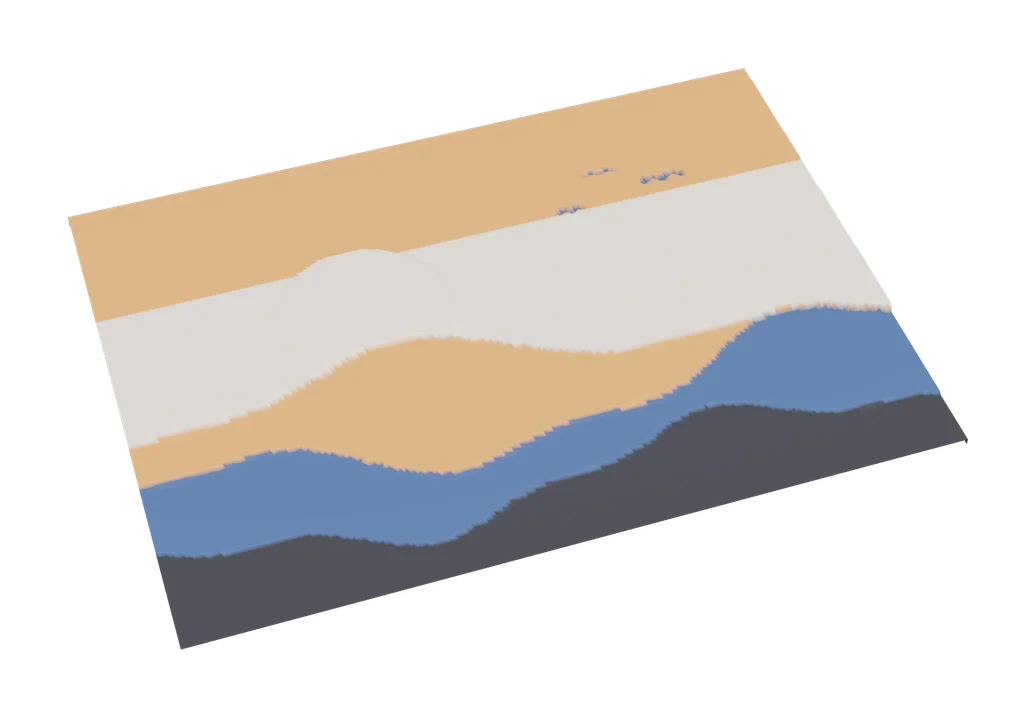
Image to Relief
MakerLab Chroma Canvas
Bambu Lab's free browser tool for HueForge-style filament paintings from any image