MakerTools3D
Turns PNG and JPG images into multicolor 3MF plates, keychains and decals
MakerTools3D is a free browser tool for multicolor logos, signs and keychains on AMS-style printers. Free with no account; the site shows Google ads. Exports 3MF, STL and SVG. Last checked .
Opens makertools3d.com
What is MakerTools3D?
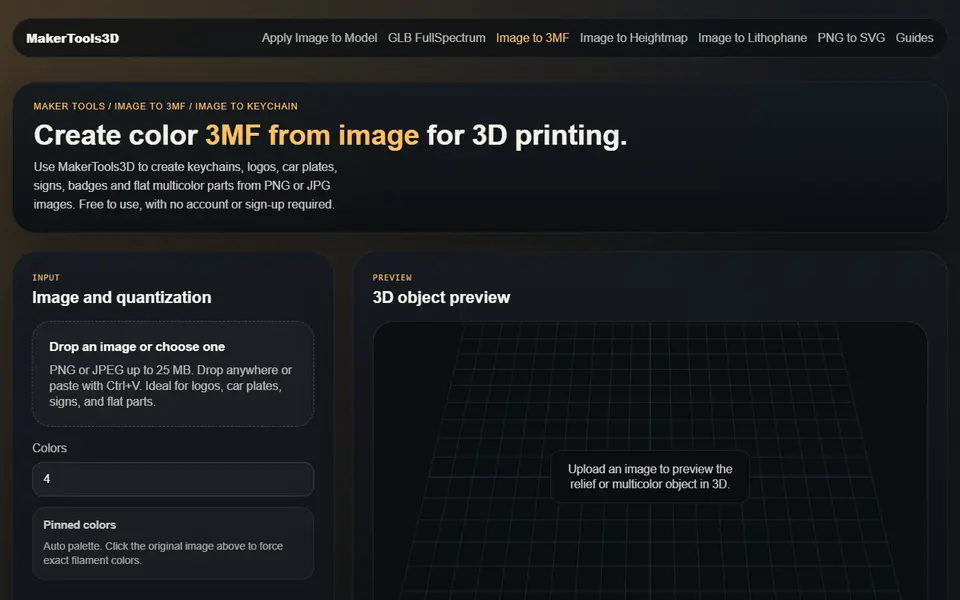
MakerTools3D is a free set of web tools that turn images into printable files, with a clear focus on multicolor printing. The main one, Image to 3MF, takes a PNG or JPG, reduces it to between 2 and 16 colors and exports a 3MF where each color is a separate part you can assign to a filament in OrcaSlicer or Bambu Studio. You can click the source image to pin exact filament colors, set the final width, thickness and mm per pixel, and choose a flat multicolor plate or a relief where each color gets its own height. Fully transparent PNG pixels are left out of the mesh, so the background disappears and inner gaps become real holes, which is handy for keychains and badges.
The other tools cover image to heightmap and image to lithophane (both STL or 3MF), a PNG to SVG tracer for slicer modifiers, and a converter from textured GLB models to Snapmaker Orca FullSpectrum 3MF. The most unusual one is Apply Image to Model: you load an STL or 3MF you already have, place an image on a chosen face, then move, scale and rotate it before downloading a colored 3MF.
It suits owners of AMS-style and multi-toolhead printers who want logos and signs without painting in the slicer. The domain was registered in May 2026, so the site has little track record.
What you can make
- Multicolor logo plates and signs
- Keychains, tags and badges with cutout outlines
- Color images applied to an existing STL or 3MF
- Heightmap relief plates
- Flat lithophanes
- FullSpectrum 3MF files from textured GLB models
How to use MakerTools3D
- Open Image to 3MF and upload a PNG or JPG of up to 25 MB
- Pick the number of colors, or click the image to pin exact filament colors
- Choose flat multicolor or color relief and set width, thickness and mm per pixel
- Check the 3D preview and download the .3mf
- Assign a filament to each part in your slicer and print
What you'll need to print it
Filament and parts that suit what you make with MakerTools3D.
Multicolor PLA
Multicolor filament systems
Some of these are affiliate links: we may earn a small commission, at no extra cost to you. More about that
MakerTools3D pros
- Exports a 3MF with one part per color, ready to map to filaments in OrcaSlicer or Bambu Studio
- Can put a color image onto a face of a model you already have, which few free tools do
- Fully transparent PNG pixels are dropped from the mesh, so keychain and badge outlines need no cleanup
MakerTools3D cons
- Young site (domain registered May 2026) with no outside reviews or community mentions as of September 2026
- Aimed at logos and flat artwork; photos with soft shading are a poor fit for a 2 to 16 color palette
- Images and models are uploaded to the site's server for conversion, and pages carry Google ads and analytics
Rate MakerTools3D
One rating per account. Signing in takes one email link, no password.
Reviews
Made with MakerTools3D
Read next
MakerTools3D alternatives
Image to STL and relief generators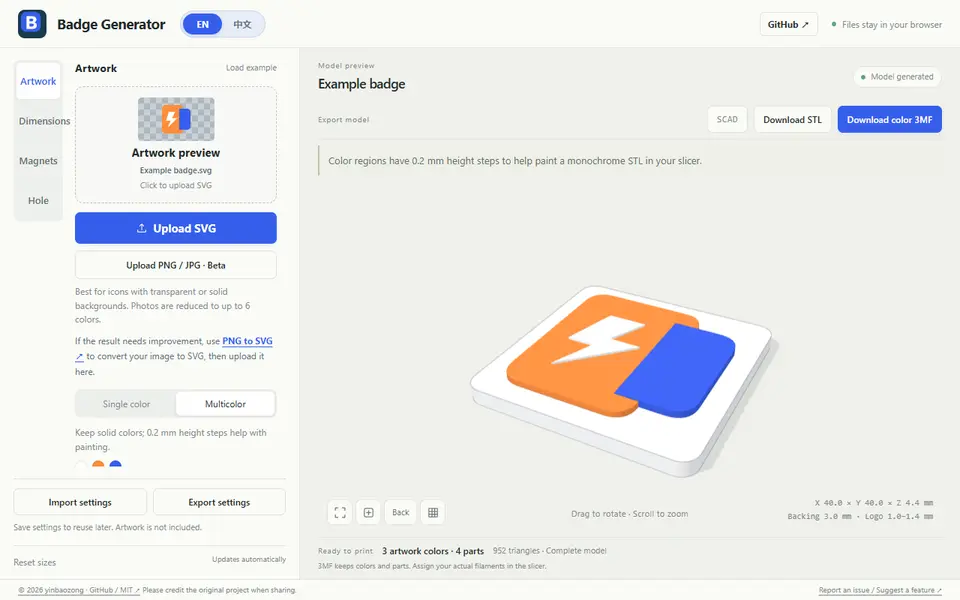
Image to Relief
Badge Generator (SVG to 3D)
Free browser tool that turns an SVG logo into a raised badge or magnet, single or multicolor, as STL or color 3MF
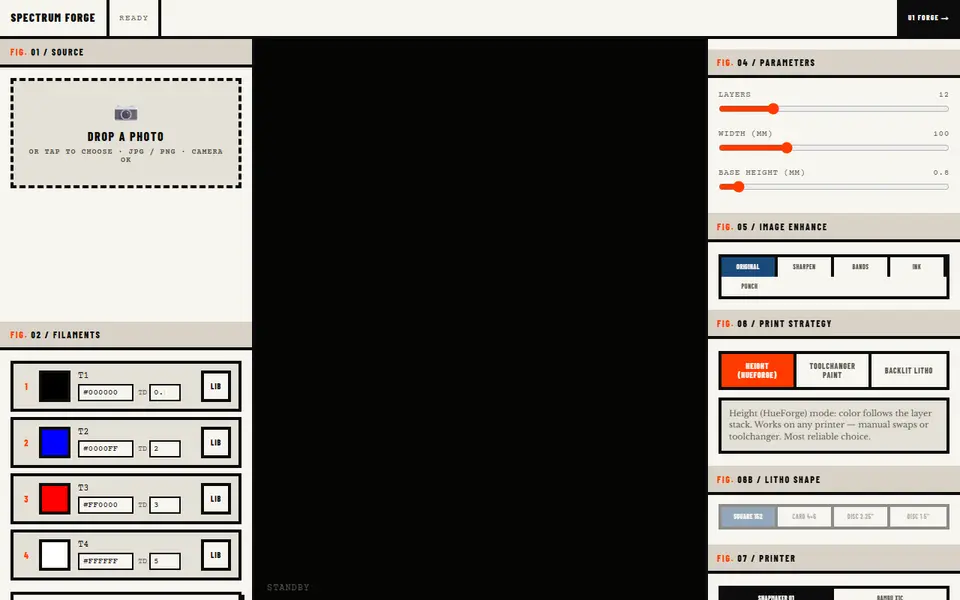
Image to Relief
Spectrum Forge
Photo to a four-filament color 3MF in HueForge-style, toolchanger paint or backlit litho mode; first export free
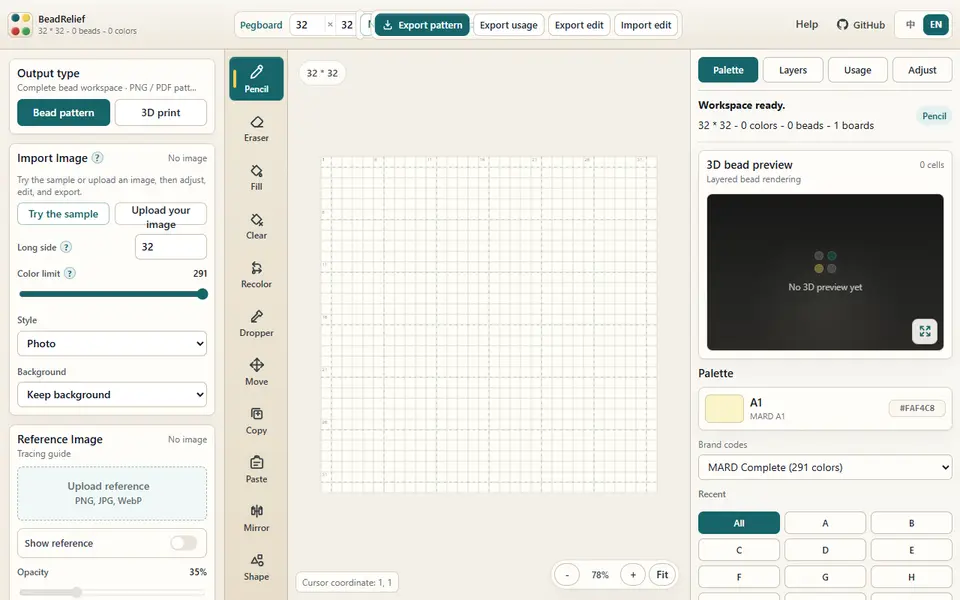
Image to Relief
BeadRelief
Turns an image into a bead-style pixel relief and a multicolor 3MF for Bambu AMS printers
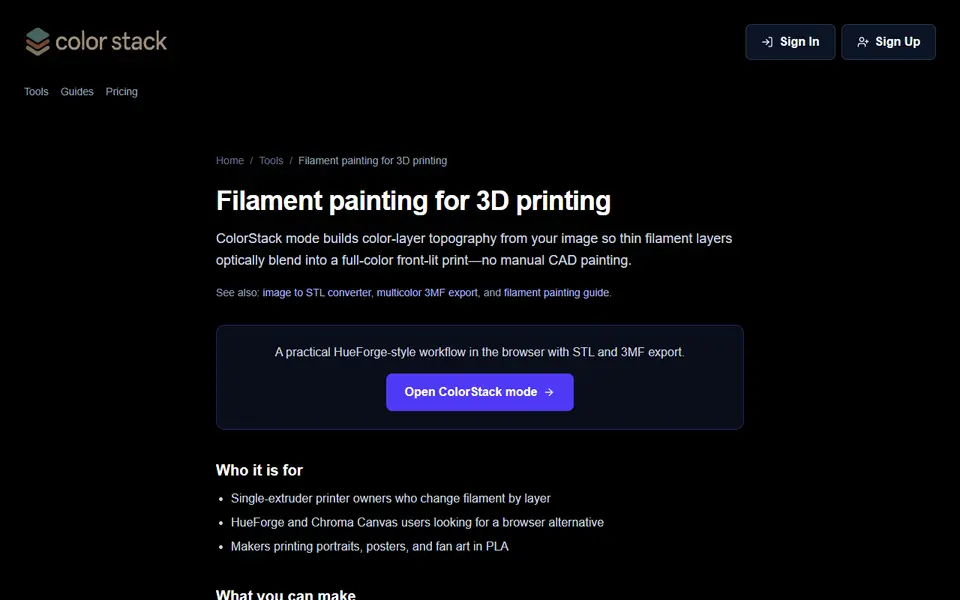
Image to Relief
ColorStack
Browser filament painting with 3MF export, plus flat multicolor and image to STL

Image to Relief
AutoForge
Open-source optimizer that picks filament colors and swap layers for a HueForge-style picture print
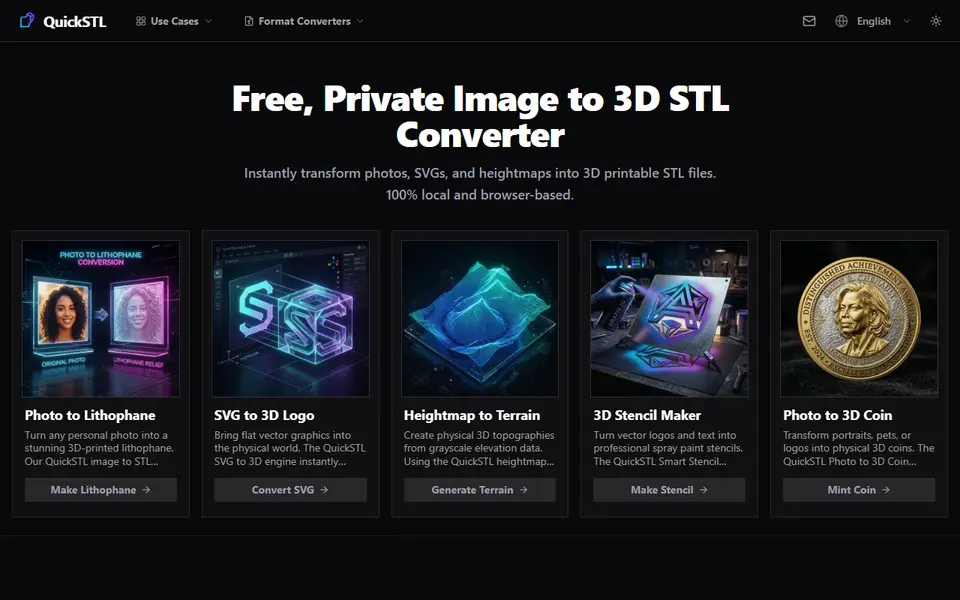
Image to Relief
QuickSTL Image to STL
Free browser converters for photo lithophanes, relief coins, SVG logos and heightmap terrain