BeadRelief
Turns an image into a bead-style pixel relief and a multicolor 3MF for Bambu AMS printers
BeadRelief is a free browser tool for multicolor pixel-art reliefs on a Bambu printer with an AMS. Free and open source (MIT) with no account; no paid plan or donation link seen. Exports 3MF and PNG. Last checked .
Opens pgp00.github.io
What is BeadRelief?
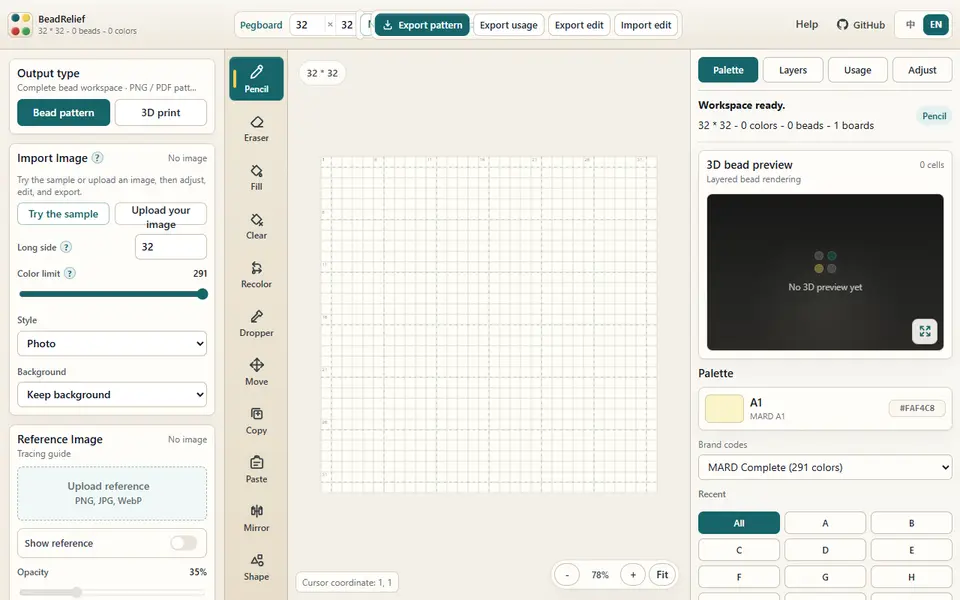
BeadRelief is a free, open-source browser tool that turns an image into a pixel relief made of bead-shaped cells and exports it as a multicolor 3MF. It started from the MIT-licensed Perler Beads Generator, so it also keeps a full fuse-bead pattern workshop with PNG and PDF chart export.
In 3D print mode you load a JPG, PNG or WebP (or the built-in heart sample), crop it, pick a Pixel, Illustration or Photo style and remove the background if you want. You can then fix single cells with pencil, fill, recolor and text tools. The relief uses up to four filament colors, and you set the cell pitch, base and relief height, bead dimples, a border, a hanging hole, a separate backplate or recessed letters on the back. The 3MF comes as separate parts with the filament colors and part assignments already set for Bambu Studio. An experimental layered mode stacks thin filament layers to blend extra shades and comes with a calibration swatch to print first.
It suits Bambu owners with an AMS who want small pixel-art charms or wall pieces. The 3MF export stops at 32 by 32 cells, and the app is built for desktop Chrome or Edge at least 980 pixels wide. Images are processed locally and are not uploaded.
What you can make
- Multicolor pixel-art bead reliefs
- Pixel charms with a hanging hole
- Reliefs with recessed text on the back
- Fuse-bead pattern charts (PNG or PDF)
How to use BeadRelief
- Open the app and choose 3D print mode
- Upload a JPG, PNG or WebP (or load the sample) and crop it
- Set the long side (up to 32 cells), style and background, then fix any stray cells
- Pick up to four AMS colors, set pitch and heights, and add a border, hanging hole or back text if you like
- Export the 3MF, open it in Bambu Studio and map the AMS slots before slicing
What you'll need to print it
Filament and parts that suit what you make with BeadRelief.
Multicolor PLA
Multicolor filament systems
Some of these are affiliate links: we may earn a small commission, at no extra cost to you. More about that
BeadRelief pros
- Free, open source and fully local, with no sign-up and no image uploads
- Exports a multi-part 3MF with filament colors and part assignments set for Bambu Studio
- Cell-by-cell editing tools let you clean up the pattern before you print
BeadRelief cons
- 3MF export is capped at 32 by 32 cells and four colors
- Built for desktop Chrome or Edge at 980 px or wider; Firefox, Safari and phones are not officially supported
- First released in August 2026, and as of September 2026 the author said no physical print of the sample files had been made
Rate BeadRelief
One rating per account. Signing in takes one email link, no password.
Reviews
Made with BeadRelief
Read next
BeadRelief alternatives
Image to STL and relief generators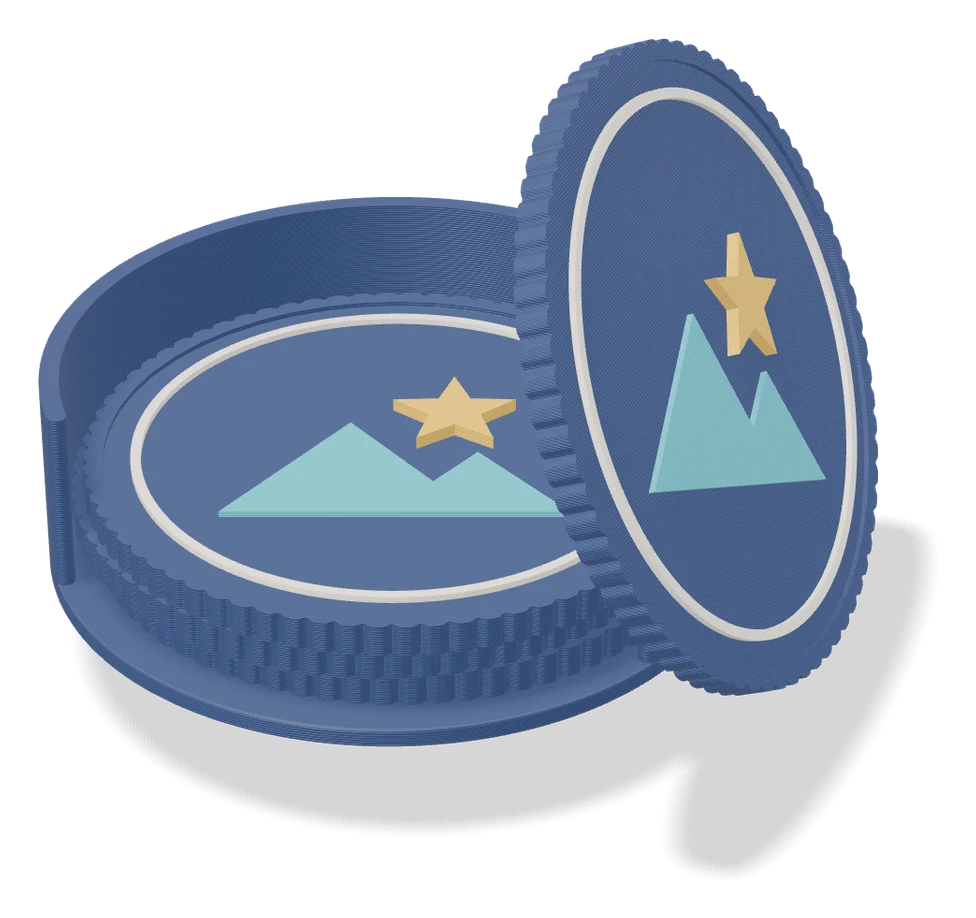
Image to Relief
Mesh Graffiti (MakerLab)
Paint colors, text and logos onto the surface of your own STL or 3MF model
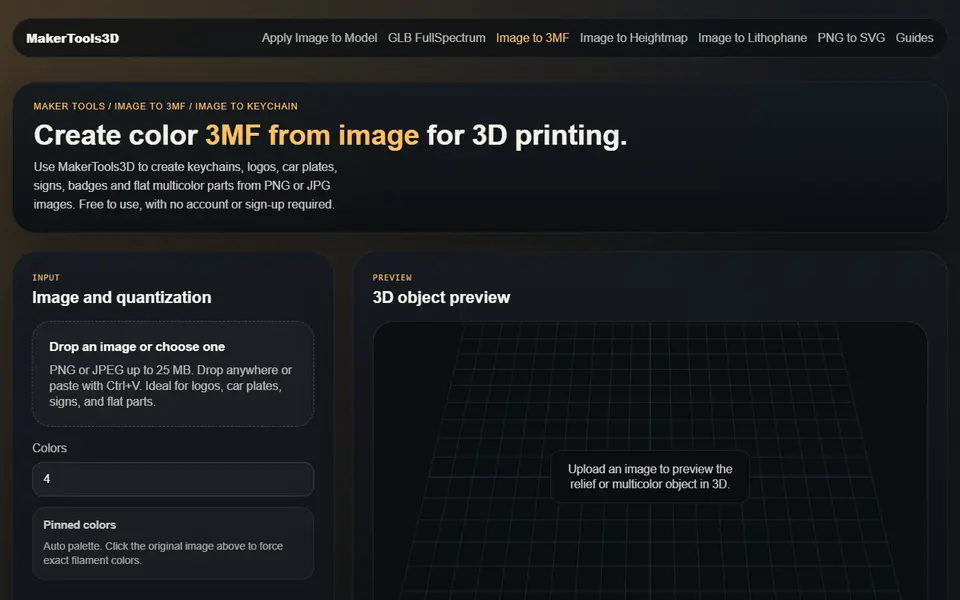
Image to Relief
MakerTools3D
Turns PNG and JPG images into multicolor 3MF plates, keychains and decals
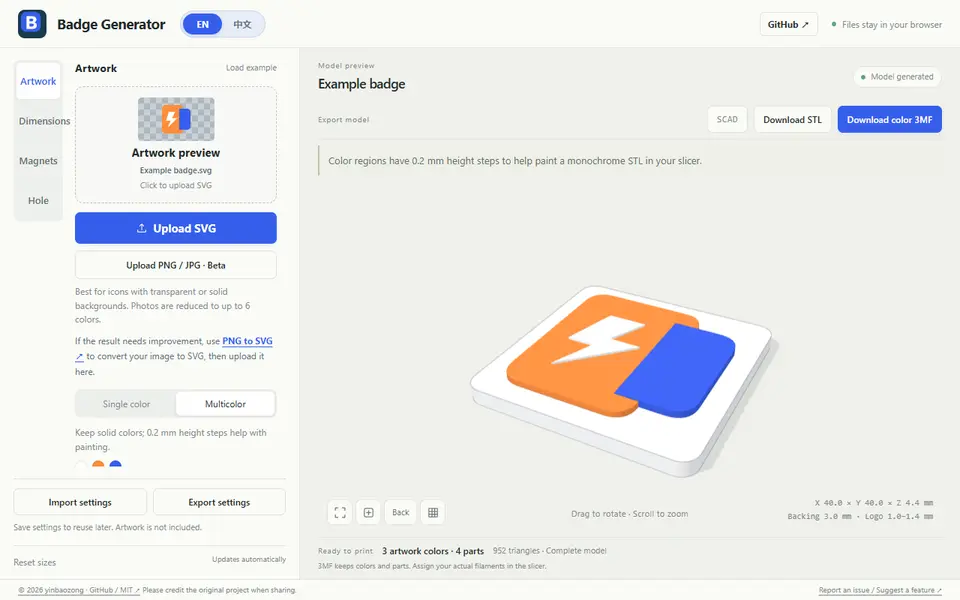
Image to Relief
Badge Generator (SVG to 3D)
Free browser tool that turns an SVG logo into a raised badge or magnet, single or multicolor, as STL or color 3MF

Image to Relief
Shadowbox Maker (MakerLab)
Turns a flat image into stacked cut-out layers for a framed 3D shadowbox
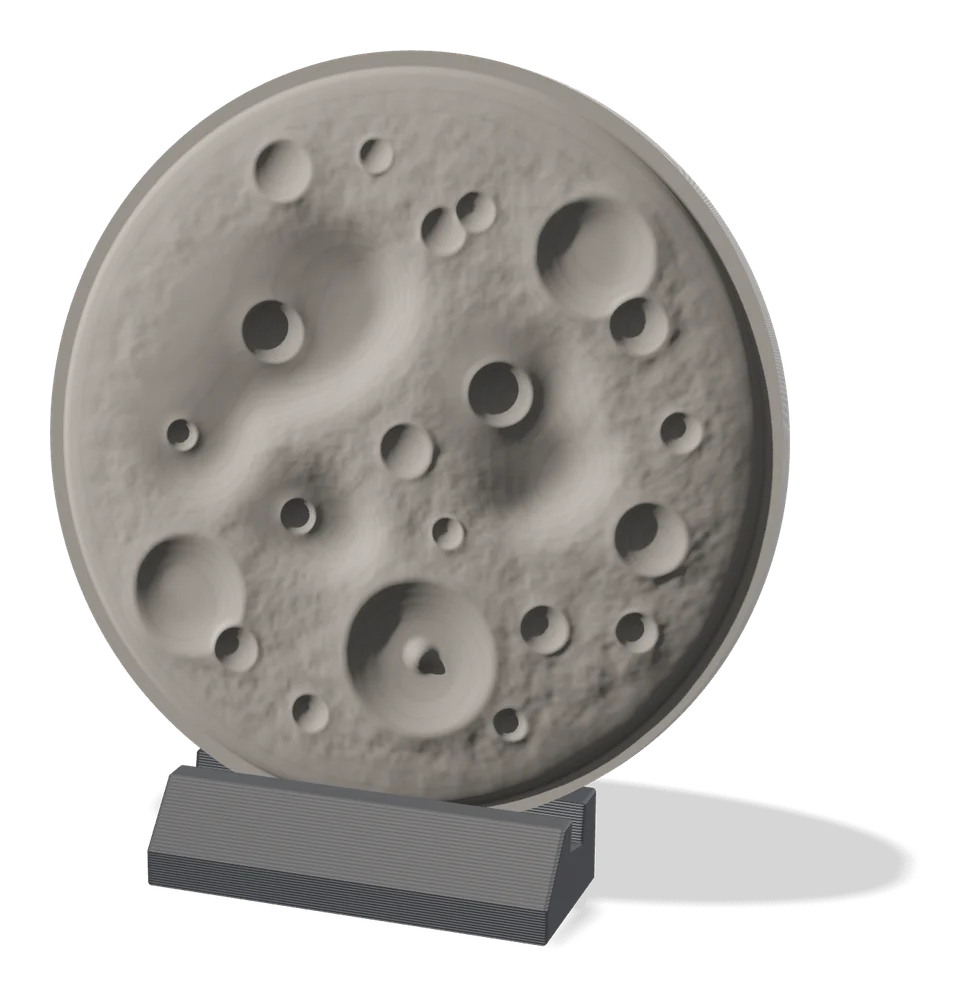
Image to Relief
MakerLab Relief Sculpture Maker
AI tool that turns photos or 3D models into printable bas-relief plaques
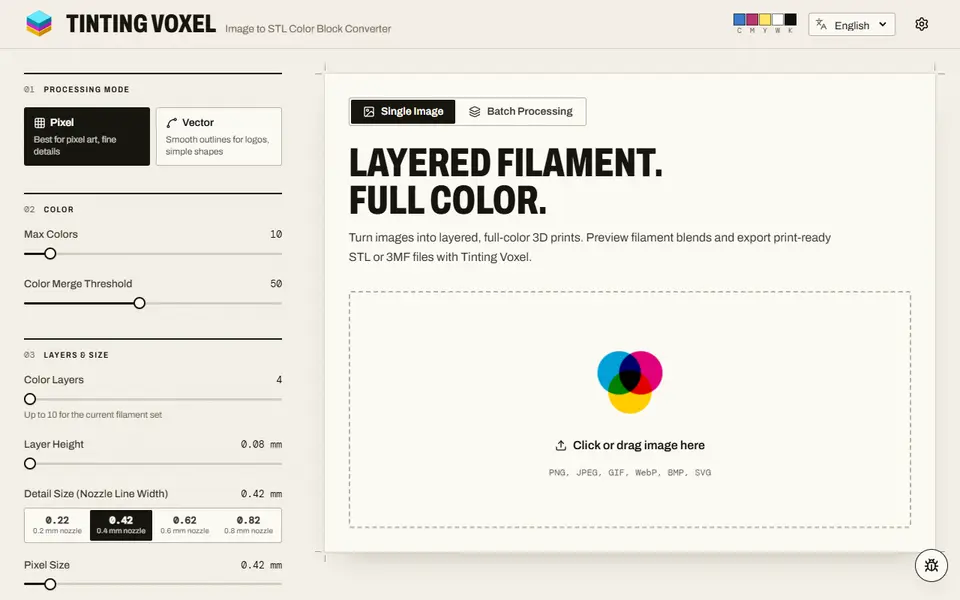
Image to Relief
Tinting Voxel
Free filament painting from a photo, pixel art or logo, mixing 4 to 16 of your filaments, as 3MF or STL, no account