MakerLab Relief Sculpture Maker
AI tool that turns photos or 3D models into printable bas-relief plaques
MakerLab Relief Sculpture Maker is a free browser tool on MakerWorld for photo plaques and pet portraits in one color. Free with a MakerWorld account; MakerLab lists no price for it, and its credits guide does not include it among the tools that use credits. Exports 3MF. Last checked .
Opens makerworld.com
About this generator
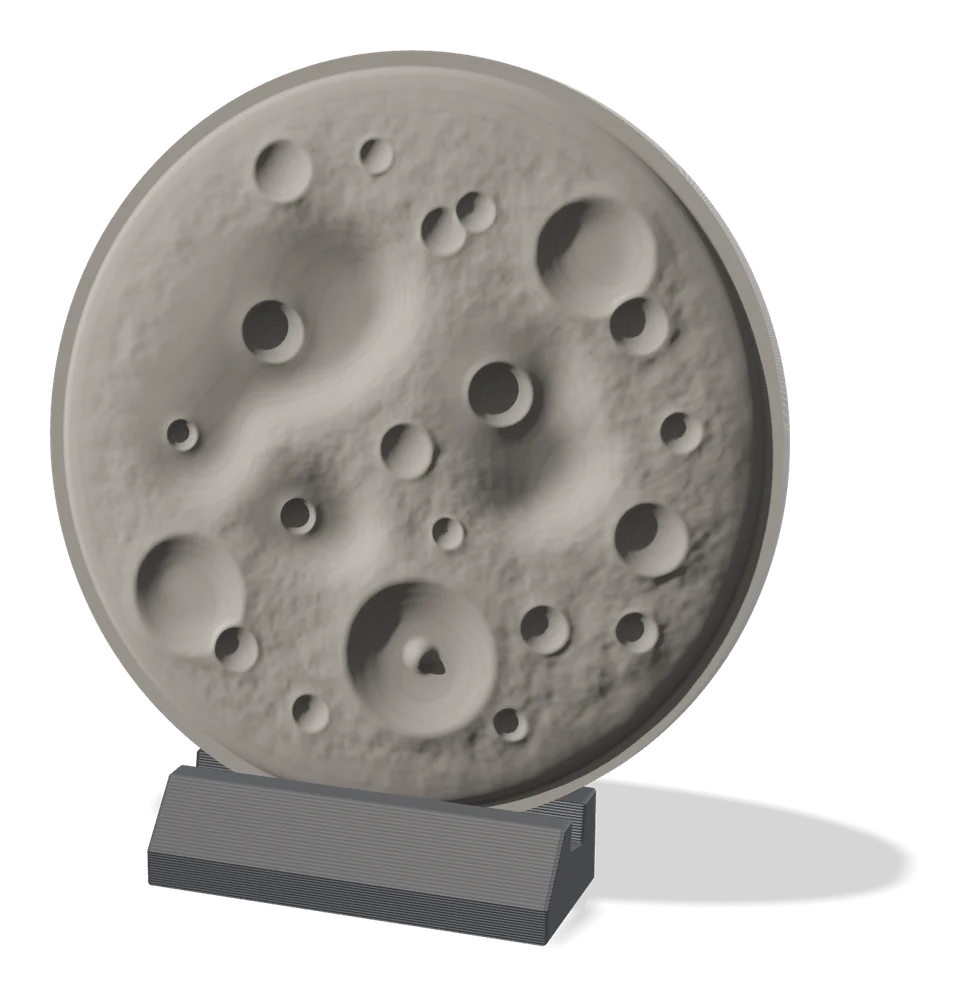
Relief Sculpture Maker is a MakerLab tool that creates bas-reliefs, the kind of raised image you see on coins and plaques. It started as an experiment that turned existing 3D models into reliefs, and version 2 added AI depth estimation, so you can now upload an ordinary photo of a pet, a face or a landscape and get a relief back.
Unlike a lithophane, the result is meant to be seen with light falling on the front, so it works well in a single matte or silk color and looks like carved stone or cast metal. You can fine-tune the settings and frame the shot before export, and the result goes straight to Bambu Studio.
The tool runs in the browser with a MakerWorld account, and testers in the beta thread called version 2 a big step up from the first release. It suits people who want wall plaques, memorial pieces and pet portraits without HueForge-style color swaps.
What you can make
- Photo relief plaques
- Pet portrait reliefs
- Memorial plaques
- Reliefs from 3D models
How to use MakerLab Relief Sculpture Maker
- Open Relief Sculpture Maker in MakerLab
- Upload a photo or pick a 3D model
- Adjust framing and depth settings
- Export it and print, ideally standing upright
What you'll need to print it
Filament and parts that suit what you make with MakerLab Relief Sculpture Maker.
Matte PLA
- Bambu Lab PLA Matte (affiliate link) Amazon
- Polymaker Panchroma Matte PLA (formerly PolyTerra) (affiliate link) Polymaker EU: 3DJake (affiliate link)
Code gives 15% off your first order at Polymaker.
Silk PLA
Some of these are affiliate links: we may earn a small commission, at no extra cost to you. More about that
MakerLab Relief Sculpture Maker pros
- Works from a single photo
- Single-color prints look like carved stone
- Can also turn existing 3D models into reliefs
MakerLab Relief Sculpture Maker cons
- AI depth is not always right on busy scenes
- Needs a MakerWorld account
- Less control than a manual heightmap tool
Rate MakerLab Relief Sculpture Maker
One rating per account. Signing in takes one email link, no password.
Reviews
Made with MakerLab Relief Sculpture Maker
Read next
MakerLab Relief Sculpture Maker alternatives
Image to STL and relief generators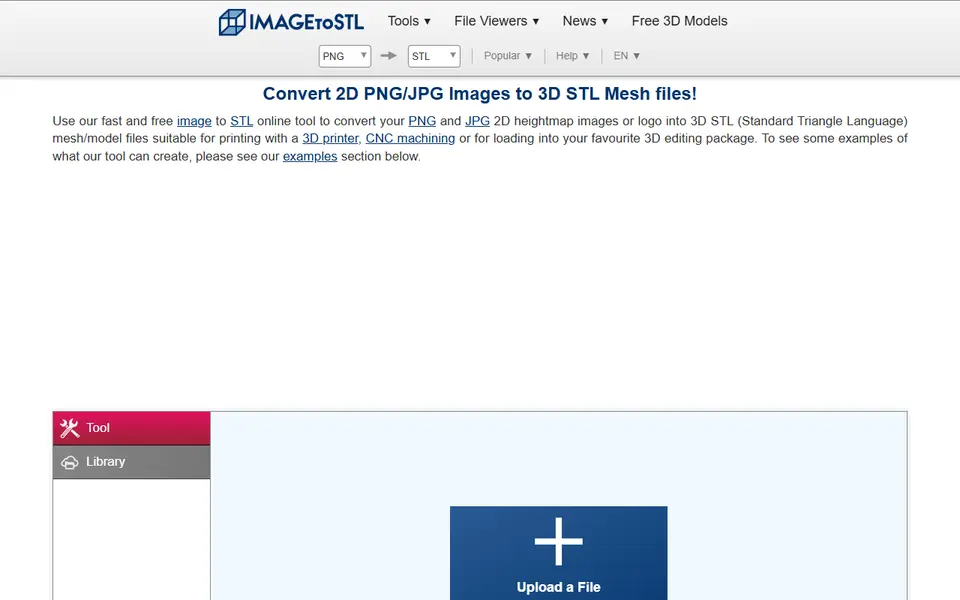
Image to Relief
ImageToStl
Free online converter that turns PNG or JPG images into heightmap or extruded STL
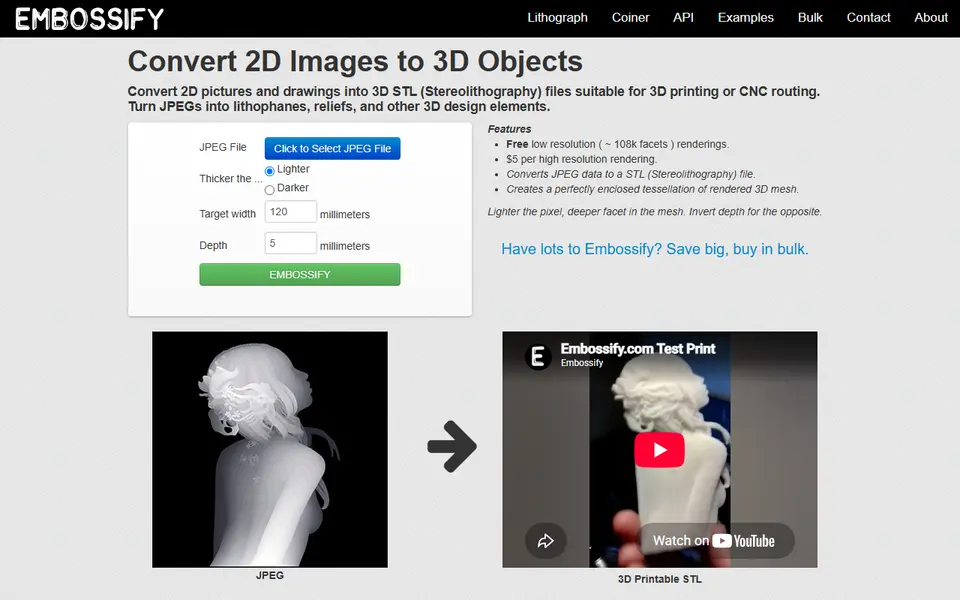
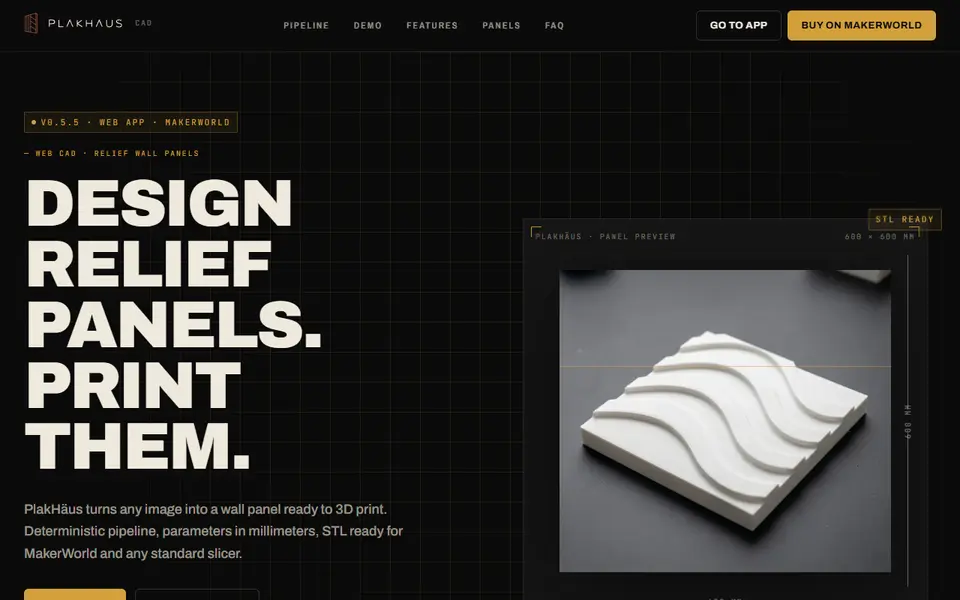
Image to Relief
PlakHäus
Turn images and patterns into printable relief wall panels and matching casting molds

AI to 3D
MakerLab Image to 3D Model
MakerWorld's AI photo-to-3D tool with a choice of Meshy, Tripo, Rodin and more
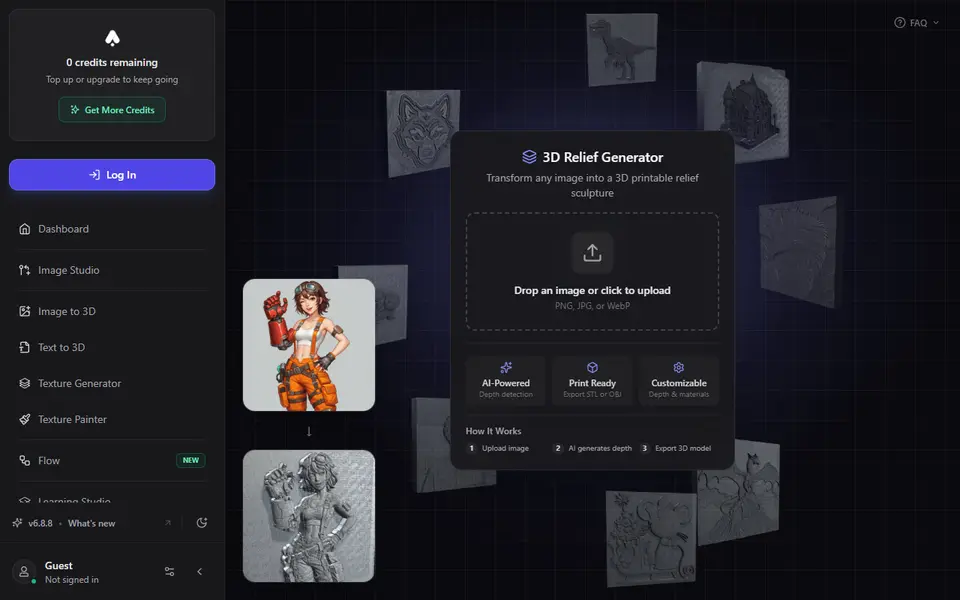
Image to Relief
3D AI Studio 3D Relief Generator
Turns one photo into a raised relief plaque using an AI depth map, with STL or OBJ export on paid plans
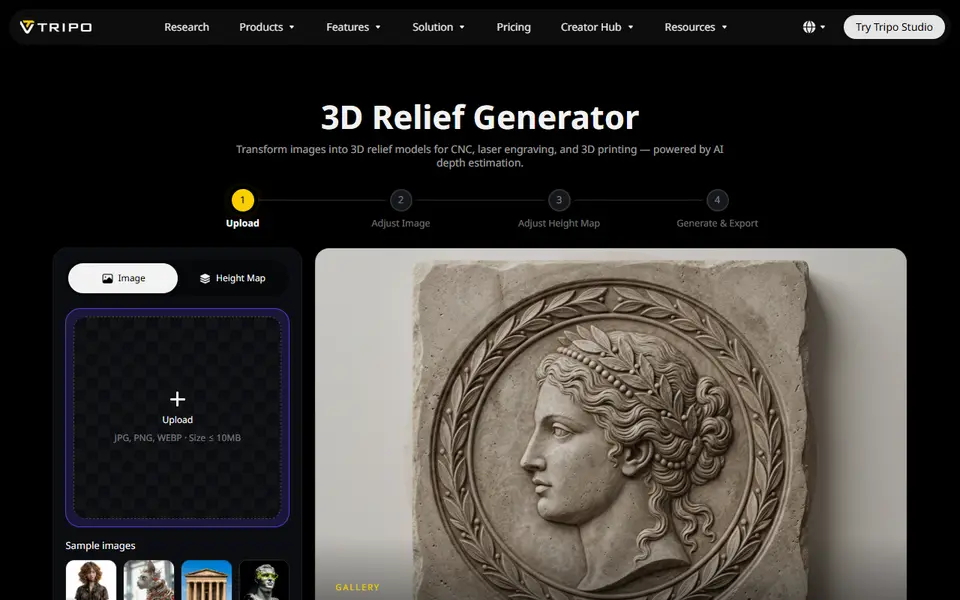
Image to Relief
Tripo AI 3D Relief Generator
Turns a photo or logo into a raised relief panel via an AI height map, as STL or OBJ