MakerWorld · Explainer
MakerWorld MakerLab Tools: What's Free, What Uses Credits
Which MakerLab tools are free, which use credits after the free trials and which sell unlocks, plus credit prices, 3MF export, AMS needs and selling rules.
Quick comparison
| Generator | Best for | Price | Account | Exports | Multicolor | Link |
|---|---|---|---|---|---|---|
| 01 MakerWorld MakerLab | Bambu Lab owners wanting quick personal prints | Freemium | Needed | 3MF, STL | Yes | Open MakerWorld MakerLab |
| 02 Make My Vase (MakerLab) | Quick decorative vases for Bambu printers | Free | Needed | 3MF | No | Open Make My Vase (MakerLab) |
| 03 Pixel Puzzle Maker (MakerLab) | Pixel art gifts and family build projects | Free | Needed | 3MF | Yes | Open Pixel Puzzle Maker (MakerLab) |
| 04 Make My Lithophane (MakerLab) | Bambu Lab owners making color photo lithophanes | Free | Needed | 3MF | Yes | Open Make My Lithophane (MakerLab) |
| 05 Make My Desk Organizer (MakerLab) | Personal desk organizers for beginners | Free | Needed | 3MF | No | Open Make My Desk Organizer (MakerLab) |
| 06 Make My Sign (MakerLab) | Multicolor name plates and flat signs | Free | Needed | 3MF, STL | Yes | Open Make My Sign (MakerLab) |
| 07 Image to Keychain (MakerLab) | Keychains from logos and drawings | Free | Needed | 3MF | Yes | Open Image to Keychain (MakerLab) |
| 08 MakerLab Chroma Canvas | First filament paintings on a Bambu Lab printer | Free | Needed | 3MF | Yes | Open MakerLab Chroma Canvas |
| 09 MakerWorld Parametric Model Maker | Personalising community models | Free | Needed | 3MF | Yes | Open MakerWorld Parametric Model Maker |
| 10 Lightbox Maker (MakerLab) | Light-up fan art and logo signs | Free | Needed | 3MF | Yes | Open Lightbox Maker (MakerLab) |
| 11 Christmas Ornament Maker (MakerLab) | Personalized family ornaments | Free | Needed | 3MF | Yes | Open Christmas Ornament Maker (MakerLab) |
| 12 Flexi Toy Maker (MakerLab) | Personalized fidget toys and bendy keychains from a picture | Free | Needed | 3MF, STL | Yes | Open Flexi Toy Maker (MakerLab) |
| 13 Mesh Graffiti (MakerLab) | Adding logos, names and artwork to models you already have | Free | Needed | 3MF, GLB | Yes | Open Mesh Graffiti (MakerLab) |
| 14 Shadowbox Maker (MakerLab) | Layered wall art and picture gifts from your own images | Free | Needed | 3MF | Yes | Open Shadowbox Maker (MakerLab) |
| 15 MakerLab Image to 3D Model | Bambu Lab owners turning photos into figurines | Freemium | Needed | STL, 3MF, GLB | Yes | Open MakerLab Image to 3D Model |
| 16 MakerLab PrintU | Personalized mini figurines as gifts | Freemium | Needed | 3MF | Yes | Open MakerLab PrintU |
| 17 MakerLab Make My Statue | Funny or sentimental portrait busts | Freemium | Needed | 3MF | No | Open MakerLab Make My Statue |
| 18 MakerLab Relief Sculpture Maker | Photo plaques and pet portraits in one color | Free | Needed | 3MF | No | Open MakerLab Relief Sculpture Maker |
| 19 Make My Lantern (MakerLab) | Figure-shaped tea light lanterns and night-light gifts | Free | Needed | STL, 3MF | No | Open Make My Lantern (MakerLab) |
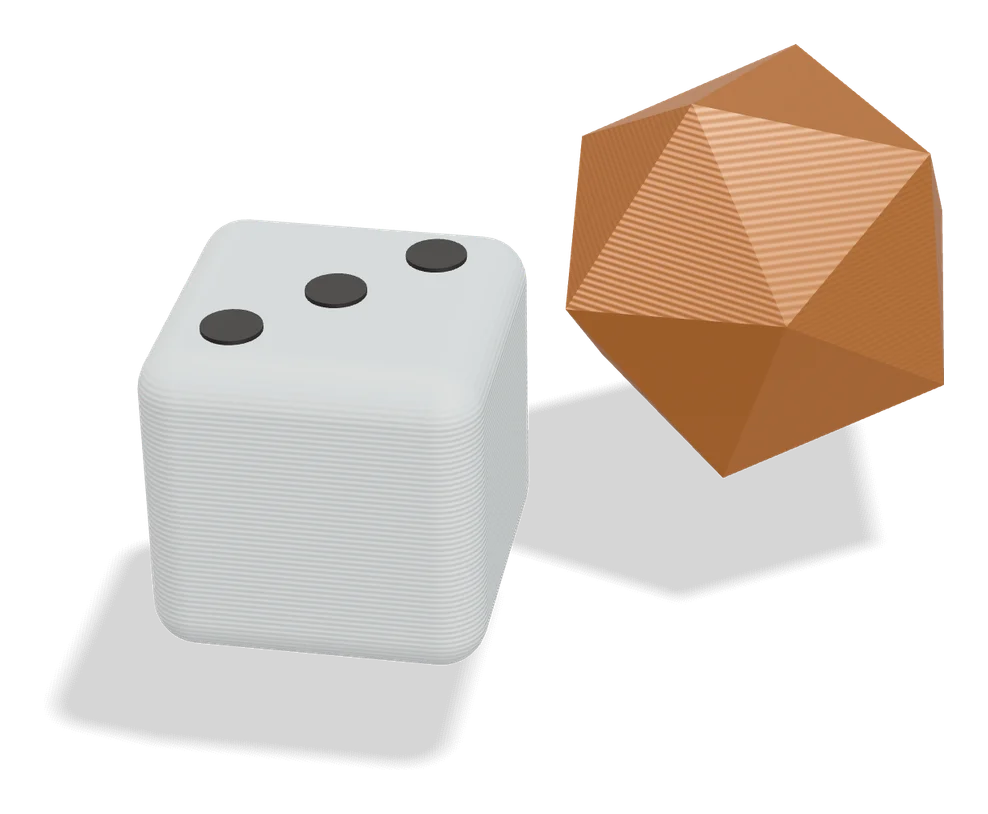
| 20 Dice Studio (MakerLab) | Custom tabletop RPG dice | Free | Needed | 3MF | No | Open Dice Studio (MakerLab) |
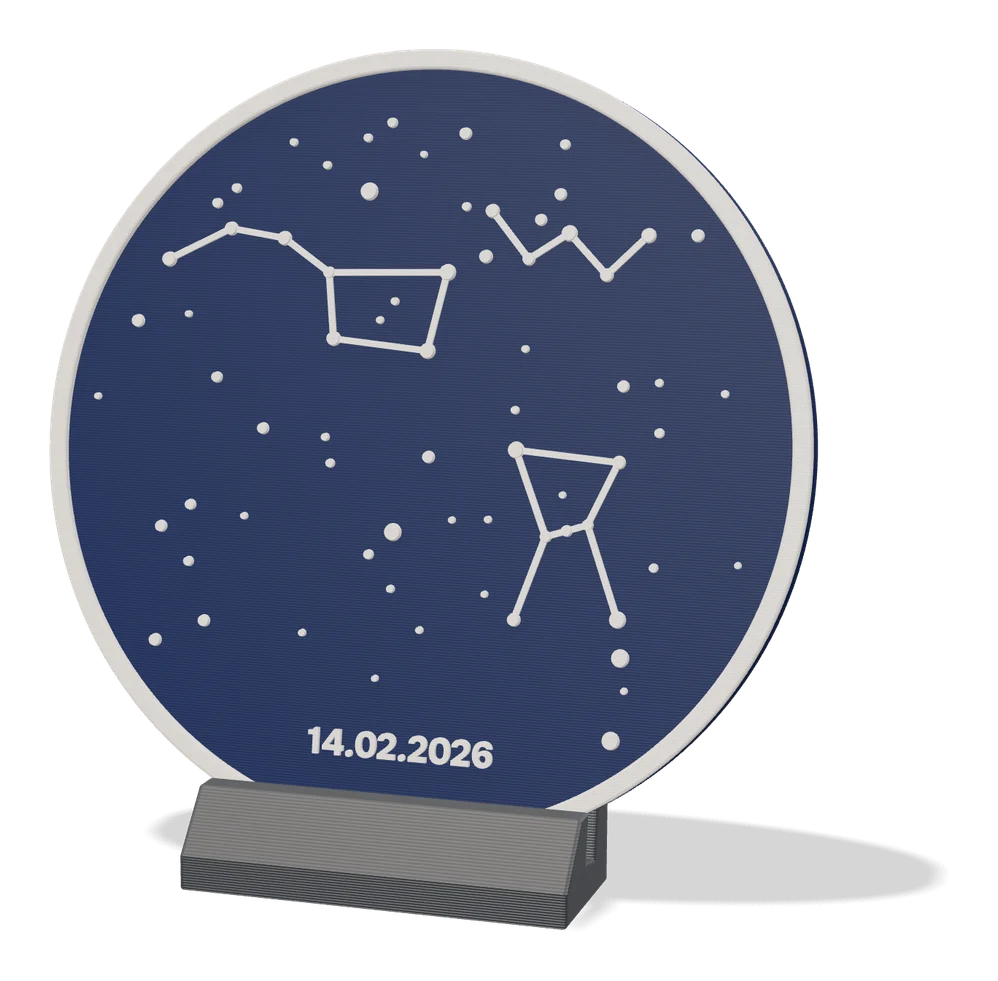
| 21 Star Map Generator (MakerLab) | Date-based sky map gifts | Freemium | Needed | 3MF | Yes | Open Star Map Generator (MakerLab) |
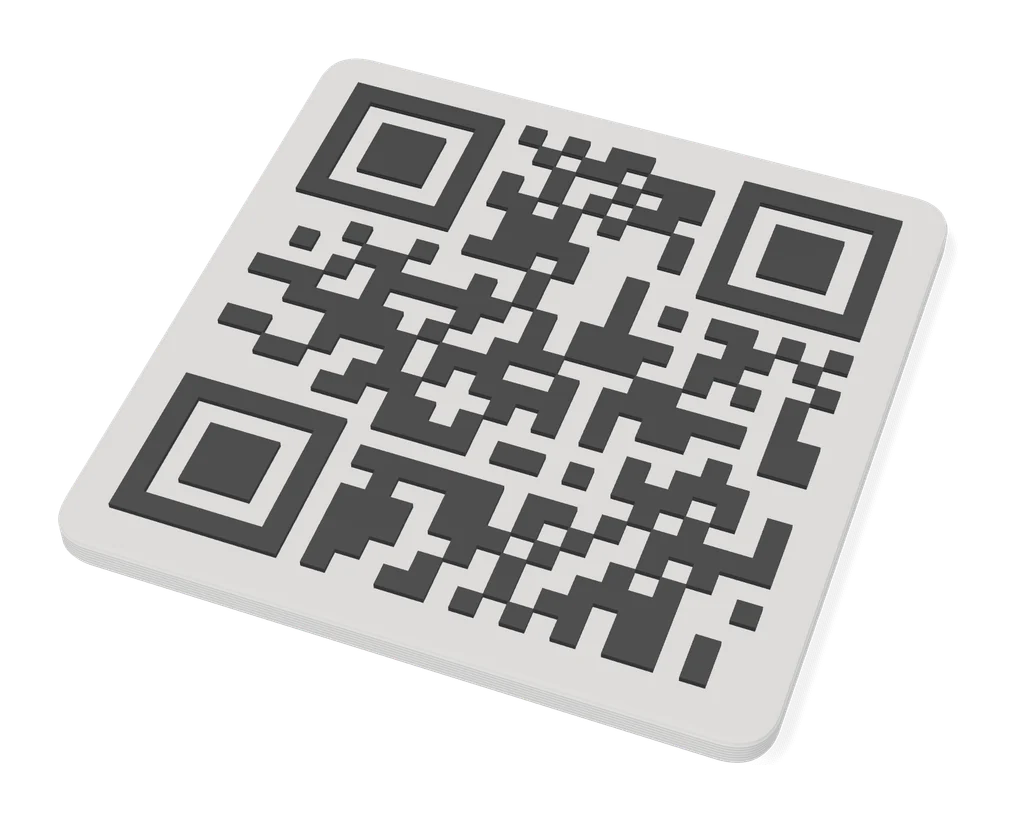
| 22 QRFun (MakerLab) | Decorative QR codes for display | Freemium | Needed | 3MF | Yes | Open QRFun (MakerLab) |
| 23 Lithophane Folding Fan (MakerLab) | A lithophane gift that is also useful | Freemium | Needed | 3MF | No | Open Lithophane Folding Fan (MakerLab) |
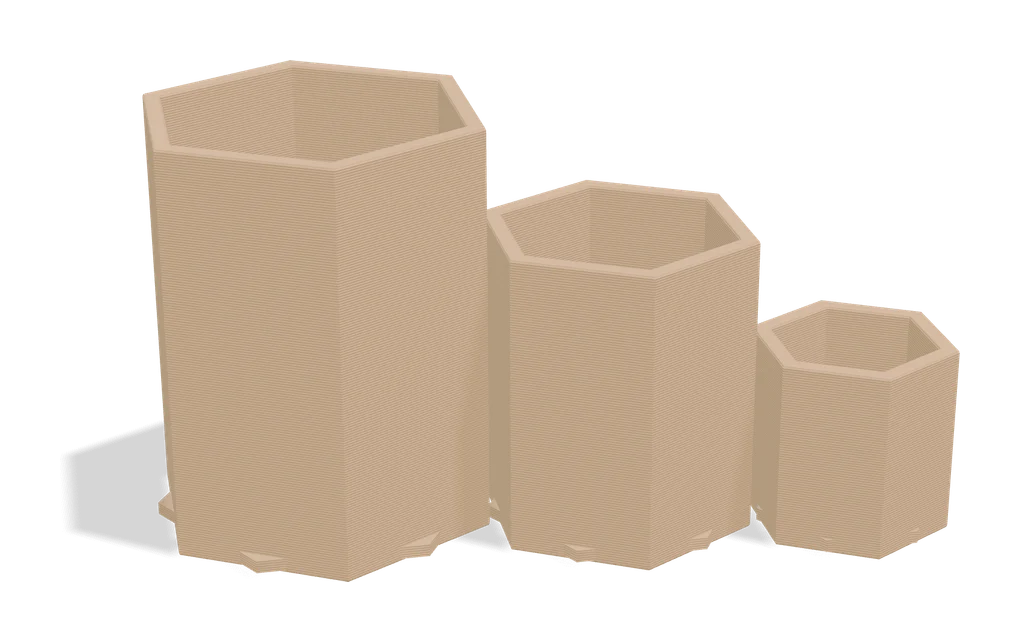
| 24 ParamaCraft lite (MakerLab) | Quick visual tweaks of parametric models | Freemium | Needed | 3MF | No | Open ParamaCraft lite (MakerLab) |
MakerLab is Bambu Lab’s collection of browser generators on MakerWorld. You type text, drag sliders or upload a photo, and download a file that is ready to slice. It is free with a MakerWorld account, but since mid-2026 the AI tools run on credits after a few free tries, and some partner apps sell unlocks. This guide sorts MakerLab’s own tools and the partner apps we list by cost, export format and AMS needs.
Checked on September 25, 2026 against the MakerLab tool list, MakerWorld’s credit guide and the MakerWorld FAQ; the tool list and credit guide were checked again on September 26. SkipTheCAD has not printed files from these tools: everything below comes from MakerWorld’s own pages, the tool descriptions and the slicer makers’ documentation.
Quick answer
- Is MakerLab free? Mostly. MakerWorld says all parametric generators it builds remain free. You need a free MakerWorld account, which is the same as a Bambu Lab account.
- What uses credits: the AI tools. Image to 3D, PrintU and Make My Statue give each account a few free trial uses, then charge 15 to 45 credits per generation.
- What sells unlocks: partner apps such as Star Map Generator and QRFun are free to start and sell optional unlocks; Premium costs $4.99 in both.
- What credits cost: 350 credits for $3 in the smallest pack, or 600 credits for 80 MakerWorld Points. The old monthly free credits are gone.
- Files: mostly 3MF, which opens in Bambu Studio, OrcaSlicer and PrusaSlicer. You do not need a Bambu Lab printer, although several tools are set up around Bambu printer profiles.
Which MakerLab tools are free?
Most of them. The tools MakerWorld builds without AI are free with an account, the AI generators use credits once the trial uses run out, and partner apps are free to start with paid extras. The last column uses MakerWorld’s own filters: “Multi-color” tools are built to get the most out of an AMS, “Single-color” tools print fine without one, and “Both” tools are in both lists. Partner apps are not in those filters.
| Tool | Makes | Cost | Export | Color label |
|---|---|---|---|---|
| Make My Vase | Vases, spiral vase mode | Free | 3MF | Single-color |
| Pixel Puzzle Maker | Pixel art puzzles | Free | 3MF | Single-color (a multicolor puzzle, one print plate per color) |
| Make My Lithophane | Mono and CMYK lithophanes | Free | 3MF | Both |
| Make My Desk Organizer | Desk and drawer trays | Free | 3MF | Single-color |
| Make My Sign | Name plates, badges, flat signs | Free | 3MF, STL | Multi-color |
| Image to Keychain | Picture keychains, bookmarks | Free; AI templates in the Bambu Handy app use credits | 3MF | Multi-color |
| Chroma Canvas | Filament paintings | Free | 3MF | Multi-color |
| Parametric Model Maker | Customizable MakerWorld models | Free | 3MF | Single-color |
| Lightbox Maker | Backlit light boxes | Free | 3MF | Multi-color |
| Christmas Ornament Maker | Spinning ornaments | Free (seasonal tool) | 3MF | Multi-color |
| Flexi Toy Maker | Bendable toys and keychains from a picture | Free | 3MF, STL | Multi-color |
| Mesh Graffiti | Paint, text and logos on your own model | Free (beta) | 3MF, GLB | Multi-color |
| Shadowbox Maker | Layered shadowbox pictures | Free (experiment) | 3MF | Multi-color (one print plate per layer) |
| Image to 3D Model | AI models from one photo | 2 free trials, then 24 to 45 credits | STL, 3MF, GLB | Both |
| PrintU | Stylized figurines | 3 image and 1 model trial, then 15 and 30 credits | 3MF | Both |
| Make My Statue | Portrait busts | 1 free trial, then 40 credits | 3MF | Single-color |
| Relief Sculpture Maker | Photo relief plaques | Not in the credit guide (see below) | 3MF | Single-color |
| Make My Lantern | Figure-shaped lantern shades from a picture | Not in the credit guide (experiment, see below) | STL, 3MF | Single-color |
| Dice Studio | d4 to d20 dice | Free | 3MF | Partner app |
| Star Map Generator | Two-color star map plaques | Free layout; Premium $4.99 | 3MF | Partner app |
| QRFun | Sculptural QR codes | 2 free styles; Premium $4.99 | 3MF | Partner app |
| Lithophane Folding Fan | Lithophane hand fans | Built-in images free; Pro $9.99 | 3MF | Partner app |
| ParamaCraft lite | Slider-shaped parametric models | Free; DIY Basics pack $6 | 3MF | Partner app |
Partner prices are the list prices MakerLab showed on September 26, 2026; that day the Folding Fan’s Pro unlock was on sale for $5.99 and the Polaroid Frame Generator’s unlock for $4.99. The same page showed 32 tools on its All tab. Mesh Graffiti carries a Beta badge, and Shadowbox Maker and Make My Lantern sit under Experiments, so expect rough edges. Other partner apps with their own page here also sell add-ons: Song Card Generator ($1.99 and $3.99), Personal Memory Card ($2.99), Polaroid Frame Generator ($5.99), Keycap Legend Generator ($9.90 Pro Pack for whole-keyboard sets), PlakHaus ($9 and $19.90 packs), LumHaus ($19.90 per unlock) and the MakerLab tray generator from Bento3D ($5 Partition PRO unlock). SnapFrames Lite, the MakerLab version of SnapFrames, is free, and Clicker Generator sells only a commercial license (see below). Laser Box Maker and Lithophane Round Fan are not in our directory.
No AMS? Check how the colors are stacked. Colors that change at set layer heights can be printed with a pause and a manual filament swap; colors side by side on the same layer need a multi-material printer. Shadowbox Maker carries the Multi-color label, but its files put each depth layer on its own single-color plate, so you change filament between plates and stack the layers in the printed box. Our multicolor 3MF generator list explains the difference.
How do MakerLab credits work in 2026?
MakerLab credits pay for AI generation, and they are now charged when you start a generation, not when you export. Every account gets a few free trial uses for each tool that charges credits, and they do not refill. After that you buy credits or exchange MakerWorld Points for them. If a page or video mentions monthly free credits, it predates this change.
MakerWorld announced the new rules on May 26, 2026 and began rolling them out to accounts gradually in late June. The costs per use, from the credit guide:
| Tool | Feature or engine | Credits per use |
|---|---|---|
| Image to 3D | Tripo AI 3.1 or Hitem3D 2.1 | 24 |
| Image to 3D | Hunyuan 3D 3.1 | 28 |
| Image to 3D | Meshy 6 or Rodin Gen-2 | 45 |
| PrintU | 2D image, then 3D model | 15, then 30 |
| Make My Statue | 3D model | 40 |
| Image to Keychain | AI templates in the Bambu Handy app | 8 |
- Buying credits: 350 for $3, 1,000 for $8, 3,200 for $24 and 11,000 for $80, before tax. Bought credits never expire and cannot be refunded unless the law requires it.
- Exchanging Points: 80 MakerWorld Points buy 600 credits. The old rate of 1 Point for 10 credits is retired.
- Failures and retries: a generation that fails because of a system issue gives the credits back. Each regeneration costs the full price again.
- In practice: the $3 pack covers 14 Image to 3D runs with Tripo AI 3.1, or 7 with Meshy 6.
Two things we could not confirm, because the tool pages need a sign-in. The MakerLab page also advertises Meshy 7 and Tripo 3.1 Ultra, which are not in the credit table; the tool shows their cost before you confirm. Relief Sculpture Maker and the Make My Lantern experiment sit under MakerLab’s AI Generators filter but are not in the credit table either, so check the tool page before you generate.
Do MakerLab files print on non-Bambu printers?
Yes. The models are ordinary geometry; the main hurdle is opening the 3MF, which Bambu Studio saves in a variant some slicers cannot read, as Bambu’s wiki explains.
- Download the file. Take the STL if the tool offers one (Make My Sign and Image to 3D do) and you only need one color.
- Open the 3MF in OrcaSlicer or PrusaSlicer. OrcaSlicer imports 3MF files and ignores printer settings it cannot use. PrusaSlicer opens Bambu Studio 3MFs since version 2.7.3, and version 2.7.4 keeps the multi-material painting.
- Using Cura? Bambu’s patch to let Cura read this format was still an open pull request on September 25, 2026. Open the file in the free Bambu Studio first and use Export Generic 3MF, the option Bambu recommends for opening its files in Cura.
- Pick your printer profile and check the size. Some tools size the model for the Bambu printer you chose: Make My Lithophane’s maximum size follows the selected printer.
- Map the colors to your own filaments or tool heads, then slice.
Best MakerLab tools for beginners
Start with free tools that use no credits. Make My Vase, Pixel Puzzle Maker, Make My Lithophane in mono mode and Make My Desk Organizer all carry MakerWorld’s single-color label, so they suit a printer without an AMS. This pick is based on those labels and each tool’s documentation, not on our own prints.
- Make My Vase: pick a shape and pattern, drag the profile, and print it in spiral vase mode for a quick single-wall vase.
- Pixel Puzzle Maker: each color prints on its own plate, and you press the pixels into a color-coded base.
- Make My Lithophane: mono mode gives a classic white lithophane, and Bambu Lab’s wiki describes a fixed-frame type that fits its LED backlight board. Our lithophane guide compares it with the free alternatives.
- Make My Desk Organizer: lay out cells for a tray. For a modular grid system, see the Gridfinity generators.
- With an AMS: Image to Keychain and Make My Sign are the obvious next steps. The name keychain guide covers the alternatives. Flexi Toy Maker turns a drawing or pet photo into a bendable toy or keychain; you click to place the hinges, and badly placed ones are flagged or may not flex, so expect a few tries.
Save the AI tools for later: their trial uses do not refill.
MakerLab vs parametric customizers
MakerLab tools are editors built for one kind of object. A parametric customizer puts a form of sliders and text fields on top of a designer’s OpenSCAD model instead. MakerLab contains one of those too: Parametric Model Maker runs the Customize button on MakerWorld models.
Mesh Graffiti, still in beta, takes a third route: you upload an STL or 3MF you already have and paint colors, text or an image onto its surface without changing the shape, then export a multicolor 3MF. Forum users report no control over paint depth and images that stretch on tapered shapes.
Outside MakerWorld, the Thingiverse Customizer page still said on September 25, 2026 that a new Customizer is being built. OpenSCAD Playground runs any customizable .scad file in the browser with a Customizer panel and no account. The online customizers page compares them all, and there is a separate guide for when the Thingiverse Customizer is not working.
Can you sell MakerLab prints?
For most of MakerWorld’s own tools, yes. The MakerWorld FAQ says works made with most MakerLab tools belong to the user and have no commercial restrictions, with two exceptions:
- Parametric Model Maker: the export follows the license of the original customizable model, so read the license on that model’s page. Some creators sell a commercial license through MakerWorld’s Commercial License Membership.
- Third-party generation services: each provider’s terms decide. Image to 3D runs engines from Tripo, Hitem3D, Hunyuan 3D, Meshy and Rodin, so check the terms of the engine you picked.
Mesh Graffiti is not one of the exceptions, but the model you decorate with it keeps its own license, so check that before you sell.
Partner apps set their own rules. QRFun sells a separate Commercial unlock for $29.99 next to its Premium one; its terms sit behind a sign-in, so we could not read them. Vostok Labs’ Clicker Generator and Keycap Legend Generator are free for personal use only: selling prints needs a commercial license, sold in each MakerLab app as a $99 lifetime unlock or as a monthly, quarterly or yearly membership on Vostok Labs’ MakerWorld profile. MakerWorld’s June 2026 post says it has nothing against commercial use but does not want free resources to fund large-scale production.
This is not legal advice, and licenses change. Our guide to selling prints made with generators compares the terms tool by tool.
Frequently asked questions
Is MakerLab free?
Mostly. You need a free MakerWorld account, which is your Bambu Lab login, and MakerWorld says every parametric generator it builds stays free. The AI tools (Image to 3D, PrintU and Make My Statue) give each account a few free trial uses and then charge MakerLab credits, and some partner apps sell optional unlocks.
Do MakerLab credits expire?
Credits you buy and credits you exchange for MakerWorld Points never expire, according to MakerWorld's credit guide. Free trial uses are not a credit balance: they do not refill once used, and MakerWorld says their validity is shown in the product. The old monthly free credits were cleared when the new rules took effect in mid-2026.
Do I get my credits back if a MakerLab generation fails?
Yes, if the generation fails because of a system problem: MakerWorld returns the credits or the free trial use. A generation that finishes is not refunded, even if you do not like the result, and every regeneration is charged as a new request.
What you'll need
Matte PLA that hides layer lines
Matte filament hides layer lines and cuts glare, so raised lettering on signs and nameplates stays readable from any angle and a drawer full of bins looks uniform.
- Bambu Lab PLA Matte (affiliate link) Wide color range with AMS-ready RFID, ideal for multi-color signs.
- Polymaker Panchroma Matte PLA (formerly PolyTerra) (affiliate link) The former PolyTerra line under a new name: soft matte look and good value for printing Gridfinity in bulk. In Europe? Buy from 3DJake (affiliate link)
- SUNLU Matte PLA (affiliate link) Low-cost matte option for large batches of bins and baseplates. In Europe? Buy from 3DJake (affiliate link)
PETG for functional and outdoor prints
PETG handles heat, sunlight and repeated flexing better than PLA, so Gridfinity bins in a hot garage or signs mounted outdoors keep their shape.
- Bambu Lab PETG Basic (affiliate link) Upgraded formula that Bambu says matches PLA Basic for strength while staying impact-tough; low price per spool in multi-roll bundles.
- Polymaker PETG (affiliate link) High-flow replacement for PolyLite PETG: strong, low-odor and quick to print. In Europe? Buy from 3DJake (affiliate link)
- Overture High Speed PETG (affiliate link) Good-value PETG in a large color range for functional parts in bulk.
Some of these are affiliate links: we may earn a small commission, at no extra cost to you. More about that
Every generator in this guide
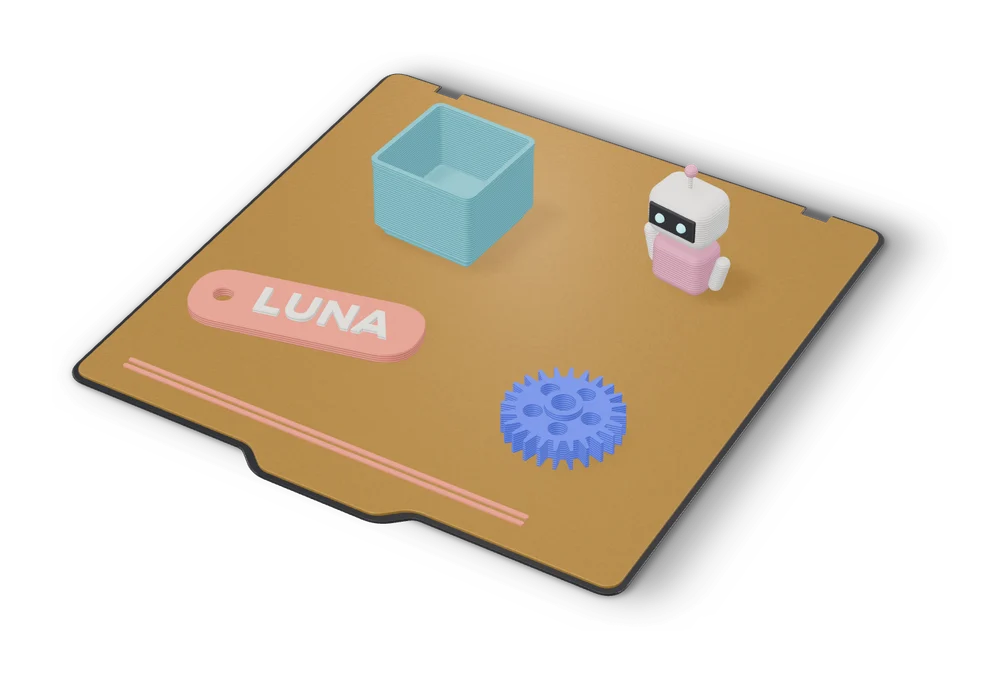
Customizers
MakerWorld MakerLab
Bambu Lab's hub of no-CAD generators, from signs and vases to AI and community apps
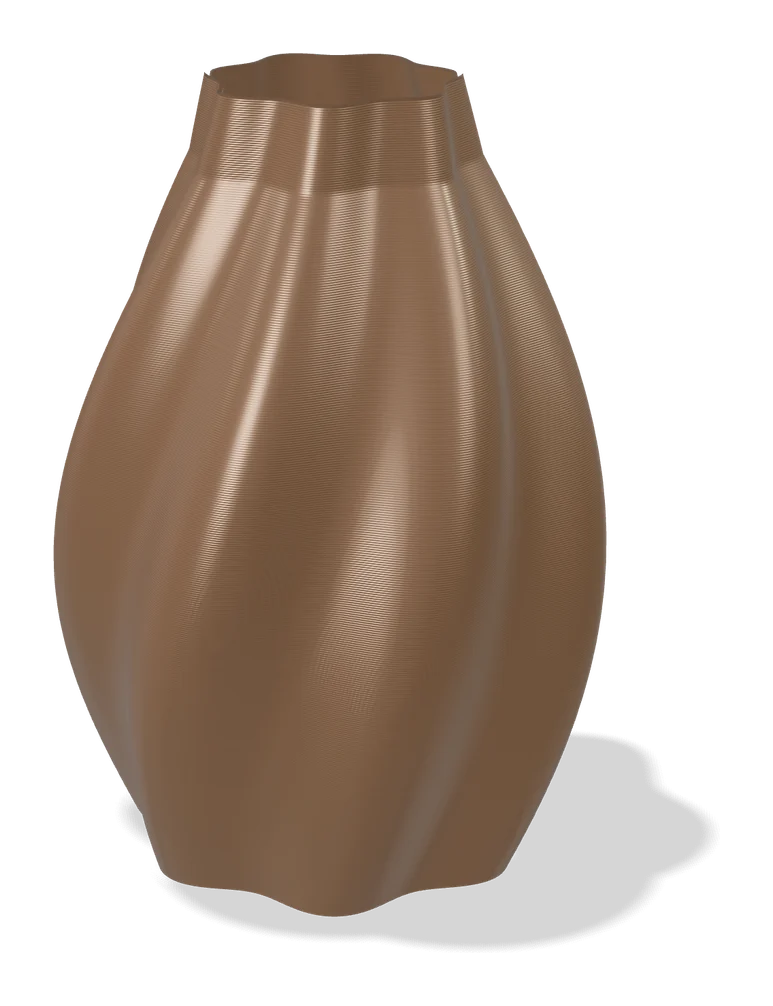
Vases & Lamps
Make My Vase (MakerLab)
Bambu Lab's click-and-drag vase designer with spiral vase mode
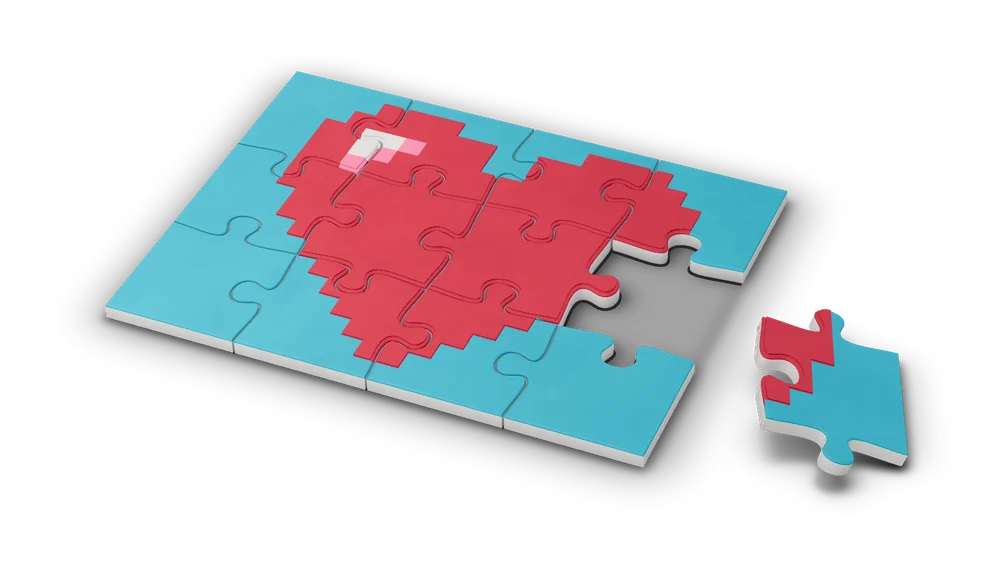
Puzzles & Games
Pixel Puzzle Maker (MakerLab)
Turn any image into a color-coded pixel art puzzle to print and assemble
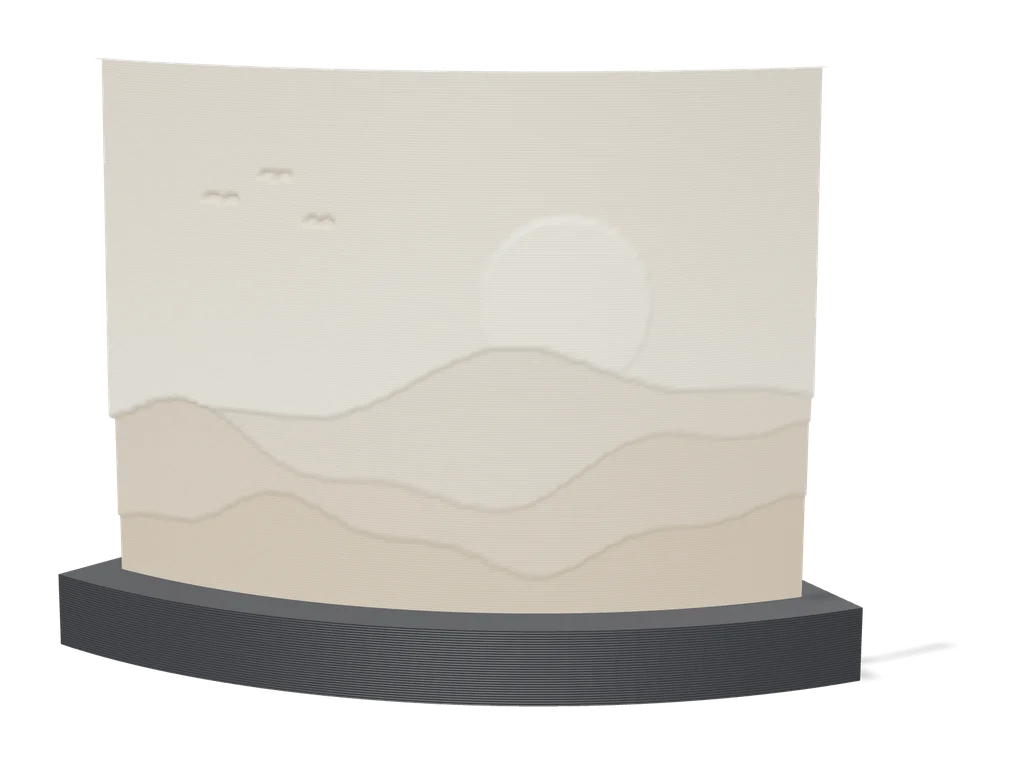
Lithophanes
Make My Lithophane (MakerLab)
Bambu Lab's free lithophane tool with mono and CMYK color modes and frames
Storage
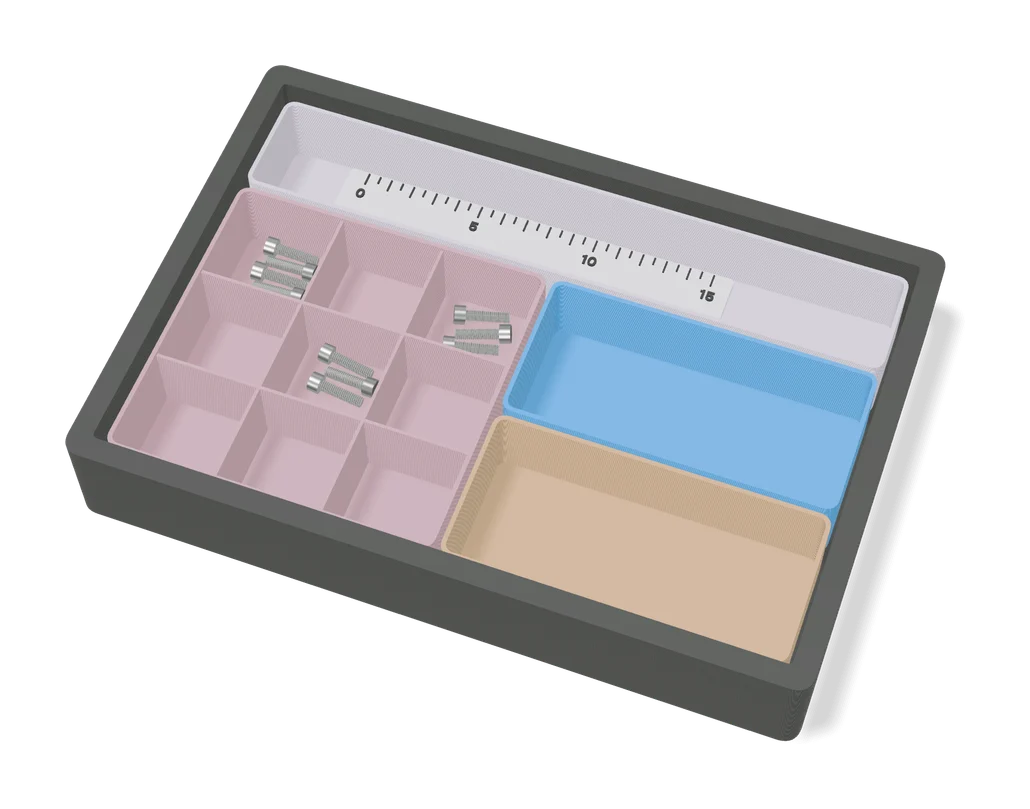
Make My Desk Organizer (MakerLab)
Bambu Lab's MakerLab tool for designing multi-cell desk and drawer organizers
Signs & Text
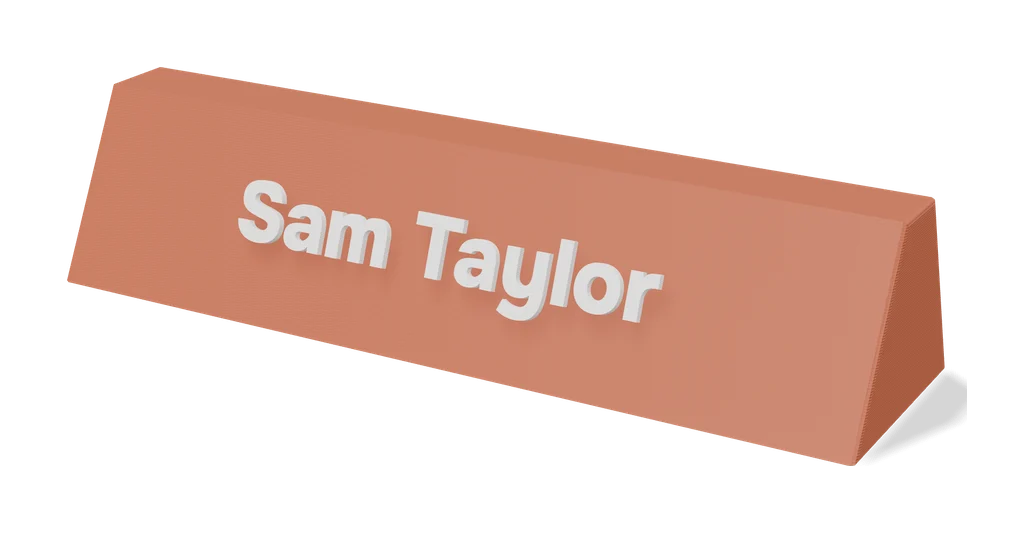
Make My Sign (MakerLab)
Bambu Lab's browser editor for flat name plates, badges, signs and tags
Keychains
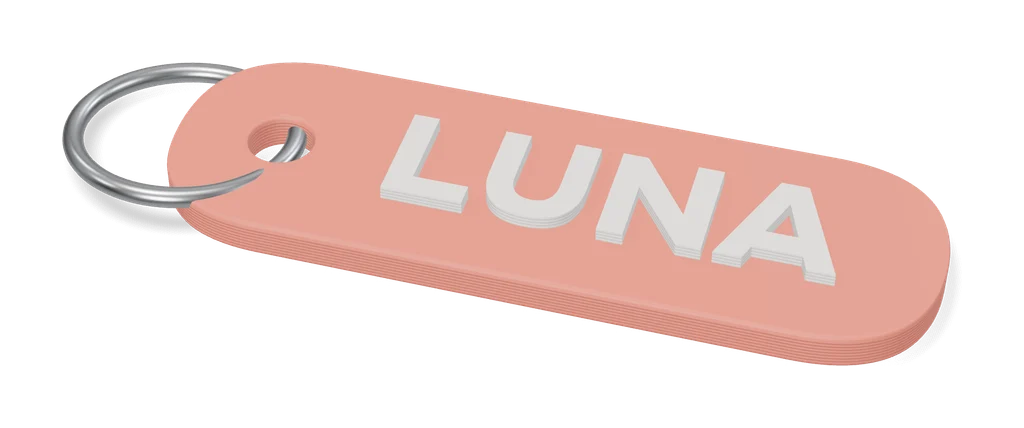
Image to Keychain (MakerLab)
Bambu Lab tool that turns a picture into a layered multicolor keychain
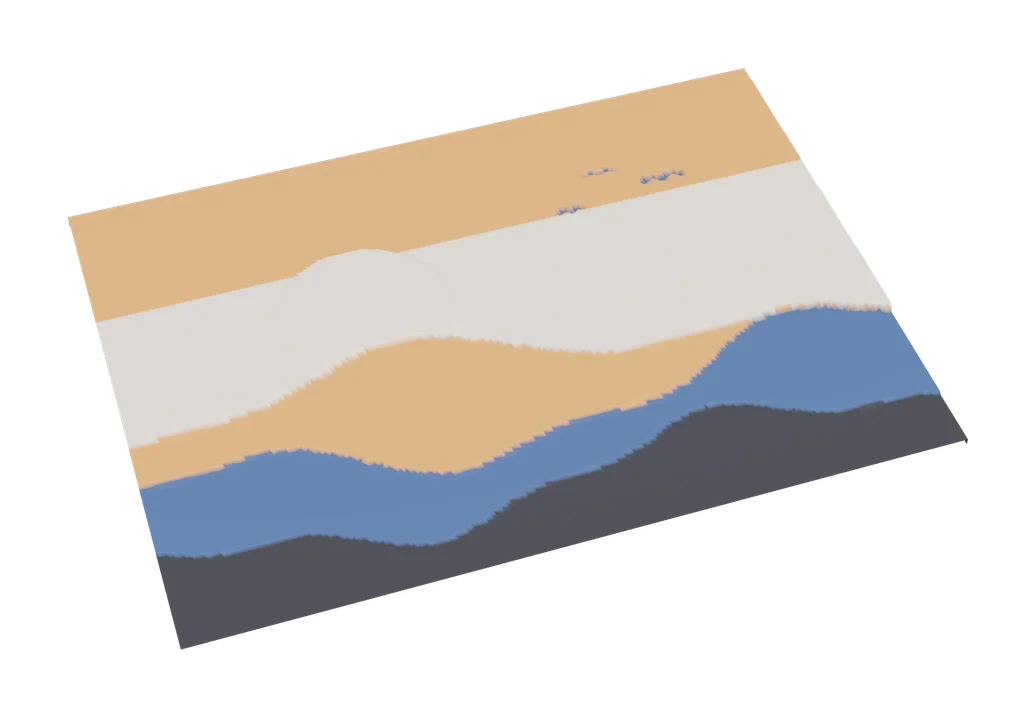
Image to Relief
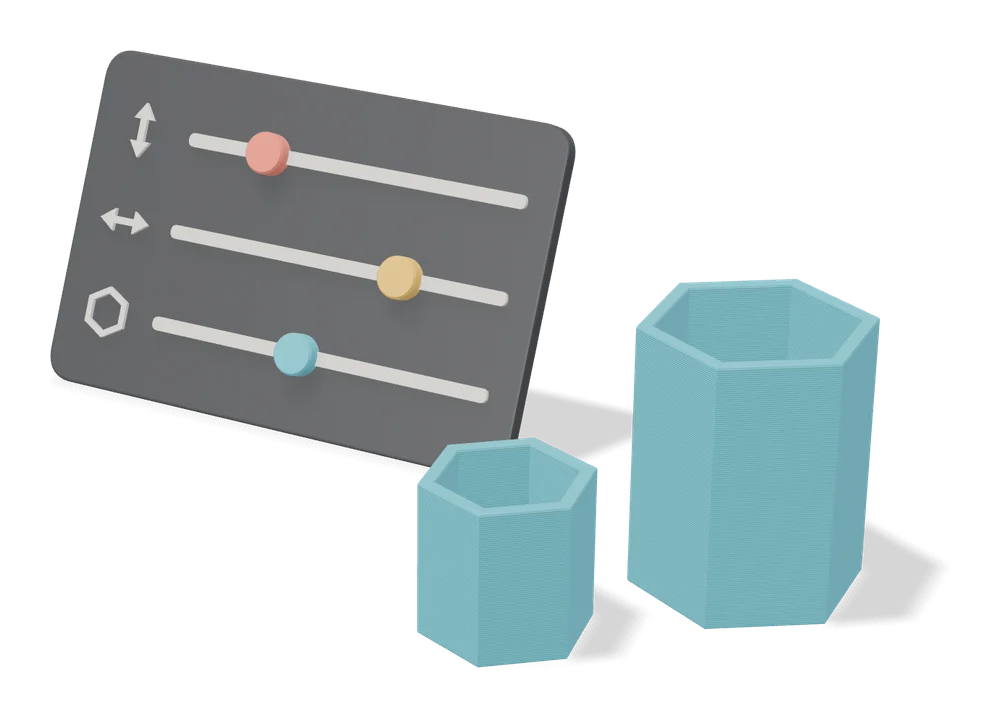
MakerLab Chroma Canvas
Bambu Lab's free browser tool for HueForge-style filament paintings from any image
Customizers
MakerWorld Parametric Model Maker
Customize button on thousands of MakerWorld models, powered by OpenSCAD and Fusion
Lithophanes
Lightbox Maker (MakerLab)
Build layered, multicolor LED light boxes from your images and text
Gifts
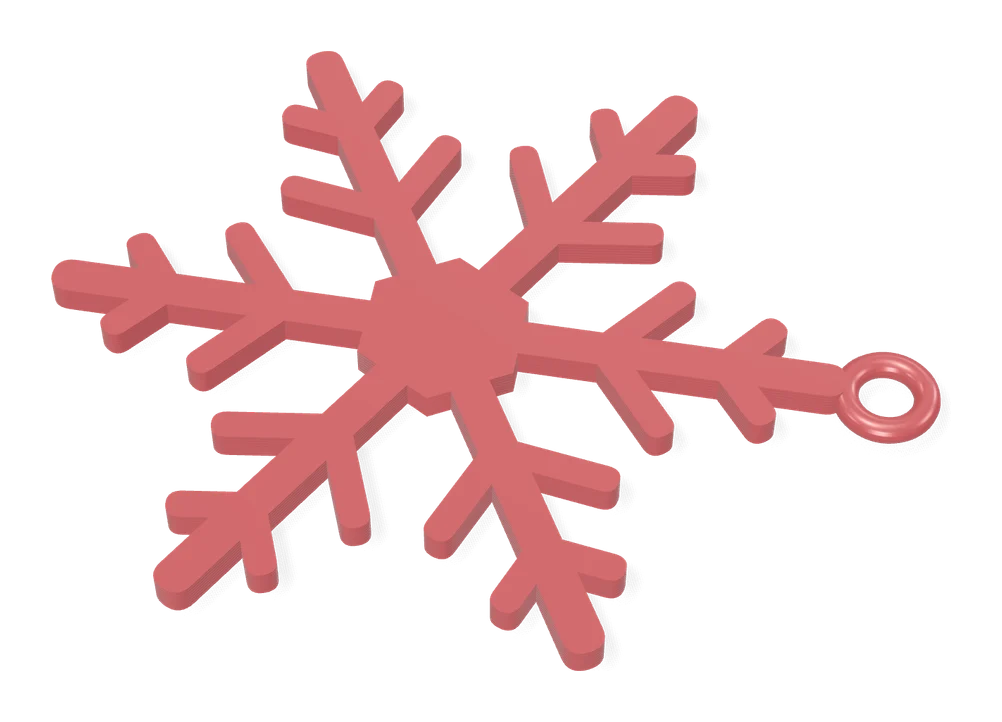
Christmas Ornament Maker (MakerLab)
Bambu Lab's free MakerLab tool for multicolor spinning 2D Christmas ornaments
Puzzles & Games
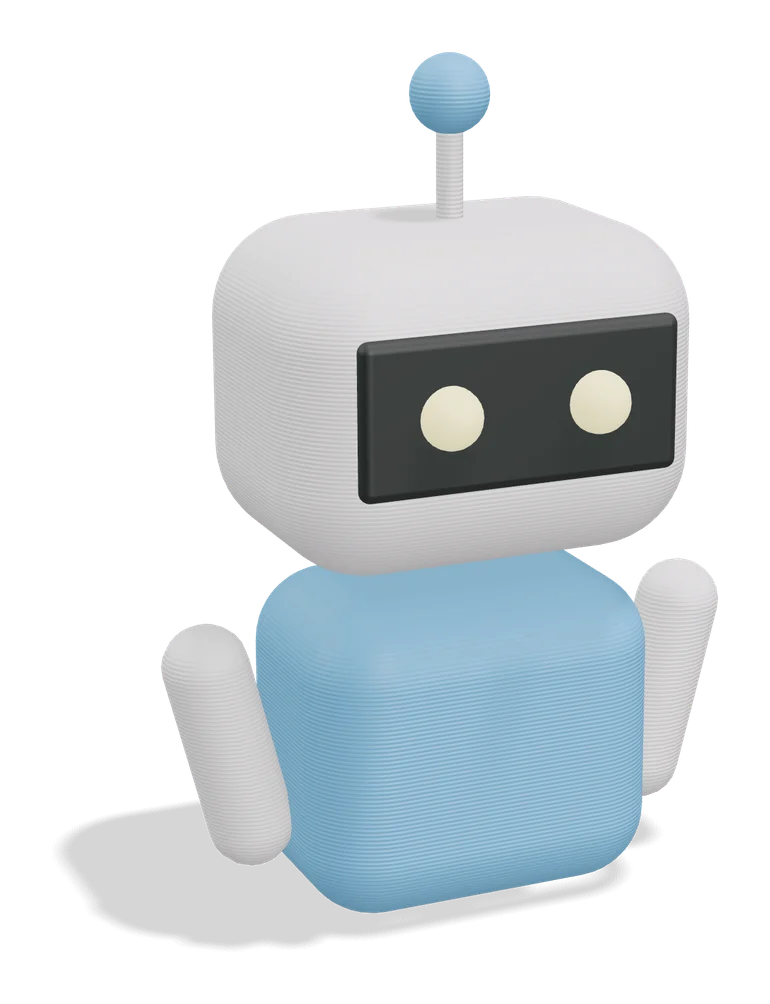
Flexi Toy Maker (MakerLab)
Turn an image into a bendable, hinged flexi toy or keychain to print
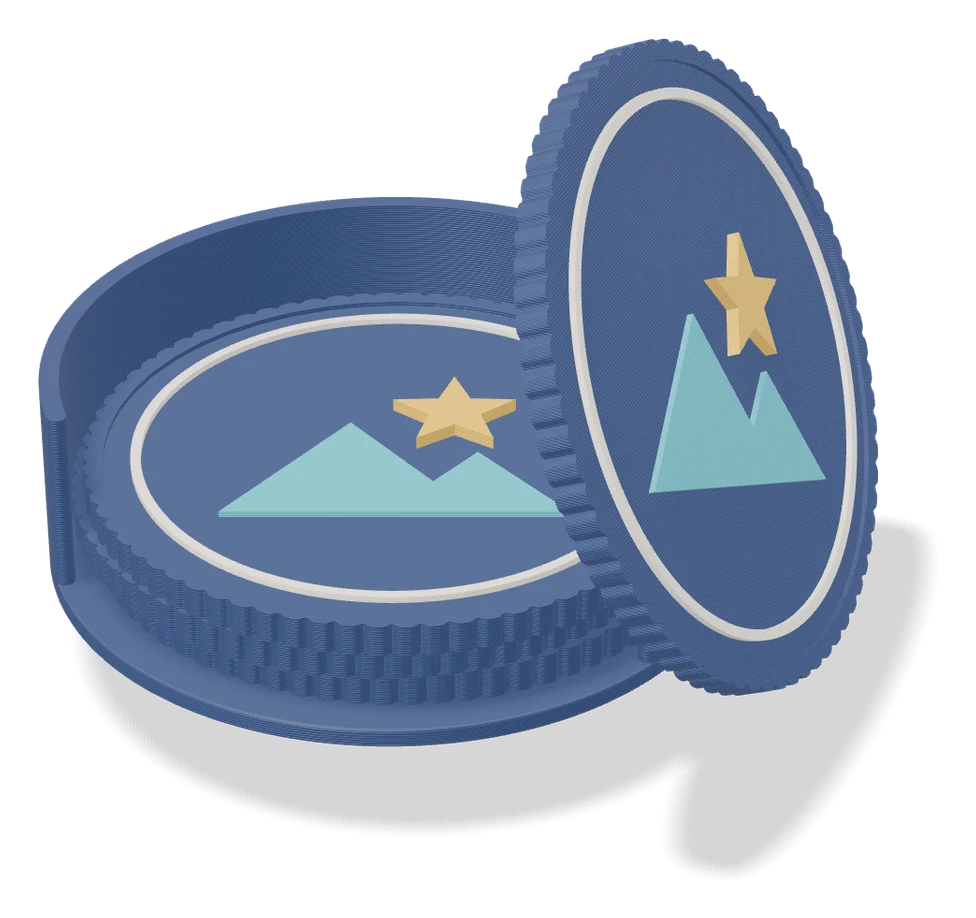
Image to Relief
Mesh Graffiti (MakerLab)
Paint colors, text and logos onto the surface of your own STL or 3MF model

Image to Relief
Shadowbox Maker (MakerLab)
Turns a flat image into stacked cut-out layers for a framed 3D shadowbox
AI to 3D
MakerLab Image to 3D Model
MakerWorld's AI photo-to-3D tool with a choice of Meshy, Tripo, Rodin and more
AI to 3D
MakerLab PrintU
Turn a photo into a stylized multicolor figurine: bobblehead, chibi, cartoon and more
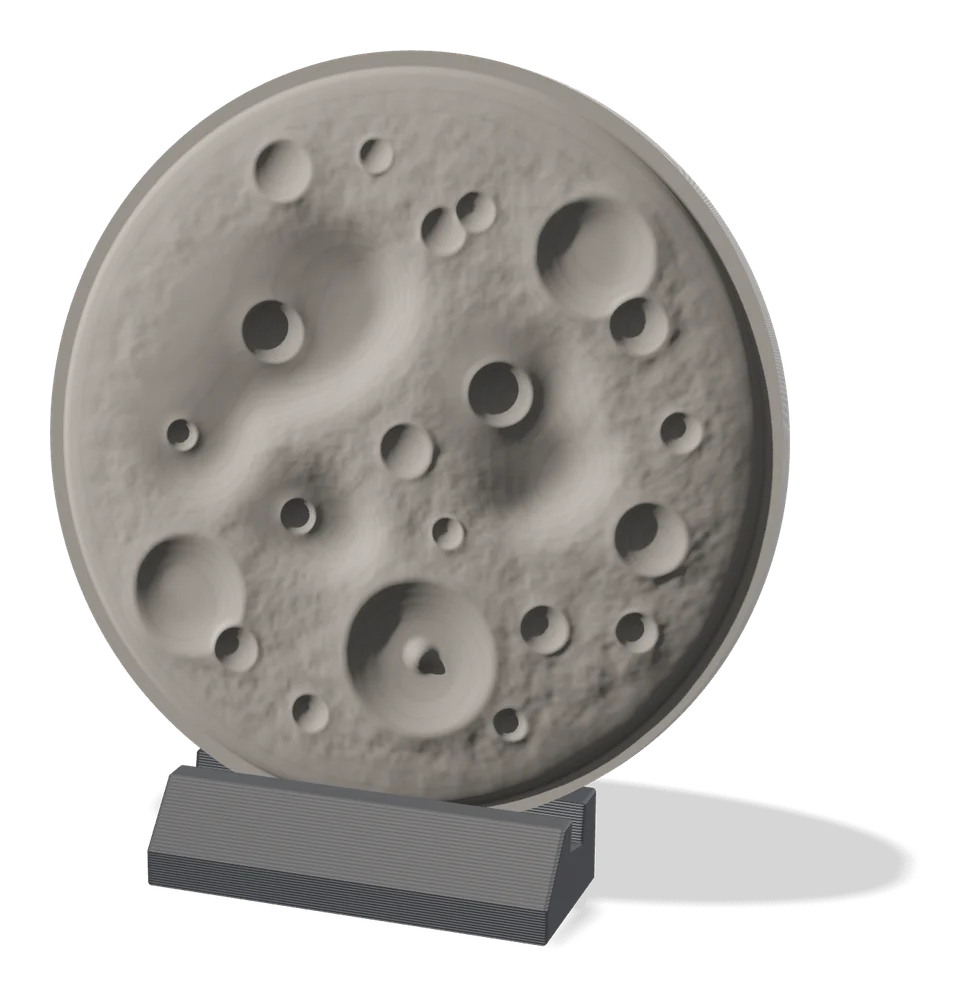
Image to Relief
MakerLab Relief Sculpture Maker
AI tool that turns photos or 3D models into printable bas-relief plaques
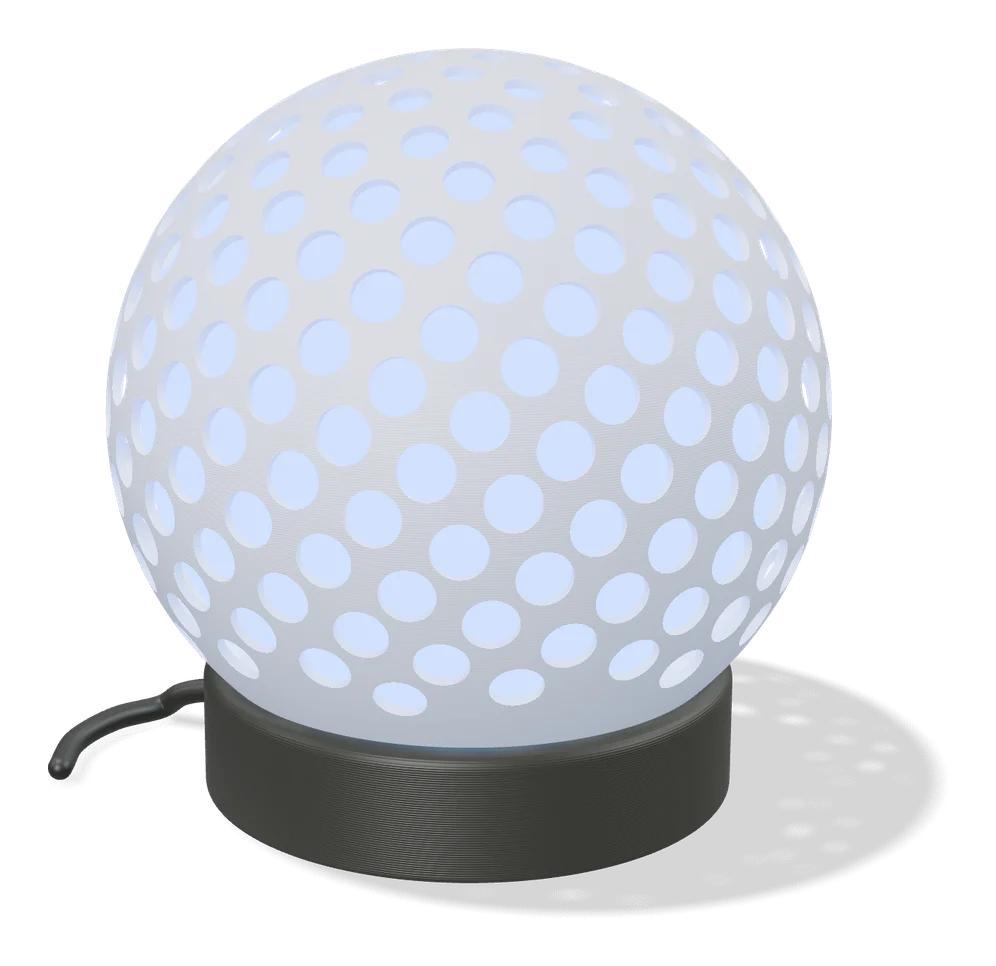
Vases & Lamps
Make My Lantern (MakerLab)
Turns a picture of an animal or object into a hollow, patterned lantern shade
Puzzles & Games
Dice Studio (MakerLab)
Design custom d4 to d20 dice with numbers, pips, emoji, icons or your own SVG
Maps & Terrain
Star Map Generator (MakerLab)
Printable two-color star map of the real sky for any place and date
QR & NFC Codes
QRFun (MakerLab)
MakerLab partner tool that turns links into sculptural 3D QR codes as 3MF
Lithophanes
Lithophane Folding Fan (MakerLab)
Turns an image into a printable folding hand fan with lithophane blades
Customizers
ParamaCraft lite (MakerLab)
Slider based library of parametric models with live preview inside MakerLab
Get the next guide in your inbox
Every two weeks: the newest no-CAD generators, one guide and a print tip. Free, no spam, unsubscribe any time.