MakerLab PrintU
Turn a photo into a stylized multicolor figurine: bobblehead, chibi, cartoon and more
MakerLab PrintU is a freemium browser tool on MakerWorld for personalized mini figurines as gifts. 3 free image and 1 free 3D trial per account, then 15 credits per image and 30 per 3D model; credits from $3 for 350 or via MakerWorld Points. Exports 3MF. Last checked .
Opens makerworld.com
What is MakerLab PrintU?
PrintU is a MakerLab tool that turns a regular photo into a small stylised figurine. Instead of trying to copy the photo exactly, it asks you to pick a style such as bobblehead, chibi, cartoon or an emoji-like look, then a pose: neutral, based on the photo, or a T-pose (in beta as of September 2026).
The generator is built on Tencent's Hunyuan3D 3.0 model and exports a multicolor 3MF set up for Bambu Lab printers, so colors are already assigned to filament slots when it opens in Bambu Studio. Reviewers note that the color mapping is not always perfect and small areas may need repainting in the slicer.
Each account gets three free 2D image generations and one free 3D model. After that MakerWorld charges 15 credits per image and 30 per 3D model, bought directly or exchanged for points. PrintU makes a 2D preview before the 3D model, so a new figurine costs at least 45 credits once the trials are used. It is a fun tool for gifts, desk toys and party favors, especially if you own an AMS and want a colorful result without painting by hand.
What you can make
- Bobblehead figures
- Chibi figurines
- Cartoon-style portraits
- Multicolor desk toys
How to use MakerLab PrintU
- Open PrintU in MakerLab and sign in
- Upload a clear photo
- Pick a style and a pose
- Export the 3MF and print it with your AMS
What you'll need to print it
Filament and parts that suit what you make with MakerLab PrintU.
Multicolor PLA
Multicolor filament systems
Matte PLA
- Bambu Lab PLA Matte (affiliate link) Amazon
- Polymaker Panchroma Matte PLA (formerly PolyTerra) (affiliate link) Polymaker EU: 3DJake (affiliate link)
Code gives 15% off your first order at Polymaker.
Some of these are affiliate links: we may earn a small commission, at no extra cost to you. More about that
MakerLab PrintU pros
- Fixed styles give charming, consistent results
- Multicolor 3MF ready for Bambu Studio
- Free trial covers three image previews and one 3D model
MakerLab PrintU cons
- Color mapping sometimes needs manual fixes
- Stylised only, not a realistic likeness
- Tied to the MakerWorld and Bambu Lab workflow
Rate MakerLab PrintU
One rating per account. Signing in takes one email link, no password.
Reviews
Made with MakerLab PrintU
Read next
MakerLab PrintU alternatives
AI text and image to 3D generators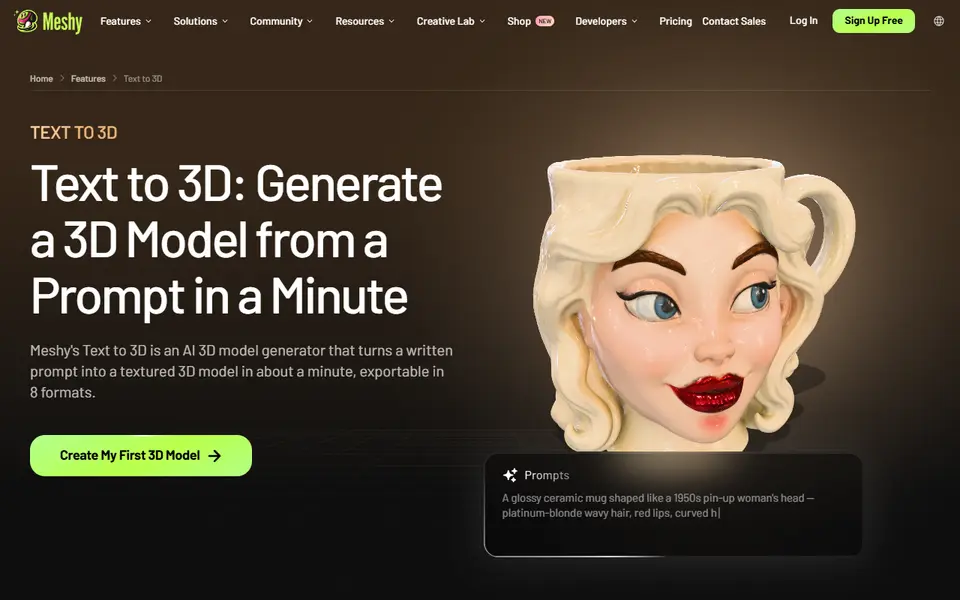
AI to 3D
MakerLab Image to 3D Model
MakerWorld's AI photo-to-3D tool with a choice of Meshy, Tripo, Rodin and more
AI to 3D
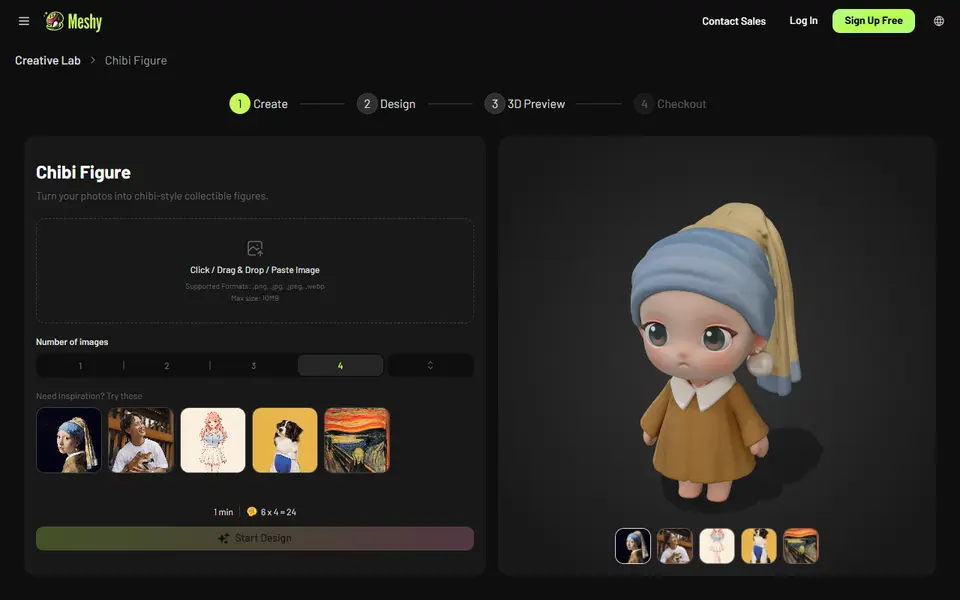
Meshy AI Figurine Generator
Turns one photo of a person or pet into a full-color chibi figurine, downloadable on paid plans