AI to 3D · Comparison
Best AI 3D Model Generators for 3D Printing (2026)
Text-to-3D and image-to-3D tools compared for people who want to print the result: which ones export STL or 3MF, what the free plans include, and which need repairs.
Quick comparison
| Generator | Best for | Price | Files | Link |
|---|---|---|---|---|
| 01Meshy | Figurines and multicolor AMS prints from a prompt or photo | Freemium | STL, 3MF, OBJ, GLB, FBX | Open |
| 02MakerLab Image to 3D Model | Bambu Lab owners turning photos into figurines | Freemium | STL, 3MF, GLB | Open |
| 03Tripo AI | Characters, creatures and collectible figures | Freemium | STL, 3MF, OBJ, GLB, FBX | Open |
| 04MakerLab PrintU | Personalised mini figurines as gifts | Freemium | 3MF | Open |
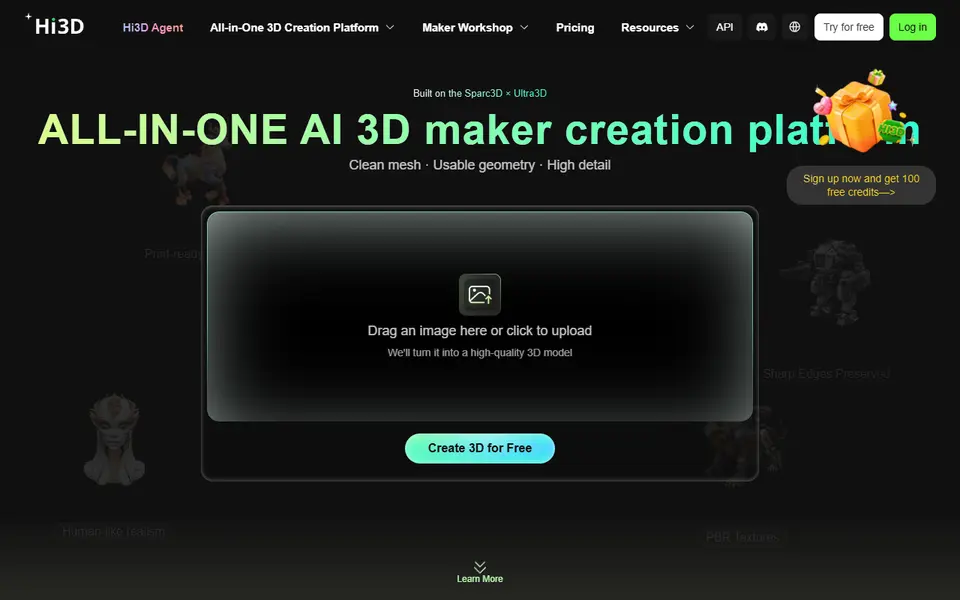
| 05Hi3D | Portrait figurines and multi-part figure kits | Freemium | STL, OBJ, GLB, FBX | Open |
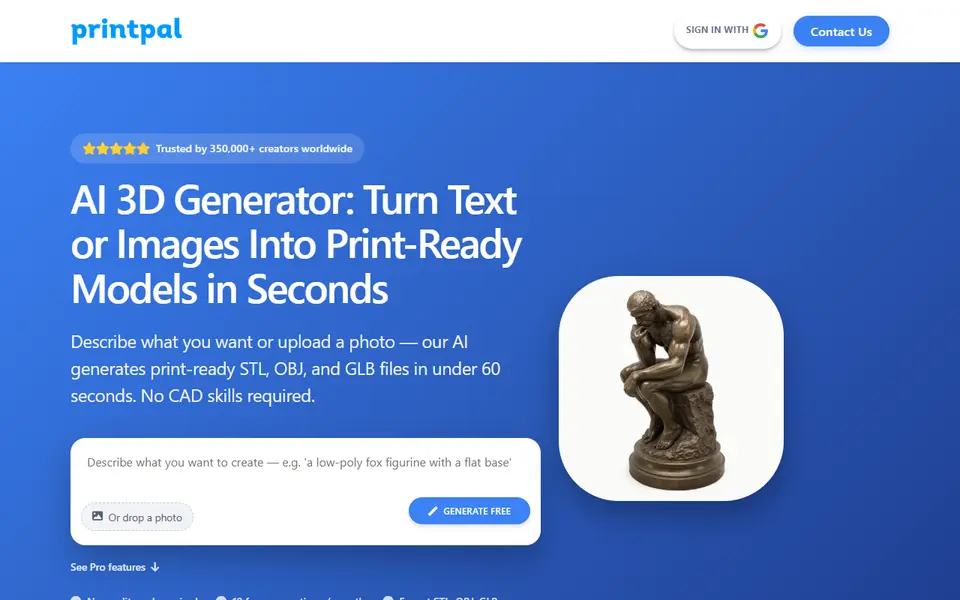
| 06PrintPal | Quick printable files for hobby and Etsy projects | Freemium | STL, OBJ, GLB | Open |
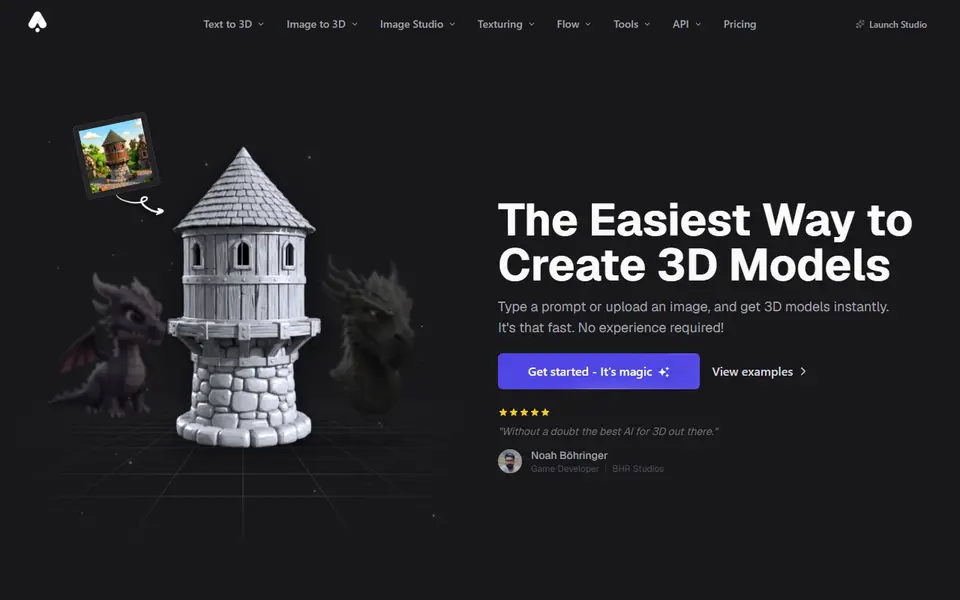
| 073D AI Studio | Comparing AI engines to get the best printable mesh | Paid | STL, 3MF, OBJ, GLB, FBX | Open |
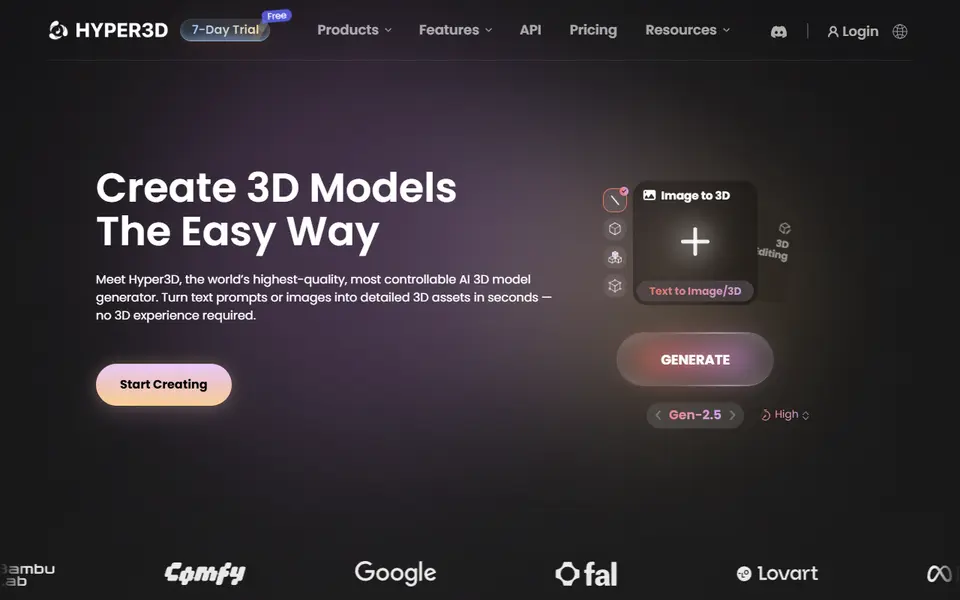
| 08Hyper3D Rodin | High-detail props, busts and display pieces | Freemium | STL, OBJ, GLB, FBX | Open |
| 09Tencent Hunyuan3D | Free experimenting with AI figurines | Free | OBJ, GLB, FBX | Open |
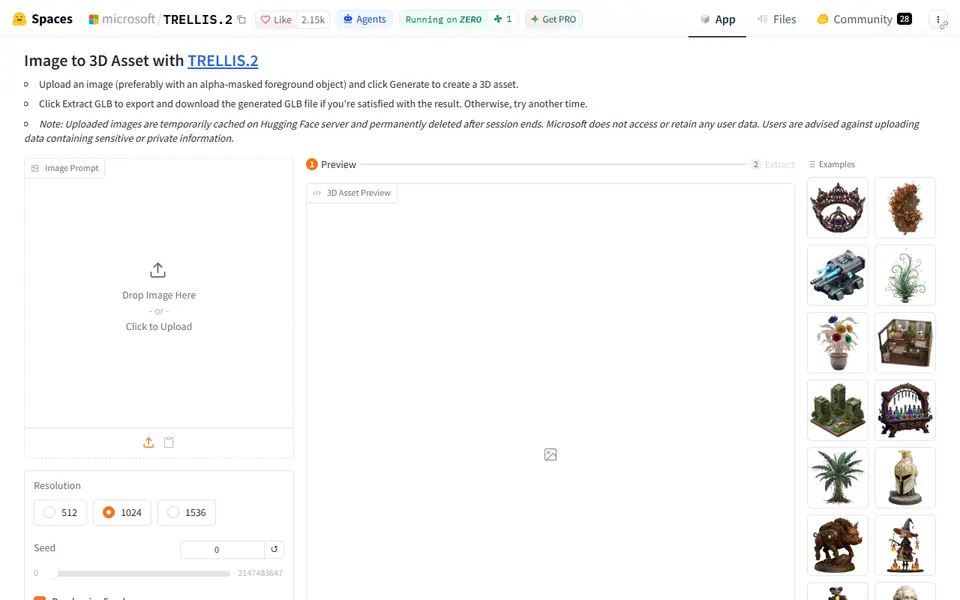
| 10Microsoft TRELLIS.2 | Free image-to-3D experiments | Free | GLB | Open |
AI 3D generators went from toy to tool in the last two years. Type “a small dragon curled around a pencil holder” or upload a photo of your dog, and a minute later you have a model. For 3D printing, though, a pretty preview is not enough. You need a closed mesh in a format your slicer understands, at a size and detail level that prints well.
We compared the AI tools in our directory with that in mind.
Quick answer
- Best overall for printing: Meshy. Text and image to 3D, direct STL and 3MF export, including multicolour 3MF. 100 free credits a month.
- Easiest if you use a Bambu Lab printer: MakerLab Image to 3D. Pick from several engines (Meshy, Tripo, Rodin and more) and send the result straight to your MakerWorld workflow.
- Best free plan: Tripo AI. 200 credits a month (about 13 models) on the free plan, with STL, 3MF and OBJ export.
- Best for figurines of people and pets: MakerLab PrintU turns a photo into a stylised multicolour figurine.
- Free and open source: Microsoft TRELLIS.2, a free demo that exports GLB.
What matters for 3D printing
Before you compare features, check three things:
- Export format. STL and 3MF go straight into a slicer. OBJ usually works too. GLB and FBX are game formats; you can convert them, but that is an extra step.
- Watertight output. A printable model needs a closed surface. Tools built for printing say so explicitly.
- Licence. Free plans are often non-commercial, and some make your generations public.
The print-first tools
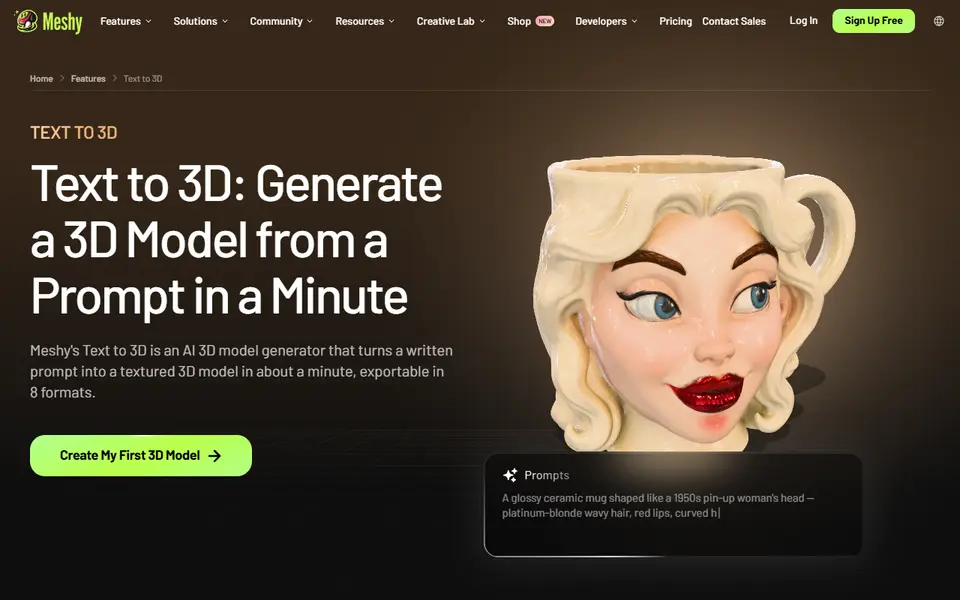
Meshy is the most complete package for printing. It does text-to-3D and image-to-3D, and it exports STL, 3MF, OBJ, GLB and FBX, including multicolour 3MF. The free plan gives 100 credits a month; Pro gives 1,000.
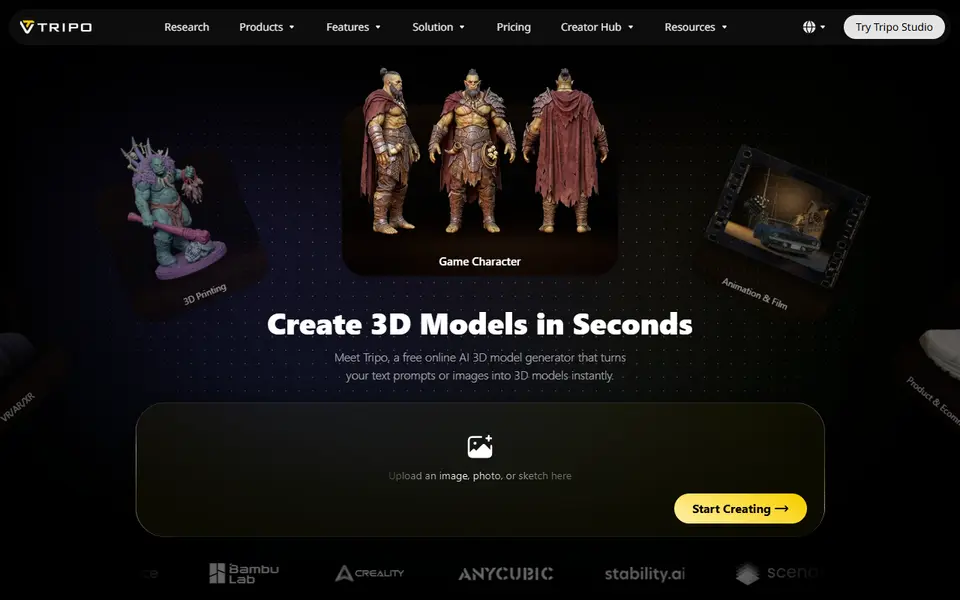
Tripo AI is Meshy’s closest competitor, strong at detailed models from text, images or sketches. Its free plan is generous at 200 credits a month, but those models are public and non-commercial. Pro starts at $20 a month.
Hi3D focuses on print-ready geometry. It can split a figure into parts for easier printing and sends models to your slicer in one click. New accounts get 100 free credits.
PrintPal promises a print-ready STL in about a minute and adds a free filament painter. The free plan includes 10 AI generations a month; Pro is $10 a month for 200.
Inside MakerWorld
If you print on a Bambu Lab machine, the MakerLab tools are the shortest route from idea to print. Image to 3D lets you choose the AI engine per generation and exports STL, 3MF and GLB. PrintU makes stylised multicolour figurines (bobblehead, chibi, cartoon) from a photo, and Make My Statue turns a portrait into a bust. They all use MakerLab credits, which you earn with MakerWorld points or buy.
Many engines, one account
3D AI Studio bundles several AI engines in one dashboard, with STL and 3MF export. It is a paid tool (from $19 a month) with free starter credits. Hyper3D Rodin is known for very high detail and exports STL; you can preview for free and pay when you download.
Free research demos
Tencent Hunyuan3D gives signed-in users free daily generations and exports OBJ, GLB and FBX. Microsoft TRELLIS.2 and Stable Fast 3D are free demos on Hugging Face that export textured GLB models. They are great for experimenting, but expect to convert the file and check it in your slicer before printing.
Getting a good print from an AI model
- Start from a clean image. One object, plain background, good light. Side views help the AI guess the back.
- Print larger than you think. AI details are soft; a 10 cm figure hides that far better than a 3 cm one.
- Let the slicer repair it. Most slicers fix small mesh errors on import. For bigger problems, re-generate rather than repair by hand.
- Consider resin for figurines. A resin printer shows fine detail much better than a 0.4 mm nozzle.
Frequently asked questions
Can you 3D print a model made by AI?
Yes, as long as the tool exports a closed (watertight) mesh in a format your slicer opens, such as STL, 3MF or OBJ. Tools aimed at printing, like Meshy, Tripo, Hi3D and PrintPal, export STL directly. Game-oriented tools often give GLB files that need converting and sometimes repairing.
What is the best free AI 3D generator for printing?
Meshy and Tripo both have monthly free credits and export STL. Tencent Hunyuan3D offers free daily generations but exports OBJ, GLB and FBX rather than STL. Microsoft TRELLIS.2 and Stable Fast 3D are free demos that export GLB.
Why does my AI model look soft or lose detail when printed?
AI generators create a mesh from a limited number of polygons and guess at the hidden side of your object. Fine details such as fingers or text often come out blurry. Printing larger, using a smaller nozzle or a resin printer, and choosing a high-detail engine all help.
Can I sell prints of AI-generated models?
It depends on the tool and plan. Several free plans are for personal or non-commercial use only, or make your models public. Check the licence of your plan before you sell anything.
What you'll need
Matte PLA for signs and Gridfinity
Matte filament hides layer lines and cuts glare, so raised lettering on signs and nameplates stays readable from any angle and a drawer full of bins looks uniform.
- Bambu Lab PLA MatteWide colour range with AMS-ready RFID, ideal for multi-colour signs.
- Polymaker Panchroma Matte PLA (formerly PolyTerra)The former PolyTerra line under a new name: soft matte look and good value for printing Gridfinity in bulk.
- SUNLU Matte PLALow-cost matte option for large batches of bins and baseplates.
Resin for detailed prints
The right resin decides whether the fine detail in AI-generated models and terrain survives printing, and tougher ABS-like blends resist cracking when you remove supports.
- Siraya Tech Fast ABS-like ResinPrints quickly, cures tough rather than brittle, low odour; a go-to for miniatures and figurines.
- Siraya Tech Blu Tough ResinEngineering-grade tough resin for functional parts that need to survive drops.
- ELEGOO ABS-Like Resin 3.0Affordable, widely available ABS-like resin in many colours for LCD printers.
Multicolour PLA for keychains and HueForge
Dual- and tri-colour silks give a single-nozzle printer colour shifts with no extra hardware, and a matched colour set is what lets HueForge and colour lithophanes blend thin layers into a full image.
- Bambu Lab PLA Silk Multi-ColorCo-extruded dual and tri colours that shift with the viewing angle; great for keychains and name tags.
- SUNLU Multi-Color Silk PLA (dual/tri/four-colour)Budget dual-, tri- and four-colour silk for colourful prints without an AMS.
- Bambu Lab PLA CMYK Lithophane BundleFour 1 kg spools (cyan, magenta, yellow, white) made for colour lithophanes and handy for HueForge-style layering.
Some of these are affiliate links: we may earn a small commission, at no extra cost to you. More about that
Every generator in this guide
AI to 3D
MakerLab Image to 3D Model
MakerWorld's AI photo-to-3D tool with a choice of Meshy, Tripo, Rodin and more
AI to 3D
MakerLab PrintU
Turn a photo into a stylised multicolor figurine: bobblehead, chibi, cartoon and more
AI to 3D
Tencent Hunyuan3D
Tencent's AI text, image and sketch-to-3D studio with free daily generations
AI to 3D
Microsoft TRELLIS.2
Free open-source image-to-3D demo from Microsoft that exports textured GLB models