CADAM
Describe a part in plain English and get an editable, slider-driven model to print
CADAM is a freemium browser tool for functional printed parts from a plain-English description. Free plan with a small daily credit allowance. Paid usage runs through your Adam account: Pro is $40 a month with a 7-day free trial and Max is $200 a month, and extra token packs are sold in the app. Exports STL, OBJ, GLB and FBX. Last checked .
Opens adam.new
What is CADAM?
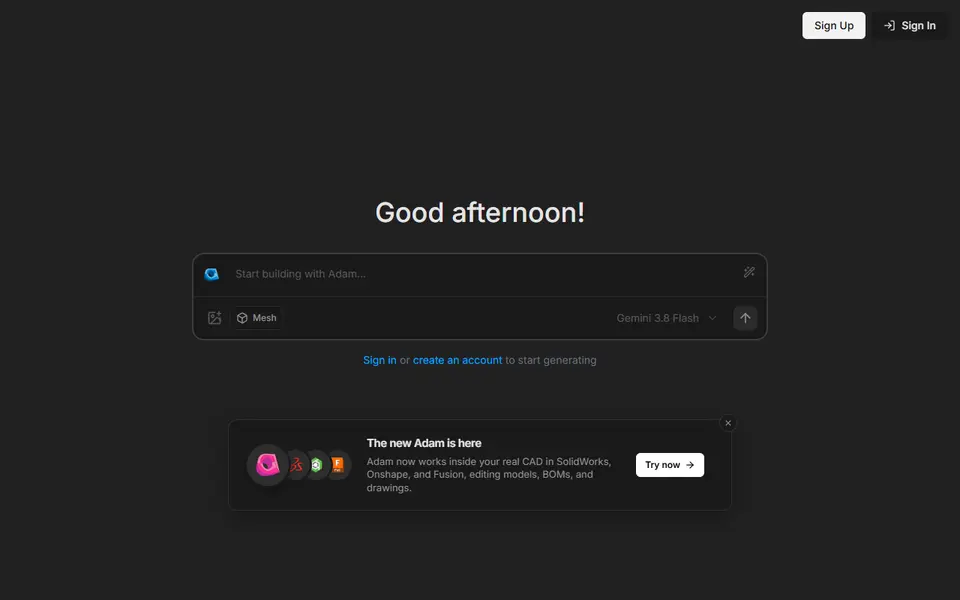
CADAM is an open-source browser app that turns a plain-English description of a part into an editable 3D model you can export as an STL. It comes from Adam, a startup backed by Y Combinator that also sells a CAD copilot for engineers. You type what you need, for example a knob with a D-shaped shaft hole or a jar with a screw-on lid, and you can attach a reference image. An AI model writes OpenSCAD code behind the scenes, and the app turns the main measurements into sliders. Moving a slider rebuilds the part in your browser without another AI request.
Parametric mode, the default, downloads an STL for printing, the OpenSCAD source as a .SCAD file and a flat DXF outline. A Mesh button switches to Creative mode, which makes organic shapes such as figures and props from a prompt or an image and downloads them as STL, OBJ, GLB or FBX.
It suits makers who want brackets, knobs, spacers or gears without learning CAD and who can describe a part clearly. You need a free Adam account, and the free plan has a small daily allowance. Complex requests can still come out wrong, so check the dimensions before you print. The code is on GitHub under GPL-3.0, so developers can also run their own copy.
What you can make
- Functional parts such as brackets, knobs and mounts
- Gears and threaded jars with lids
- Simple parametric vases and decor
- Organic figures and props from a prompt or image
- Flat DXF outlines of a part
How to use CADAM
- Open adam.new/cadam and sign in with a free Adam account
- Keep the default Parametric mode and describe the part, adding a reference image if you have one
- Adjust the generated sliders until the sizes are right
- Download the STL (or the .SCAD file) and slice it
What you'll need to print it
Filament and parts that suit what you make with CADAM.
Matte PLA
PETG
Resin
- Siraya Tech Fast ABS-like Resin (affiliate link) Siraya Tech
- Siraya Tech Blu Tough Resin (affiliate link) Siraya Tech
Some of these are affiliate links: we may earn a small commission, at no extra cost to you. More about that
CADAM pros
- Key measurements become sliders you can change without prompting the AI again
- Exports the OpenSCAD source and a DXF outline as well as the STL, so the part stays editable
- Open source under GPL-3.0, with a separate Creative mode for organic meshes
CADAM cons
- Needs an account before you can type a prompt, and the free plan only has a small daily allowance
- AI results can miss on complex parts, so expect to refine your prompt a few times
- No 3MF export, so the colors shown in the preview do not carry over to your slicer
Rate CADAM
One rating per account. Signing in takes one email link, no password.
Reviews
Made with CADAM
Read next
CADAM alternatives
AI text and image to 3D generators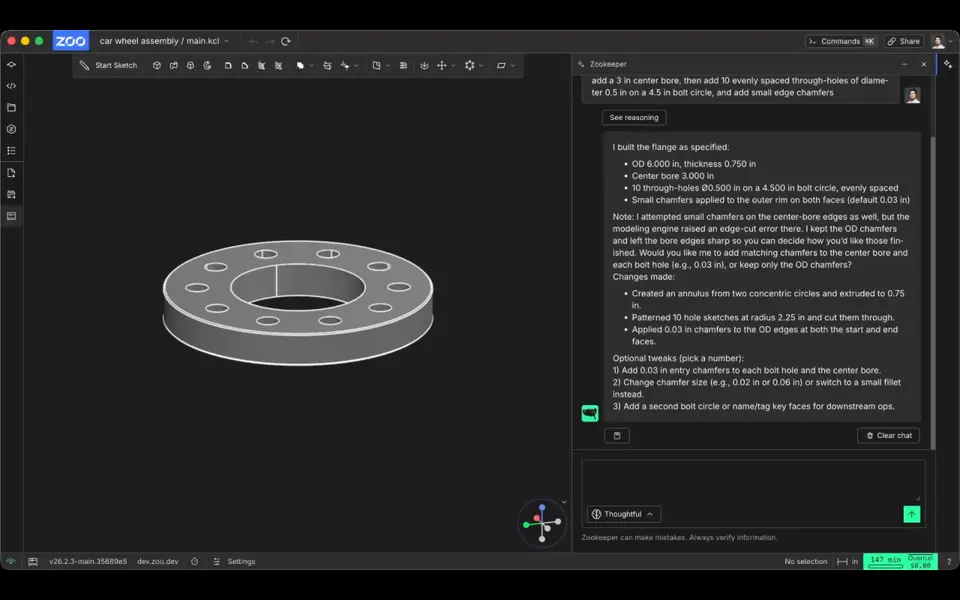
AI to 3D
Zookeeper (Zoo Text-to-CAD)
Describe a part with its measurements and get an editable CAD model to export as STL
AI to 3D
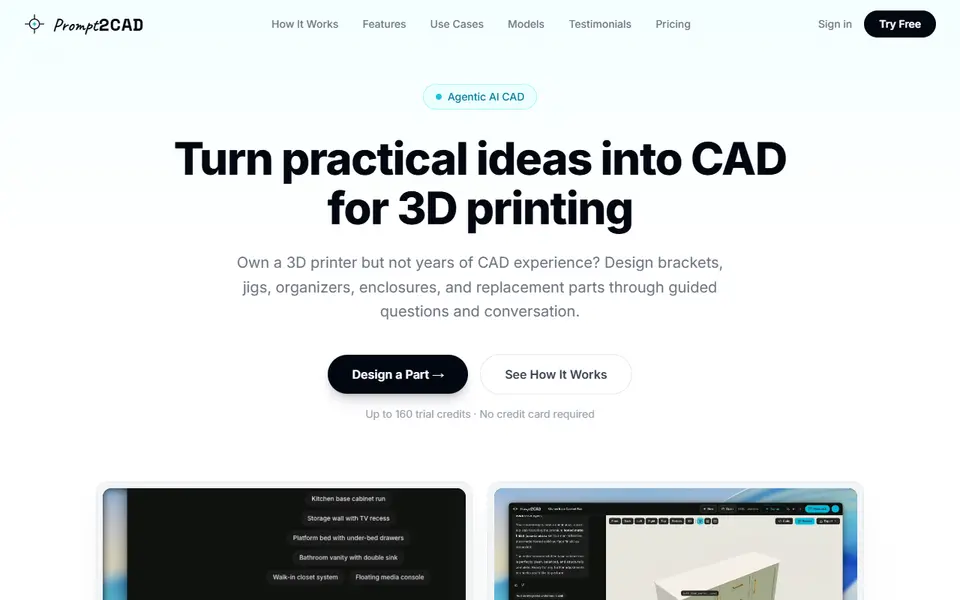
Prompt2CAD
Describe a functional part in plain words and get a dimensioned CAD model to print
AI to 3D
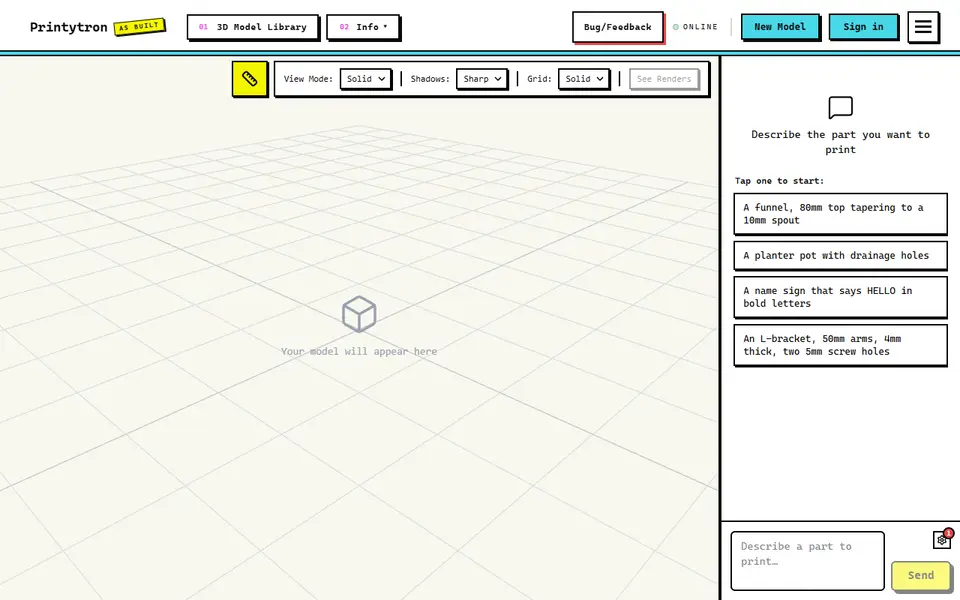
Printytron
Describe a part in plain English and get a printable STL built to your measurements
AI to 3D
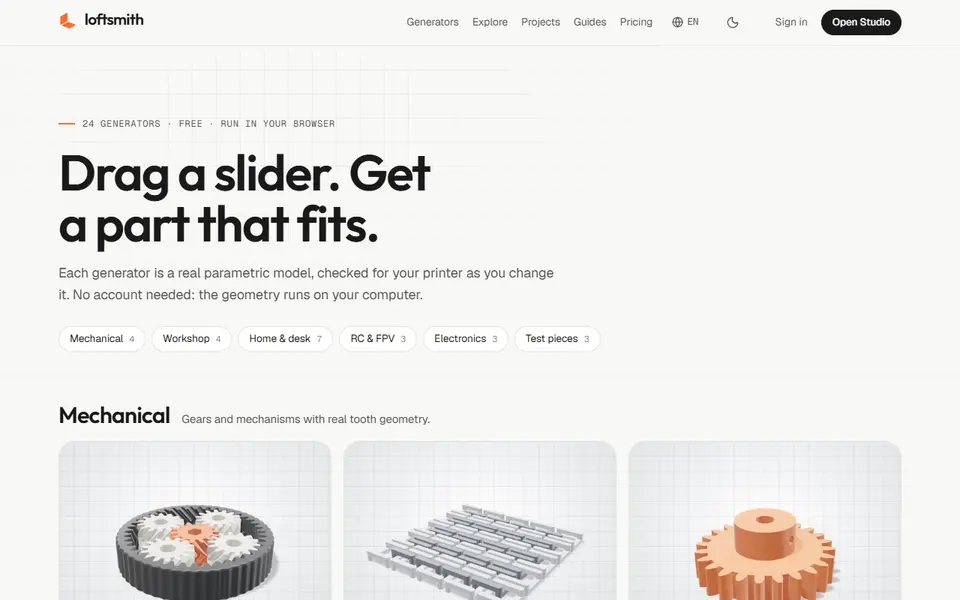
Loftsmith
Describe a functional part in a sentence and get an editable, print-checked parametric model
AI to 3D
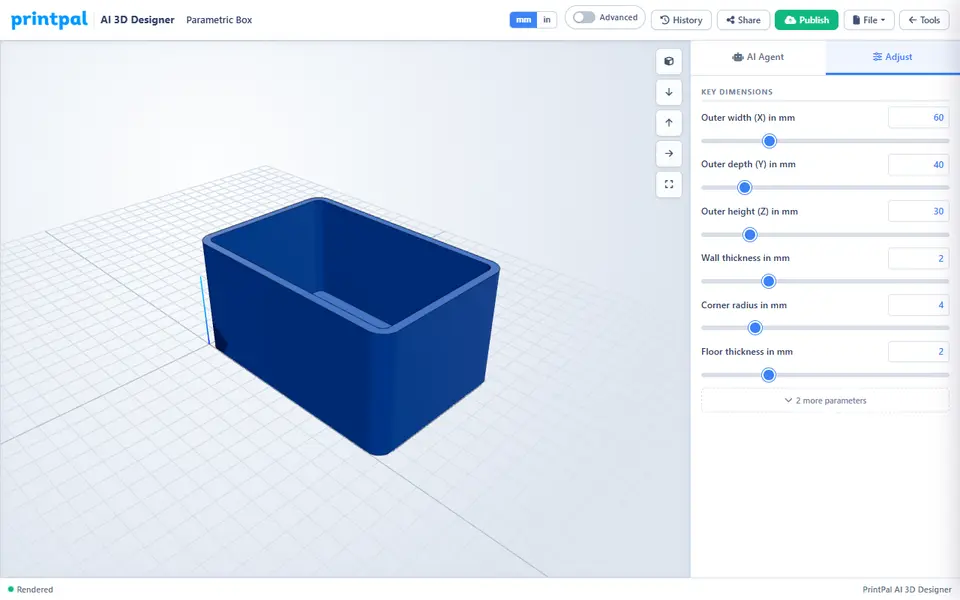
PrintPal CAD Agent
AI chat that turns a plain description or sketch into a functional part with size sliders