Printytron
Describe a part in plain English and get a printable STL built to your measurements
Printytron is a free browser tool for custom functional and replacement parts made to your own measurements. Free with no paid tier; the homepage calls it free for personal use. Without an account you get 5 prompts per model and 10 models a month; a free account raises that to 25 prompts and 50 models and unlocks OBJ and 3MF. A tip button supports the project. Exports STL, OBJ and 3MF. Last checked .
Opens printytron.com
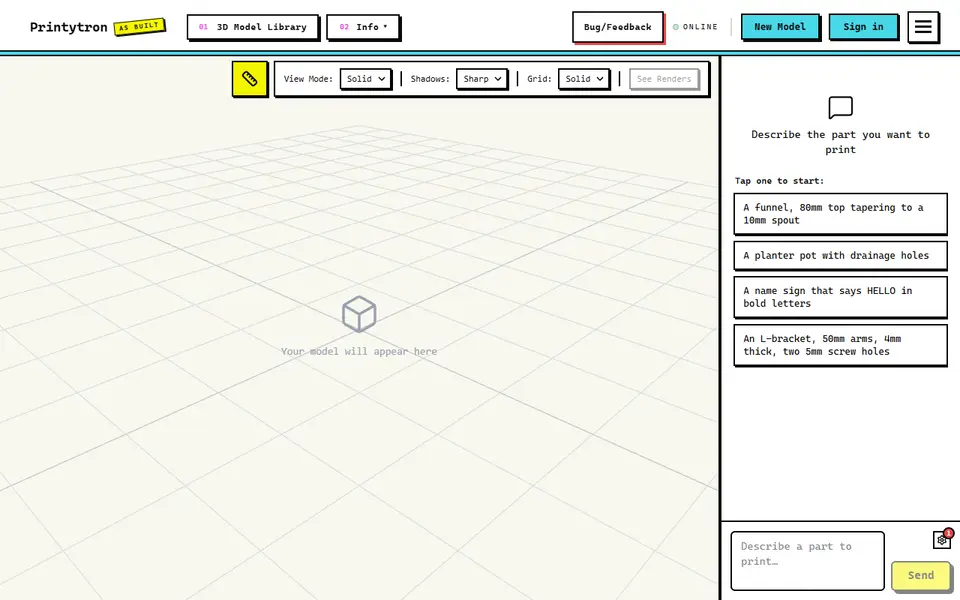
What is Printytron?
Printytron is a free browser app that turns a written description of a part into a printable model. You type what you need, for example a clip for a 25 mm desk edge or an adapter between two hose sizes, and an AI agent builds a dimensioned solid you can spin around in a live 3D preview. If something is off, you say so in the chat, such as moving the holes 5 mm inward, and it rebuilds while keeping every earlier version.
Where most AI 3D generators aim at sculpted figures, Printytron targets practical objects at real sizes: brackets, knobs, spacers, trays for a specific drawer, enclosures, name plates in about 1,900 Google Fonts, and multi-piece models such as a box with its lid. Dimension lines sit on the model so you can check it first. STL downloads need no account and merge everything into one shape, while a free account adds OBJ and 3MF with each piece kept separate and colored. A public gallery of over 900 models can be downloaded or remixed.
It suits makers who know the measurements they need but do not want to learn CAD for a one-off part. As of September 2026 its own facts page listed no image input, no moving mechanisms and no STEP export.
What you can make
- Brackets, clips and mounts
- Replacement knobs, caps and spacers
- Hose and duct adapters
- Drawer trays and electronics enclosures
- Name plates and 3D text
- Multi-piece models such as a box with its lid
How to use Printytron
- Open the builder and describe the part, with measurements if you have them
- Check the model and its dimension rulers in the 3D preview
- Ask for changes in the chat, such as a wider base or holes moved inward
- Click Download, untick the gallery box if you want it private, and save the STL (sign in for free to get OBJ or 3MF)
- Open the file in your slicer and print
What you'll need to print it
Filament and parts that suit what you make with Printytron.
PETG
M3 screws
Multicolor filament systems
Also handy
Digital calipers
Filament dryers and dry boxes
Some of these are affiliate links: we may earn a small commission, at no extra cost to you. More about that
Printytron pros
- Works in real millimeters and shows dimension lines on the model before you download
- Fix mistakes by chatting, with every earlier version saved so you can step back
- STL needs no account, and a free account adds 3MF with each part separate and colored for multi-color printing
Printytron cons
- Text prompts only as of September 2026: no photo or STL input, no moving mechanisms such as hinges or spinning gears, and no STEP export
- The download dialog adds your model to the public gallery unless you untick the box
- Without an account you are capped at 5 prompts per model and 10 models a month
Rate Printytron
One rating per account. Signing in takes one email link, no password.
Reviews
Made with Printytron
Read next
Printytron alternatives
AI text and image to 3D generators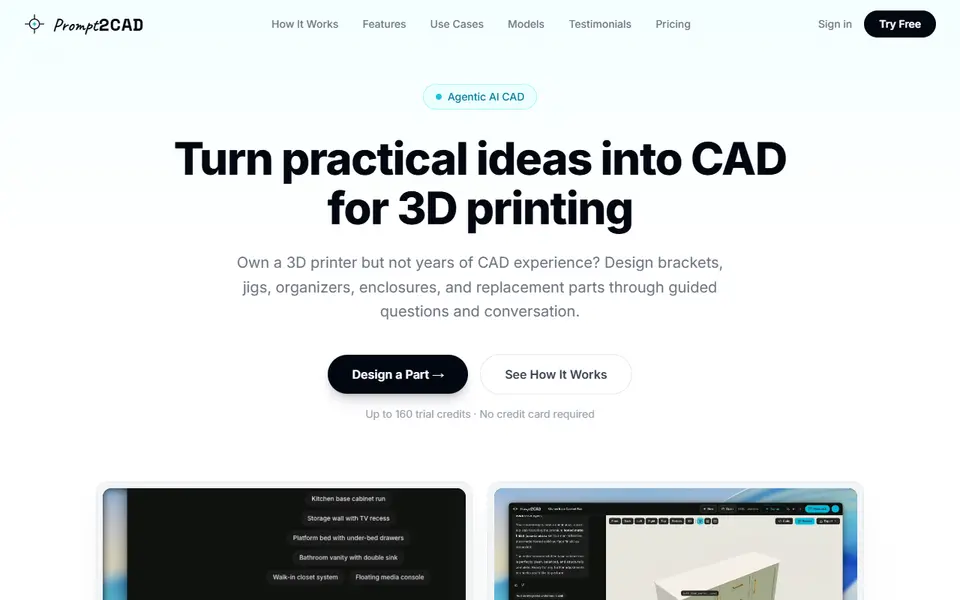
AI to 3D
Prompt2CAD
Describe a functional part in plain words and get a dimensioned CAD model to print
AI to 3D
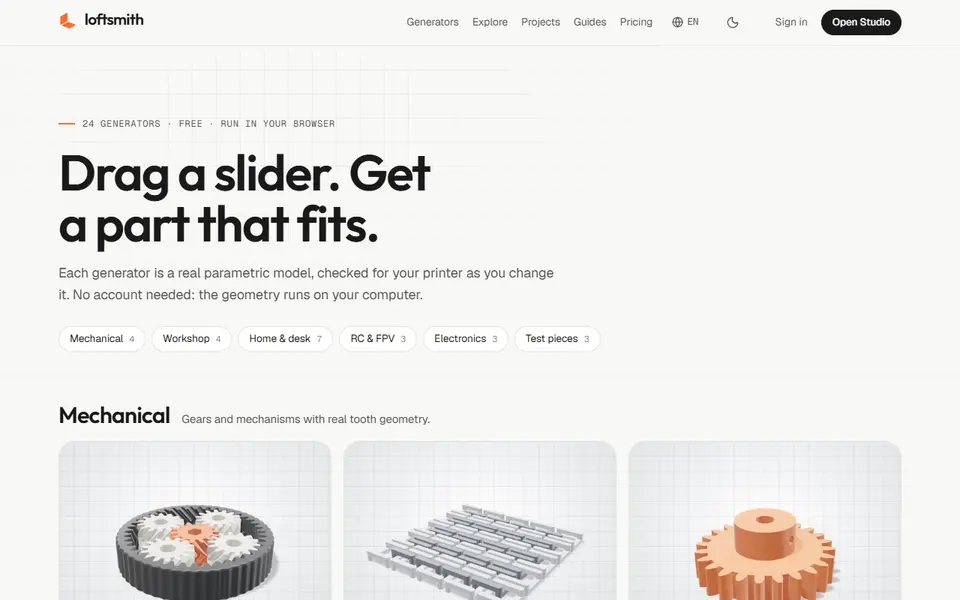
Loftsmith
Describe a functional part in a sentence and get an editable, print-checked parametric model
AI to 3D
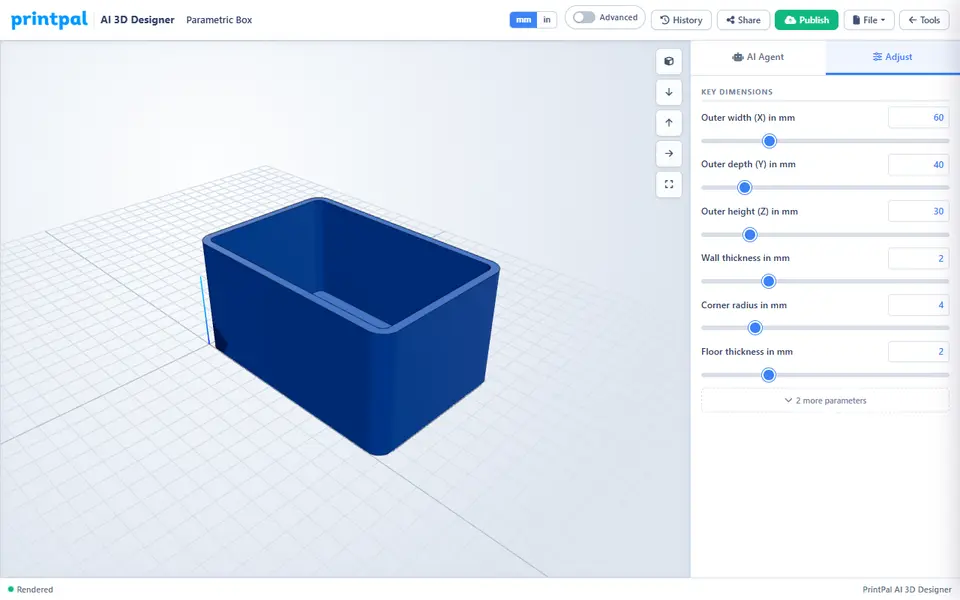
PrintPal CAD Agent
AI chat that turns a plain description or sketch into a functional part with size sliders
AI to 3D
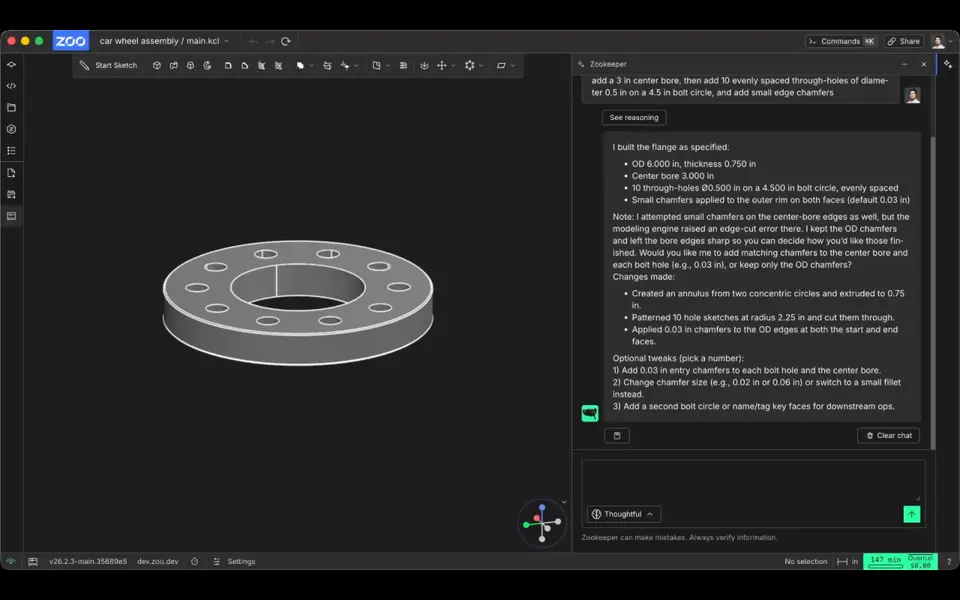
Zookeeper (Zoo Text-to-CAD)
Describe a part with its measurements and get an editable CAD model to export as STL
AI to 3D
MakerLab Image to 3D Model
MakerWorld's AI photo-to-3D tool with a choice of Meshy, Tripo, Rodin and more