Zookeeper (Zoo Text-to-CAD)
Describe a part with its measurements and get an editable CAD model to export as STL
Zookeeper (Zoo Text-to-CAD) is a freemium browser and desktop tool for precise functional parts from a written description. Free plan with 20 minutes of Zookeeper reasoning time per month ($10 of included usage); Plus is $20/month with 402 minutes; Pro is $99/month with unlimited Zookeeper use inside Zoo Design Studio. Optional pay-as-you-go at $0.0083 per second is off by default. Exports STL, STEP, OBJ, GLB and PLY; an account is needed to download. Last checked .
Opens app.zoo.dev
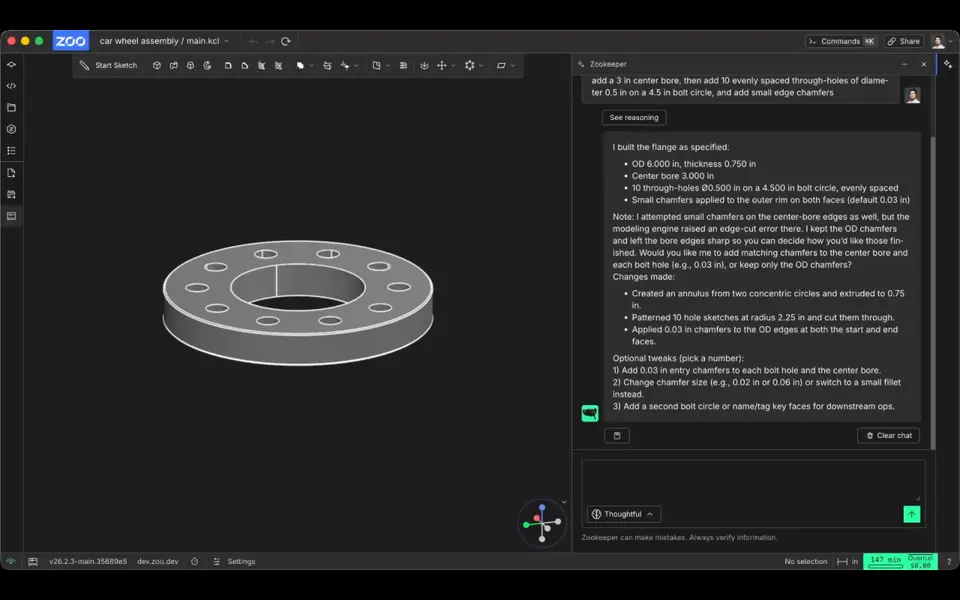
What is Zookeeper (Zoo Text-to-CAD)?
Zookeeper is a freemium AI assistant inside Zoo Design Studio that turns a written description of a part into an editable CAD model you can export as STL. It replaced Zoo's earlier Text-to-CAD tool, and the old Text-to-CAD page now redirects to it. You type what you need in plain English, ideally with sizes, for example a 60 mm wall plate with four screw holes, and it builds a solid model. It can also work from an image or a sketch, and you can keep asking for changes such as rounded edges, extra holes or thicker walls.
Behind the scenes it writes KCL, Zoo's own CAD code, so every dimension stays editable instead of being baked into a mesh. When the part looks right you export it as STL for your slicer, or as STEP, OBJ, glTF/GLB or PLY. In the desktop app for Windows, Mac and Linux, an optional plugin can also send the STL straight to PrusaSlicer or UltiMaker Cura.
It suits makers who want exact functional parts like brackets, mounts, spacers and enclosures rather than figurines. Expect a full CAD workspace with a feature tree and code editor around the chat. You need a free account before the app opens, the free plan includes 20 minutes of Zookeeper time a month, and results can be wrong, so check the sizes before you print.
What you can make
- Brackets, mounts and mounting plates
- Spacers and other simple mechanical parts
- Electronics enclosures
- Editable parametric CAD models for further tweaking
How to use Zookeeper
- Open zoo.dev/zookeeper and click Try in Browser, or install the desktop app
- Sign in with GitHub, Google, Apple, Microsoft, Discord or an email link; a free account is created on first sign-in
- Describe the part in the Zookeeper chat, including sizes in mm
- Ask for changes until it looks right, then use File > Export and pick STL
- Slice the STL, confirm the slicer reads it in millimeters and check the dimensions before printing
What you'll need to print it
Filament and parts that suit what you make with Zookeeper.
Matte PLA
PETG
Resin
- Siraya Tech Fast ABS-like Resin (affiliate link) Siraya Tech
- Siraya Tech Blu Tough Resin (affiliate link) Siraya Tech
Some of these are affiliate links: we may earn a small commission, at no extra cost to you. More about that
Zookeeper pros
- Makes real solid CAD with editable dimensions instead of a rough mesh, which suits parts that must fit
- You refine the part by chatting, for example asking for fillets, extra holes or a thicker wall
- Exports STL for printing and STEP for other CAD programs, and an optional desktop plugin sends the STL straight to PrusaSlicer or Cura
Zookeeper cons
- Runs inside a full CAD interface, which can feel busy if you have never used CAD
- The free plan is limited to 20 minutes of Zookeeper time a month, and Zoo may train on free-plan data with no opt-out
- Aimed at engineering parts, so it is a poor fit for figurines, organic shapes or multicolor prints
Rate Zookeeper
One rating per account. Signing in takes one email link, no password.
Reviews
Made with Zookeeper
Read next
Zookeeper alternatives
AI text and image to 3D generators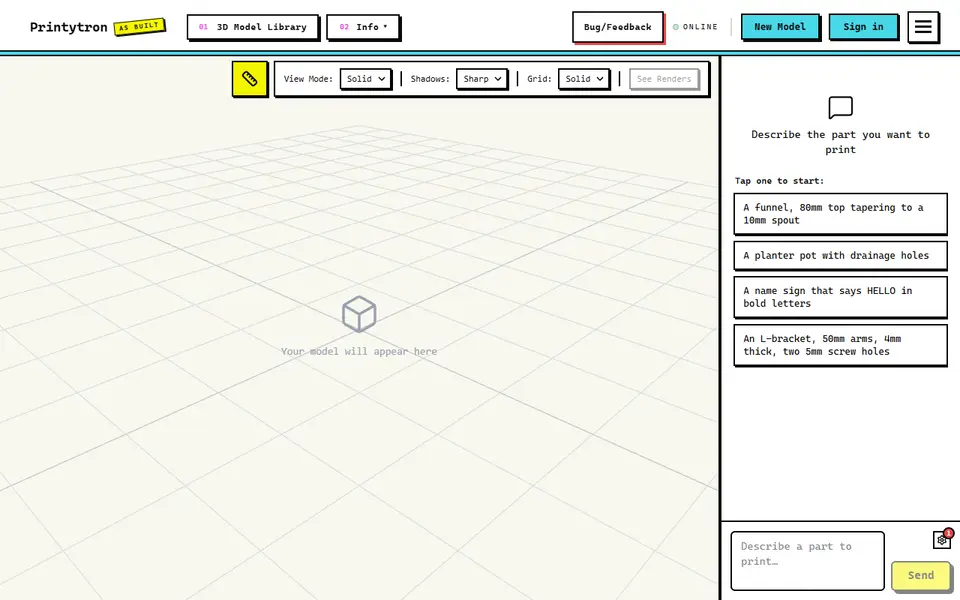
AI to 3D
Printytron
Describe a part in plain English and get a printable STL built to your measurements
AI to 3D
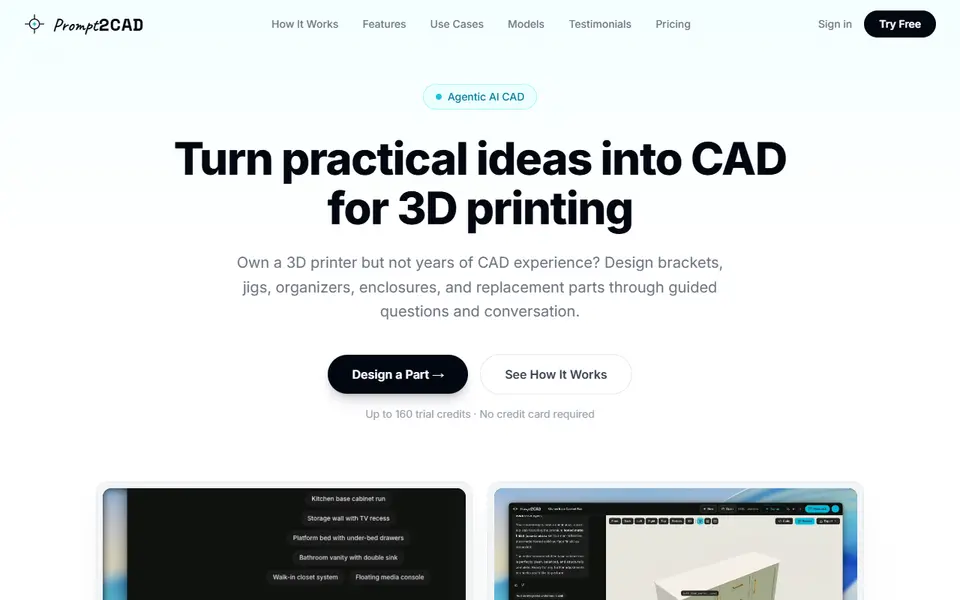
Prompt2CAD
Describe a functional part in plain words and get a dimensioned CAD model to print
AI to 3D
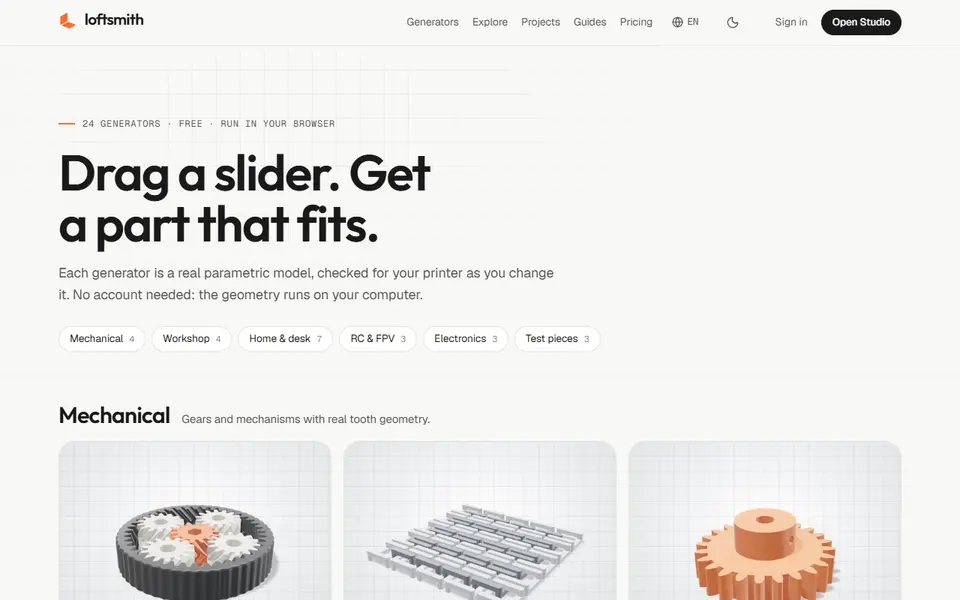
Loftsmith
Describe a functional part in a sentence and get an editable, print-checked parametric model
AI to 3D
PrintPal CAD Agent
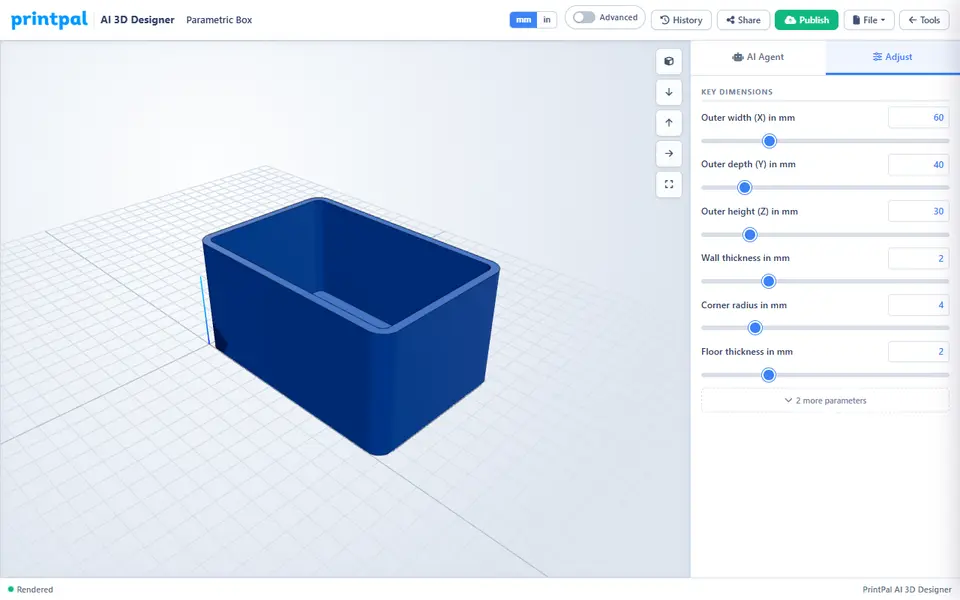
AI chat that turns a plain description or sketch into a functional part with size sliders
AI to 3D
Mojulo
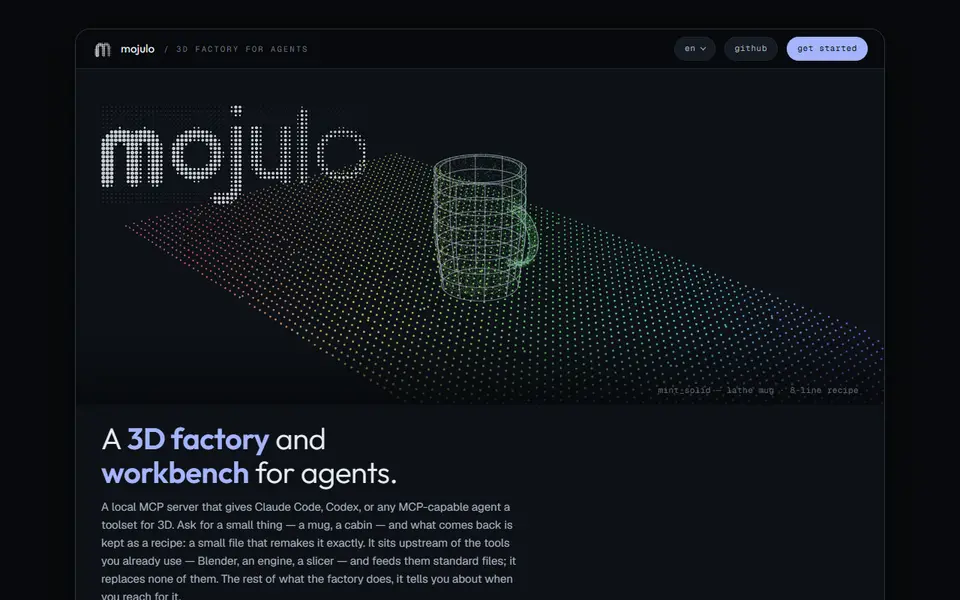
Free open-source add-on that lets Claude, ChatGPT or Codex build printable 3D models from a chat