AI to 3D · Alternatives
Meshy AI Alternatives for 3D Printing (2026): Free and Paid
Meshy alternatives for 3D printing, sorted by why you are switching: free STL downloads, no account, selling prints, cheaper credits, multicolor or exact parts.

Quick comparison
| Generator | Best for | Price | Account | Exports | Multicolor | Link |
|---|---|---|---|---|---|---|
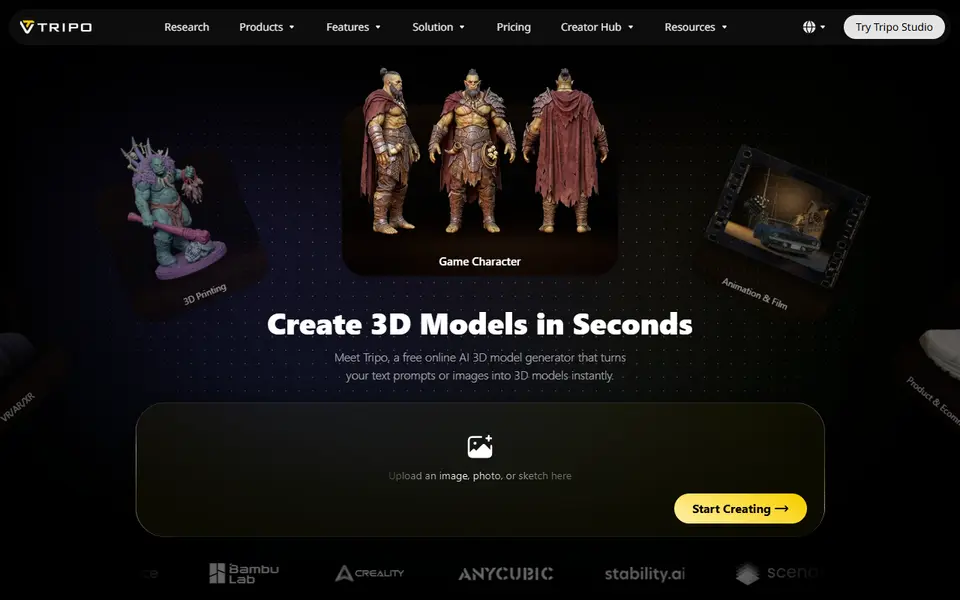
| 01 Tripo AI | Characters, creatures and collectible figures | Freemium Free plan: 200 credits a month, public and non-commercial | Needed | STL, 3MF, OBJ, GLB, FBX | No | Open Tripo AI Affiliate link |
| 02 Tencent Hunyuan3D | Free experimenting with AI figurines | Free Free daily generation allowance for signed-in users | Needed | STL, OBJ, GLB, FBX, USDZ | No | Open Tencent Hunyuan3D |
| 03 MakerLab Image to 3D Model | Bambu Lab owners turning photos into figurines | Freemium 2 free trial uses per account | Needed | STL, 3MF, GLB | Yes | Open MakerLab Image to 3D Model |
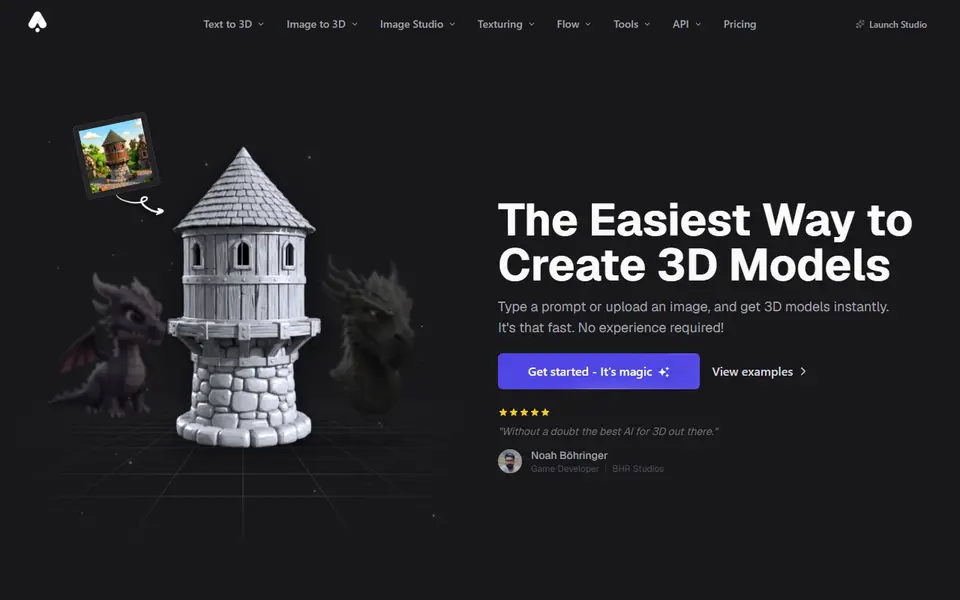
| 04 3D AI Studio | Comparing AI engines to get the best printable mesh | Freemium Free starter credits for new users, no card needed | Needed | STL, 3MF, OBJ, GLB, FBX, USDZ, PLY | No | Open 3D AI Studio |
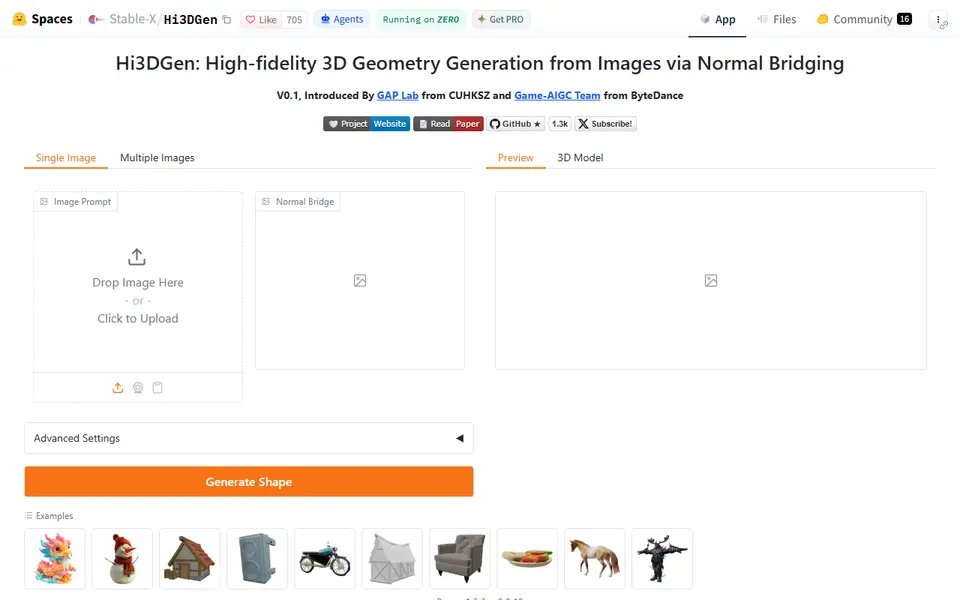
| 05 Hi3DGen | Free single-color figurines and sculpts from one photo | Free | Not needed | STL, OBJ, PLY, GLB | No | Open Hi3DGen |
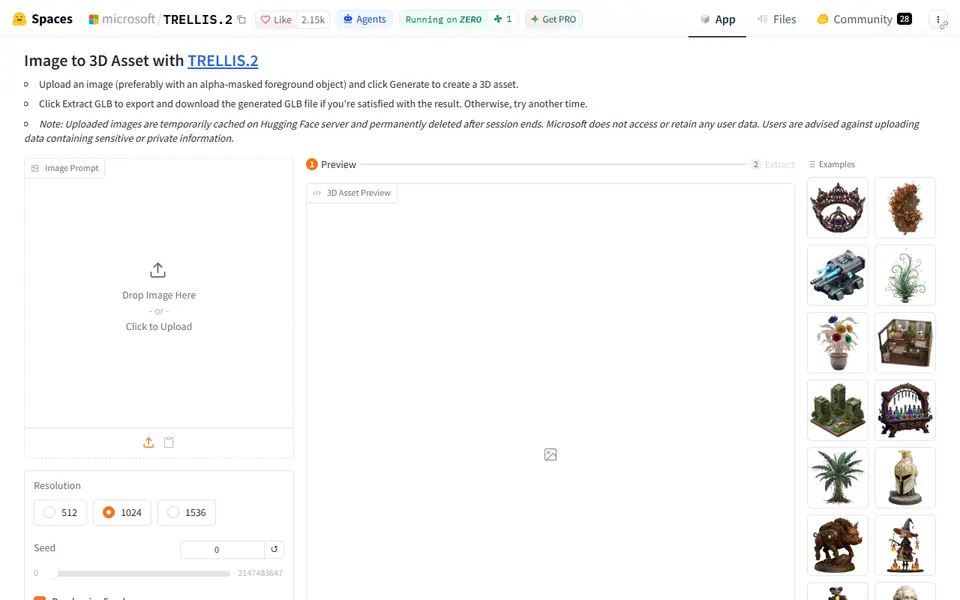
| 06 Microsoft TRELLIS.2 | Free image-to-3D experiments | Free Free demo on shared Hugging Face GPUs with usage quotas | Not needed | GLB | No | Open Microsoft TRELLIS.2 |
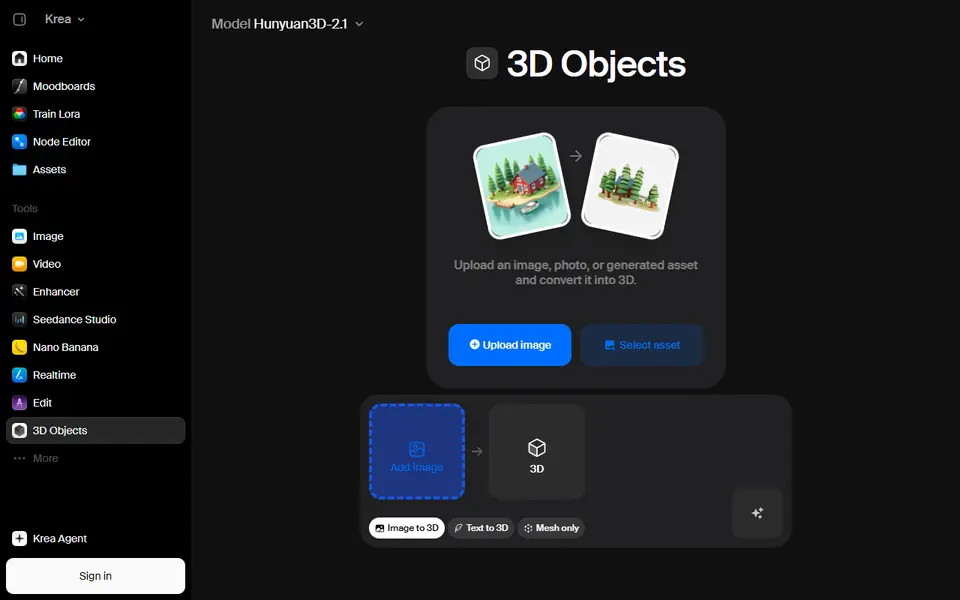
| 07 Krea 3D | Comparing several AI 3D generators from one account | Freemium Free plan with 100 compute units a day | Needed | STL, OBJ, GLB, FBX, PLY | No | Open Krea 3D |
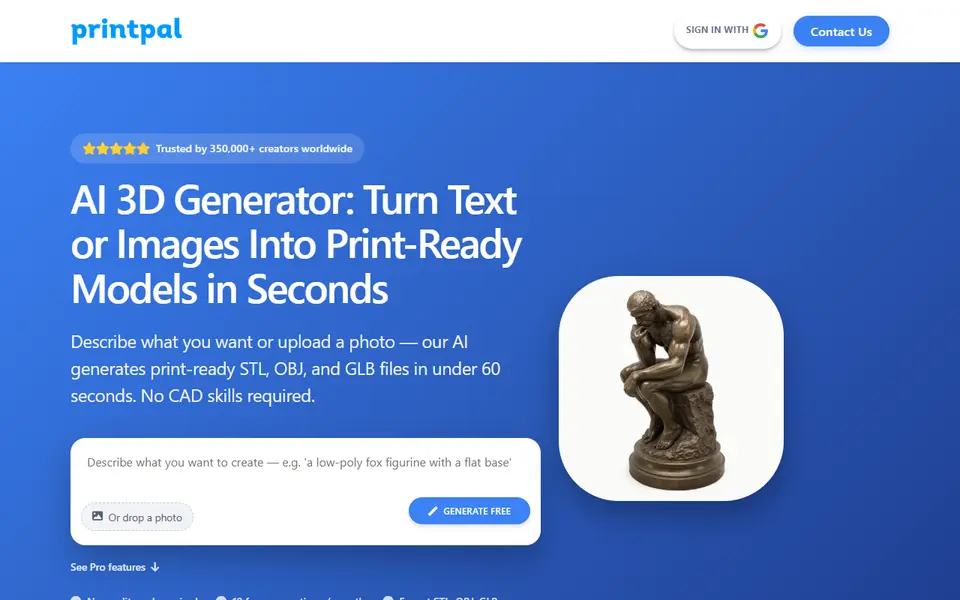
| 08 PrintPal | Quick printable files for hobby and Etsy projects | Freemium Free: 10 AI generations a month, no commercial rights | Needed | STL, OBJ, GLB, PLY | Yes | Open PrintPal |
| 09 Nexprint Text & Image to 3D | Multicolor figurines from a photo or idea, especially for ELEGOO owners | Free No paid plan or credit purchase seen | Needed | 3MF, GLB | Yes | Open Nexprint Text & Image to 3D |
| 10 Creality MakeNow AI Tools | Creality owners making photo gifts, figurines and signs | Freemium Free Creality account needed | Needed | STL, 3MF, GLB | Yes | Open Creality MakeNow AI Tools |
| 11 Modly | Unlimited photo-to-3D figures on your own PC, offline | Free Free and open source under the MIT license | Not needed | STL, OBJ, GLB, PLY | No | Open Modly |
| 12 Zookeeper (Zoo Text-to-CAD) | Precise functional parts from a written description | Freemium Free plan with 20 minutes of Zookeeper reasoning time per month | Needed | STL, STEP, OBJ, GLB, PLY | No | Open Zookeeper (Zoo Text-to-CAD) |
| 13 CADAM | Functional printed parts from a plain-English description | Freemium Free plan with a small daily credit allowance | Needed | STL, OBJ, GLB, FBX | No | Open CADAM |
The best Meshy alternative depends on why you are looking. Tripo AI is the closest match, with 200 free credits a month and three times as many credits on its $20 plan. Tencent Hunyuan3D gives free generations every day with STL downloads, and Hi3DGen works without an account. If you sell prints, 3D AI Studio allows commercial use on every plan.
Meshy is still our first pick in the best AI 3D generators guide. It exports STL and 3MF, repairs models for printing and writes multicolor 3MF files for an AMS. Its limits are on the free plan, and they are the usual reason people look elsewhere. This page sorts the alternatives by the problem they solve.
We compared documented features: each vendor’s pricing page, help center and license, checked between September 25 and 30, 2026. SkipTheCAD has not printed models from these tools, so we make no claims about print quality. How we check explains what we did look at.
Quick answer
- Closest like-for-like: Tripo AI. 200 free credits a month (about 13 models), STL, 3MF and OBJ export, and 3,000 credits on the $20 Pro plan against 1,000 on Meshy Pro. Free models are public and non-commercial.
- Free every day, with STL download: Tencent Hunyuan3D. A daily allowance of free generations for signed-in users, and a download menu with STL and OBJ.
- Free without an account: Hi3DGen, which exports STL, and Microsoft TRELLIS.2, which exports GLB. Both are research demos on Hugging Face’s shared GPUs.
- On a Bambu Lab printer: MakerLab Image to 3D. Meshy, Tripo, Rodin and other engines on MakerWorld credits, with a multicolor 3MF for the AMS.
- Selling prints from any plan: 3D AI Studio. Commercial use on every plan, STL and 3MF, and several engines behind one balance.
- Multicolor on an ELEGOO or Creality printer: Nexprint makes a four-color 3MF on free credits, and Creality MakeNow maps up to 10 colors in its CubeMe tool.
- Exact parts with real measurements: Zookeeper or CADAM, text-to-CAD tools that make editable models instead of sculpted meshes.
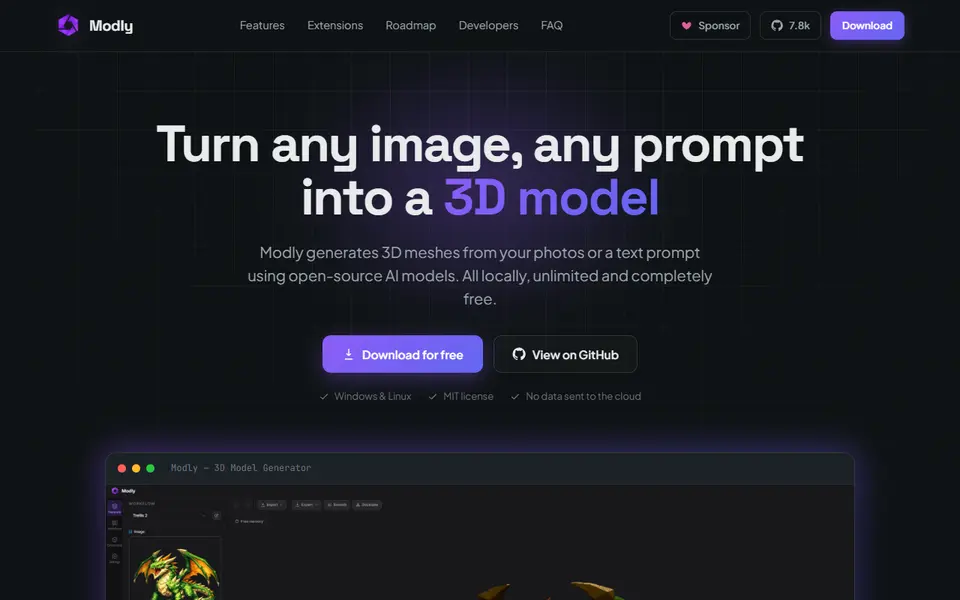
- No credits at all: Modly, a free open-source desktop app that runs image-to-3D models on your own graphics card.
Why look for a Meshy alternative?
Because of the free plan, mostly. Meshy’s free plan gives 100 credits a month. The help center allows 10 downloads a month, and only of models made with Meshy 6 Lite: a Meshy 6 or Meshy 7 model needs a paid plan before you can download it. Pro costs $20 a month for 1,000 credits.
That leads to four common reasons to switch:
- You hit the download limit and want free files.
- You want more models for the same money.
- You want to try something without making an account.
- You need a part that fits, not a sculpture.
One thing Meshy does better than most is licensing. Its free-plan models are CC BY 4.0, so you may sell prints if you credit Meshy. Most alternatives below only allow that on a paid plan. See can you sell prints made with generators? for other tools.
Meshy alternatives at a glance
| Alternative | What you get free | Sell prints | Why switch |
|---|---|---|---|
| Tripo AI | 200 credits a month, about 13 models | Paid plans | More credits per dollar |
| Tencent Hunyuan3D | Daily generations when signed in | Open-model license excludes the EU, UK and South Korea | Free STL every day |
| MakerLab Image to 3D | 2 trial uses, then 24 to 45 credits a model | Unclear, ask MakerWorld | Several engines, Bambu Studio |
| 3D AI Studio | Starter credits for new users, no card | Yes, every plan | Selling prints |
| Hi3DGen | Free demo, 2 GPU minutes a day without an account | Yes, MIT | No account, STL |
| TRELLIS.2 | Free demo on shared GPUs | Yes, MIT | No account |
| Krea 3D | 100 units a day, limited 3D access | From the $35 Pro plan | About ten 3D models in one menu |
| PrintPal | 10 generations a month, STL and OBJ | Paid plans | Mesh repair built in |
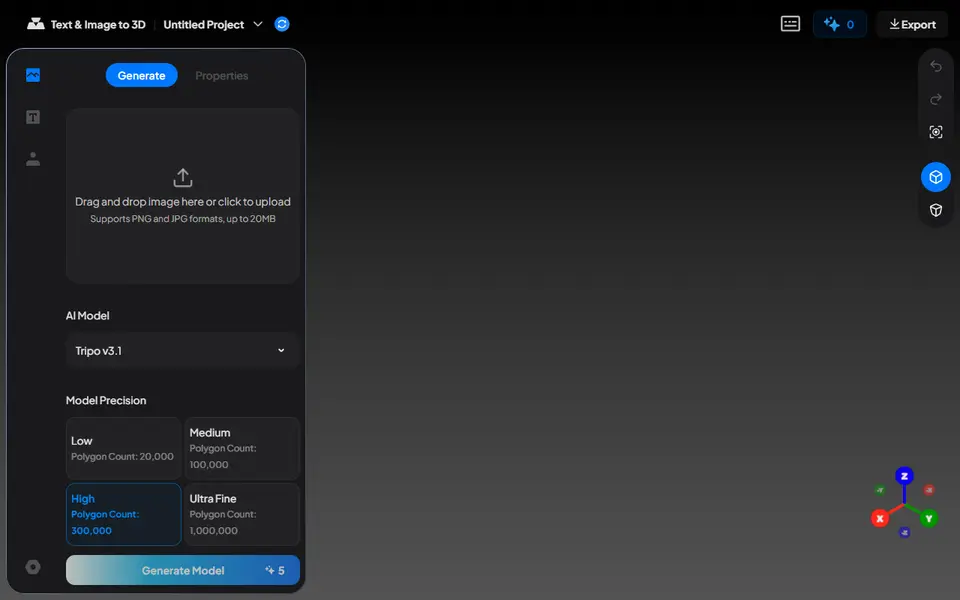
| Nexprint | 150 first-use credits | Not stated | Four-color 3MF |
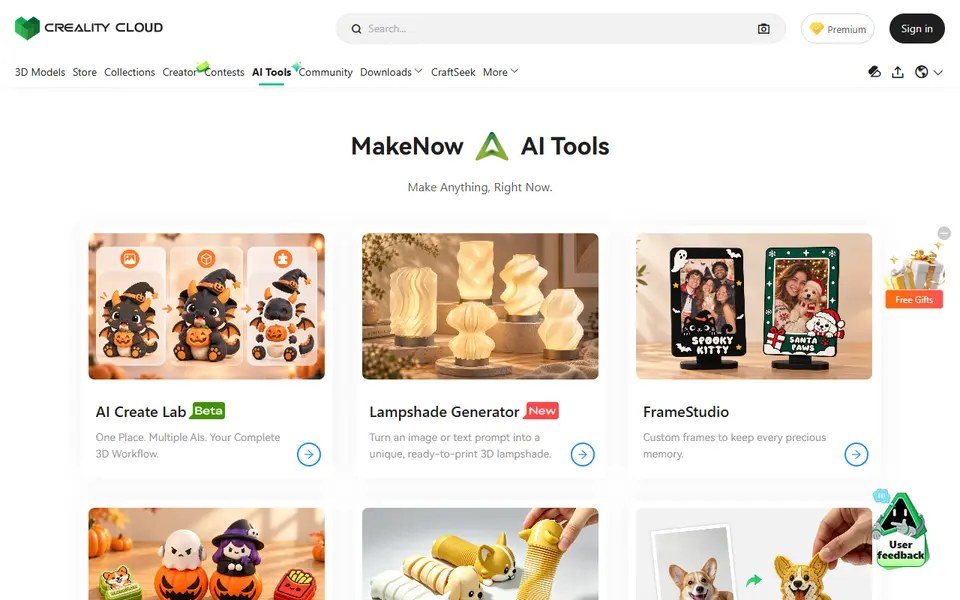
| Creality MakeNow | Limited attempts | Yes, per the tool notices | Up to 10 colors |
| Modly | Everything, on your own GPU | Depends on the model | No credits, private |
| Zookeeper | 20 minutes a month | Yes, you own the outputs | Exact parts, STEP |
| CADAM | Small daily allowance | Unclear | Open source, sliders |
Which Meshy alternative is free?
Three are free with no credits to buy, and each has a catch.
- Tencent Hunyuan3D gives signed-in users a daily allowance of generations in its web studio. The allowance resets and cannot be saved up. The download menu lists GLB, OBJ, FBX, STL and USDZ, with no multicolor print export.
- Hi3DGen and TRELLIS.2 run on Hugging Face’s shared ZeroGPU hardware, which gives 2 minutes of GPU time a day without an account and 5 with a free one. Hi3DGen exports STL directly, as an untextured mesh. TRELLIS.2 exports a textured GLB that you convert before slicing.
- Modly is a free, MIT-licensed desktop app that runs open image-to-3D models on your own computer. It is built for NVIDIA cards with 6 GB or more of video memory, and the first model takes some setup.
Tripo AI, Krea 3D and PrintPal also have free plans, with monthly or daily credits. Their free models cannot be sold, and Tripo’s are public.
Which alternative is best for selling prints?
3D AI Studio. Its pricing page says models are private and yours, with commercial use on every plan. It also bundles several engines, including Meshy, Tripo, Rodin, Hunyuan3D and TRELLIS, so you can compare them on one balance. Plans start at $19 a month, and one-time credit packs at $34.
Tripo AI, PrintPal, Hi3D and Krea include commercial use from their paid plans. PrintPal’s Pro plan costs $10 a month. The two MIT-licensed demos, Hi3DGen and TRELLIS.2, allow commercial use of the code and weights.
Hunyuan3D needs care. The community license of its open models does not apply in the EU, the UK or South Korea, including use of their output there.
Which is cheapest for a lot of models?
On a monthly plan, Tripo. Tripo Pro gives 3,000 credits for $20 a month, which Tripo estimates at about 200 models, against 1,000 credits on Meshy Pro at the same price. Credits are not the same unit on both sites, so compare models, not credits.
If you own a Bambu Lab printer, MakerLab Image to 3D can work out cheaper for a few models a month. After two free trial uses it costs 24 MakerLab credits for a Tripo model and 45 for a Meshy 6 model, and credits start at $3 for 350. You can also pay with MakerWorld Points.
With a capable NVIDIA card, Modly costs nothing per model.
Which alternative is best for multicolor prints?
Meshy’s Multi-Color Print is hard to beat: it writes a 3MF with 1 to 16 colors mapped to filament slots. The alternatives that come closest are tied to a printer brand:
- Bambu Lab: MakerLab Image to 3D exports a 3MF for the AMS, and its Meshy engine maps textures to filament zones.
- ELEGOO: Nexprint exports a plain, a multicolor or a four-color 3MF, and you can adjust each color group before export. It runs on free credits from ELEGOO’s Nexprint platform.
- Creality: Creality MakeNow maps up to 10 colors onto a figurine in its CubeMe tool and opens the result in Creality Print.
Tripo exports color as vertex colors in an OBJ, which Bambu Studio maps to filaments on import. The Meshy vs Tripo comparison covers that step in detail.
What if you need an exact part, not a sculpture?
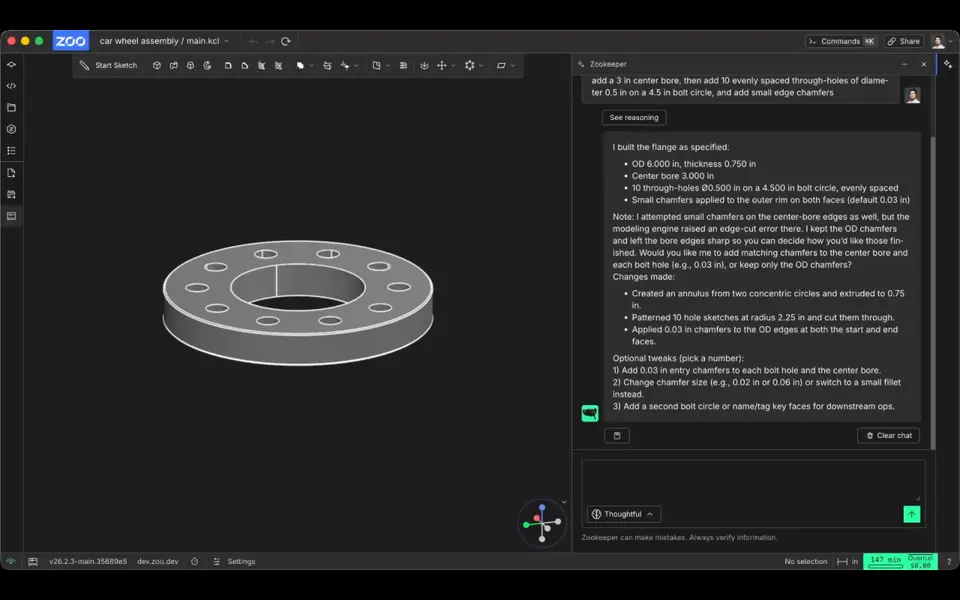
Then a mesh generator is the wrong tool. Meshy and its rivals sculpt a shape that looks right. They do not hit a 42 mm hole spacing. Text-to-CAD tools write an editable CAD model from your description instead, so the sizes you type are the sizes you get:
- Zookeeper by Zoo builds the part in a full CAD editor and exports STL and STEP. The free plan includes 20 minutes of Zookeeper time a month.
- CADAM is open source and turns the main sizes into sliders you can change after the fact. The free plan has a small daily allowance.
For gears, brackets, knobs and hinges, a dedicated generator is faster still. See the gear and part generators guide.
Is Meshy still worth it?
Yes, if you want one tool that does it all for printing. Stay with Meshy if you print in several colors on an AMS, sell prints and are happy to credit Meshy, or like its automatic repair and splitting. Switch if the download limit on the free plan stops you, if you make a lot of models a month, or if you need parts with exact sizes.
Whichever tool you use, check the mesh in your slicer before you print. Every tool here guesses at the side of the object you did not show it, and thin details can fail. The best AI 3D generators guide explains how to print an AI model, and every tool is on the AI text and image to 3D page.
Frequently asked questions
Is there a free alternative to Meshy?
Yes. Tencent Hunyuan3D gives signed-in users free generations every day, and its web studio downloads STL. Hi3DGen and Microsoft TRELLIS.2 are free demos on Hugging Face that work without an account, within a small daily GPU allowance. Modly is free and open source, but it runs on your own computer and is built for NVIDIA graphics cards. Tripo AI has 200 free credits a month, but its free models are public and non-commercial.
Is Tripo better than Meshy for 3D printing?
Tripo gives more for the money: 200 free credits a month against 100 on Meshy, and 3,000 credits on its $20 Pro plan against 1,000 on Meshy Pro. Meshy has the more useful free license, because free-plan models are CC BY 4.0 and may be sold with credit to Meshy, and its Multi-Color Print writes a 3MF with the filaments already assigned. Both export STL, 3MF and OBJ.
Which Meshy alternative lets you sell prints?
3D AI Studio allows commercial use on every plan. Tripo AI, PrintPal, Hi3D and Krea include commercial use on their paid plans. The open-source demos Hi3DGen and TRELLIS.2 are MIT licensed. Meshy itself lets you sell free-plan models if you credit Meshy.
What is the best Meshy alternative for functional parts?
A text-to-CAD tool rather than an AI sculptor. Zookeeper by Zoo and CADAM turn a description with measurements into an editable CAD model, so a bracket or a spacer comes out at the size you asked for. Zookeeper exports STL and STEP and has 20 free minutes a month, and CADAM is open source with a small free daily allowance.
What you'll need
Multicolor filament systems
An automatic filament changer prints multi-color signs, keychains and HueForge pieces without you standing by to swap filament at every color layer.
- Bambu Lab AMS lite (affiliate link) Four-spool open unit for the A1 series; the cheapest way into Bambu multicolor.
- Bambu Lab AMS 2 Pro (affiliate link) Enclosed four-spool unit with built-in filament drying for Bambu's enclosed printers.
- Creality CFS (Creality Filament System) (affiliate link) Creality's multicolor unit for K2-series printers; expands to 16 colors with RFID and moisture-proof storage.
Multicolor PLA and color sets
Dual- and tri-color silks give a single-nozzle printer color shifts with no extra hardware, and a matched color set is what lets HueForge and color lithophanes blend thin layers into a full image.
- Bambu Lab PLA Silk Multi-Color (affiliate link) Co-extruded dual and tri colors that shift with the viewing angle; great for keychains and name tags.
- SUNLU Multi-Color Silk PLA (dual/tri/four-color) (affiliate link) Budget dual-, tri- and four-color silk for colorful prints without an AMS. In Europe? Buy from 3DJake (affiliate link)
- Bambu Lab PLA CMYK Lithophane Bundle (affiliate link) Four 1 kg spools (cyan, magenta, yellow, white) made for color lithophanes and handy for HueForge-style layering.
Resin for detailed prints
The right resin decides whether the fine detail in AI-generated models and terrain survives printing, and tougher ABS-like blends resist cracking when you remove supports.
- Siraya Tech Fast ABS-like Resin (affiliate link) Prints quickly, cures tough rather than brittle, low odor; a go-to for miniatures and figurines.
- Siraya Tech Blu Tough Resin (affiliate link) Engineering-grade tough resin for functional parts that need to survive drops.
- ELEGOO ABS-Like Resin 3.0 (affiliate link) Affordable, widely available ABS-like resin in many colors for LCD printers.
Some of these are affiliate links: we may earn a small commission, at no extra cost to you. More about that
Every generator in this guide
AI to 3D
Tripo AI
Turn text, images or sketches into detailed 3D models with STL, 3MF and OBJ export
AI to 3D
Tencent Hunyuan3D
Tencent's AI text, image and sketch-to-3D studio with free daily generations
AI to 3D
MakerLab Image to 3D Model
MakerWorld's AI photo-to-3D tool with a choice of Meshy, Tripo, Rodin and more
AI to 3D
Hi3DGen
Free research demo that turns one photo into a detailed, untextured mesh you can export as STL
AI to 3D
Microsoft TRELLIS.2
Free open-source image-to-3D demo from Microsoft that exports textured GLB models
AI to 3D
Krea 3D
Turn a photo or text prompt into an STL, choosing from about ten AI 3D models in one menu
AI to 3D
Nexprint Text & Image to 3D
Turn a photo or text prompt into a single-color or four-color 3MF on ELEGOO's Nexprint
Customizers
Creality MakeNow AI Tools
Ten Creality Cloud generators that turn photos and text into figurines, keychains, signs, frames and toys
AI to 3D
Zookeeper (Zoo Text-to-CAD)
Describe a part with its measurements and get an editable CAD model to export as STL
Get the next guide in your inbox
Every two weeks: the newest no-CAD generators, one guide and a print tip. Free, no spam, unsubscribe any time.