AI to 3D · Comparison
Meshy vs Tripo for 3D Printing: Free Plans and Formats
Meshy and Tripo AI compared for 3D printing on documented features: free credits, selling rights, STL and 3MF export, multicolor files, repair tools and prices.

Quick comparison
| Generator | Best for | Price | Account | Exports | Multicolor | Link |
|---|---|---|---|---|---|---|
| 01 Meshy | Figurines and multicolor AMS prints from a prompt or photo | Freemium Free plan: 100 credits a month, models under CC BY 4.0 | Needed | STL, 3MF, OBJ, GLB, FBX, USDZ | Yes | Open Meshy Affiliate link |
| 02 Tripo AI | Characters, creatures and collectible figures | Freemium Free plan: 200 credits a month, public and non-commercial | Needed | STL, 3MF, OBJ, GLB, FBX | No | Open Tripo AI Affiliate link |
| 03 MakerLab Image to 3D Model | Bambu Lab owners turning photos into figurines | Freemium 2 free trial uses per account | Needed | STL, 3MF, GLB | Yes | Open MakerLab Image to 3D Model |
| 04 Meshy 3D Relief Generator | Plaques, medallions, logo tiles and casting molds made from a picture | Free The relief tool is free with no account, credits or watermark | Not needed | STL, OBJ | No | Open Meshy 3D Relief Generator Affiliate link |
| 05 Tripo AI 3D Relief Generator | Free photo, pet and logo relief plaques without an account | Free | Not needed | STL, OBJ, PNG | No | Open Tripo AI 3D Relief Generator Affiliate link |
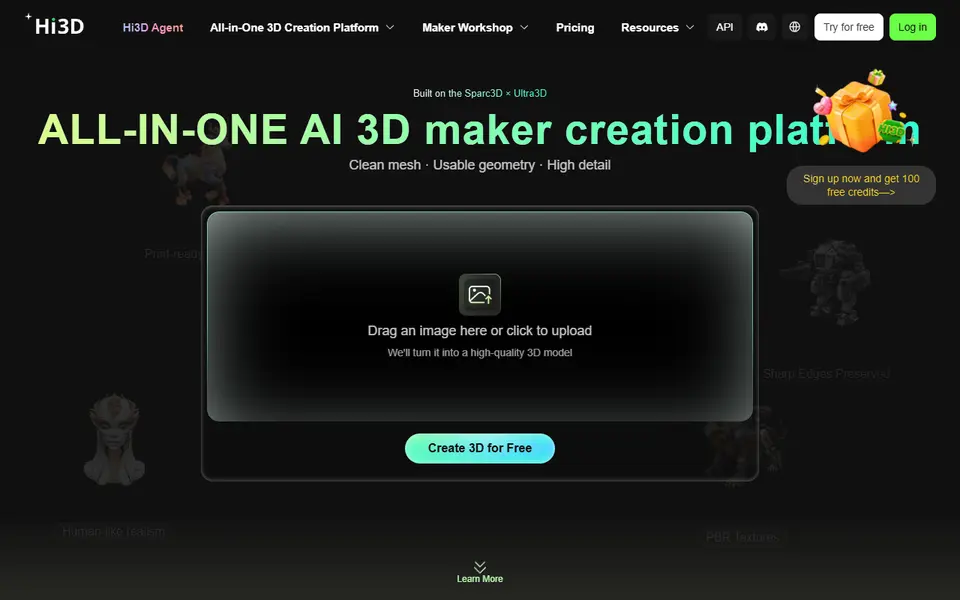
| 06 Hi3D | Portrait figurines and multi-part figure kits | Freemium 100 free credits per account, once | Needed | STL, 3MF, OBJ, GLB, USDZ | Yes | Open Hi3D |
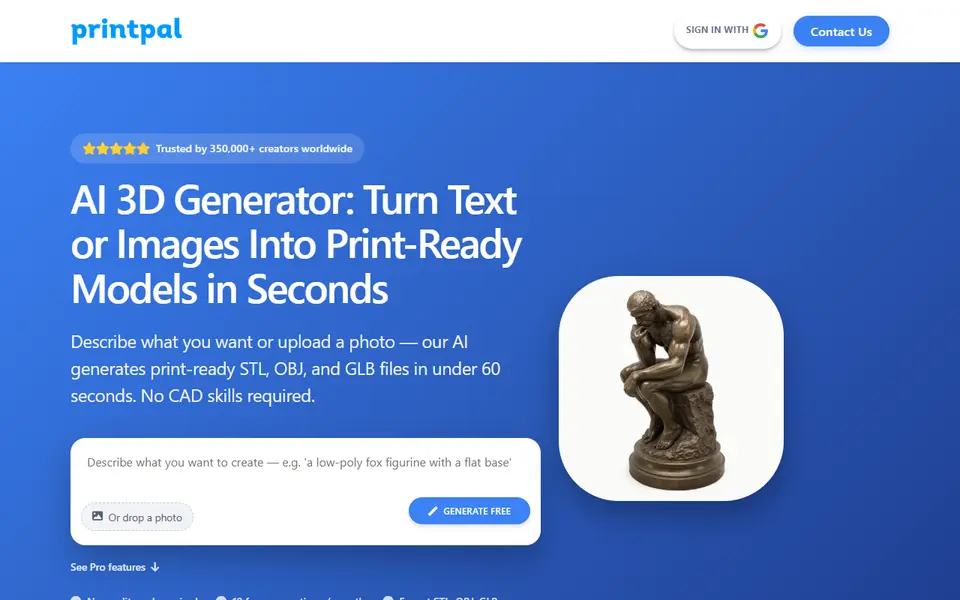
| 07 PrintPal | Quick printable files for hobby and Etsy projects | Freemium Free: 10 AI generations a month, no commercial rights | Needed | STL, OBJ, GLB, PLY | Yes | Open PrintPal |
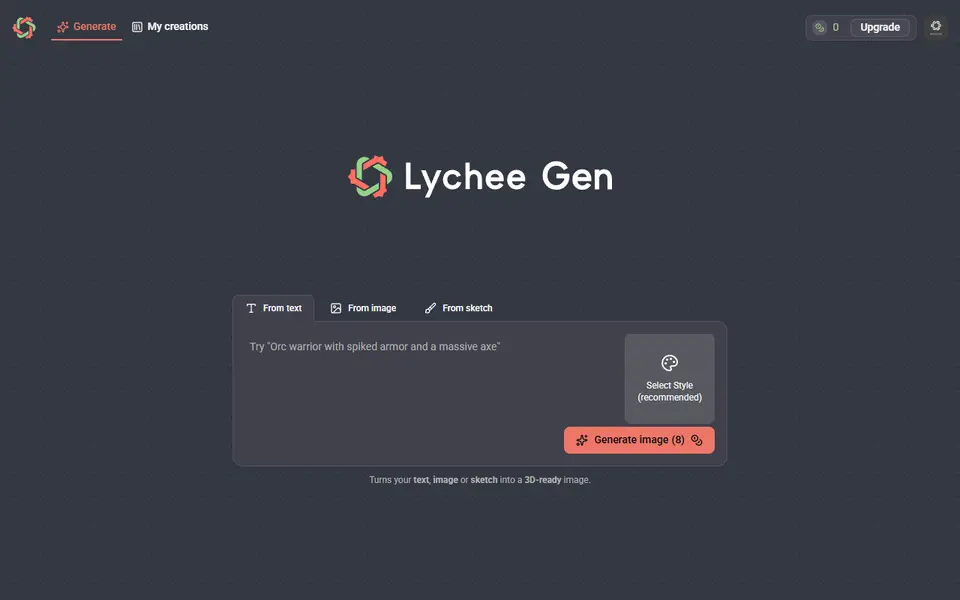
| 08 Lychee Gen | Custom tabletop miniatures and character figures without sculpting | Freemium Lychee says new accounts get up to 100 free credits | Needed | STL, OBJ, GLB | No | Open Lychee Gen |
| 09 Tencent Hunyuan3D | Free experimenting with AI figurines | Free Free daily generation allowance for signed-in users | Needed | STL, OBJ, GLB, FBX, USDZ | No | Open Tencent Hunyuan3D |
| 10 Hyper3D Rodin | High-detail props, busts and display pieces | Freemium Free plan lets you preview before paying | Needed | STL, OBJ, GLB, FBX, USDZ | No | Open Hyper3D Rodin |
Meshy is the better fit if you want to sell prints from a free account or print in several colors on an AMS: its free models allow commercial use with credit, and its Multi-Color Print exports a 3MF with the filaments already assigned. Tripo AI gives more free credits, and more credits for the same $20 on its Pro plan, but its free models are public and non-commercial.
This comparison is based on documented features: each vendor’s pricing page, help center and 3D printing guides, checked on September 26, 2026. SkipTheCAD has not printed models from either tool, so we make no claims about print quality. How we check explains what we did look at.
Quick answer
- Selling prints from a free account: Meshy. Free-plan models are CC BY 4.0, so you may sell them if you credit Meshy.
- Most free generations: Tripo AI. 200 credits a month, about 13 models, but public and non-commercial.
- Multicolor prints on an AMS or CFS: Meshy. Its Multi-Color Print writes a 3MF with 1 to 16 colors mapped to filament slots.
- Most credits for $20 a month: Tripo Pro, with 3,000 credits (about 200 models by Tripo’s estimate) against 1,000 on Meshy Pro.
- Bambu Lab owners who want to compare both: MakerLab Image to 3D runs both engines on MakerWorld credits.
- A relief or plaque instead of a full model: both have a free relief tool with no account, the Meshy 3D Relief Generator and the Tripo 3D Relief Generator.
For the wider field, see the best AI 3D model generators for printing and every tool on the AI text and image to 3D page.
How do Meshy and Tripo compare at a glance?
| Meshy | Tripo AI | |
|---|---|---|
| Free credits | 100 a month | 200 a month, about 13 models |
| Free downloads | 10 a month, Meshy 6 Lite models only | 15 exports, marked “H2.5 only” |
| Sell prints on the free plan | Yes, with credit to Meshy (CC BY 4.0) | No, free models are non-commercial |
| Print formats | STL, 3MF, OBJ | STL, OBJ, 3MF |
| Multicolor for an AMS | 3MF, 1 to 16 colors, filaments assigned | OBJ with vertex colors |
| Mesh repair | Printability check and Auto Repair | Retopology before export, then a slicer fix |
| Split into parts | Auto Split into watertight parts | Smart Segmentation, not print-ready yet by Tripo’s own guide |
| Pro plan | $20 a month, 1,000 credits | $20 a month, 3,000 credits |
Which one has the better free plan?
Tripo has more free credits, and Meshy has the more useful license. Tripo’s free plan gives 200 credits a month, which it estimates at about 13 models (about 8 with a texture, at 25 credits each on its credit table), with 15 exports, one task at a time, one day of edit history and storage for 10 models. Its free models are public.
Meshy’s free plan gives 100 credits a month, reset on the 1st at 00:00 UTC, with a lower queue priority than paid plans. The catch is downloads: Meshy’s help center allows 10 a month on the free plan, and only for models made with Meshy 6 Lite. On Meshy’s credit table a Meshy 6 Lite model costs 10 credits and a texture adds 10, so the free credits cover about 5 textured Meshy 6 Lite models a month.
Can you sell prints from the free plans?
Only from Meshy. Meshy’s pricing FAQ says free-plan models are licensed CC BY 4.0, and you may sell them if you credit Meshy on the page where you sell. Paid Meshy plans own their models outright.
Tripo’s 3D printing export guide is blunt: free-tier models are not for commercial use, including selling physical prints. You need a paid plan, which adds private models and commercial use. For other tools, see can you sell prints made with generators?
Which file formats do Meshy and Tripo export?
Both export the three print formats: STL, 3MF and OBJ. Meshy’s 3D printing page lists STL, OBJ and 3MF, and its pricing FAQ adds FBX, GLB, USDZ and Blender files for other software. Tripo’s export guide lists STL, OBJ and 3MF for printing plus GLB, FBX and USD.
The difference is how you get the file into a slicer. On paid plans Meshy sends a model to Bambu Studio in one click, and its multicolor Send To menu also lists OrcaSlicer, Creality Print, Snapmaker, Flash Studio and Elegoo Slicer. Tripo’s FDM guide shows an import from the Tripo web app into Bambu Studio.
Which is better for multicolor prints?
Meshy, on documented features. Its Multi-Color Print tutorial turns a textured model into 1 to 16 flat color regions, with 4 as the default, a noise reduction slider and a list of filament slots you match to your spools. It exports a 3MF with the filament assignments already set. The AI optimize step costs 16 credits.
Tripo’s route is vertex colors. Its FDM guide exports an OBJ with Export Vertex Colors ticked, or a zip from the 3D Print option, and says the multicolor print file only supports OBJ. Bambu Studio then maps the colors on import. The same guide warns that Bambu Studio’s repair function erases the colors, so you fix the mesh first and color it afterwards.
Which is better at making a model printable?
Meshy has more of the printing steps built in. Its 3D printing suite checks each model for holes, non-manifold edges and watertightness, fixes them with Auto Repair, and Auto Split cuts a large model into watertight parts laid out on the build plate. Auto Repair and Auto Split cost 10 credits each on Meshy’s credit table, and failed tasks are refunded.
Tripo’s 3D printing FAQ says its models typically have watertight geometry. Its own FDM guide adds that models without retopology are made of separate face patches that can cause slicing errors, and strongly recommends running Tripo’s Retopology in Triangle mode at 100,000 to 150,000 faces before export. Smart Segmentation splits a model into its logical parts, with limited access on the free plan, but the same guide says the split is not yet directly usable for printing because the parts may not be sealed. Treat it as a head start, then cut and repair the parts in Blender or your slicer.
How much do the paid plans cost?
Both Pro plans cost $20 a month, and Tripo’s includes three times the credits. Meshy Pro has 1,000 credits a month, private ownership, unlimited downloads and 10 tasks at once. At 30 credits for a textured Meshy 6 model, that is about 33 models, or 50 textured Meshy 6 Lite models. For more volume, Meshy’s plan guide lists Premium at $40 a month for 3,000 credits and Ultra at $100 for 8,000. Studio and Enterprise are for teams.
Tripo Pro has 3,000 credits a month, which Tripo estimates at about 200 models, with private models, commercial use and unlimited exports; billed yearly it is $240. That estimate matches the 15-credit base model on Tripo’s credit table. A texture adds 10 credits, so 3,000 credits cover about 120 textured models. Max costs $90 a month for 25,000 credits, about 1,660 models by Tripo’s estimate.
Which should you pick?
- You want to sell prints without a subscription: Meshy, and credit Meshy where you sell.
- You want to try as many ideas as possible for free: Tripo, as long as public, non-commercial models are fine.
- You print in several colors on an AMS or Creality CFS: Meshy, for the 3MF with filament slots.
- You generate many models a month: Tripo Pro, with about 120 textured models for $20, against 33 to 50 textured models on Meshy Pro.
- You print large figures in parts: Meshy. Auto Split makes watertight parts laid out on the build plate for 10 credits a run, while Tripo’s own guide says its Smart Segmentation is not print-ready yet.
- You print on a Bambu Lab machine and do not want another subscription: MakerLab Image to 3D. MakerWorld’s credit guide lists 24 MakerLab credits for a Tripo AI 3.1 model and 45 for Meshy 6.
- Neither fits: Hi3D, PrintPal and Lychee Gen are also built around printing, and the comparison table at the top lists them.
How did we compare Meshy and Tripo?
We compared the vendors’ own pages, not our own prints. Every fact above links to the vendor page it came from; the textured-model counts are our arithmetic from each vendor’s credit table. Both vendors change credits and plans often, so check the pricing page before you pay. We have not judged detail, accuracy or how well either model prints. The fairest test is your own: run the same photo through both, on their free plans or through MakerLab, and slice the results before you print.
Frequently asked questions
Why can't I download my model on Meshy's free plan?
Meshy's help center says the free plan includes 10 downloads a month, and only for models made with Meshy 6 Lite. A model generated with Meshy 6 or Meshy 7 needs a paid plan before you can download it, even though the free credits let you generate it. Pick Meshy 6 Lite before you generate if you want to keep the file on the free plan.
Can Tripo make a multicolor file for an AMS?
Yes, but not as a ready-made 3MF with filament slots. Tripo's FDM printing guide exports color as vertex colors: either an OBJ with Export Vertex Colors ticked, or the 3D Print option Export Multi-Color Printable File, which arrives as a zip. Bambu Studio maps the colors when you import the file, and you set the number of colors in the import dialog. Meshy's Multi-Color Print writes a 3MF with the filaments already assigned.
Can I try Meshy and Tripo without paying for both?
Yes. Both have free monthly credits: 100 on Meshy and 200 on Tripo. If you have a MakerWorld account, MakerLab Image to 3D offers both engines in one tool. After two free trial uses per account, MakerWorld's credit guide lists 24 MakerLab credits for a Tripo AI 3.1 model and 45 for Meshy 6, so you can run the same photo through both.
What you'll need
Multicolor filament systems
An automatic filament changer prints multi-color signs, keychains and HueForge pieces without you standing by to swap filament at every color layer.
- Bambu Lab AMS lite (affiliate link) Four-spool open unit for the A1 series; the cheapest way into Bambu multicolor.
- Bambu Lab AMS 2 Pro (affiliate link) Enclosed four-spool unit with built-in filament drying for Bambu's enclosed printers.
- Creality CFS (Creality Filament System) (affiliate link) Creality's multicolor unit for K2-series printers; expands to 16 colors with RFID and moisture-proof storage.
Multicolor PLA and color sets
Dual- and tri-color silks give a single-nozzle printer color shifts with no extra hardware, and a matched color set is what lets HueForge and color lithophanes blend thin layers into a full image.
- Bambu Lab PLA Silk Multi-Color (affiliate link) Co-extruded dual and tri colors that shift with the viewing angle; great for keychains and name tags.
- SUNLU Multi-Color Silk PLA (dual/tri/four-color) (affiliate link) Budget dual-, tri- and four-color silk for colorful prints without an AMS. In Europe? Buy from 3DJake (affiliate link)
- Bambu Lab PLA CMYK Lithophane Bundle (affiliate link) Four 1 kg spools (cyan, magenta, yellow, white) made for color lithophanes and handy for HueForge-style layering.
Resin for detailed prints
The right resin decides whether the fine detail in AI-generated models and terrain survives printing, and tougher ABS-like blends resist cracking when you remove supports.
- Siraya Tech Fast ABS-like Resin (affiliate link) Prints quickly, cures tough rather than brittle, low odor; a go-to for miniatures and figurines.
- Siraya Tech Blu Tough Resin (affiliate link) Engineering-grade tough resin for functional parts that need to survive drops.
- ELEGOO ABS-Like Resin 3.0 (affiliate link) Affordable, widely available ABS-like resin in many colors for LCD printers.
Some of these are affiliate links: we may earn a small commission, at no extra cost to you. More about that
Every generator in this guide
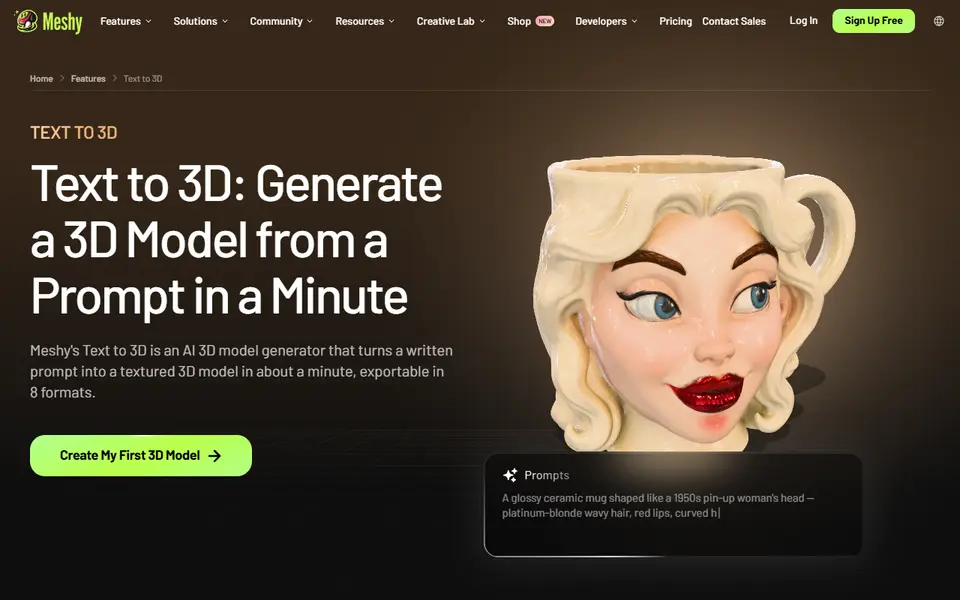
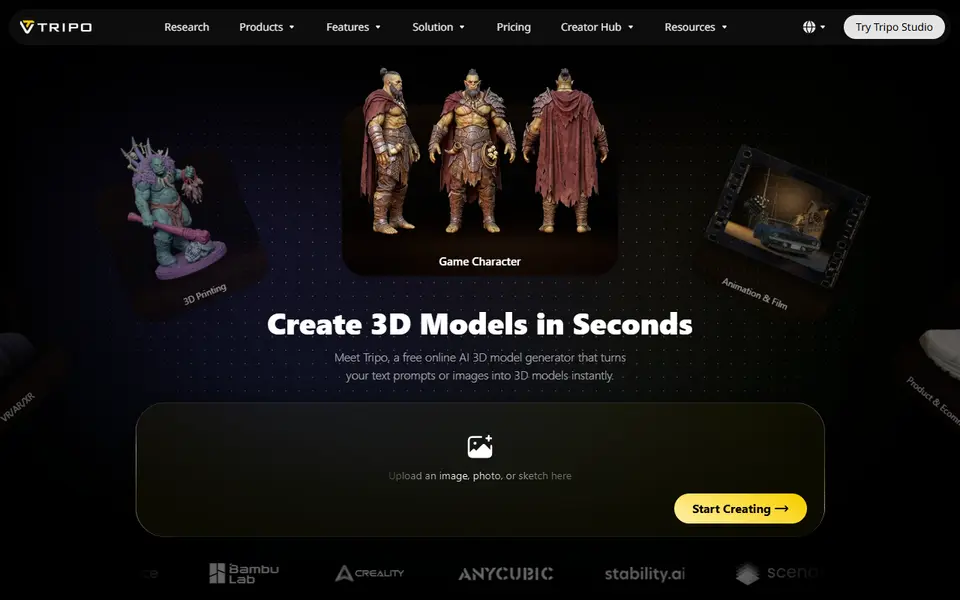
AI to 3D
Tripo AI
Turn text, images or sketches into detailed 3D models with STL, 3MF and OBJ export

AI to 3D
MakerLab Image to 3D Model
MakerWorld's AI photo-to-3D tool with a choice of Meshy, Tripo, Rodin and more
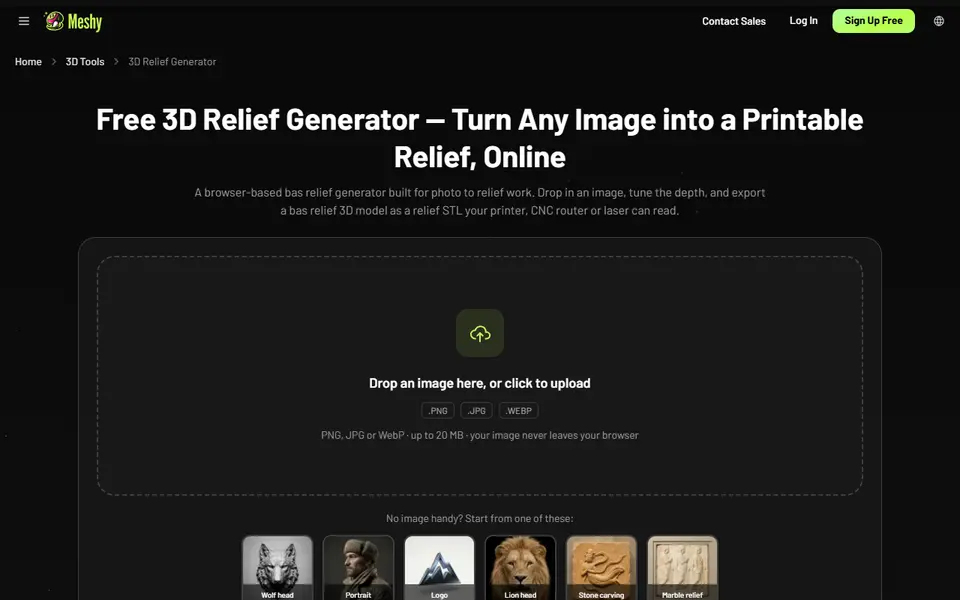
Image to Relief
Meshy 3D Relief Generator
Turns a picture into a printable relief plaque or casting mold, right in your browser
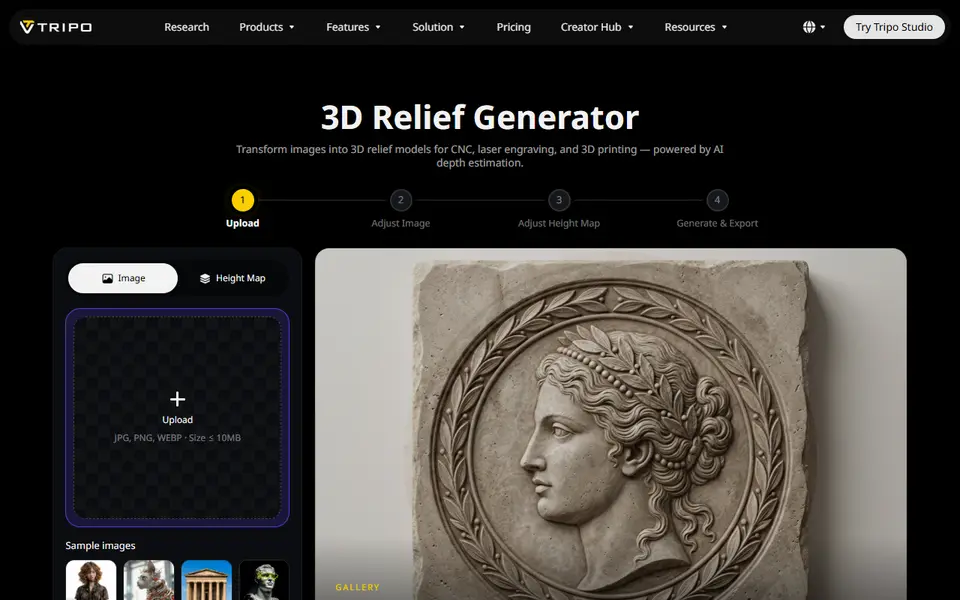
Image to Relief
Tripo AI 3D Relief Generator
Turns a photo or logo into a raised relief panel via an AI height map, as STL or OBJ
AI to 3D
Lychee Gen
Turns a prompt, photo or sketch into a printable 3D figure, made by the team behind Lychee Slicer
AI to 3D
Tencent Hunyuan3D
Tencent's AI text, image and sketch-to-3D studio with free daily generations

Get the next guide in your inbox
Every two weeks: the newest no-CAD generators, one guide and a print tip. Free, no spam, unsubscribe any time.