Tencent Hunyuan3D
Tencent's AI text, image and sketch-to-3D studio with free daily generations
Tencent Hunyuan3D is a free browser tool for free experimenting with AI figurines. Free daily generation allowance for signed-in users, with extra chances for invites; free open-source demos on Hugging Face. Exports STL, OBJ, GLB, FBX and USDZ. Last checked .
Opens hy3d.tencent.ai
What is Tencent Hunyuan3D?
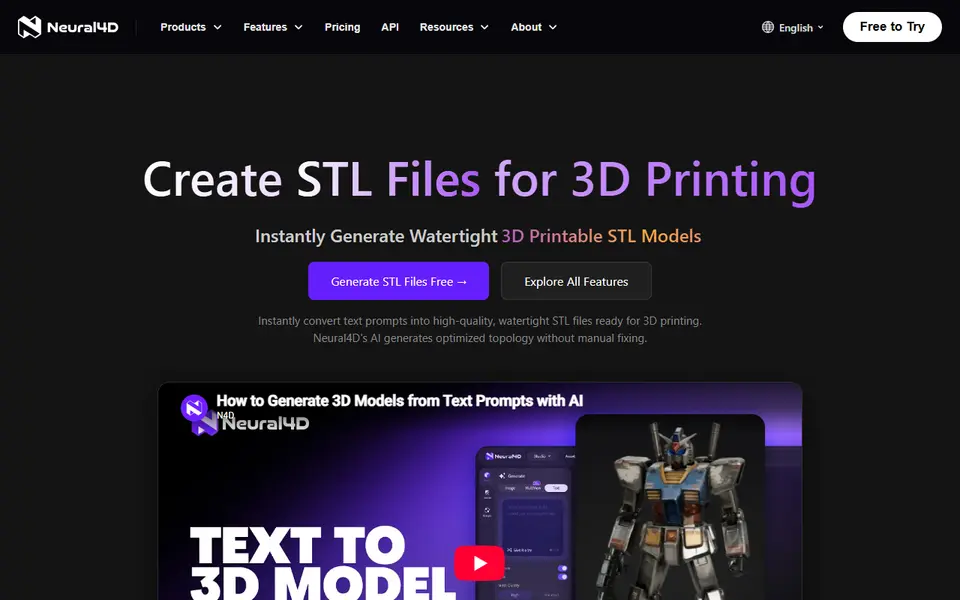
Hunyuan3D is Tencent's family of 3D generation models, and HY 3D is the web studio built on it. You can create a model from a text prompt, a photo or a rough sketch, and the studio also handles texturing, low-poly output and simple animation. The global version at hy3d.tencent.ai gives signed-in users a number of free generations every day, with extra chances for inviting friends.
Earlier models up to Hunyuan3D 2.1 are openly released under a Tencent community license that does not apply in the EU, UK or South Korea, and Tencent runs free demos on Hugging Face where you can upload an image and download a GLB, OBJ, PLY or STL file without an account, subject to the shared GPU queue. Hunyuan3D is also one of the engines behind MakerWorld's Image to 3D and PrintU tools.
The web studio's download menu offers GLB, OBJ, FBX, STL and USDZ for regular models (rigged models are limited to GLB, FBX and USDZ), but there is no 3MF or print-specific export, so check each mesh for holes before slicing. It is a strong free option for hobbyists who want to experiment a lot before paying for a commercial service.
What you can make
- Figurines from photos
- Models from text prompts
- Models from sketches
- Low-poly objects
How to use Tencent Hunyuan3D
- Open hy3d.tencent.ai and sign in
- Choose text, image or sketch to 3D
- Generate and pick the best result
- Download STL or OBJ and check it in your slicer
What you'll need to print it
Filament and parts that suit what you make with Tencent Hunyuan3D.
Matte PLA
- Bambu Lab PLA Matte (affiliate link) Amazon
- Polymaker Panchroma Matte PLA (formerly PolyTerra) (affiliate link) Polymaker EU: 3DJake (affiliate link)
Code gives 15% off your first order at Polymaker.
Resin
- Siraya Tech Fast ABS-like Resin (affiliate link) Siraya Tech
- Siraya Tech Blu Tough Resin (affiliate link) Siraya Tech
Some of these are affiliate links: we may earn a small commission, at no extra cost to you. More about that
Tencent Hunyuan3D pros
- Free generations every day
- Text, image and sketch input
- Open models with free Hugging Face demos
Tencent Hunyuan3D cons
- No 3MF or multicolor print export, and rigged models cannot be saved as STL
- Daily allowance resets and cannot be saved up
- Output still needs a printability check
- Open-model license excludes the EU, UK and South Korea
Rate Tencent Hunyuan3D
One rating per account. Signing in takes one email link, no password.
Reviews
Made with Tencent Hunyuan3D
Read next
Tencent Hunyuan3D alternatives
AI text and image to 3D generators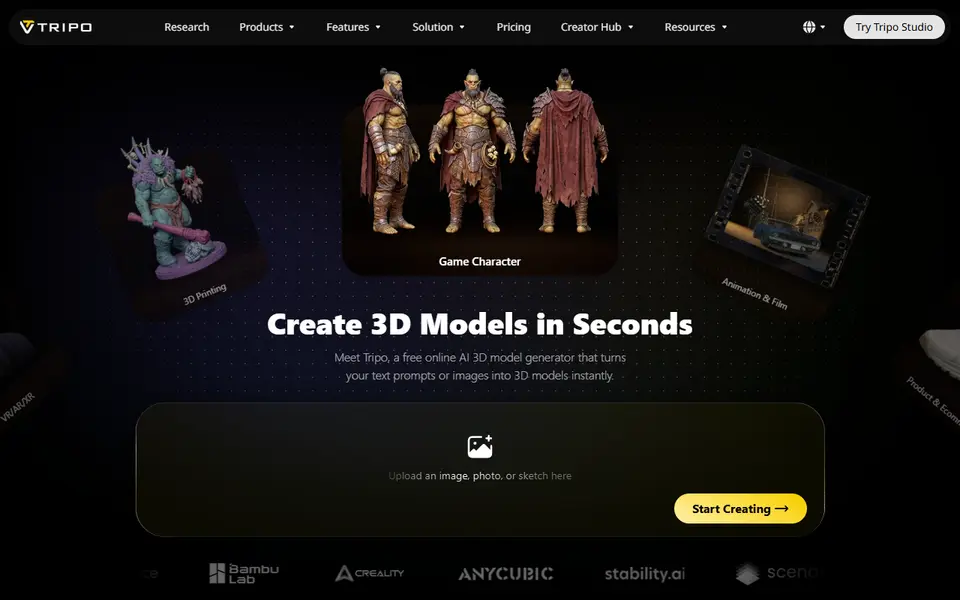
AI to 3D
Tripo AI
Turn text, images or sketches into detailed 3D models with STL, 3MF and OBJ export
AI to 3D
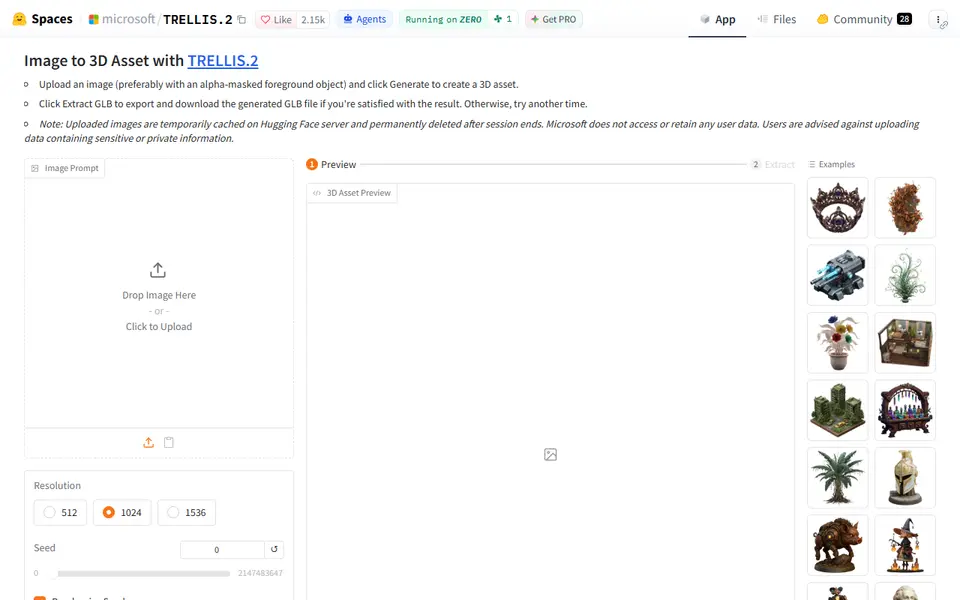
Microsoft TRELLIS.2
Free open-source image-to-3D demo from Microsoft that exports textured GLB models
AI to 3D
MakerLab Image to 3D Model
MakerWorld's AI photo-to-3D tool with a choice of Meshy, Tripo, Rodin and more