Hyper3D Rodin
High-detail image-to-3D and text-to-3D generator with STL export
Hyper3D Rodin is a freemium browser tool for high-detail props, busts and display pieces. Free plan lets you preview before paying; credits $1.50 each; Creator $30/month ($24/month billed yearly, about 60 models). Exports STL, OBJ, GLB, FBX and USDZ; an account is needed to download. Last checked .
Opens hyper3d.ai
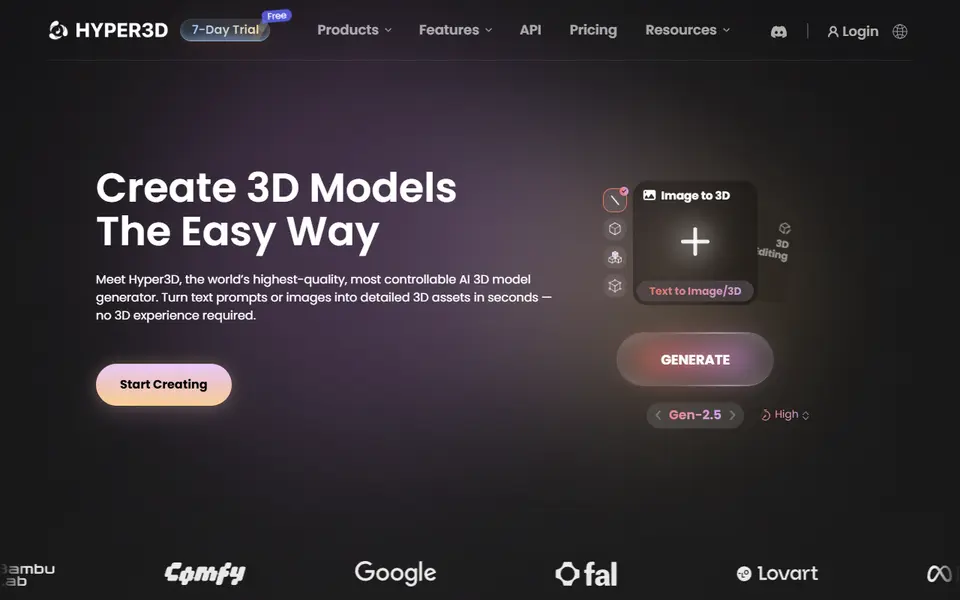
What is Hyper3D Rodin?
Rodin is the AI 3D generator from Hyper3D. You upload one image, or several views of the same object, or type a prompt, and it produces a textured model with clean topology. It is also one of the engines offered inside MakerWorld's Image to 3D tool, where its highest setting is the most detailed and most expensive option.
Rodin is built mainly for artists and production studios, but 3D printing is one of its listed use cases, and models can be downloaded as STL as well as OBJ, GLB, GLTF, FBX and USDZ. Multi-image input helps when a single photo hides the back or sides of an object.
Pricing works a little differently from most rivals: the free plan lets you generate and preview before you decide to spend credits, and single credits cost $1.50. The Creator plan is $30 a month (about 60 models). It is a good pick when detail matters more than price, for example for busts, props and display pieces.
What you can make
- Detailed figurines
- Props and replicas
- Busts and statues
- Display models
How to use Hyper3D Rodin
- Sign up at hyper3d.ai and open Rodin
- Upload one or more images or write a prompt
- Preview the result and confirm to spend credits
- Download STL and check it in your slicer
What you'll need to print it
Filament and parts that suit what you make with Hyper3D Rodin.
Resin
- Siraya Tech Fast ABS-like Resin (affiliate link) Siraya Tech
- Siraya Tech Blu Tough Resin (affiliate link) Siraya Tech
0.2 mm nozzle
Matte PLA
- Bambu Lab PLA Matte (affiliate link) Amazon
- Polymaker Panchroma Matte PLA (formerly PolyTerra) (affiliate link) Polymaker EU: 3DJake (affiliate link)
Code gives 15% off your first order at Polymaker.
Some of these are affiliate links: we may earn a small commission, at no extra cost to you. More about that
Hyper3D Rodin pros
- Very detailed geometry on its top quality settings
- Preview results before spending credits
- Multi-image input for better backs and sides
Hyper3D Rodin cons
- More expensive per model than most rivals
- Aimed at studios, so the interface has many pro options
- No print-specific multicolor export
Rate Hyper3D Rodin
One rating per account. Signing in takes one email link, no password.
Reviews
Made with Hyper3D Rodin
Read next
Hyper3D Rodin alternatives
AI text and image to 3D generators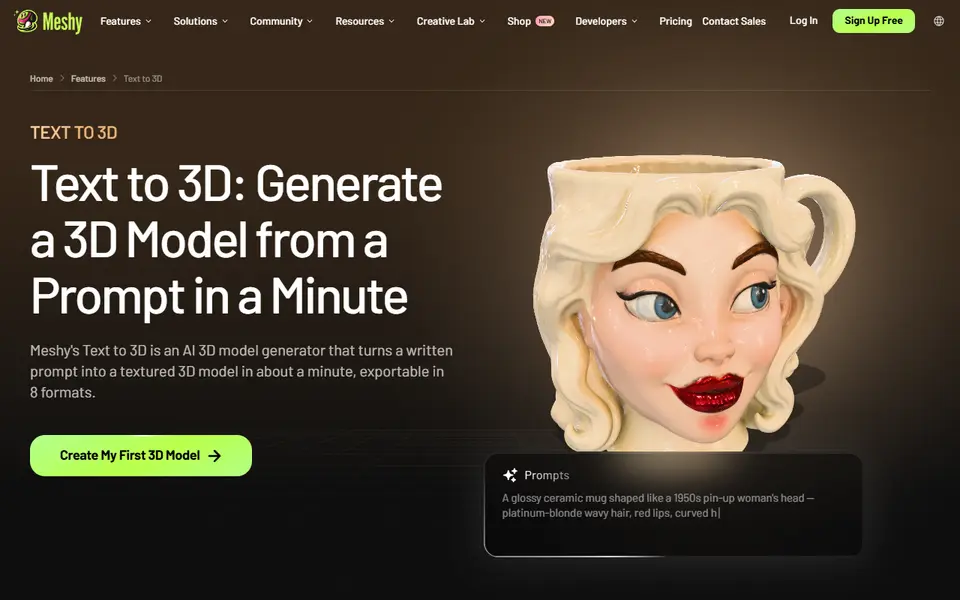
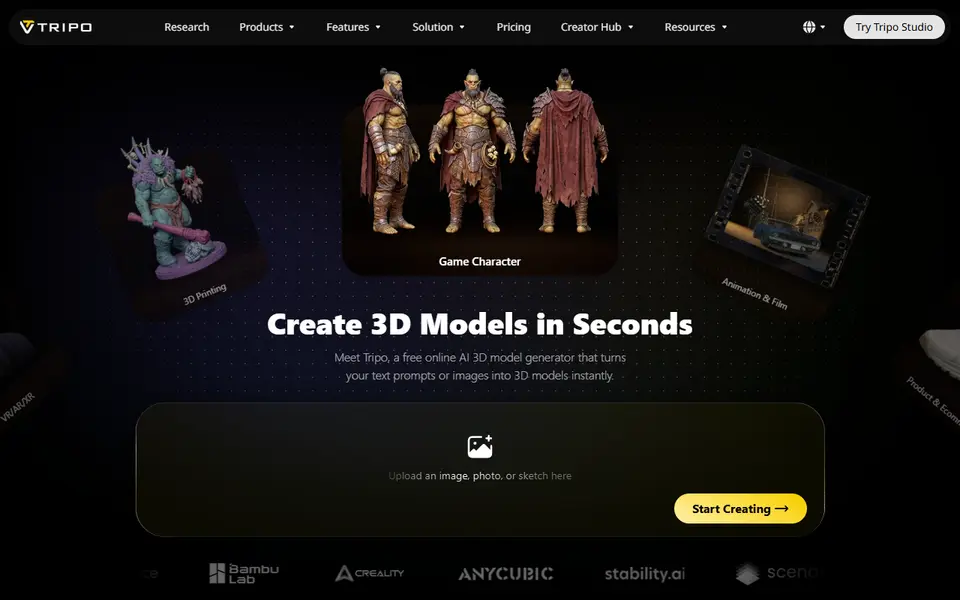
AI to 3D
Tripo AI
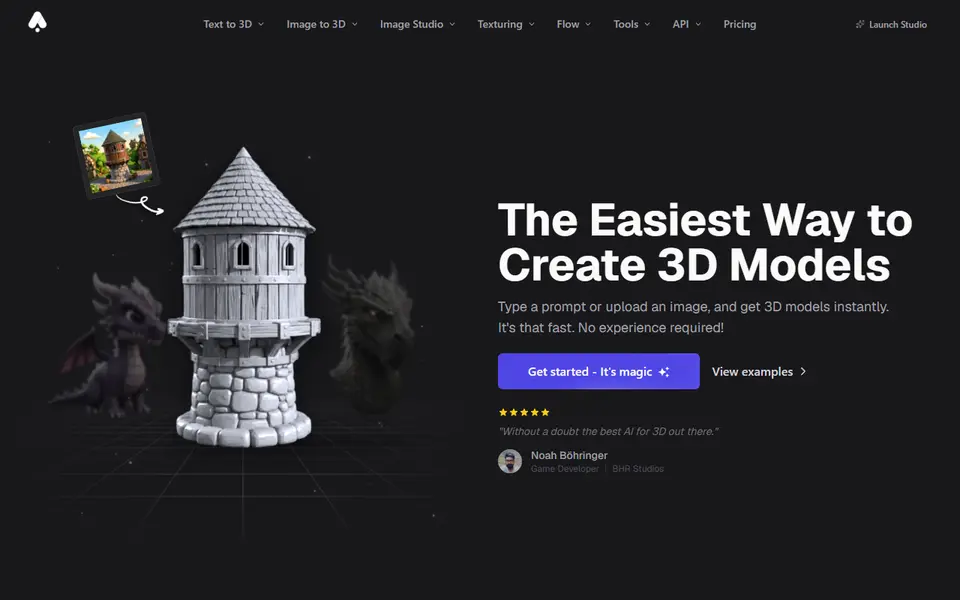
Turn text, images or sketches into detailed 3D models with STL, 3MF and OBJ export
AI to 3D
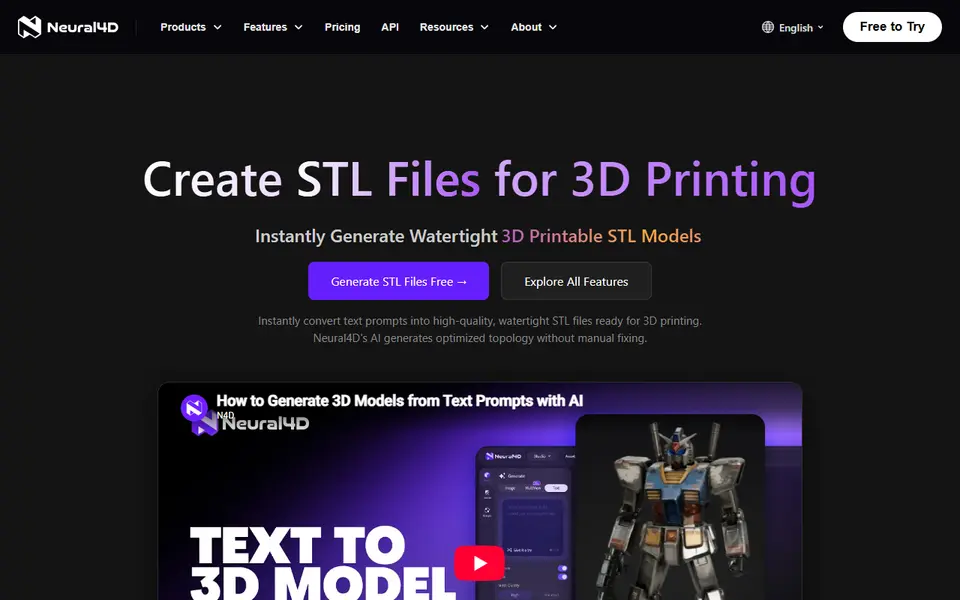
MakerLab Image to 3D Model
MakerWorld's AI photo-to-3D tool with a choice of Meshy, Tripo, Rodin and more
AI to 3D
Microsoft TRELLIS.2
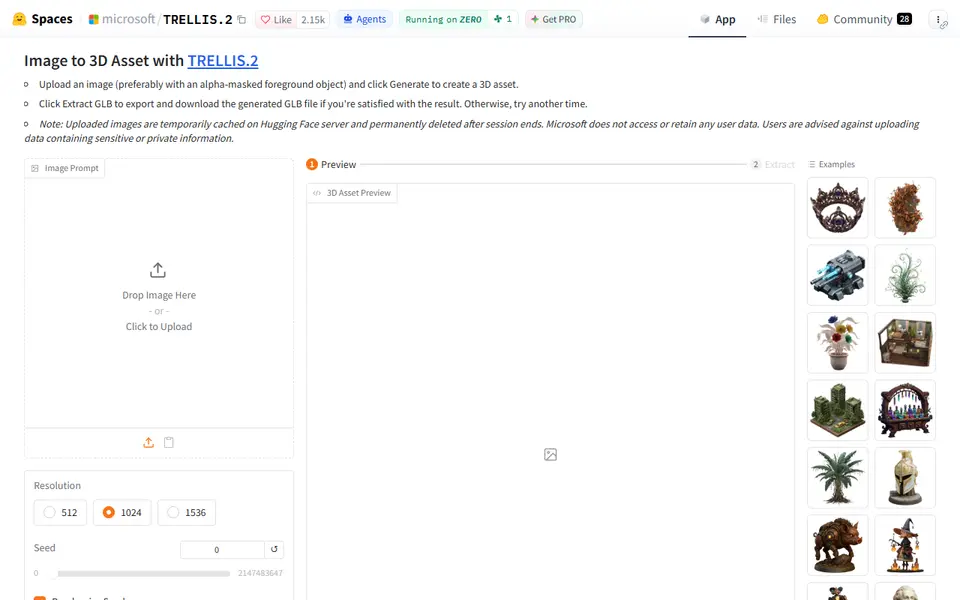
Free open-source image-to-3D demo from Microsoft that exports textured GLB models