3D AI Studio
One dashboard for many AI 3D engines, with STL and 3MF export for printing
3D AI Studio is a freemium browser tool for comparing AI engines to get the best printable mesh. Free starter credits for new users, no card needed (the pricing page does not say how many); subscriptions from $19/month; one-time credit packs from $34. Exports STL, 3MF, OBJ, GLB, FBX, USDZ and PLY; an account is needed to download. Last checked .
Opens 3daistudio.com
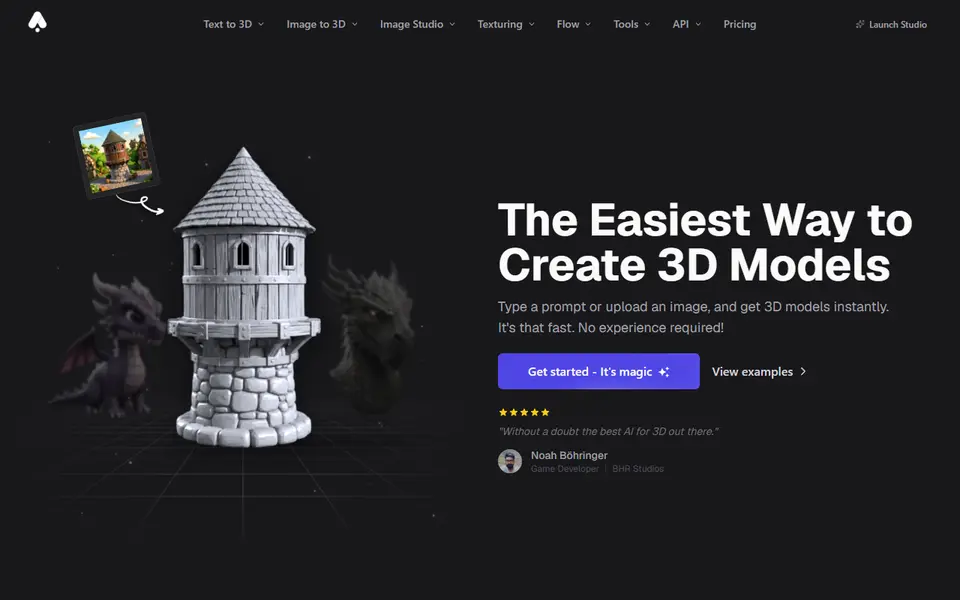
What is 3D AI Studio?
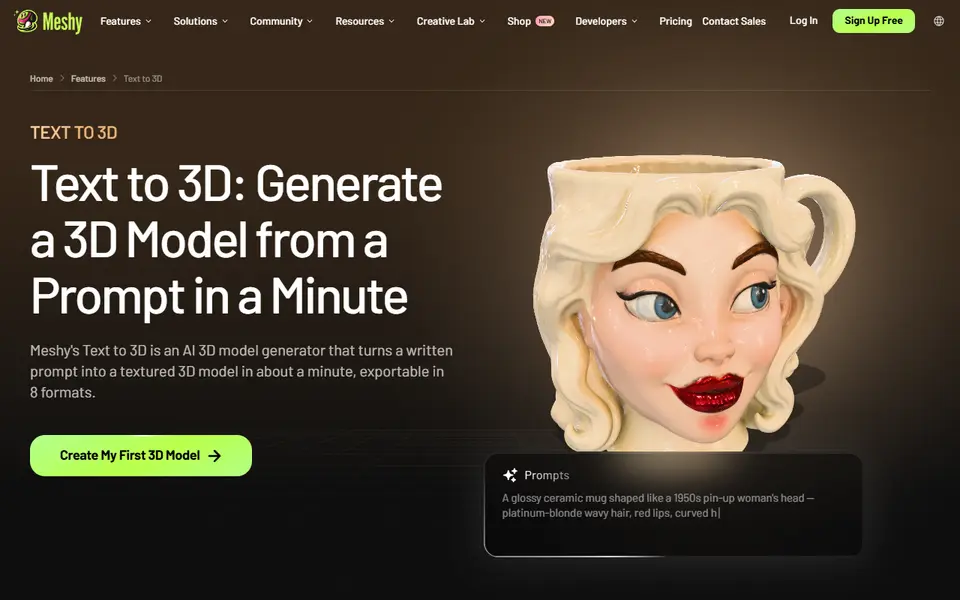
3D AI Studio is an all-in-one web app that bundles several AI 3D engines, including Meshy, Tripo, Rodin, Hunyuan3D, TRELLIS and Seed3D, behind one account and one credit balance. You pick an engine, feed it text or an image, and compare what comes back without juggling separate subscriptions.
For 3D printing it offers STL and 3MF downloads, a free remesh tool to clean up geometry, and dimension tools so you can set the real-world size in millimeters, centimeters or inches before export. Other formats include OBJ, GLB, FBX, USDZ and PLY. There are also extras such as AI texturing and image generation.
New users get free starter credits, and subscriptions start at $19 a month; a text or image to 3D job costs roughly 20 to 35 credits depending on the engine. It suits makers who like to test the same idea on different engines and keep the best mesh, and who would rather pay one bill than several.
What you can make
- Figurines
- Props and decor
- Stylised characters
- Custom miniatures
How to use 3D AI Studio
- Sign up and claim the starter credits
- Choose Image to 3D or Text to 3D and pick an engine
- Remesh the result and set its size
- Download STL or 3MF and slice it
What you'll need to print it
Filament and parts that suit what you make with 3D AI Studio.
Matte PLA
- Bambu Lab PLA Matte (affiliate link) Amazon
- Polymaker Panchroma Matte PLA (formerly PolyTerra) (affiliate link) Polymaker EU: 3DJake (affiliate link)
Code gives 15% off your first order at Polymaker.
Resin
- Siraya Tech Fast ABS-like Resin (affiliate link) Siraya Tech
- Siraya Tech Blu Tough Resin (affiliate link) Siraya Tech
Some of these are affiliate links: we may earn a small commission, at no extra cost to you. More about that
3D AI Studio pros
- Several leading engines from one account
- STL and 3MF export with real-world sizing
- Free remesh tool to tidy geometry
3D AI Studio cons
- No lasting free plan beyond the starter credits
- Dozens of tools and engines can feel busy for beginners
Rate 3D AI Studio
One rating per account. Signing in takes one email link, no password.
Reviews
Made with 3D AI Studio
Read next
3D AI Studio alternatives
AI text and image to 3D generators
AI to 3D
MakerLab Image to 3D Model
MakerWorld's AI photo-to-3D tool with a choice of Meshy, Tripo, Rodin and more
AI to 3D
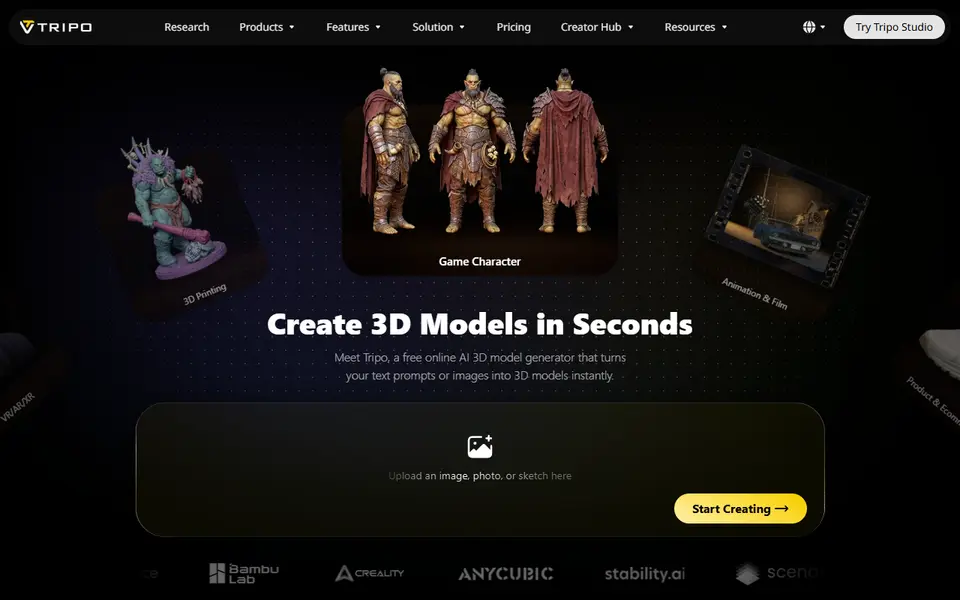
Tripo AI
Turn text, images or sketches into detailed 3D models with STL, 3MF and OBJ export
AI to 3D
Tencent Hunyuan3D
Tencent's AI text, image and sketch-to-3D studio with free daily generations
AI to 3D
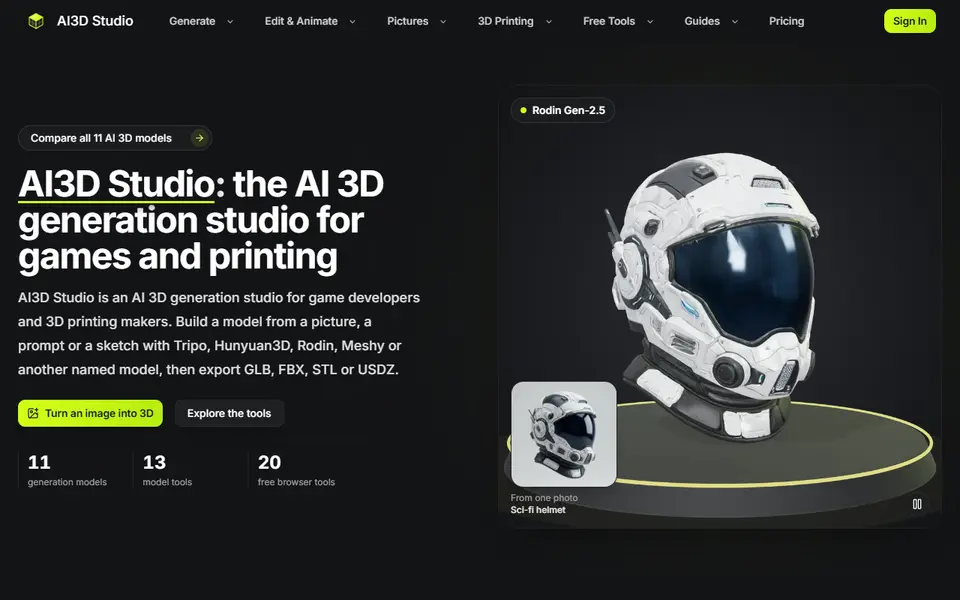
AI3D Studio
Eleven AI 3D engines on one credit balance, with print prep, split and multicolor tools
AI to 3D
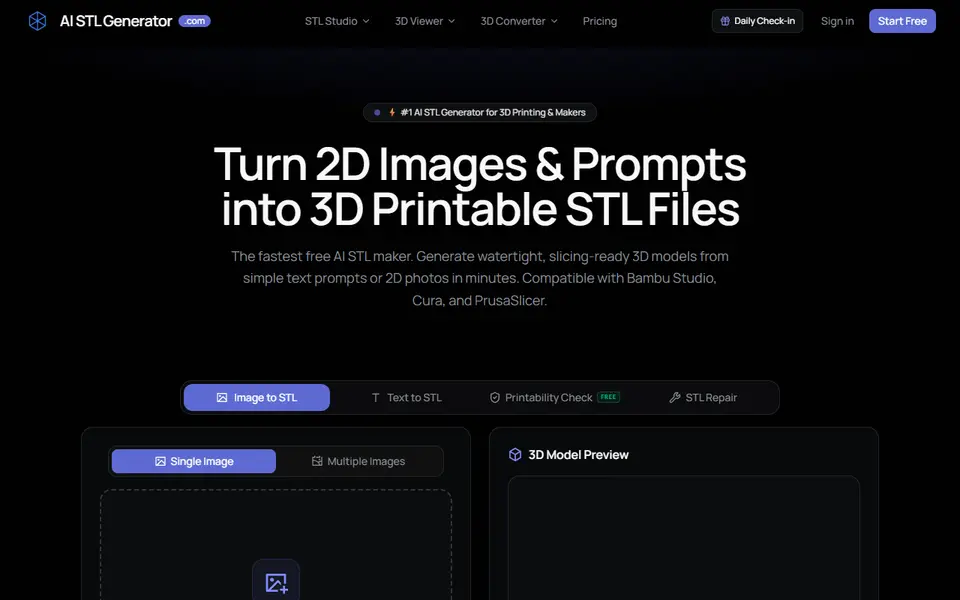
AI STL Generator
Text or photo to STL or 3MF, with a print check, repair tool and 5 free credits a day