AI3D Studio
Eleven AI 3D engines on one credit balance, with print prep, split and multicolor tools
AI3D Studio is a freemium browser tool for comparing AI engines and prepping the result for multicolor or split prints. Free browser tools and sample models; generating needs credits: plans $12, $29 or $79 a month (600, 1,800 or 5,500 credits), yearly at ten months' price, one-time packs from $19 for 500 credits. Exports STL, 3MF, OBJ, GLB, FBX, USDZ and PLY; an account is needed to download. Last checked .
Opens ai3d.studio
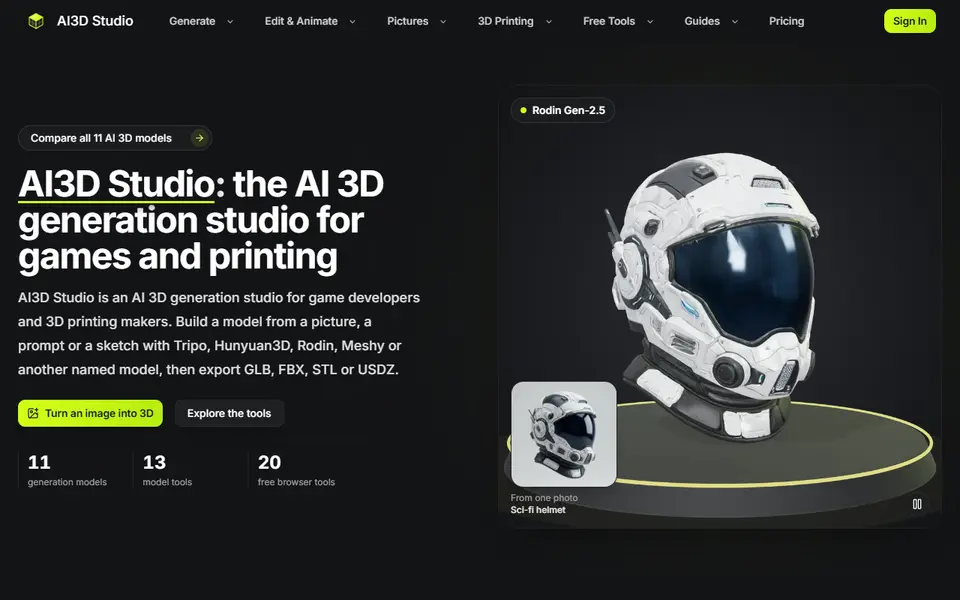
What is AI3D Studio?
AI3D Studio is a web studio that runs eleven AI 3D engines behind one account and one credit balance, including Tripo, Hunyuan3D, TRELLIS.2, Rodin, Meshy, Hitem3D and Seed3D. You start from an image, a text prompt, a sketch or up to eight views of the same object, then retexture, remesh, auto-rig or segment the result.
For 3D printing there is a set of prep tools: Print Split cuts a model into printable pieces with joints, Multicolor reduces it to 2 to 8 filament colors, and Hitem3D 3.0 is pitched as the engine for print-grade STL. The download panel converts results in your browser to STL, 3MF, OBJ, GLB, USDZ, PLY or FBX. There are also about 20 free browser tools, such as relief, lithophane and SVG-to-STL makers, that run on your device without an account.
A free account starts with no credits, so generating models needs a plan or a credit pack. Plans run $12, $29 and $79 a month (600, 1,800 and 5,500 credits), and one-time packs start at $19 for 500 credits. A default image-to-3D job costs roughly 29 to 50 credits on the core engines and more on the pro ones. It suits makers who want to compare engines and also split or color-reduce the result before slicing.
What you can make
- Figurines
- Props and decor
- Multicolor prints
- Large models split into parts
How to use AI3D Studio
- Sign up and pick a plan or a credit pack
- Upload an image, sketch or views, or type a prompt, and choose an engine
- Split or color-reduce the model for printing
- Download STL or 3MF and slice it
What you'll need to print it
Filament and parts that suit what you make with AI3D Studio.
Matte PLA
- Bambu Lab PLA Matte (affiliate link) Amazon
- Polymaker Panchroma Matte PLA (formerly PolyTerra) (affiliate link) Polymaker EU: 3DJake (affiliate link)
Code gives 15% off your first order at Polymaker.
Resin
- Siraya Tech Fast ABS-like Resin (affiliate link) Siraya Tech
- Siraya Tech Blu Tough Resin (affiliate link) Siraya Tech
Some of these are affiliate links: we may earn a small commission, at no extra cost to you. More about that
AI3D Studio pros
- Eleven engines from one account and credit balance
- Print Split and Multicolor tools for printing
- Free browser tools for reliefs and lithophanes without an account
AI3D Studio cons
- Free accounts get no generation credits
- Pro engines such as Meshy and Rodin need a subscription, not a credit pack
Rate AI3D Studio
One rating per account. Signing in takes one email link, no password.
Reviews
Made with AI3D Studio
Read next
AI3D Studio alternatives
AI text and image to 3D generators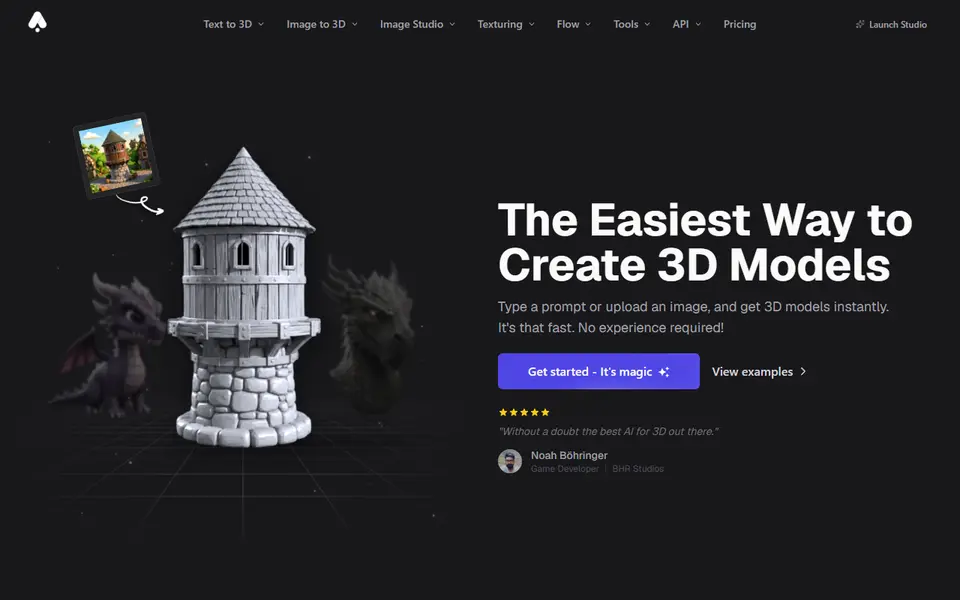
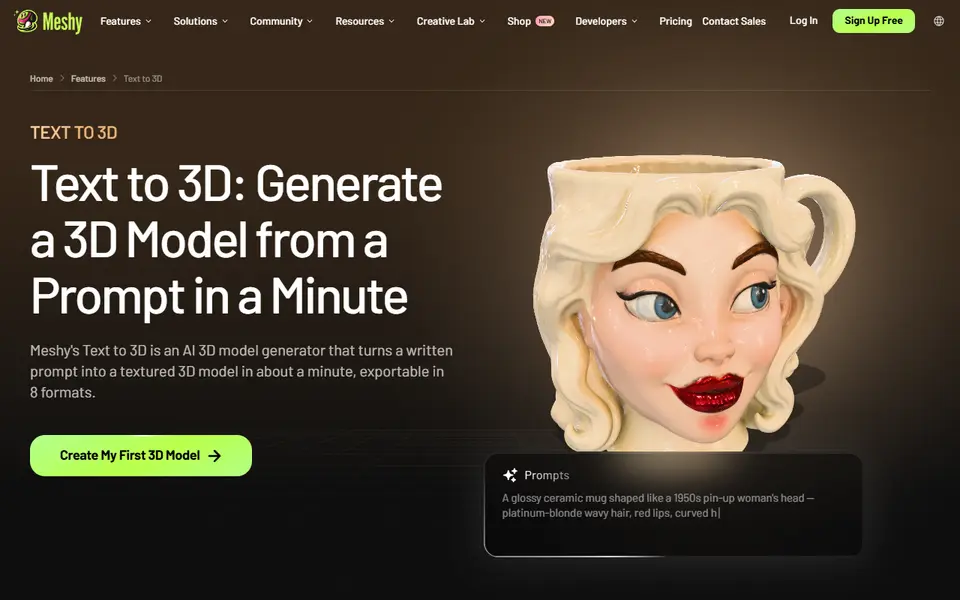
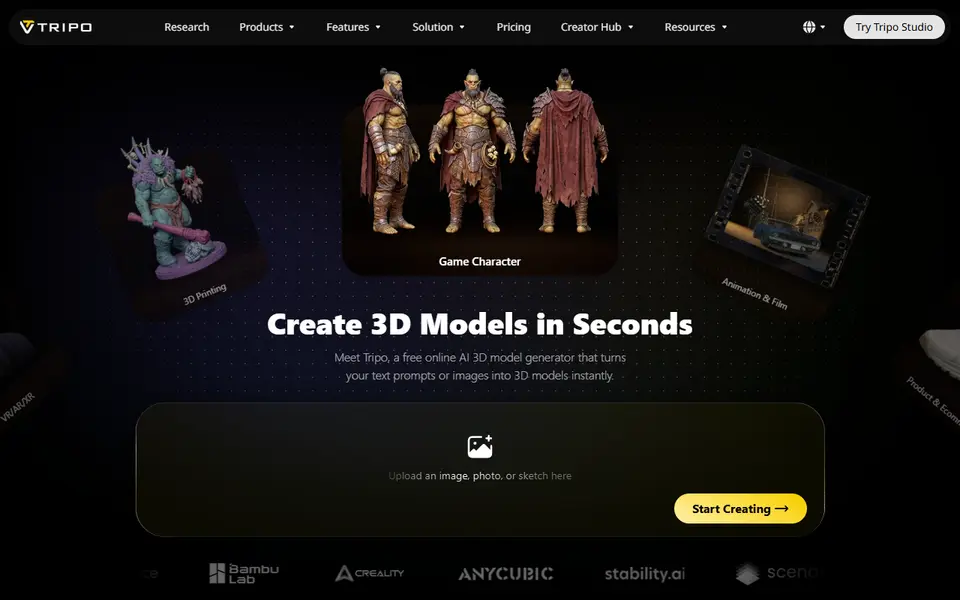
AI to 3D
Tripo AI
Turn text, images or sketches into detailed 3D models with STL, 3MF and OBJ export
AI to 3D
Tencent Hunyuan3D
Tencent's AI text, image and sketch-to-3D studio with free daily generations
AI to 3D
MakerLab Image to 3D Model
MakerWorld's AI photo-to-3D tool with a choice of Meshy, Tripo, Rodin and more
AI to 3D
Nexprint Text & Image to 3D
Turn a photo or text prompt into a single-color or four-color 3MF on ELEGOO's Nexprint