Nexprint Text & Image to 3D
Turn a photo or text prompt into a single-color or four-color 3MF on ELEGOO's Nexprint
Nexprint Text & Image to 3D is a free browser tool for multicolor figurines from a photo or idea, especially for ELEGOO owners. No paid plan or credit purchase seen. A first-use claim gives 150 free credits; an image generation costs 5 credits and a text generation 4. More credits come from redeeming Nexprint Points (1 point = 5 credits), which you earn on Nexprint, for example by uploading photos and sliced files of your prints. The credit balance is capped at 1,000. Exports 3MF and GLB; an account is needed to download. Last checked .
Opens maker.nexprint.com
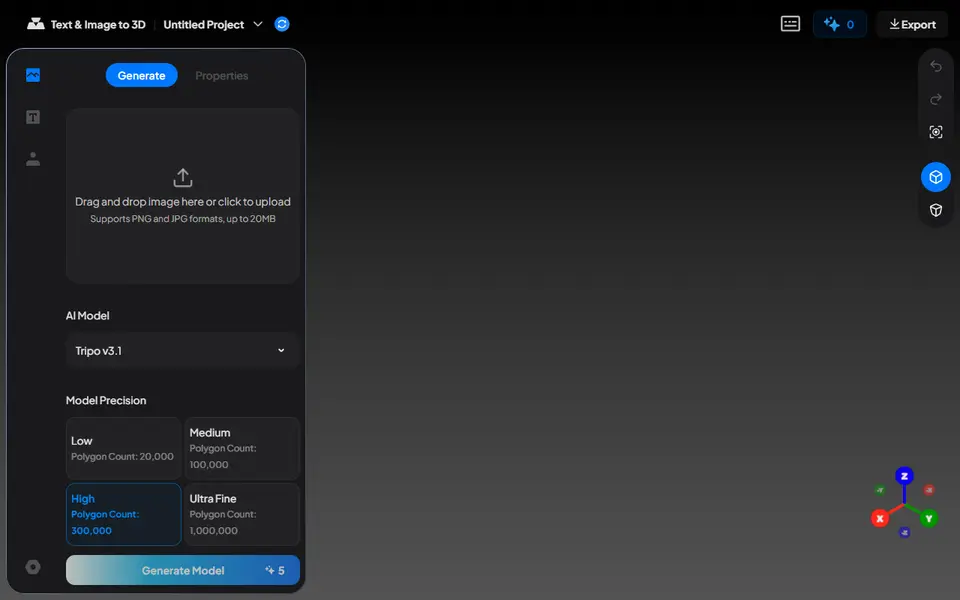
What is Nexprint Text & Image to 3D?
Nexprint Text & Image to 3D is a free browser tool from ELEGOO that turns a photo or a short text description into a 3D model you can export as a print-ready 3MF. It sits in the Maker Workshop on Nexprint, ELEGOO's model platform, and launched in September 2026. You upload a PNG or JPG or type up to 1,000 characters, pick Tripo v3.1 or v3.0 and a precision level between 20,000 and 1,000,000 polygons, and the mesh appears in a browser workspace. A fixed seed option lets you repeat a result.
The useful part comes after generation. You can scale and rotate the model, flatten its bottom, check it against your printer's build volume and then choose an export: a plain white 3MF for single-color printing, a multicolor 3MF that keeps more of the colors, or one reduced to four print colors that you can adjust group by group. The 3MF downloads or opens straight in ELEGOO Slicer, while the textured GLB is only a color preview.
Generation runs on credits tied to your Nexprint account. A first-use claim gives 150, an image run costs 5 and a text run 4, and you get more by redeeming Nexprint Points earned on the platform. It suits ELEGOO owners and anyone with a multi-color printer who wants figurines or decor from a photo or an idea.
What you can make
- Figurines from a photo
- Models from a text prompt
- Four-color multicolor prints
- Single-color white models
How to use Nexprint Text & Image to 3D
- Sign in to Nexprint and claim the free first-use credits
- Upload a photo or type a description of the model you want
- Pick the AI model and a precision level, then click Generate Model
- Adjust the size, flatten the bottom and choose white, multicolor or 4-color output
- Download the 3MF or send it to ELEGOO Slicer
What you'll need to print it
Filament and parts that suit what you make with Nexprint Text & Image to 3D.
Matte PLA
Multicolor filament systems
Resin
- Siraya Tech Fast ABS-like Resin (affiliate link) Siraya Tech
- Siraya Tech Blu Tough Resin (affiliate link) Siraya Tech
Some of these are affiliate links: we may earn a small commission, at no extra cost to you. More about that
Nexprint Text & Image to 3D pros
- Exports a print-ready 3MF directly, so there is no GLB to STL conversion step
- Can reduce the model to four print colors and lets you adjust each color group before export
- Flatten Bottom, scaling and a build-volume check help the model sit and fit on your printer
Nexprint Text & Image to 3D cons
- Credits only top up by redeeming Nexprint Points, which you earn through activity on the platform
- Only two AI models to choose from, both Tripo versions, and no STL download
- Launched in September 2026, and the one-click slicer hand-off only opens ELEGOO Slicer
Rate Nexprint Text & Image to 3D
One rating per account. Signing in takes one email link, no password.
Reviews
Made with Nexprint Text & Image to 3D
Read next
Nexprint Text & Image to 3D alternatives
AI text and image to 3D generators
AI to 3D
MakerLab Image to 3D Model
MakerWorld's AI photo-to-3D tool with a choice of Meshy, Tripo, Rodin and more
AI to 3D
MakerLab PrintU
Turn a photo into a stylized multicolor figurine: bobblehead, chibi, cartoon and more
AI to 3D
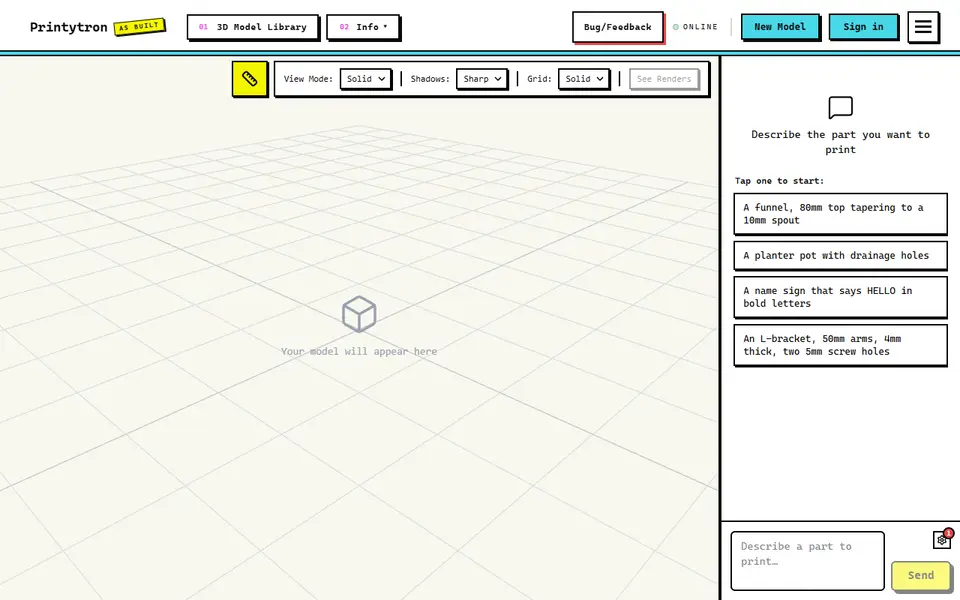
Printytron
Describe a part in plain English and get a printable STL built to your measurements
AI to 3D
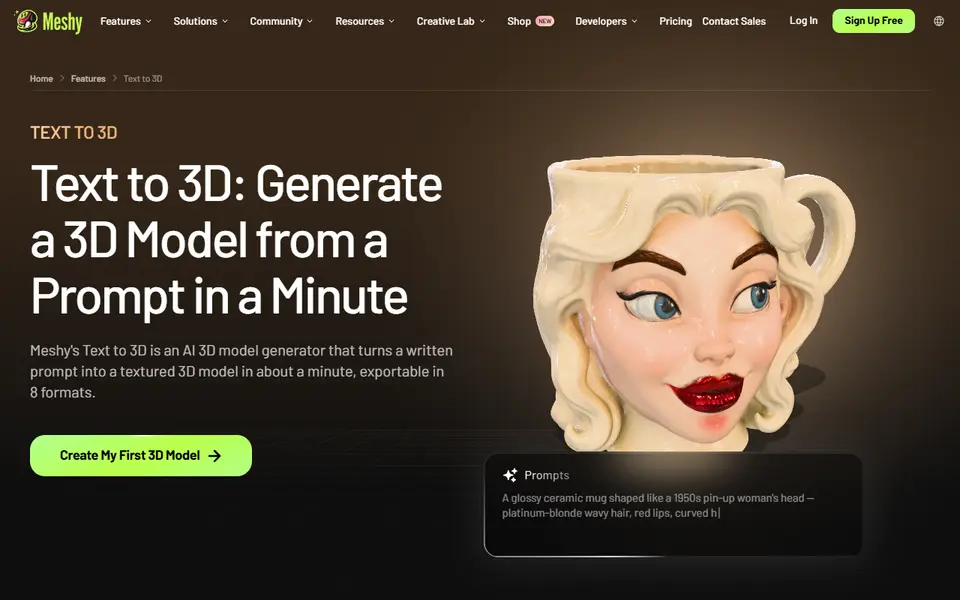
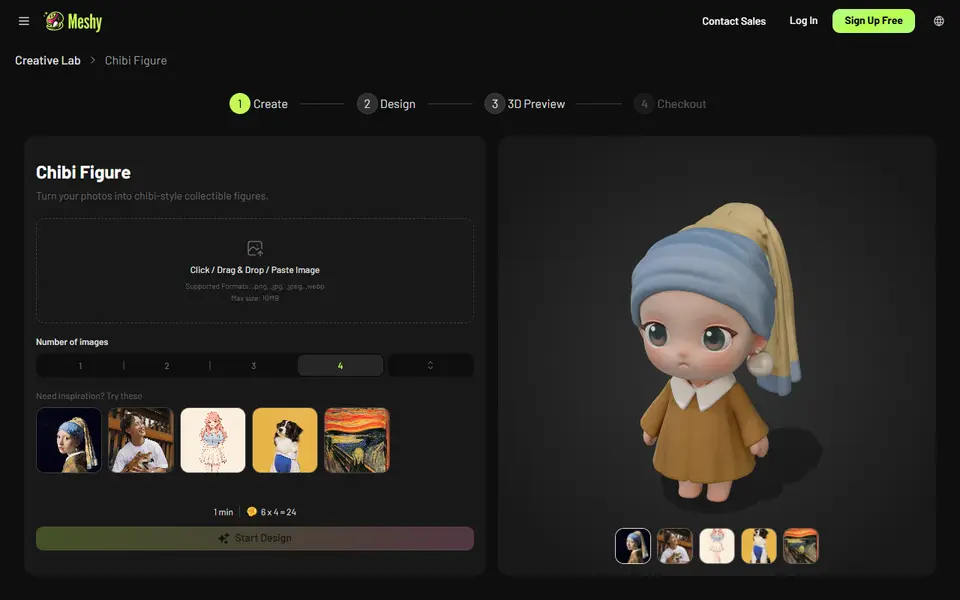
Meshy AI Figurine Generator
Turns one photo of a person or pet into a full-color chibi figurine, downloadable on paid plans