Meshy AI Figurine Generator
Turns one photo of a person or pet into a full-color chibi figurine, downloadable on paid plans
Meshy AI Figurine Generator is a paid browser tool for chibi-style gift figures of people and pets. Designing and the 3D preview work on a free Meshy account (6 credits per 2D design, 30 per 3D model, 100 free credits a month plus a daily allowance of free designs). Downloading the figure needs a paid plan: Pro is $20 a month with unlimited downloads, and the multicolor 3MF export and AR preview need Pro or higher. Exports STL, OBJ, GLB, FBX and 3MF. Last checked .
Opens meshy.ai (affiliate link)
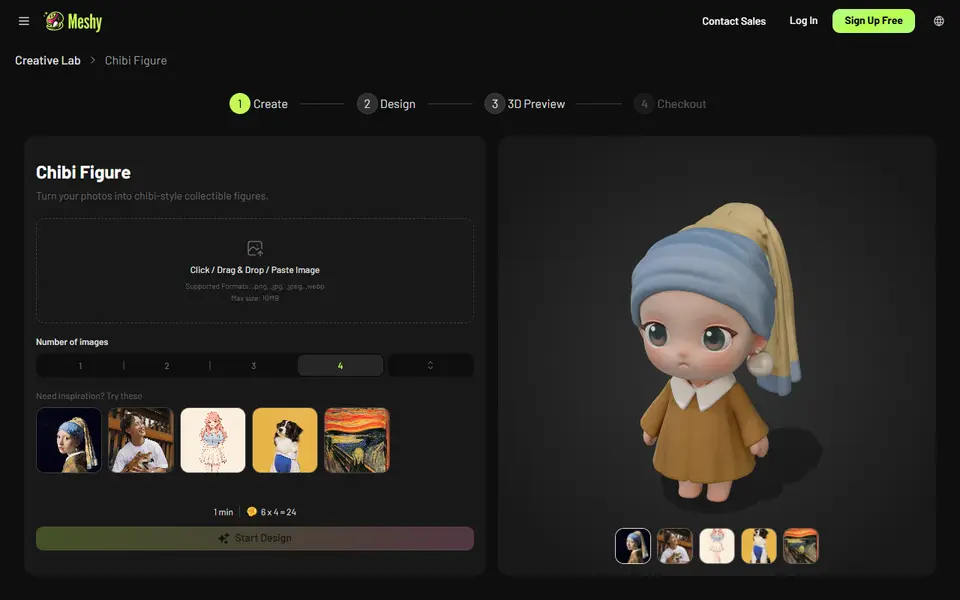
What is Meshy AI Figurine Generator?
Meshy AI Figurine Generator is a browser tool in Meshy's Creative Lab that turns one photo of a person, a pet or a character into a big-headed chibi figurine with full-color textures. Inside the app it is called Chibi Figure. There is no prompt to write and nothing to model.
The tool works as a four-step wizard. You upload a photo and it first draws one to four 2D chibi designs, at 6 credits each, with a small daily allowance of free designs. You pick the design you like and it builds the 3D model for 30 credits. In the 3D preview you rotate the figure, regenerate if the face or outfit looks off, and export STL, OBJ, GLB or FBX. On Pro and higher plans a Multi-Color Print option exports a 3MF with the texture split into filament colors. Meshy has announced printed and shipped figures, which could not be ordered as of September 2026.
The catch is the download. A free account can design and preview, but the download button asks you to upgrade, so in practice you need a paid plan such as Pro at $20 a month. It suits people who want a cute gift figure of a friend, partner or pet and already use Meshy or are happy to pay for a month.
What you can make
- Chibi figurines of people
- Pet figurines
- Couple and family figurines
- Original character collectibles
- Tabletop miniatures
How to use Meshy AI Figurine Generator
- Open Chibi Figure in Meshy Creative Lab and sign in
- Upload a clear photo of a person, pet or character and choose one to four designs
- Pick your favorite 2D design and create the 3D model
- Rotate the preview and regenerate if the face or pose is off
- On a paid plan, download STL or OBJ, or the multicolor 3MF on Pro, and slice it
What you'll need to print it
Filament and parts that suit what you make with Meshy AI Figurine Generator.
Matte PLA
Multicolor PLA
Multicolor filament systems
Some of these are affiliate links: we may earn a small commission, at no extra cost to you. More about that
Meshy AI Figurine Generator pros
- Guided steps from photo to figure, with no prompt to write
- Shows up to four 2D designs first, so you only spend 30 credits on a 3D model you already like
- Full-color model, plus a multicolor 3MF split into filament colors on Pro and higher
Meshy AI Figurine Generator cons
- Free accounts can design and preview but cannot download the file
- Only one look: big-headed chibi figures, not realistic likenesses
- The multicolor 3MF export and AR preview are limited to Pro and higher plans
Rate Meshy AI Figurine Generator
One rating per account. Signing in takes one email link, no password.
Reviews
Made with Meshy AI Figurine Generator
Read next
Meshy AI Figurine Generator alternatives
AI text and image to 3D generators
AI to 3D
MakerLab PrintU
Turn a photo into a stylized multicolor figurine: bobblehead, chibi, cartoon and more
AI to 3D
Nexprint Text & Image to 3D
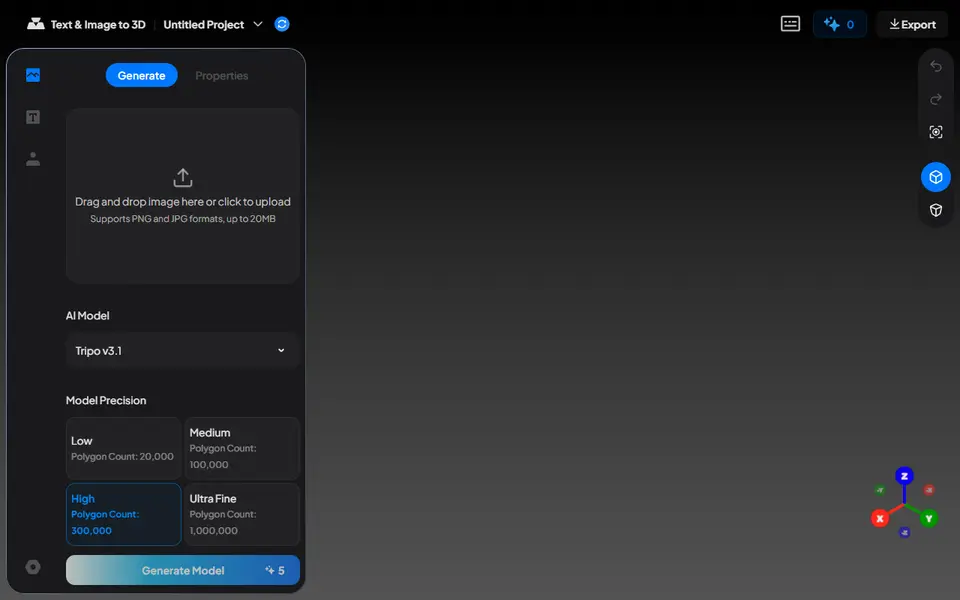
Turn a photo or text prompt into a single-color or four-color 3MF on ELEGOO's Nexprint
AI to 3D
Printytron
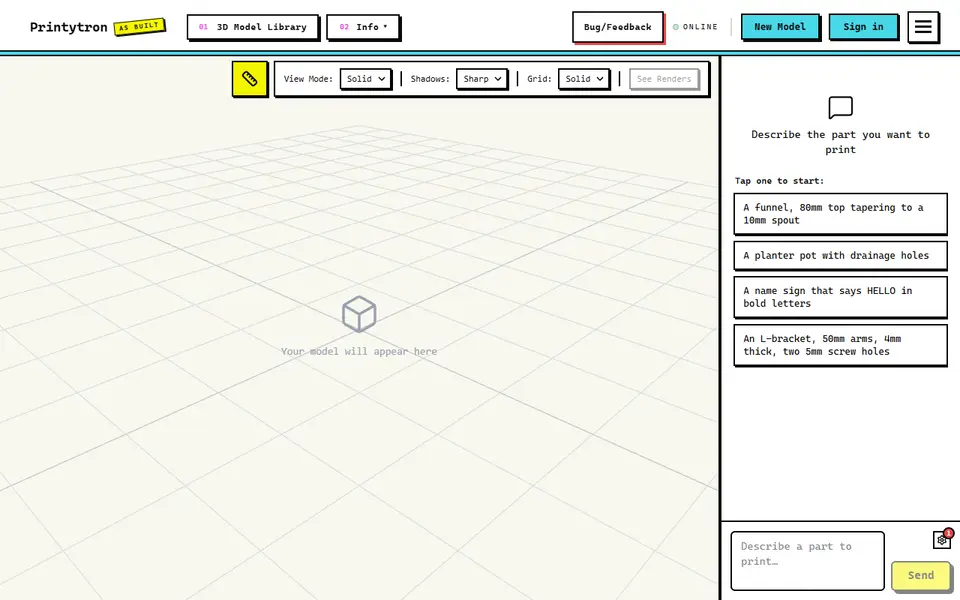
Describe a part in plain English and get a printable STL built to your measurements