PHORM
Photo or text to a repaired, print-ready STL or 3MF, tuned for Bambu Lab printers
PHORM is a freemium browser tool for figures, pets and decor from a photo on a Bambu printer. Free open beta with free generation credits after sign-in, no credit card; announced paid plans charge per model (Hobby about $0.75, Maker $0.63, Studio $0.60). Exports STL and 3MF. Last checked .
Opens phorm.to
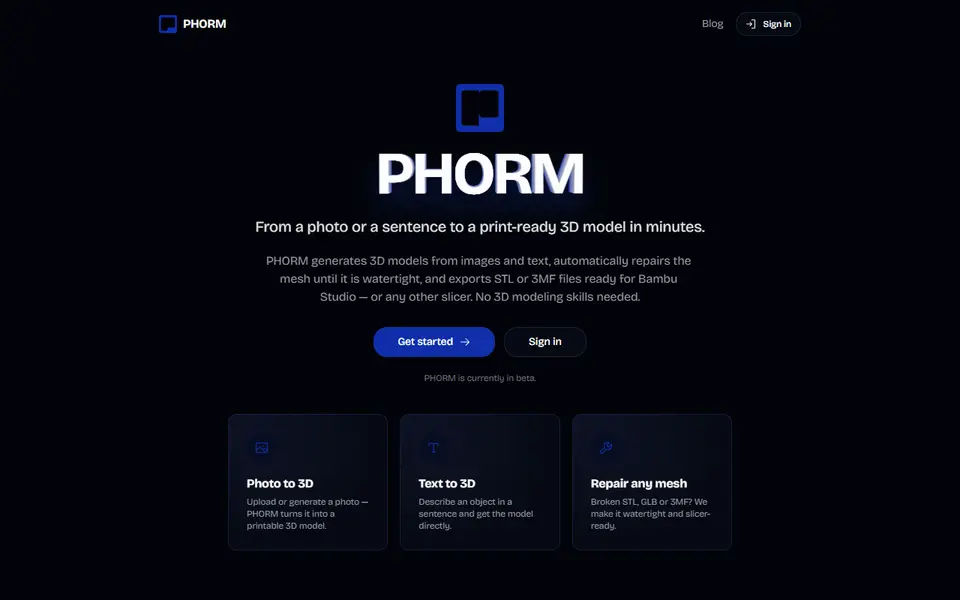
What is PHORM?
PHORM turns a photo or a short text description into a 3D model meant for printing, not for games or animation. The AI builds the mesh, then PHORM repairs it automatically: it closes holes, fixes flipped normals and resolves non-manifold geometry, so you get a watertight file that slices without surprises. A model usually takes a few minutes, mostly one to three minutes for the 3D stage depending on the quality setting.
It exports STL and 3MF and is tuned for Bambu Lab printers (P1S, P2S, A1 and X1C), with print profiles for those machines, but the files are standard meshes that work in any slicer and in PLA, PETG or resin. You can also upload a broken STL, GLB or 3MF and let it repair the file. The maker is clear about what it is for: figures, pets, decor, gifts, props and miniatures, not precise functional parts.
PHORM is in a free open beta: you sign in and get free generation credits, with no credit card. The announced paid plans charge per model, from about $0.60 to $0.75; the Hobby plan has a personal-use license and Maker and up add a commercial license and a 3MF with a ready print profile. It suits Bambu owners who want to turn a photo of a pet or a figurine idea into something printable tonight.
What you can make
- Figurines from a photo
- Pet statues
- Decor, gifts and ornaments
- Tabletop miniatures and props
- Repaired versions of broken meshes
How to use PHORM
- Sign in to the free beta
- Upload a photo or describe the object
- Wait a few minutes while the model is built and repaired
- Download the STL or 3MF and print it on your Bambu printer
What you'll need to print it
Filament and parts that suit what you make with PHORM.
Matte PLA
Resin
- Siraya Tech Fast ABS-like Resin (affiliate link) Siraya Tech
- Siraya Tech Blu Tough Resin (affiliate link) Siraya Tech
Some of these are affiliate links: we may earn a small commission, at no extra cost to you. More about that
PHORM pros
- Repairs the mesh automatically, so the STL or 3MF is watertight and ready to slice
- Print profiles for Bambu Lab P1S, P2S, A1 and X1C
- Can also fix broken STL, GLB and 3MF files you already have
PHORM cons
- In beta: free credits now, final pricing still to be announced
- Single-color output and not meant for precise functional parts
Rate PHORM
One rating per account. Signing in takes one email link, no password.
Reviews
Made with PHORM
Read next
PHORM alternatives
AI text and image to 3D generators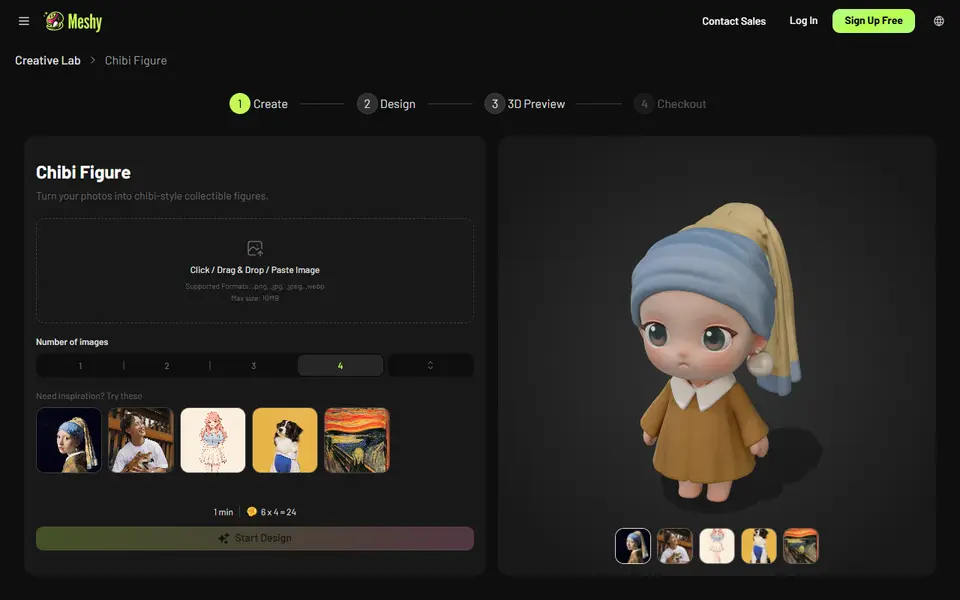
AI to 3D
Meshy AI Figurine Generator
Turns one photo of a person or pet into a full-color chibi figurine, downloadable on paid plans
AI to 3D
MakerLab PrintU
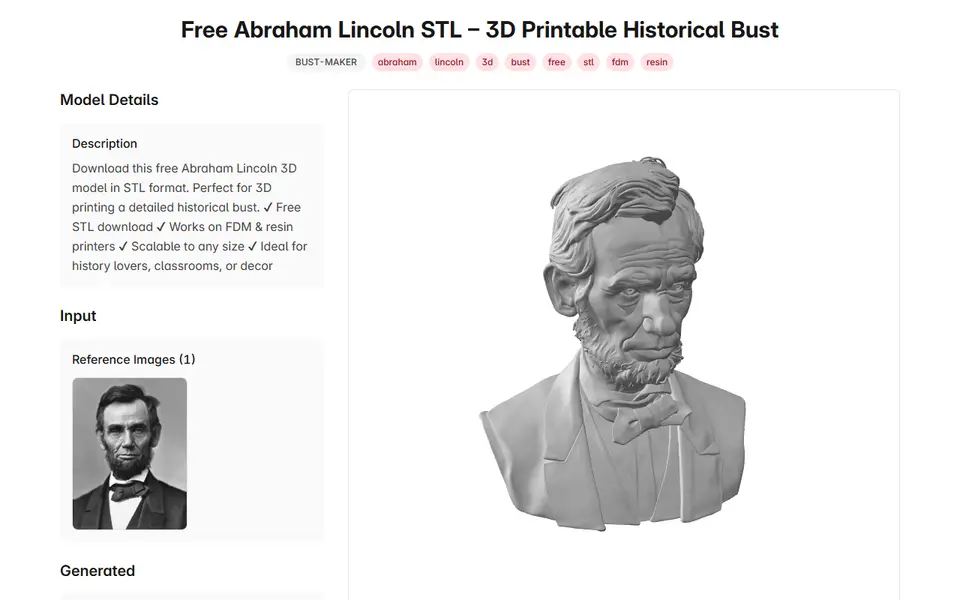
Turn a photo into a stylized multicolor figurine: bobblehead, chibi, cartoon and more
AI to 3D
ThreeDee Nova 3D Bust Maker
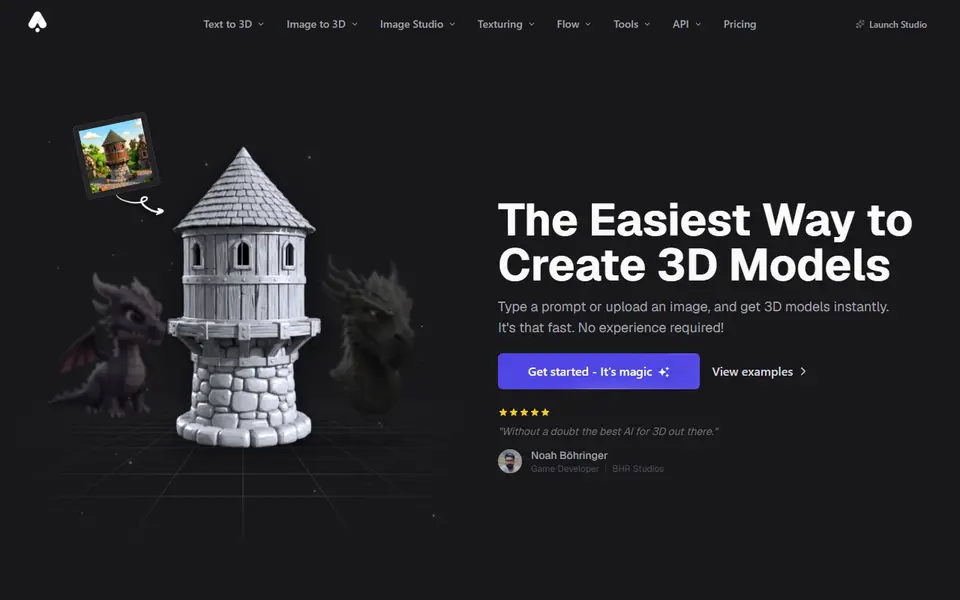
Upload one photo of a person and get an AI-made 3D bust to download as STL or GLB
AI to 3D
MakerLab Image to 3D Model
MakerWorld's AI photo-to-3D tool with a choice of Meshy, Tripo, Rodin and more