Lychee Gen
Turns a prompt, photo or sketch into a printable 3D figure, made by the team behind Lychee Slicer
Lychee Gen is a freemium browser tool for custom tabletop miniatures and character figures without sculpting. Lychee says new accounts get up to 100 free credits, enough for about two models. After that you need a plan: Creator €9.99, Builder €14.99 or Maker €19.99 a month plus local taxes, for 900, 1,400 or 2,000 credits, not counting the launch bonus credits shown at our September 2026 check. Plan credits expire each month. A one-time pack of 400 credits for €7.49 is also listed, but the help docs and the app disagree on whether it needs an active subscription. Exports STL, OBJ and GLB. Last checked .
Opens 3dgen.lychee.co
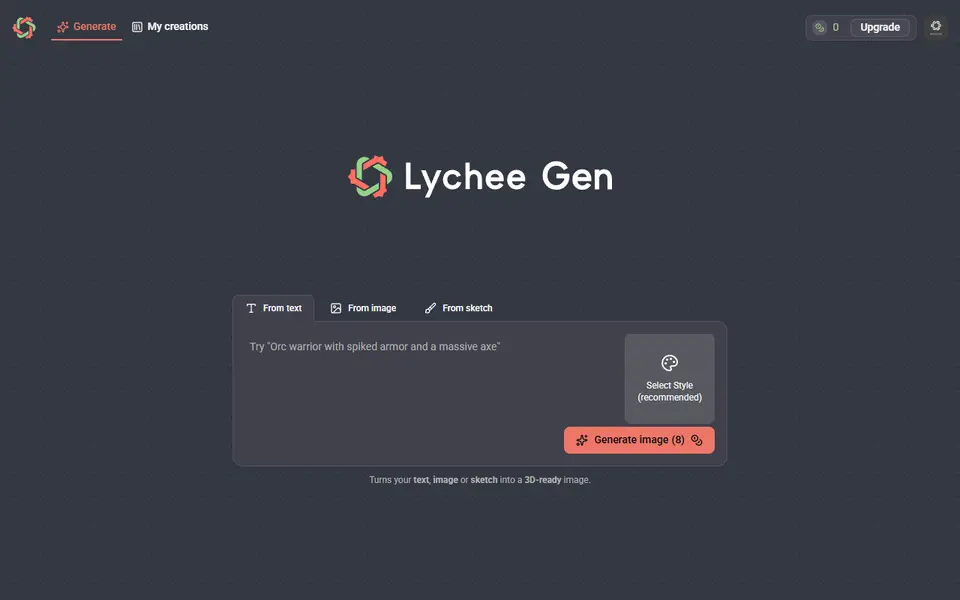
What is Lychee Gen?
Lychee Gen is a credit-based browser tool from Mango3D, the company behind Lychee Slicer, that turns a text prompt, a photo or a picture of your own sketch into a 3D model for printing. It always makes a 2D concept image first. You can change that image by typing what should be different or by drawing on it with the annotate tool, and only when it looks right do you start the 3D step, which the site says takes about 5 to 10 minutes.
Style presets steer the result toward things people print: a tabletop miniature with or without a base, a separate base, chibi figures and a human male pose, while the diorama and female presets were listed but unavailable as of September 2026. A color texture is optional and costs extra credits. The finished model downloads as STL, OBJ or GLB, or opens straight in Lychee Slicer, which uses the same Lychee account.
The live app charges 8 credits for an image preview and 30 for the 3D step, so one finished model costs about 38 credits. It suits resin and FDM printers who want one-off figures, minis and decorative pieces without learning to sculpt. It is not built for parts that need exact measurements.
What you can make
- Tabletop miniatures with or without a base
- Separate miniature bases
- Chibi and character figures
- 3D models from a photo or a hand-drawn sketch
How to use Lychee Gen
- Sign in with a Lychee account or create one, then open the generator
- Choose From text, From image or From sketch, then type a prompt or upload a JPG, PNG or WebP
- Pick a style such as Tabletop (base) and generate the 2D preview
- Edit the preview with a prompt or annotations until it looks right, then generate the 3D model
- Download STL, OBJ or GLB, or open it in Lychee Slicer to add supports and slice
What you'll need to print it
Filament and parts that suit what you make with Lychee Gen.
Resin
- Siraya Tech Fast ABS-like Resin (affiliate link) Siraya Tech
- Siraya Tech Blu Tough Resin (affiliate link) Siraya Tech
0.2 mm nozzle
Some of these are affiliate links: we may earn a small commission, at no extra cost to you. More about that
Lychee Gen pros
- Three ways to start (text, photo or sketch), with an 8-credit 2D preview you can edit by text or by drawing on it before paying for the 3D step
- Style presets aimed at printing, such as tabletop minis with or without a base, separate bases and chibi figures
- Downloads STL, OBJ or GLB, or sends the model straight to Lychee Slicer for supports
Lychee Gen cons
- The free credits cover only about two models, after that you need a monthly plan, and plan credits do not roll over
- Makes sculpted figures and decor, not functional parts, and there are no size or dimension inputs
- The 3D step takes several minutes, and the help docs still list older credit costs and GLB-only export
Rate Lychee Gen
One rating per account. Signing in takes one email link, no password.
Reviews
Made with Lychee Gen
Read next
Lychee Gen alternatives
AI text and image to 3D generators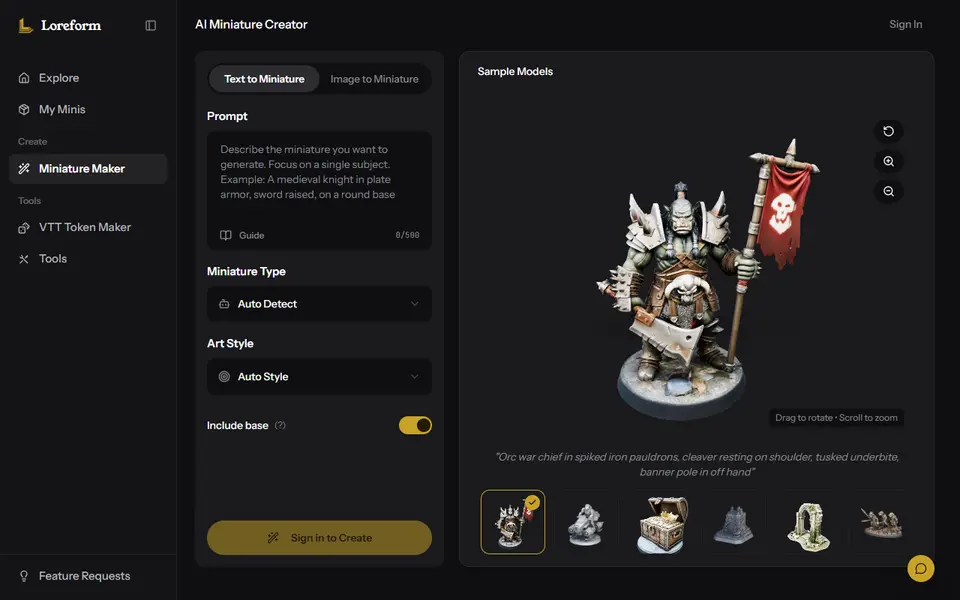
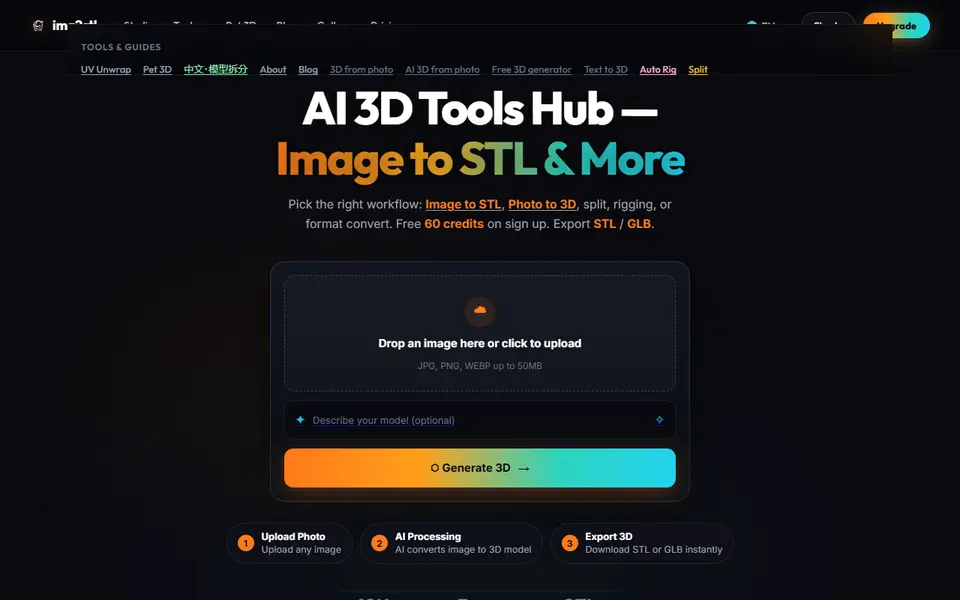
AI to 3D
Img2STL
AI photo and text to 3D model as STL or GLB, plus model splitting, texturing and auto-rigging, paid with credits
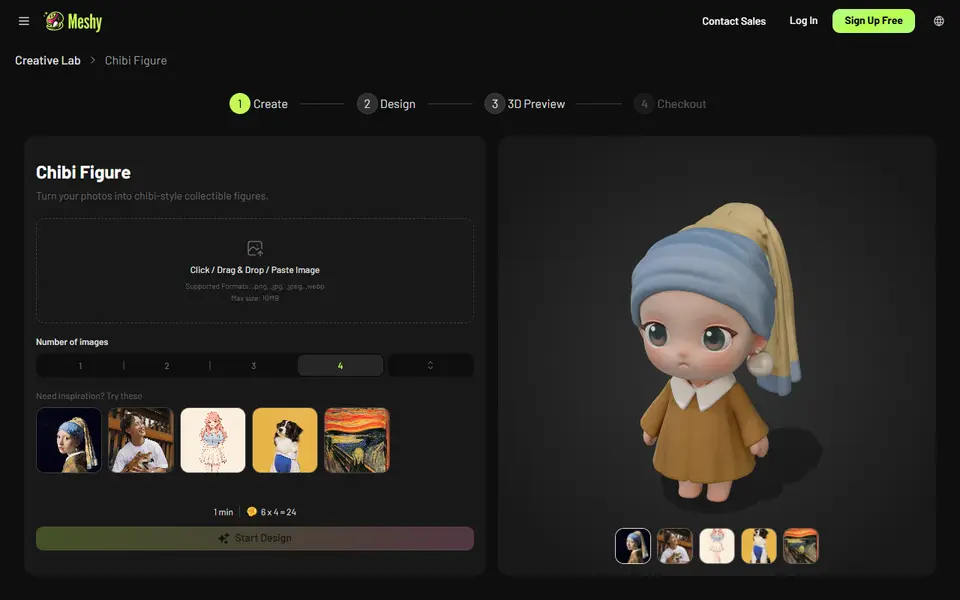
AI to 3D
Meshy AI Figurine Generator
Turns one photo of a person or pet into a full-color chibi figurine, downloadable on paid plans
AI to 3D
Autodesk Wonder 3D (Flow Studio)
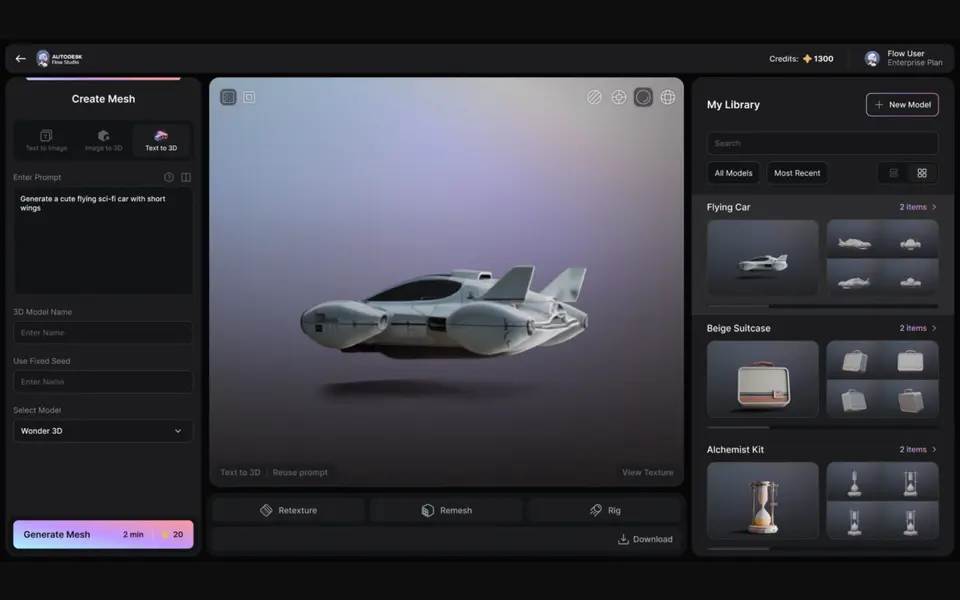
Autodesk's AI model that turns a text prompt or one image into a 3D mesh you can save as STL
AI to 3D
Alpha3D
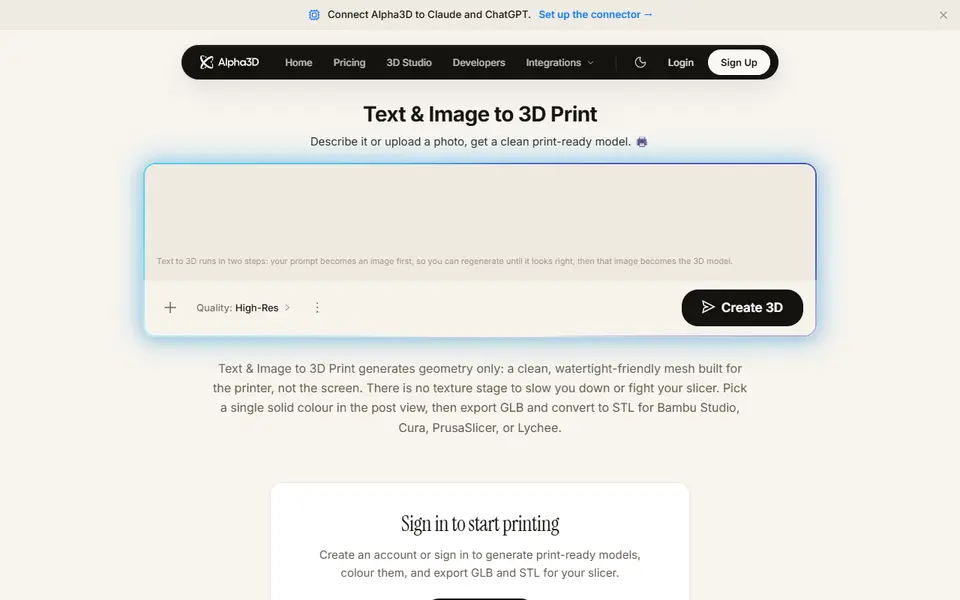
Paid AI tool that turns a prompt or photo into a shape-only mesh you convert to STL
AI to 3D
Krea 3D
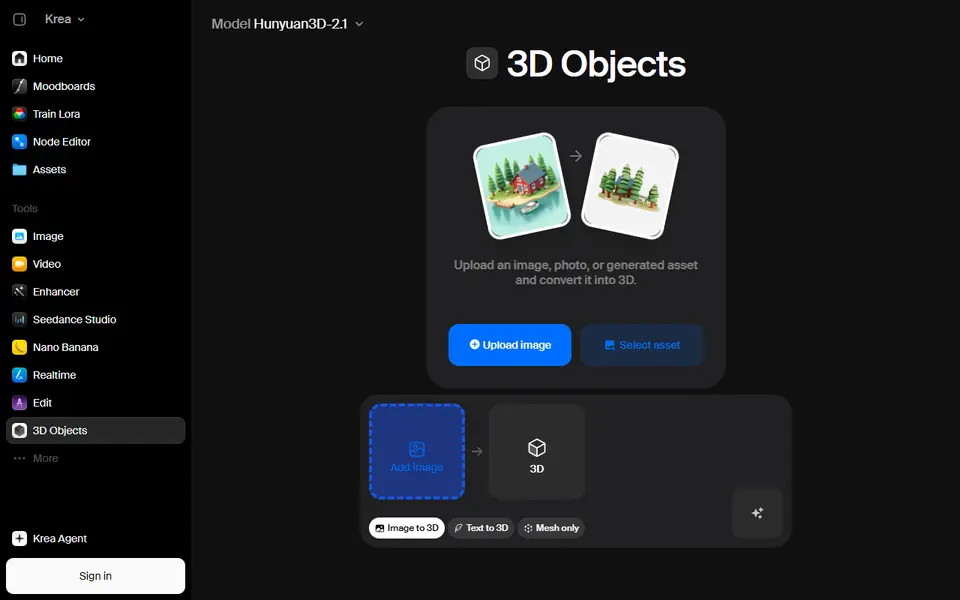
Turn a photo or text prompt into an STL, choosing from about ten AI 3D models in one menu