Img2STL
AI photo and text to 3D model as STL or GLB, plus model splitting, texturing and auto-rigging, paid with credits
Img2STL is a freemium browser tool for quick AI models from a photo, with splitting and rigging on the side. 60 free credits on signup (one model); a model costs 60 to 90 credits, packs from $4.99 for 500 credits. Exports STL and GLB; an account is needed to download. Last checked .
Opens img2stl.art
What is Img2STL?
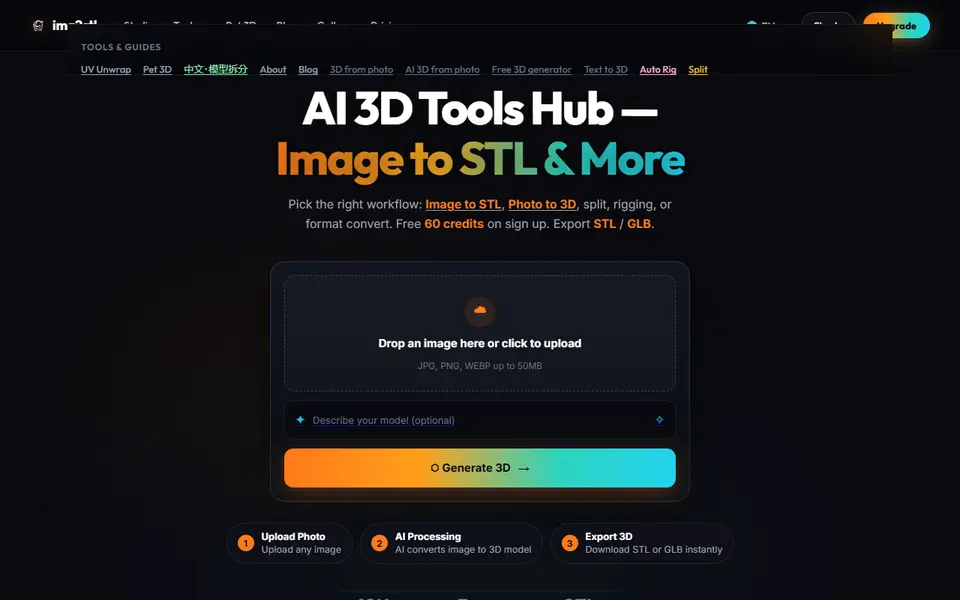
Img2STL is a browser-based AI 3D studio. You upload a photo (JPG, PNG or WEBP), optionally describe the model in a sentence, and its AI builds a 3D mesh that you download as an STL for printing or a GLB. Text-to-3D works the same way, starting from a description only.
Beyond generation, the studio bundles several AI tools that work on a model you upload: a component split that separates a multi-part model into individual pieces (handy for printing in parts or in different colors), texture and PBR material generation, low-poly retopology, UV unwrapping, auto-rigging of humanoid characters, and a text-to-animation tool. A free format converter turns models into other formats, and a separate Pet 3D page focuses on figures of pets.
Everything runs on credits. A model costs 60 credits, or 90 at the best-quality setting, and a new account gets 60 free credits, enough for one model at the standard setting; after that, packs start at $4.99 for 500 credits (no subscription, and failed jobs are not charged). Splitting a model costs 100 credits and rigging 60. The terms allow commercial use of the models you generate, including selling prints. As with any AI-generated mesh, check it in your slicer for thin parts and holes before printing.
What you can make
- 3D models from photos
- 3D models from text
- Pet figures from photos
- Models split into separate parts
- Rigged characters
How to use Img2STL
- Sign up and open the studio
- Upload a photo or type a description
- Generate the 3D model and check the preview
- Download the STL and check it in your slicer
What you'll need to print it
Filament and parts that suit what you make with Img2STL.
Matte PLA
Resin
- Siraya Tech Fast ABS-like Resin (affiliate link) Siraya Tech
- Siraya Tech Blu Tough Resin (affiliate link) Siraya Tech
Some of these are affiliate links: we may earn a small commission, at no extra cost to you. More about that
Img2STL pros
- Photo or text to STL in a few steps, no 3D skills needed
- Extra AI tools in one place: splitting into parts, textures, retopology and rigging
- Credit packs without a subscription, failed jobs are free, commercial use allowed
Img2STL cons
- The free credits cover only one model, and splitting costs 100 credits
- Needs an account
- AI meshes still need checking in a slicer before printing
Rate Img2STL
One rating per account. Signing in takes one email link, no password.
Reviews
Made with Img2STL
Read next
Img2STL alternatives
AI text and image to 3D generators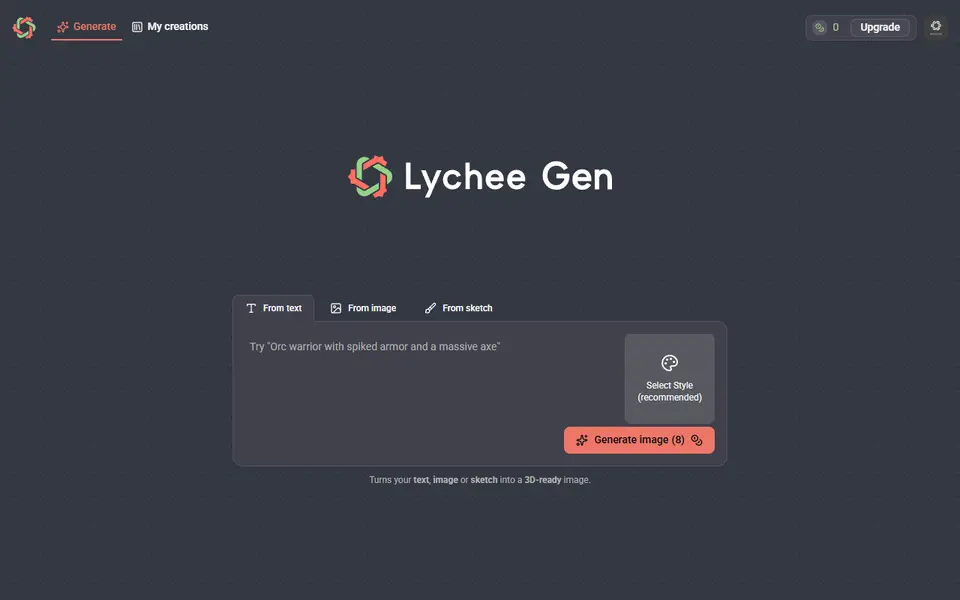
AI to 3D
Lychee Gen
Turns a prompt, photo or sketch into a printable 3D figure, made by the team behind Lychee Slicer
AI to 3D
Fomrix
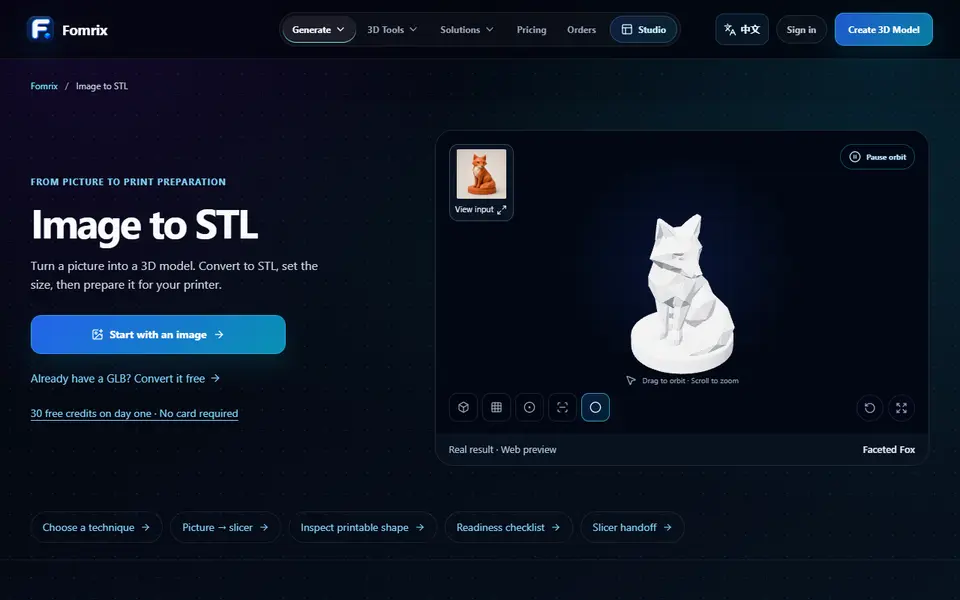
AI photo-to-3D on credits, plus free browser tools to turn a GLB into an STL and check it
AI to 3D
Tencent Hunyuan3D
Tencent's AI text, image and sketch-to-3D studio with free daily generations
AI to 3D
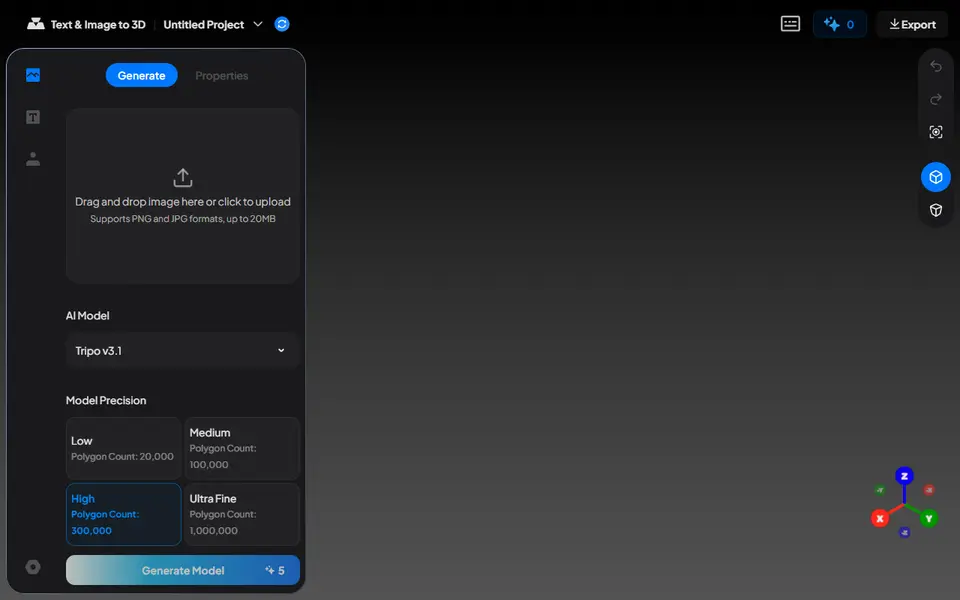
MakerLab Image to 3D Model
MakerWorld's AI photo-to-3D tool with a choice of Meshy, Tripo, Rodin and more
AI to 3D
Nexprint Text & Image to 3D
Turn a photo or text prompt into a single-color or four-color 3MF on ELEGOO's Nexprint