Fomrix
AI photo-to-3D on credits, plus free browser tools to turn a GLB into an STL and check it
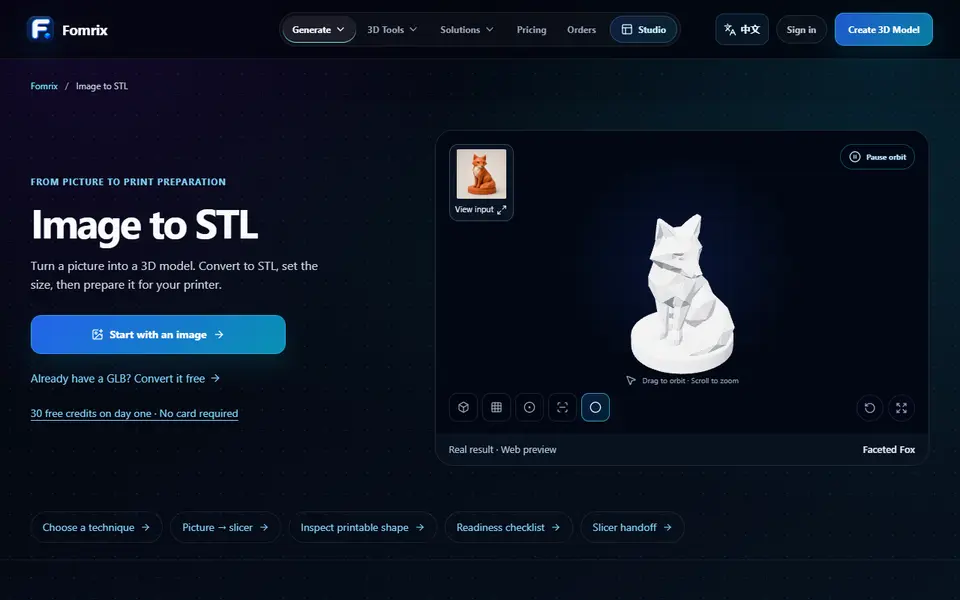
Fomrix is a freemium browser tool for figures and decor from a picture, with free converters on the side. Free starter credits (up to 90 in the first week, no card); image-to-3D costs 30 credits (60 detailed); packs from $7.99 for 200 credits or plans from $12.99/month for 500; the converters, viewers and STL repair check are free. Exports STL, GLB and OBJ; an account is needed to download. Last checked .
Opens fomrix.com
What is Fomrix?
Fomrix turns a photo or illustration into a 3D model with AI, guessing the sides the picture does not show. You upload a JPG or PNG, the model is generated as a textured GLB, and you then convert it to an STL for printing; the STL keeps the shape but drops the colors and textures. Text-to-3D is available too.
Generation runs on credits and needs an account. New accounts get starter credits (20 once, then 10 a day during the first week, up to 90 in total) without a card; an image-to-3D model costs 30 credits, or 60 for the detailed version. After that you buy a credit pack from $7.99 for 200 credits or a subscription from $12.99 a month for 500. The other tools on the site are free and work in the browser: GLB to STL and OBJ converters, STL, OBJ and GLB viewers, and an STL repair check.
Like every AI generator, the result is a mesh to inspect, not a finished part: check scale, wall thickness, watertightness and supports before you print. Fomrix's own terms promise no dimensional accuracy or print readiness, and the site does not name the company behind it. It suits makers who want a figure or decor piece from a picture and like having the conversion and repair tools in one place.
What you can make
- Figurines and decor from a photo
- 3D models from a text prompt
- STL files converted from GLB or OBJ
- Checked and repaired STL files
How to use Fomrix
- Create an account to get the starter credits
- Upload a photo or illustration and generate the model
- Convert the GLB to STL with the free converter
- Check scale, walls and watertightness, then slice with supports
What you'll need to print it
Filament and parts that suit what you make with Fomrix.
Matte PLA
- Bambu Lab PLA Matte (affiliate link) Amazon
- Polymaker Panchroma Matte PLA (formerly PolyTerra) (affiliate link) Polymaker EU: 3DJake (affiliate link)
Code gives 15% off your first order at Polymaker.
Resin
- Siraya Tech Fast ABS-like Resin (affiliate link) Siraya Tech
- Siraya Tech Blu Tough Resin (affiliate link) Siraya Tech
Some of these are affiliate links: we may earn a small commission, at no extra cost to you. More about that
Fomrix pros
- Free starter credits without a card
- Free GLB-to-STL converter, viewers and STL repair check in the same place
- Image-to-3D and text-to-3D
Fomrix cons
- Generation needs an account and credits; the STL has no color
- The site does not name the company behind it, and its terms promise no accuracy or print readiness
Rate Fomrix
One rating per account. Signing in takes one email link, no password.
Reviews
Made with Fomrix
Read next
Fomrix alternatives
AI text and image to 3D generators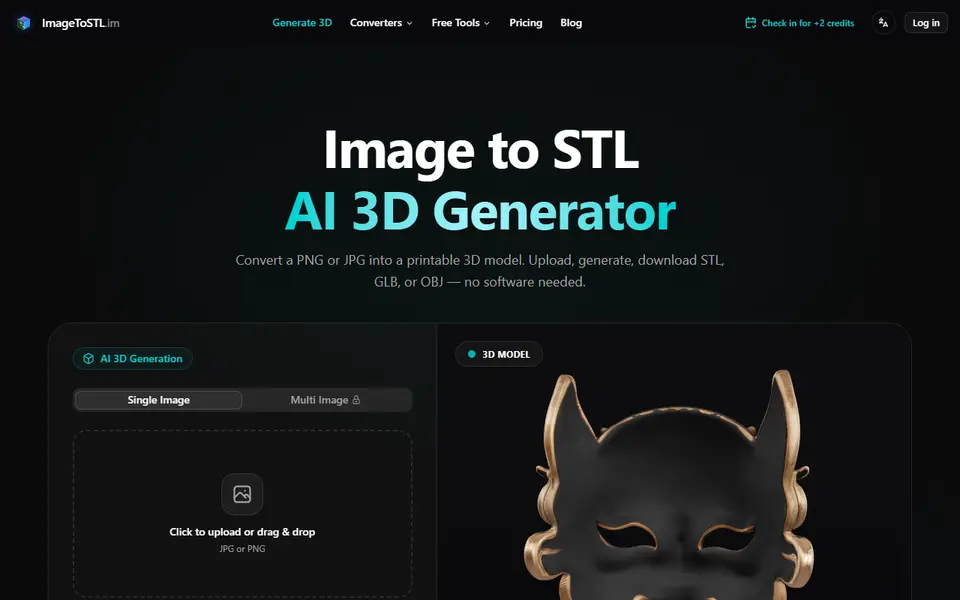
AI to 3D
ImageToSTL (imagetostl.im)
AI photo to textured 3D model as STL, GLB or OBJ, with a free daily credit and free relief and format tools

AI to 3D
Image3D
AI image and text to 3D with Standard, Pro and Ultra quality, exported as STL, GLB, OBJ or PLY
AI to 3D
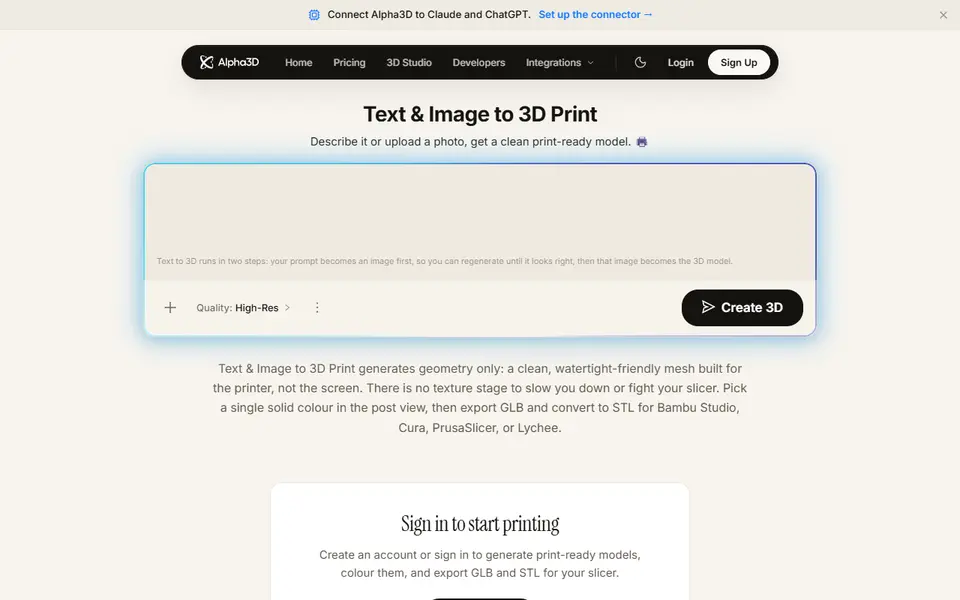
Alpha3D
Paid AI tool that turns a prompt or photo into a shape-only mesh you convert to STL
AI to 3D
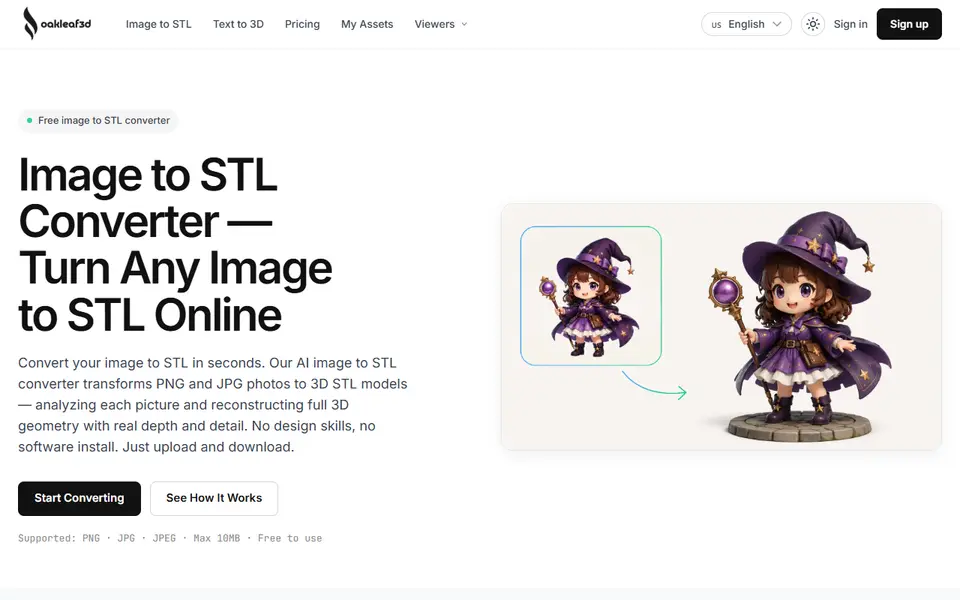
oakleaf3d
AI image to STL converter that rebuilds a full 3D model from one photo or up to eight views
AI to 3D
Tencent Hunyuan3D
Tencent's AI text, image and sketch-to-3D studio with free daily generations
AI to 3D
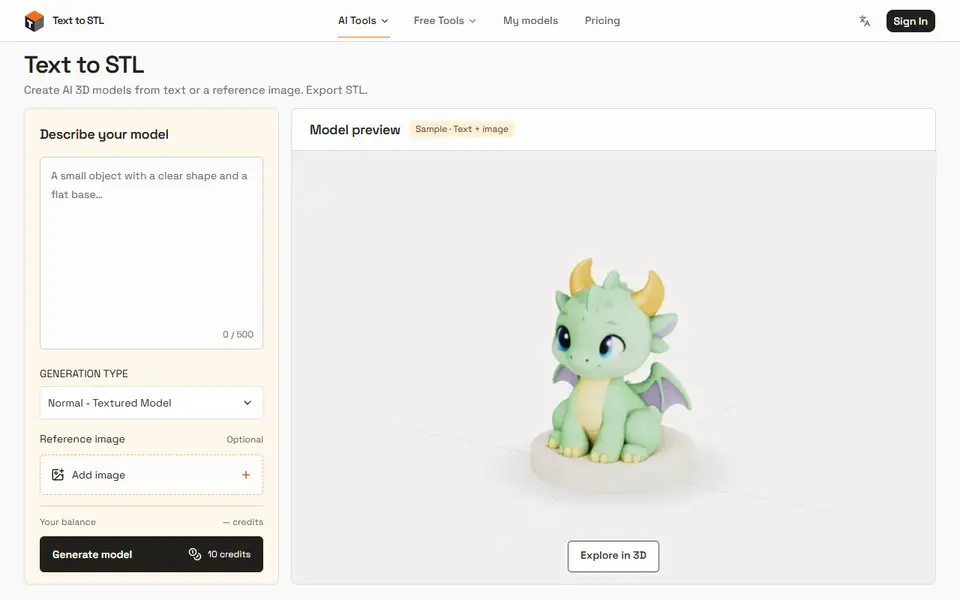
Text to STL (texttostl.net)
AI 3D models from a text prompt or a reference image, sized and downloaded as STL