ImageToSTL (imagetostl.im)
AI photo to textured 3D model as STL, GLB or OBJ, with a free daily credit and free relief and format tools
ImageToSTL (imagetostl.im) is a freemium browser tool for trying AI photo-to-3D for free, one model a day. One Basic model a day free with the daily check-in; Pro and Ultra need a plan from $15.90 a month (300 credits). Exports STL, GLB and OBJ; an account is needed to download. Last checked .
Opens imagetostl.im
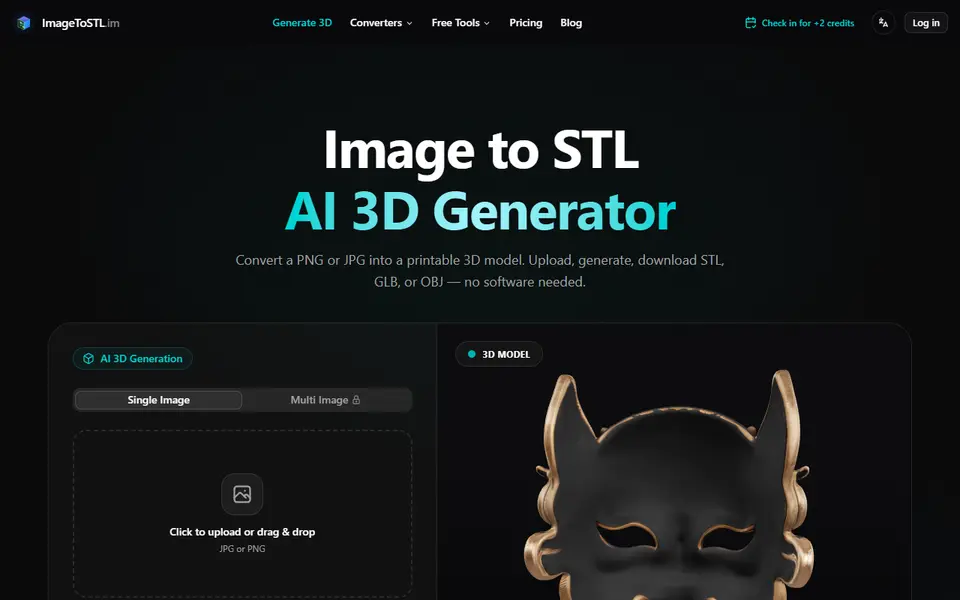
What is ImageToSTL (imagetostl.im)?
ImageToSTL on imagetostl.im turns a single JPG or PNG into a textured 3D model in the browser, which you download as STL, GLB or OBJ. It is a different site from ImageToSTL.com, which we list separately for its image relief and converter tools. Here the main tool is AI photo-to-3D: you upload a photo, pick a quality level and get a freestanding mesh, with a multi-image mode that takes up to four views of the same object for a better result.
There are three quality levels. Basic costs 2 credits, Pro 25 credits (textured, up to four views) and Ultra 45 credits, which the site calls the closest to print-ready. Generating needs a free account. Signing up gives 2 credits and a daily check-in adds 2 more, so one Basic model a day is free; for Pro and Ultra you buy a plan of $15.90 a month for 300 credits, $19.90 for 600 or $29.90 for 1,000, with yearly plans about 20% cheaper.
Next to the AI generator the site has free browser tools that need no credits: an image relief maker and converters between STL, OBJ, PLY, GLB and 3MF. As with any AI mesh, check the model in your slicer for thin parts and holes before printing, and expect the Basic level to be rougher than Pro or Ultra.
What you can make
- 3D models from a photo
- Textured models from several views
- Image reliefs
- Converted STL, OBJ and PLY files
How to use ImageToSTL
- Sign in and upload a JPG or PNG
- Pick Basic, Pro or Ultra quality
- Generate the model and check the preview
- Download the STL and check it in your slicer
What you'll need to print it
Filament and parts that suit what you make with ImageToSTL.
Matte PLA
Resin
- Siraya Tech Fast ABS-like Resin (affiliate link) Siraya Tech
- Siraya Tech Blu Tough Resin (affiliate link) Siraya Tech
Some of these are affiliate links: we may earn a small commission, at no extra cost to you. More about that
ImageToSTL pros
- Photo to textured 3D model in the browser, with STL, GLB and OBJ downloads
- A free Basic model every day through the daily check-in
- Free relief maker and format converters that use no credits
ImageToSTL cons
- The better Pro and Ultra models need a monthly plan from $15.90
- Generating needs an account
- Easy to confuse with ImageToSTL.com, a different site
Rate ImageToSTL
One rating per account. Signing in takes one email link, no password.
Reviews
Made with ImageToSTL
Read next
ImageToSTL alternatives
AI text and image to 3D generators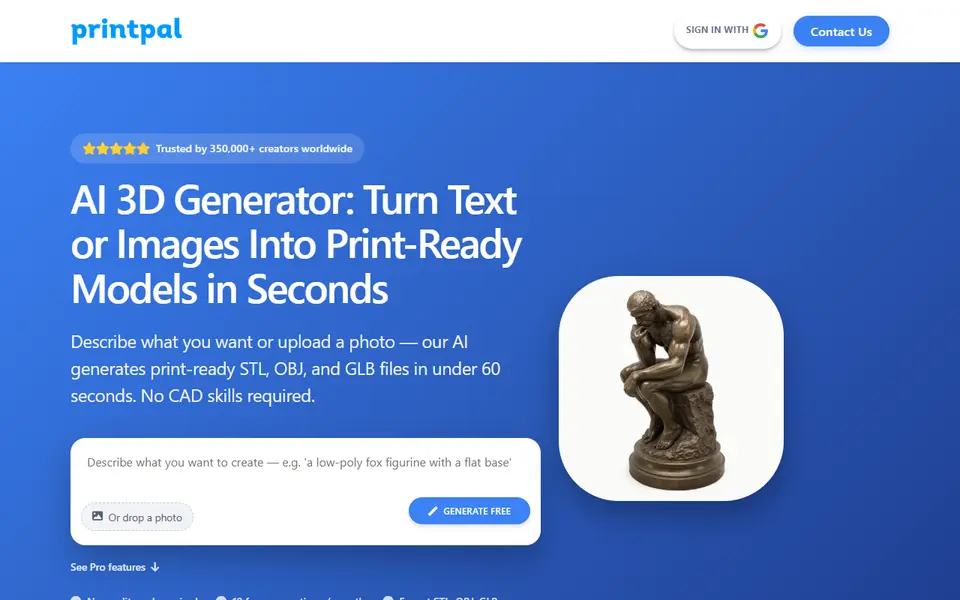
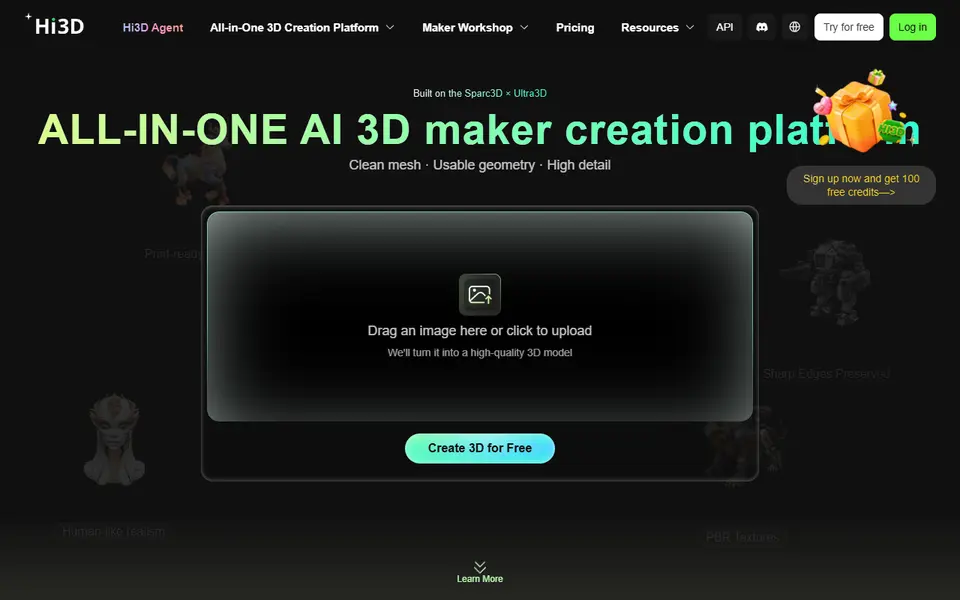
AI to 3D
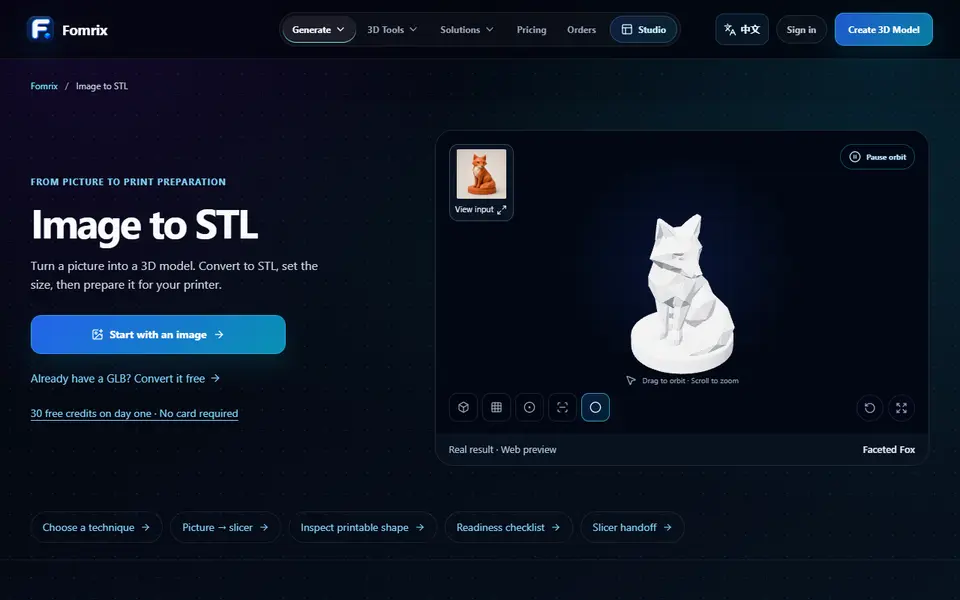
Fomrix
AI photo-to-3D on credits, plus free browser tools to turn a GLB into an STL and check it
AI to 3D
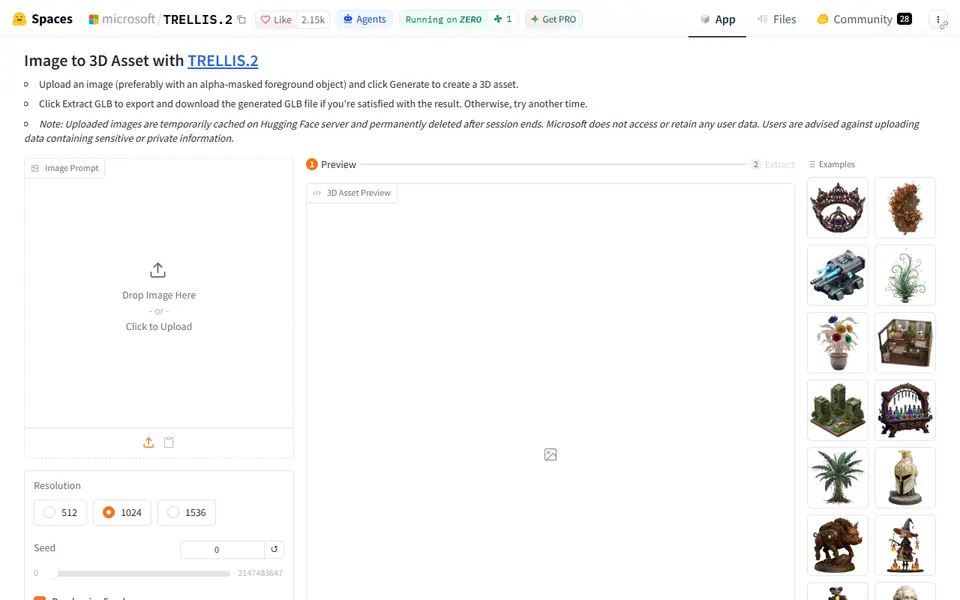
Microsoft TRELLIS.2
Free open-source image-to-3D demo from Microsoft that exports textured GLB models
AI to 3D
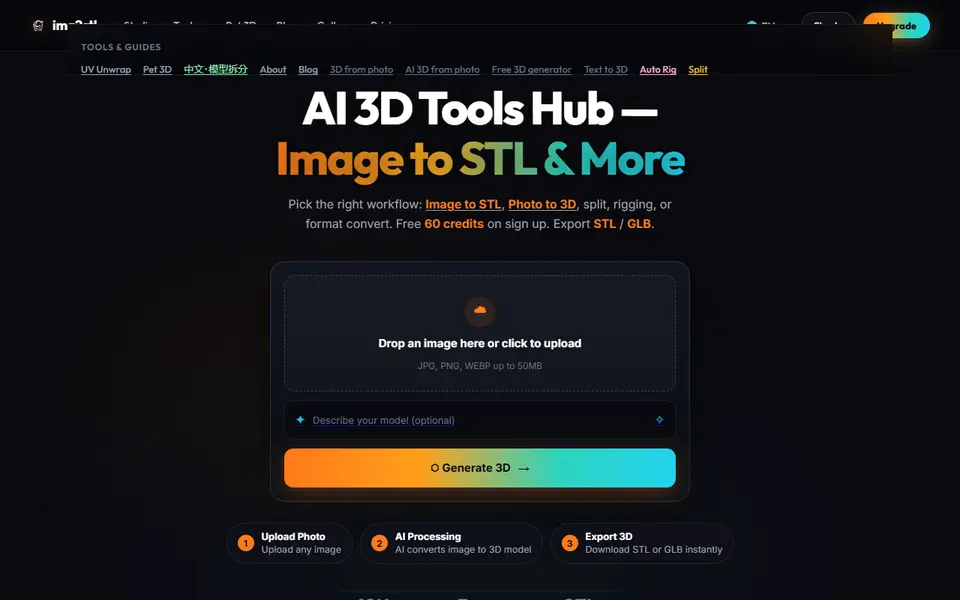
Img2STL
AI photo and text to 3D model as STL or GLB, plus model splitting, texturing and auto-rigging, paid with credits