Text to STL (texttostl.net)
AI 3D models from a text prompt or a reference image, sized and downloaded as STL
Text to STL (texttostl.net) is a freemium browser tool for quick figurines and busts from a short description. 20 free welcome credits on the first sign-in (about 2 generations at 10 credits each). One-time packs: $9.90 for 100 credits, $19.90 for 300, $39.90 for 700, $69.90 for 1,400, $99.90 for 2,200; purchased credits don't expire. Exports STL and GLB. Last checked .
Opens texttostl.net
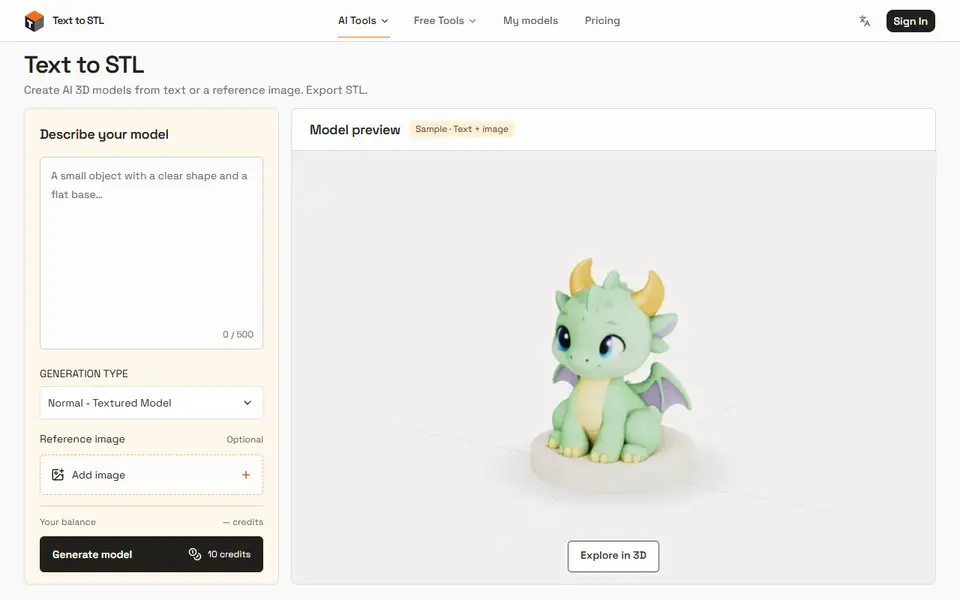
What is Text to STL (texttostl.net)?
Text to STL is an AI model generator for 3D printing. You describe one object in up to 500 characters, optionally add a reference image (PNG, JPEG or WebP up to 5 MB), and choose Normal for a textured model or Geometry for a plain white one. The result opens in a 3D viewer, where you set the longest edge between 10 and 300 mm and download the STL from the same geometry. The pricing page names Rodin Fast as the AI model it uses.
Generating needs a sign-in. New personal accounts get 20 welcome credits once, and a generation costs 10, so about two free models; after that you buy one-time credit packs from $9.90 for 100 credits, and purchased credits don't expire. Failed generations return their credits. Four sample models (a baby dragon and three busts) can be downloaded as STL or GLB without an account.
The site itself says its samples have not been test-printed, so check every model in your slicer, add supports where needed and make sure it is solid before printing. The same site has a free GLB to STL converter and an STL viewer.
What you can make
- AI figurines from a text prompt
- Models based on a reference photo
- Busts and decorative models
How to use Text to STL
- Sign in to get the welcome credits
- Describe one object and add a reference image if you have one
- Pick Normal or Geometry and generate the model
- Set the longest edge, download the STL and check it in your slicer
What you'll need to print it
Filament and parts that suit what you make with Text to STL.
Matte PLA
- Bambu Lab PLA Matte (affiliate link) Amazon
- Polymaker Panchroma Matte PLA (formerly PolyTerra) (affiliate link) Polymaker EU: 3DJake (affiliate link)
Code gives 15% off your first order at Polymaker.
Resin
- Siraya Tech Fast ABS-like Resin (affiliate link) Siraya Tech
- Siraya Tech Blu Tough Resin (affiliate link) Siraya Tech
Some of these are affiliate links: we may earn a small commission, at no extra cost to you. More about that
Text to STL pros
- Text, image or both as the starting point
- Set the print size before you download the STL
- One-time credit packs that don't expire, and failed runs are refunded
Text to STL cons
- Needs a sign-in, and the free credits cover about two models
- AI output still needs checking and often supports before printing
Rate Text to STL
One rating per account. Signing in takes one email link, no password.
Reviews
Made with Text to STL
Read next
Text to STL alternatives
AI text and image to 3D generators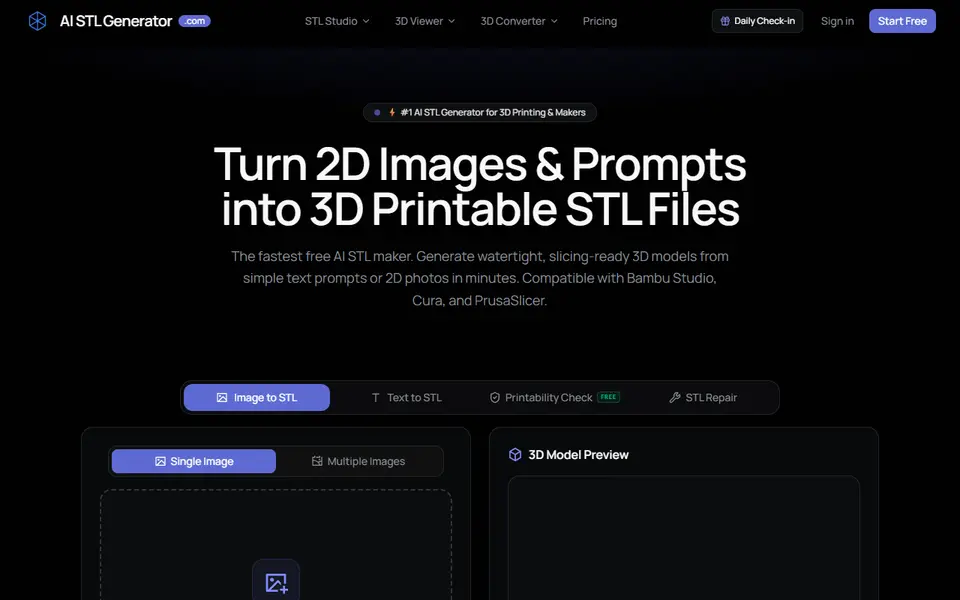
AI to 3D
AI STL Generator
Text or photo to STL or 3MF, with a print check, repair tool and 5 free credits a day
AI to 3D
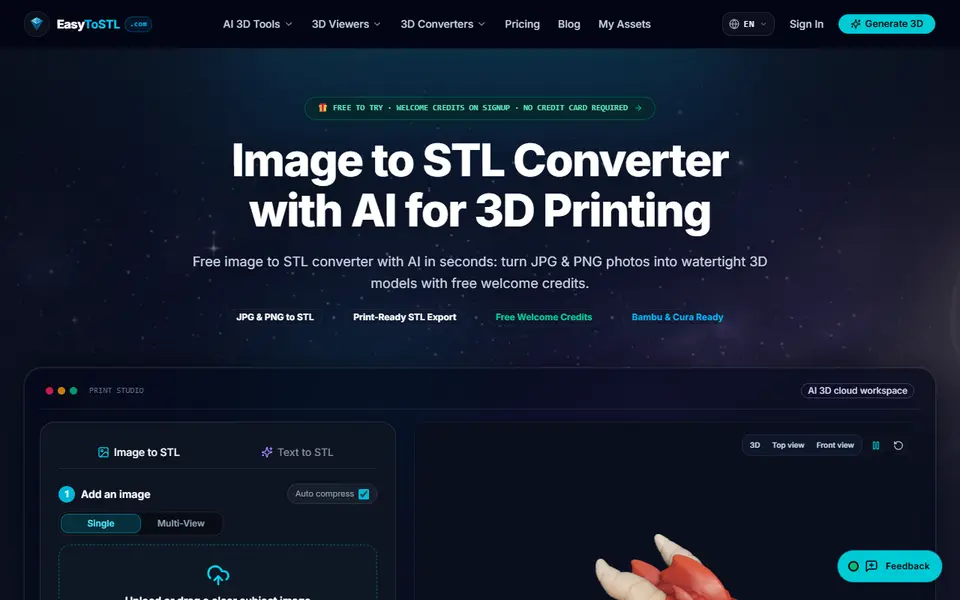
EasyToSTL
AI image or text to watertight STL, with AMS color 3MF on paid plans and free file converters
AI to 3D
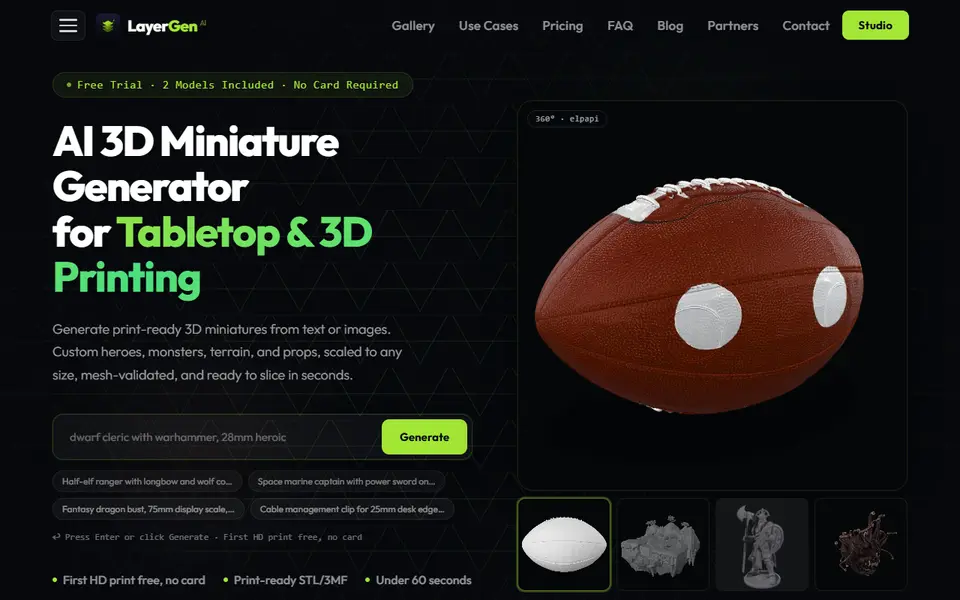
LayerGen AI
AI miniature generator for tabletop games, with 28, 32, 15 and 75 mm presets and STL or 3MF export
AI to 3D
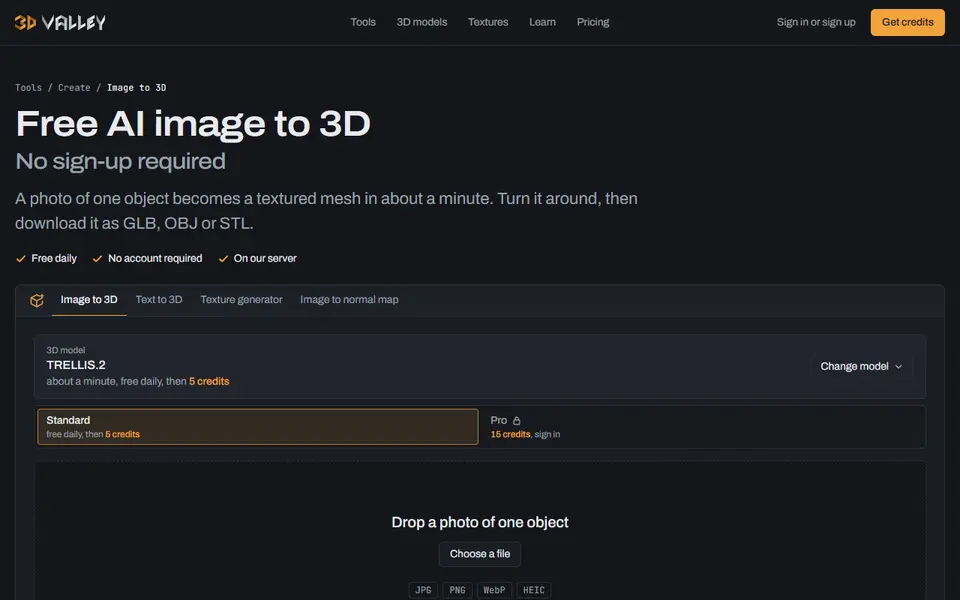
3D Valley
Free photo or text to 3D with no sign-up, plus repair for printing and pay-per-model credits
AI to 3D
Tencent Hunyuan3D
Tencent's AI text, image and sketch-to-3D studio with free daily generations