EasyToSTL
AI image or text to watertight STL, with AMS color 3MF on paid plans and free file converters
EasyToSTL is a freemium browser tool for quick photo to STL, with color 3MF on a paid plan. Free welcome credits on sign-up, no card (amount not stated); a Standard run costs 15 credits; Pro $19.90/month (500 credits), Max $29.90/month (1,000), yearly 12% off; packs $12.90 (200), $19.90 (400), $32.90 (800) and $39.90 (1,000) that never expire; converters and viewers are free without an account. Exports STL, 3MF, OBJ and GLB. Last checked .
Opens easytostl.com
What is EasyToSTL?
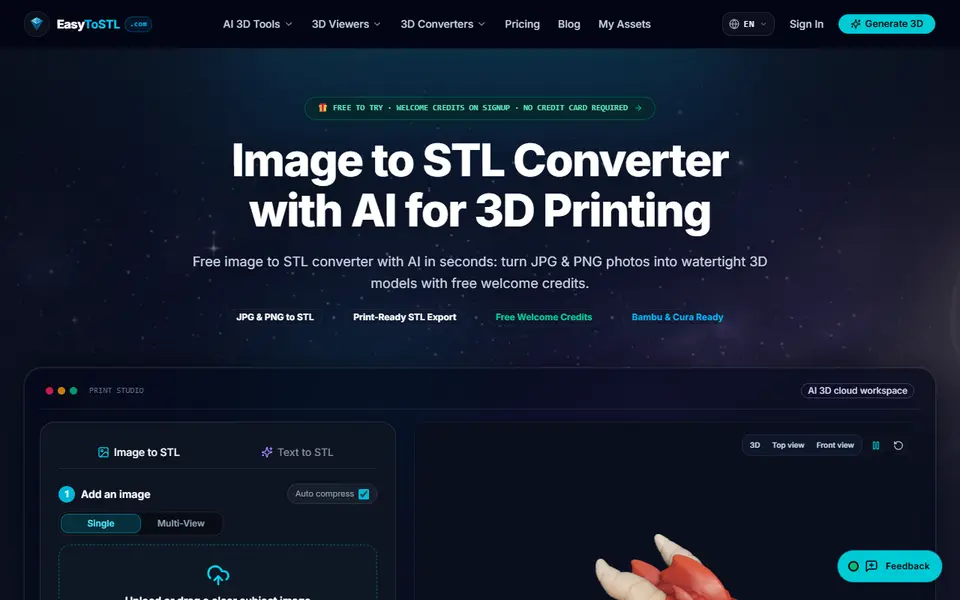
EasyToSTL is an AI converter that turns a photo, sketch or logo into a 3D model, with a Text to STL mode for prompts. You upload a JPG, PNG or WebP (128 to 5,000 pixels, up to 20 MB), as one image or as several views, choose a quality tier and inspect the result on a 3D turntable before you download it. Standard makes fast meshes of about 80,000 triangles, Professional goes up to about 1.5 million and Max to 3 million or more.
Files come as binary STL, OBJ and GLB. On Pro and up you also get a 3MF with color for AMS printing, automatic flat-bed adhesion and scaling in millimeters. Max adds three-view upload, batch generation and private generations. The site also has free format converters (GLB, glTF, OBJ, PLY and VOX to STL) and online viewers that need no account.
AI generation needs an account. New users get welcome credits with no card (the amount is not stated), and a Standard run costs 15 credits. Pro is $19.90 a month for 500 credits and Max $29.90 for 1,000, with yearly billing 12% off, and one-time packs run from $12.90 for 200 credits to $39.90 for 1,000. It suits makers who want a quick photo to STL and, on a paid plan, a color 3MF for their AMS.
What you can make
- Figurines and miniatures
- Relief plates and fridge magnets
- Logo keychains
- Gifts from pet or portrait photos
How to use EasyToSTL
- Sign up to get the welcome credits
- Upload a clear image of one subject, or switch to Text to STL
- Pick Standard, Professional or Max and generate
- Inspect the model in 3D and download the STL
What you'll need to print it
Filament and parts that suit what you make with EasyToSTL.
Matte PLA
- Bambu Lab PLA Matte (affiliate link) Amazon
- Polymaker Panchroma Matte PLA (formerly PolyTerra) (affiliate link) Polymaker EU: 3DJake (affiliate link)
Code gives 15% off your first order at Polymaker.
Multicolor filament systems
Resin
- Siraya Tech Fast ABS-like Resin (affiliate link) Siraya Tech
- Siraya Tech Blu Tough Resin (affiliate link) Siraya Tech
Some of these are affiliate links: we may earn a small commission, at no extra cost to you. More about that
EasyToSTL pros
- Three quality tiers, from fast 80,000-triangle meshes to 3 million or more
- Color 3MF for AMS printing on Pro and Max
- Free file converters and viewers without an account
EasyToSTL cons
- The number of free welcome credits is not stated
- 3MF, millimeter scaling and the commercial license need a paid plan
Rate EasyToSTL
One rating per account. Signing in takes one email link, no password.
Reviews
Made with EasyToSTL
Read next
EasyToSTL alternatives
AI text and image to 3D generators
AI to 3D
MakerLab Image to 3D Model
MakerWorld's AI photo-to-3D tool with a choice of Meshy, Tripo, Rodin and more
AI to 3D
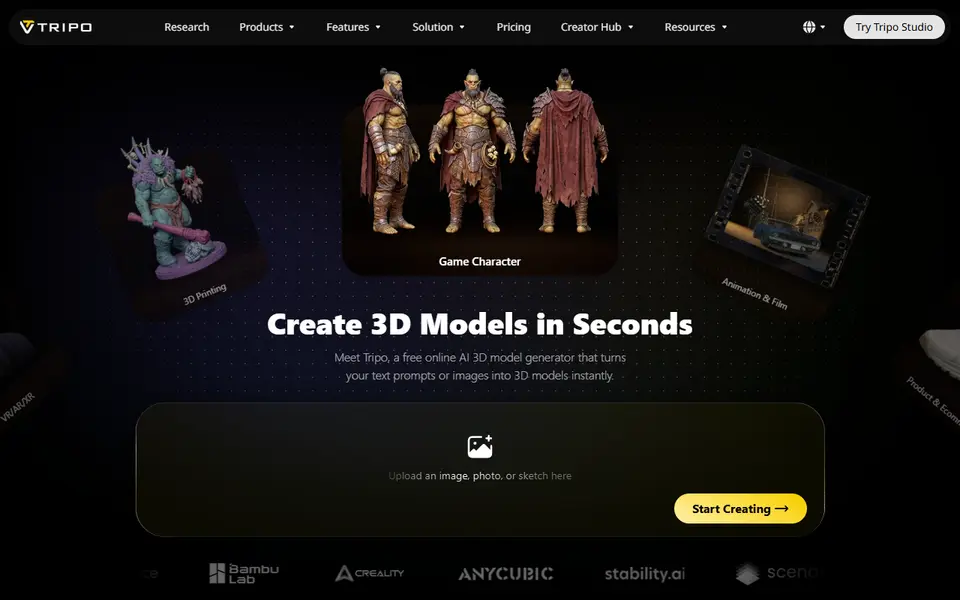
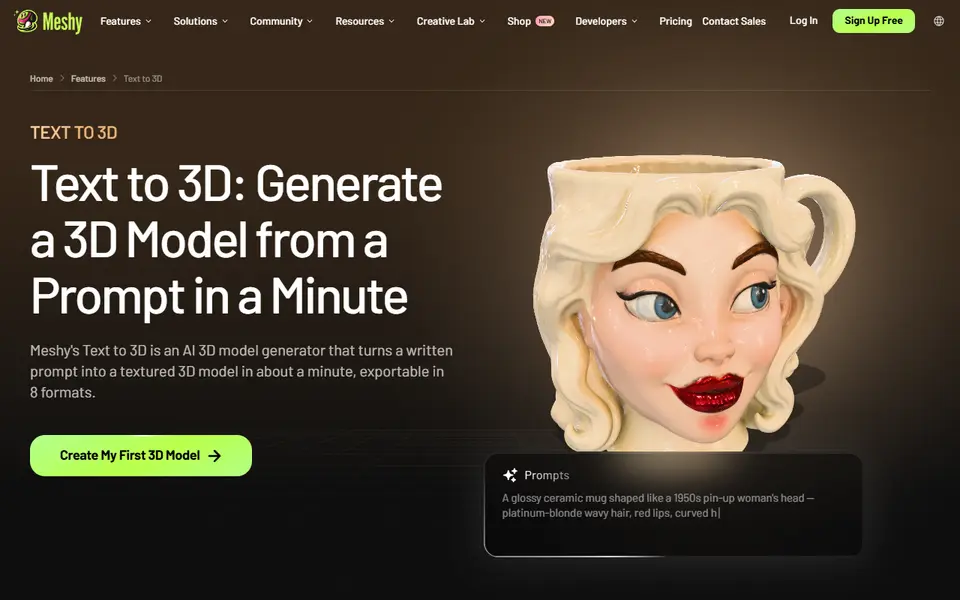
Tripo AI
Turn text, images or sketches into detailed 3D models with STL, 3MF and OBJ export
AI to 3D
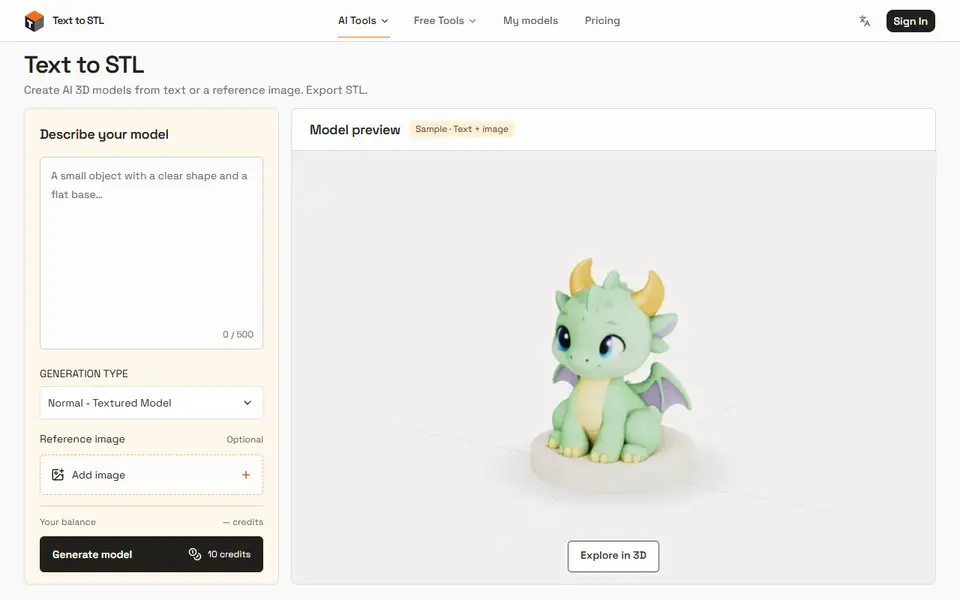
Text to STL (texttostl.net)
AI 3D models from a text prompt or a reference image, sized and downloaded as STL