3D Valley
Free photo or text to 3D with no sign-up, plus repair for printing and pay-per-model credits
3D Valley is a freemium browser tool for trying AI image to 3D for free without an account. Free daily allowance per visitor without an account (the limit is not stated); then credits at 1 cent each, packs $15 (1,500), $25 (2,750), $50 (6,000) and $100 (13,000), valid 12 months; image to 3D costs 5 to 100 credits per model. Exports STL, OBJ and GLB. Last checked .
Opens 3dvalley.com
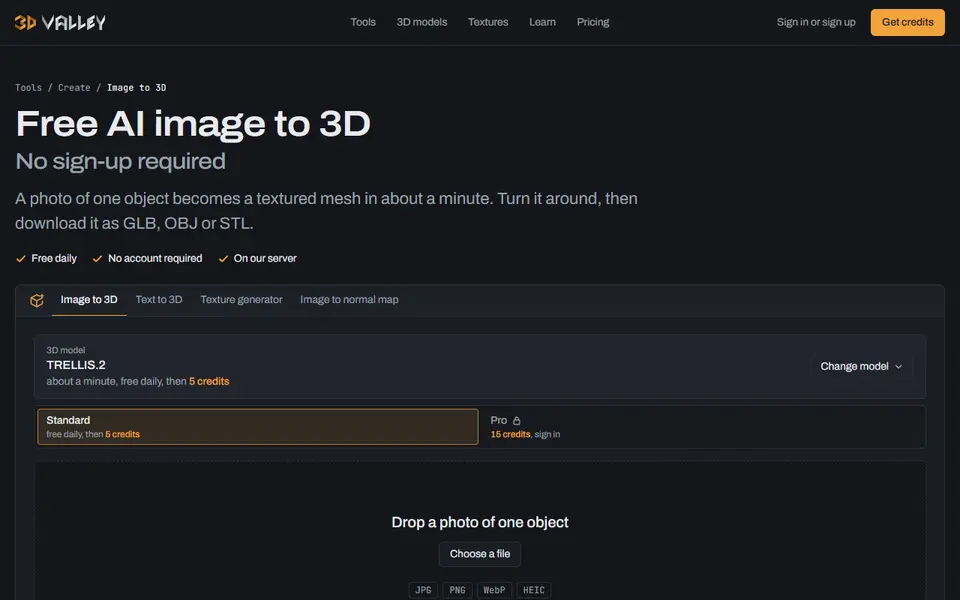
What is 3D Valley?
3D Valley turns a photo of one object, or a one-sentence description, into a textured 3D model in about a minute. The free runs use TRELLIS.2, an open-weights model, on a daily allowance per visitor, with no account or email needed. For more detail you can pick other engines by name and pay per model: TRELLIS.2 Pro, Tripo 3.1 Standard and Detailed, and Hunyuan3D 3.1 Pro, which the site says makes clean, closed meshes that print well.
Every result downloads as STL, OBJ or GLB, and the downloads are made in your browser. Raw generated meshes often have holes and loose bits, so the site points you to its Repair tool, which seals the model into one solid, scaled in millimeters. Other free tools include remesh, reduce, retexture, a viewer, format conversion and a print cost calculator that works out filament cost and what to charge. There is also a search across CC0 models and textures from Poly Haven, ambientCG and Sketchfab.
Everything is free within the daily limit. After that, or for the other engines, you buy credits at 1 cent each with no subscription: $15 for 1,500 up to $100 for 13,000, valid for 12 months. An image-to-3D run costs 5 to 100 credits depending on the engine. Buying credits needs a free account. It suits makers who want to try AI 3D without signing up and need a repair step before slicing.
What you can make
- Figurines and props from a photo
- Decor objects
- Models from a short description
- Repaired, print-ready versions of generated meshes
How to use 3D Valley
- Open Image to 3D and drop a photo of one object, or describe it
- Wait about a minute and turn the model around in the preview
- Open Repair to seal the mesh and set its size
- Download the STL and slice it
What you'll need to print it
Filament and parts that suit what you make with 3D Valley.
Matte PLA
- Bambu Lab PLA Matte (affiliate link) Amazon
- Polymaker Panchroma Matte PLA (formerly PolyTerra) (affiliate link) Polymaker EU: 3DJake (affiliate link)
Code gives 15% off your first order at Polymaker.
Resin
- Siraya Tech Fast ABS-like Resin (affiliate link) Siraya Tech
- Siraya Tech Blu Tough Resin (affiliate link) Siraya Tech
Some of these are affiliate links: we may earn a small commission, at no extra cost to you. More about that
3D Valley pros
- Free daily runs with no account or email
- Repair tool seals generated meshes into one solid for printing
- Pay per model for Tripo or Hunyuan3D with no subscription
3D Valley cons
- The daily free limit is not stated
- No 3MF export, and the site says raw meshes need the Repair step before they slice
Rate 3D Valley
One rating per account. Signing in takes one email link, no password.
Reviews
Made with 3D Valley
Read next
3D Valley alternatives
AI text and image to 3D generators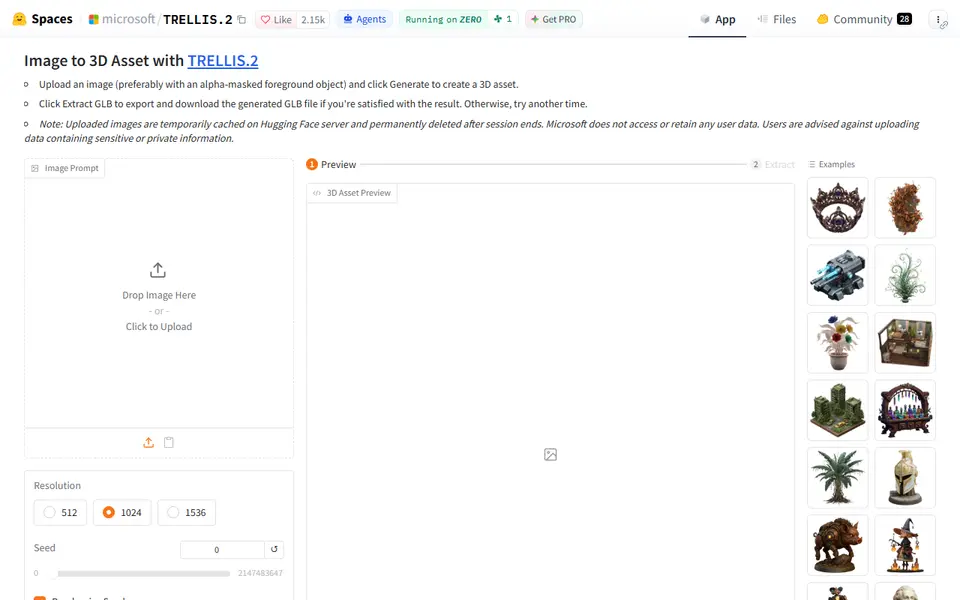
AI to 3D
Microsoft TRELLIS.2
Free open-source image-to-3D demo from Microsoft that exports textured GLB models
AI to 3D
Tencent Hunyuan3D
Tencent's AI text, image and sketch-to-3D studio with free daily generations

AI to 3D
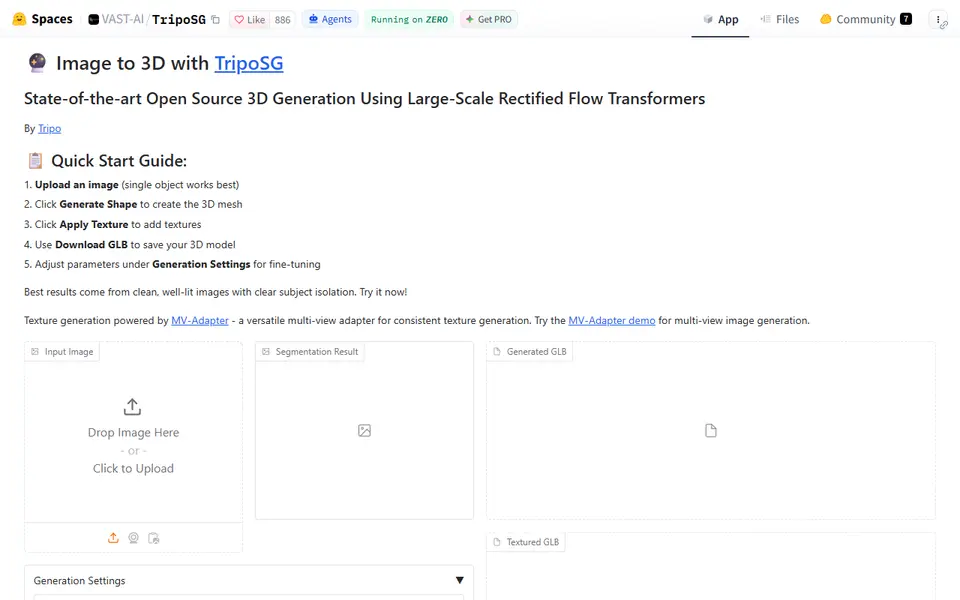
MakerLab Image to 3D Model
MakerWorld's AI photo-to-3D tool with a choice of Meshy, Tripo, Rodin and more

AI to 3D
Quady3D
One workspace for Rodin, Meshy, Tripo, Hunyuan3D and more: image, text, sketch or multi-view to 3D
AI to 3D
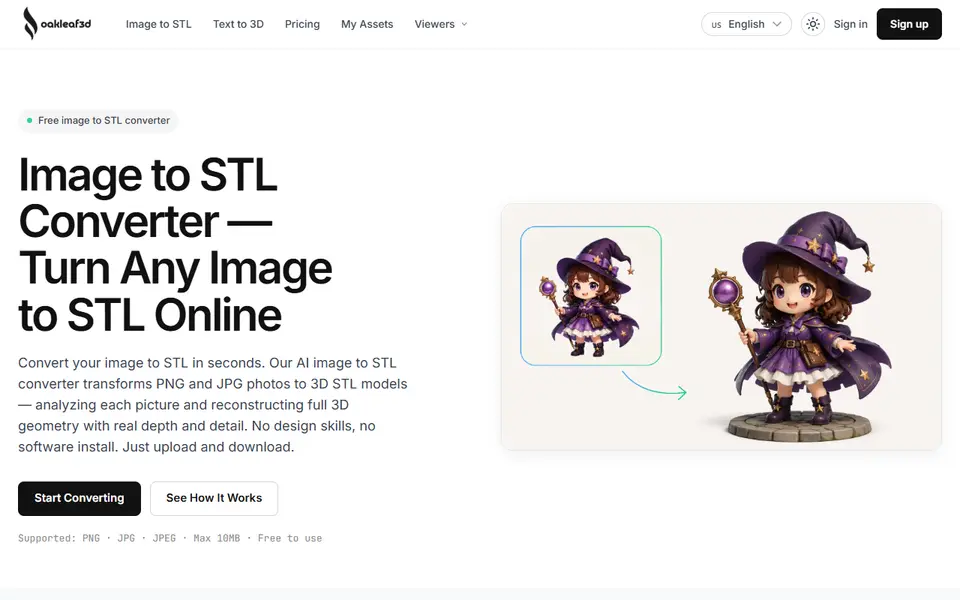
oakleaf3d
AI image to STL converter that rebuilds a full 3D model from one photo or up to eight views