oakleaf3d
AI image to STL converter that rebuilds a full 3D model from one photo or up to eight views
oakleaf3d is a freemium browser tool for a quick 3D model of an object from a photo. 3 free credits on sign-up plus 1 to 3 per daily check-in (expire after 30 days); a Basic model costs 2 credits, Pro 25 and Ultra 35. Credit packs from $9.90 for 200 credits; subscriptions $10, $19 or $39 a month. Exports STL; an account is needed to download. Last checked .
Opens oakleaf3d.com
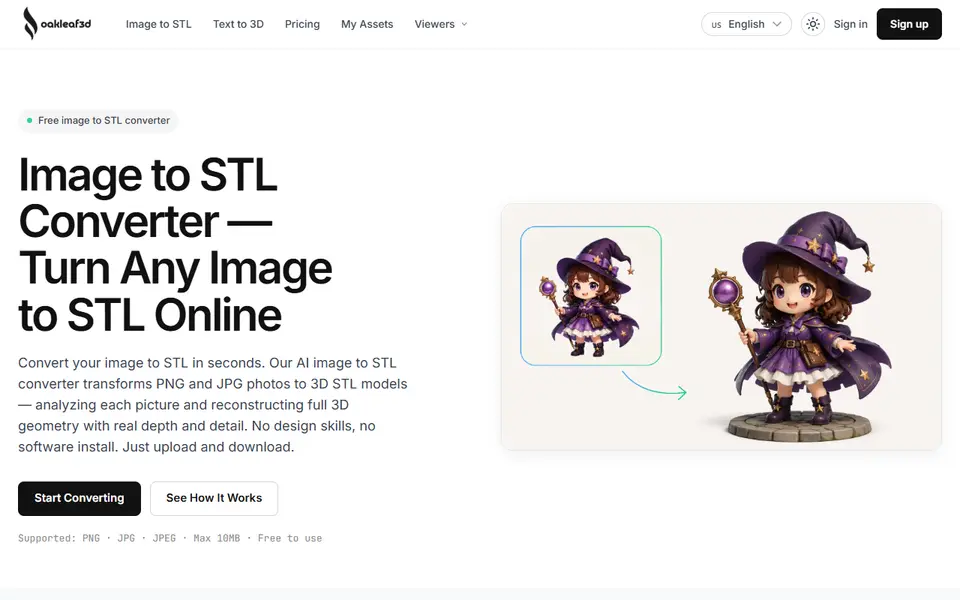
What is oakleaf3d?
oakleaf3d is an AI tool that turns a PNG or JPG into a full 3D model and a printable STL. You upload one image, or several photos of the same object from different angles, pick a quality level and let the AI reconstruct the shape and depth. A built-in 3D viewer lets you rotate and check the mesh before you download it. There is also a Text to 3D mode that starts from a description.
The three quality levels cost credits per model: Basic (2 credits) for a quick draft mesh, Pro (25 credits) for clean topology and HD textures, and Ultra (35 credits) for the most detail, up to eight views and control over face count (50K to 1.5M), topology and material.
You need an account. Sign-up gives 3 free credits plus 1 to 3 credits for every daily check-in, which expire after 30 days. Credit packs start at $9.90 for 200 credits and never expire; subscriptions are $10, $19 or $39 a month. The terms say the service is not offered in the European Union, the United Kingdom or South Korea, because of the licenses of the AI models it uses.
What you can make
- Figurines and props from a photo
- 3D models of objects from several photos
- Models from a text description
How to use oakleaf3d
- Sign up and open the Image to STL converter
- Upload one photo, or several views of the same object
- Pick Basic, Pro or Ultra and generate the model
- Check it in the 3D viewer and download the STL
What you'll need to print it
Filament and parts that suit what you make with oakleaf3d.
Matte PLA
- Bambu Lab PLA Matte (affiliate link) Amazon
- Polymaker Panchroma Matte PLA (formerly PolyTerra) (affiliate link) Polymaker EU: 3DJake (affiliate link)
Code gives 15% off your first order at Polymaker.
Resin
- Siraya Tech Fast ABS-like Resin (affiliate link) Siraya Tech
- Siraya Tech Blu Tough Resin (affiliate link) Siraya Tech
Some of these are affiliate links: we may earn a small commission, at no extra cost to you. More about that
oakleaf3d pros
- Builds a full 3D model, not just a relief, from a single photo
- Up to eight views for a more accurate model
- 3D preview before you download, and daily free credits
oakleaf3d cons
- Not available in the EU, the UK or South Korea
- Free models are CC BY 4.0 and not for commercial use
- Pro and Ultra quality use 25 to 35 credits per model
Rate oakleaf3d
One rating per account. Signing in takes one email link, no password.
Reviews
Made with oakleaf3d
Read next
oakleaf3d alternatives
AI text and image to 3D generators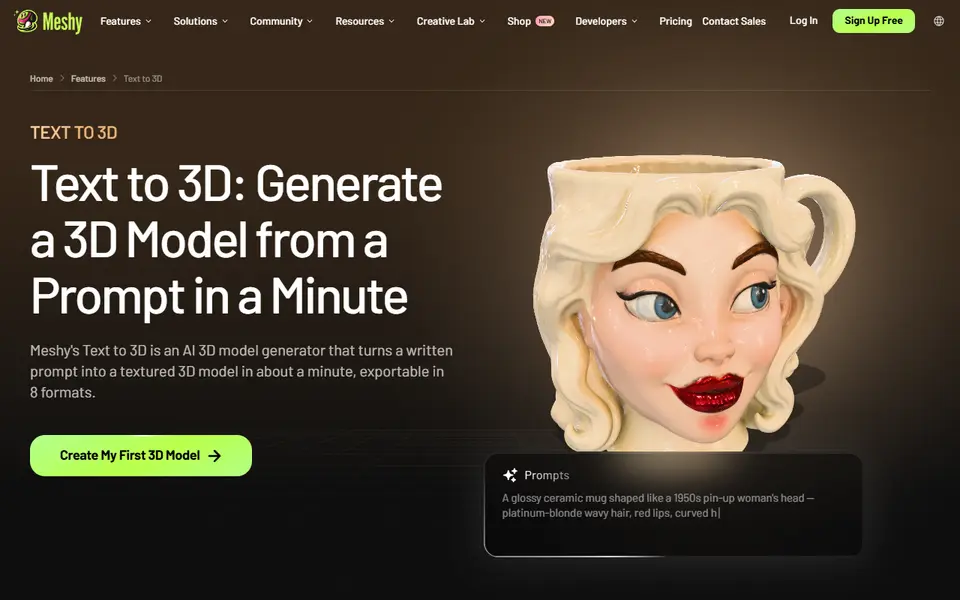
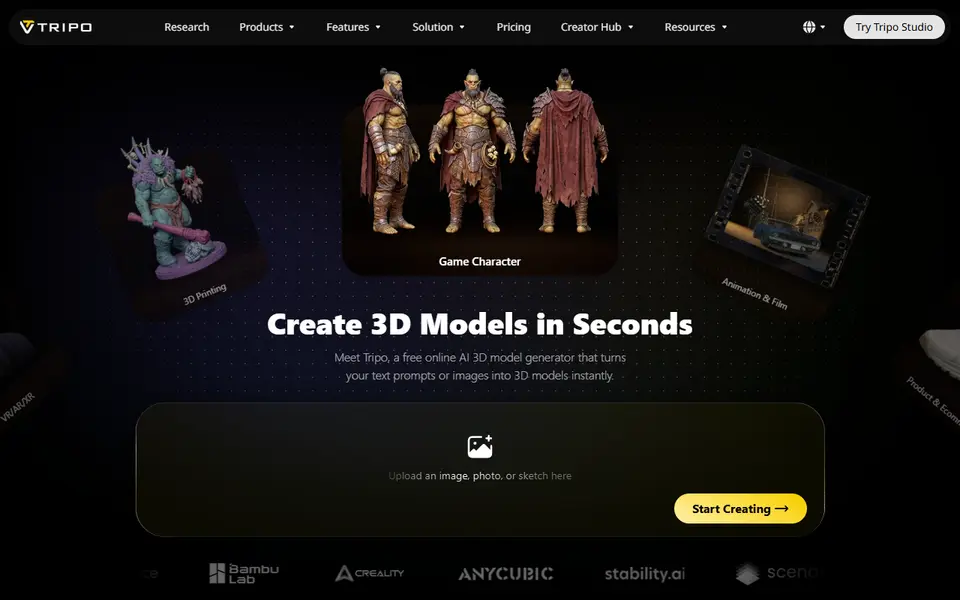
AI to 3D
Tripo AI
Turn text, images or sketches into detailed 3D models with STL, 3MF and OBJ export

AI to 3D
MakerLab Image to 3D Model
MakerWorld's AI photo-to-3D tool with a choice of Meshy, Tripo, Rodin and more
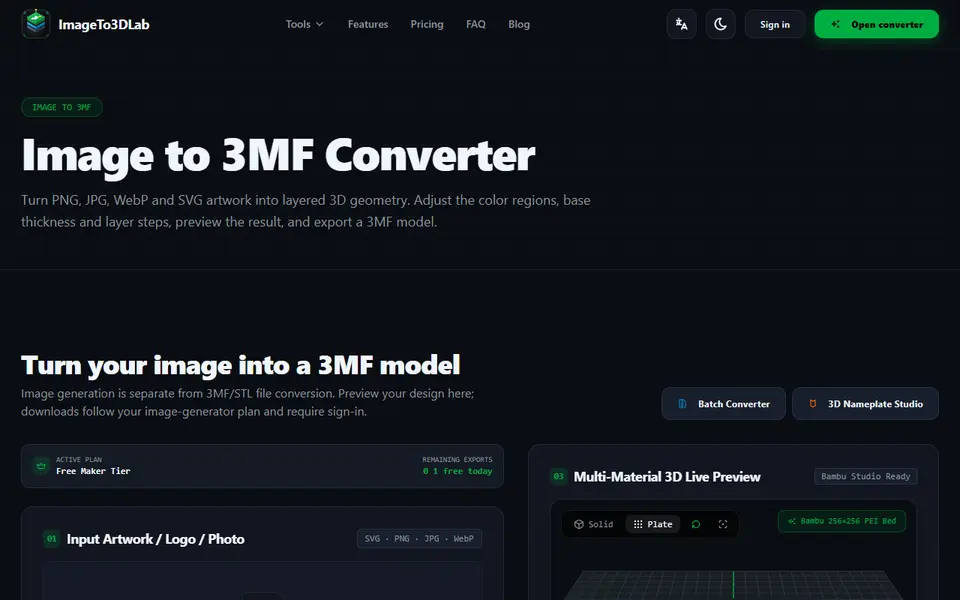
Image to Relief
ImageTo3DLab
Logos and photos as layered multicolor 3MF for an AMS, plus free in-browser 3MF and STL converters
AI to 3D
Tencent Hunyuan3D
Tencent's AI text, image and sketch-to-3D studio with free daily generations