ImageTo3DLab
Logos and photos as layered multicolor 3MF for an AMS, plus free in-browser 3MF and STL converters
ImageTo3DLab is a freemium browser tool for multicolor logo badges and keychains on an AMS. Free account: 1 download a day, up to 2 color layers, personal use only. One-time: Starter $4.99 for 20 exports, Lifetime $29, Commercial Seller $59. The 3MF and STL converters are free with no account. Exports 3MF and STL. Last checked .
Opens imageto3dlab.com
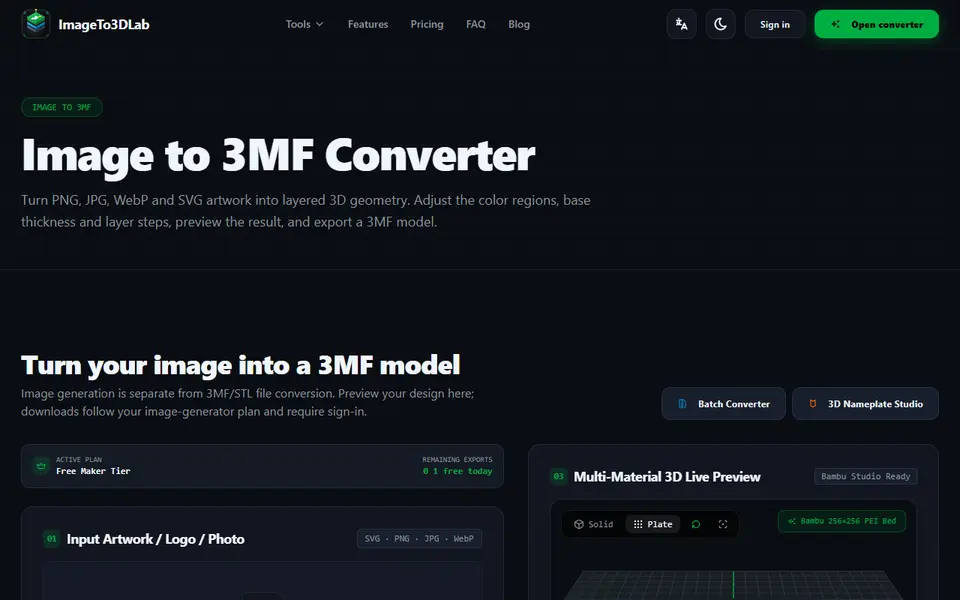
What is ImageTo3DLab?
ImageTo3DLab turns a PNG, JPG, WebP or SVG image into a layered relief for multi-material printing. You upload artwork (a PNG with a transparent background works best for badges), pick how many filament slots your AMS or MMU has, from two to eight, and the tool maps the colors to layers with an automatic height offset and a 3D preview. The 3MF is aimed at Bambu Studio, OrcaSlicer and PrusaSlicer, and the site also has a keychain maker, a nameplate studio and a batch converter.
Separate free tools convert 3MF to STL and STL to 3MF in the browser, with no upload and no account; they keep the geometry and dimensions but don't repair the mesh.
The image converter needs a free account. The free tier gives one download a day with up to two color layers, for personal use only. A Starter pack is $4.99 for 20 model exports, a Lifetime pass $29 and a Commercial Seller pass $59 one time; the paid tiers include rights to sell physical prints.
What you can make
- Multicolor logo and badge reliefs
- Layered photo plaques
- Color keychains
- 3MF to STL and STL to 3MF conversions
How to use ImageTo3DLab
- Open the image to 3MF converter and upload a PNG, JPG, WebP or SVG
- Pick the number of filament slots and check the color layers
- Sign in and download the 3MF
- Open it in Bambu Studio, OrcaSlicer or PrusaSlicer and assign filaments
What you'll need to print it
Filament and parts that suit what you make with ImageTo3DLab.
Multicolor PLA
Multicolor filament systems
Matte PLA
- Bambu Lab PLA Matte (affiliate link) Amazon
- Polymaker Panchroma Matte PLA (formerly PolyTerra) (affiliate link) Polymaker EU: 3DJake (affiliate link)
Code gives 15% off your first order at Polymaker.
Some of these are affiliate links: we may earn a small commission, at no extra cost to you. More about that
ImageTo3DLab pros
- Layers matched to 2 to 8 AMS filament slots
- One-time prices instead of a subscription
- Free in-browser 3MF and STL converters with no upload
ImageTo3DLab cons
- Free tier is one download a day with only two colors
- Selling prints needs a paid tier
- Downloads from the image converter need an account
Rate ImageTo3DLab
One rating per account. Signing in takes one email link, no password.
Reviews
Made with ImageTo3DLab
Read next
ImageTo3DLab alternatives
Image to STL and relief generators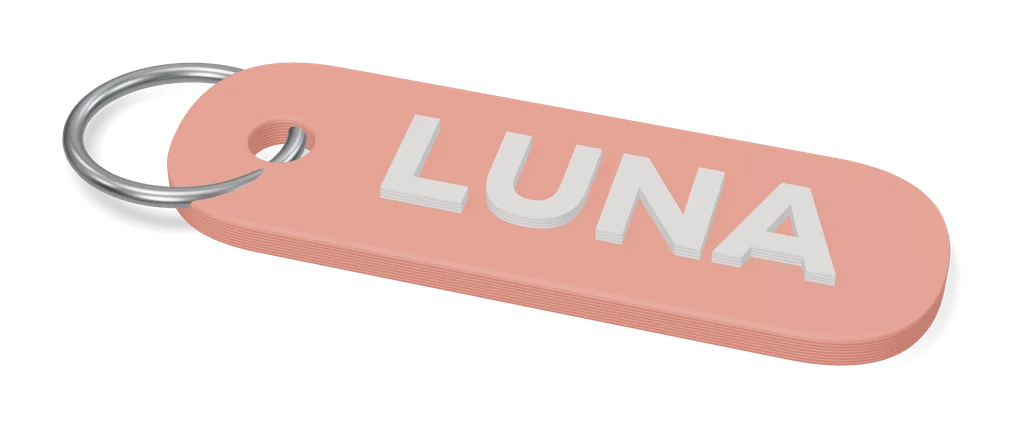
Keychains
Image to Keychain (MakerLab)
Bambu Lab tool that turns a picture into a layered multicolor keychain
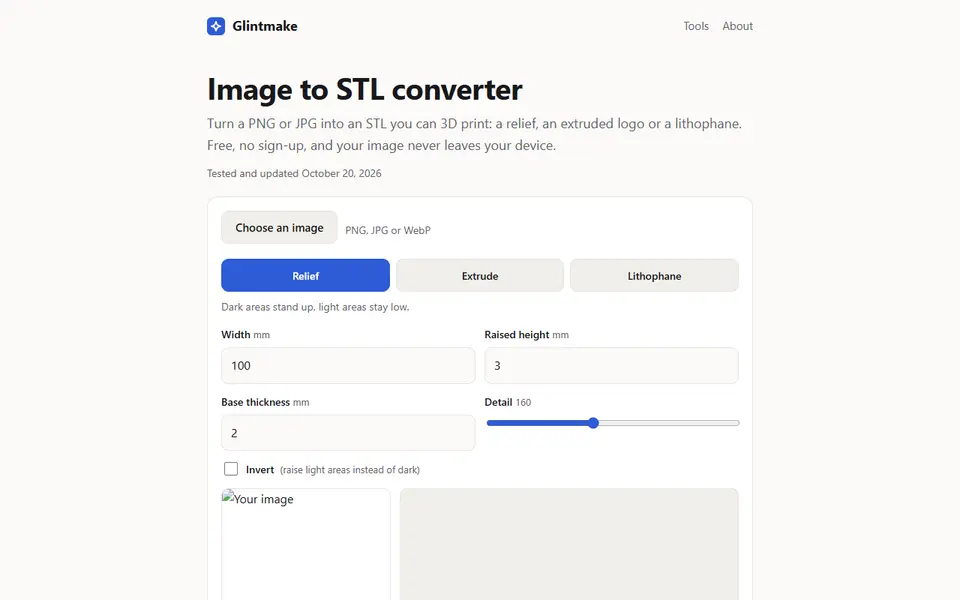
Image to Relief
Glintmake Image to STL Converter
Turn a PNG or JPG into a relief, an extruded logo or a lithophane STL, built in your browser
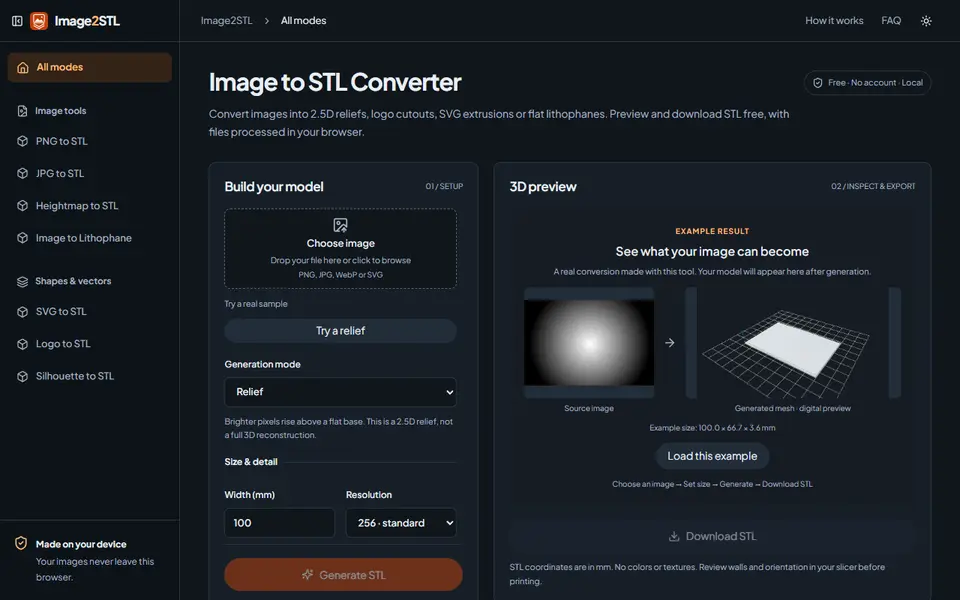
Image to Relief
Image2STL
Free image to STL in your browser: relief, lithophane, silhouette cutout or SVG extrusion, no account
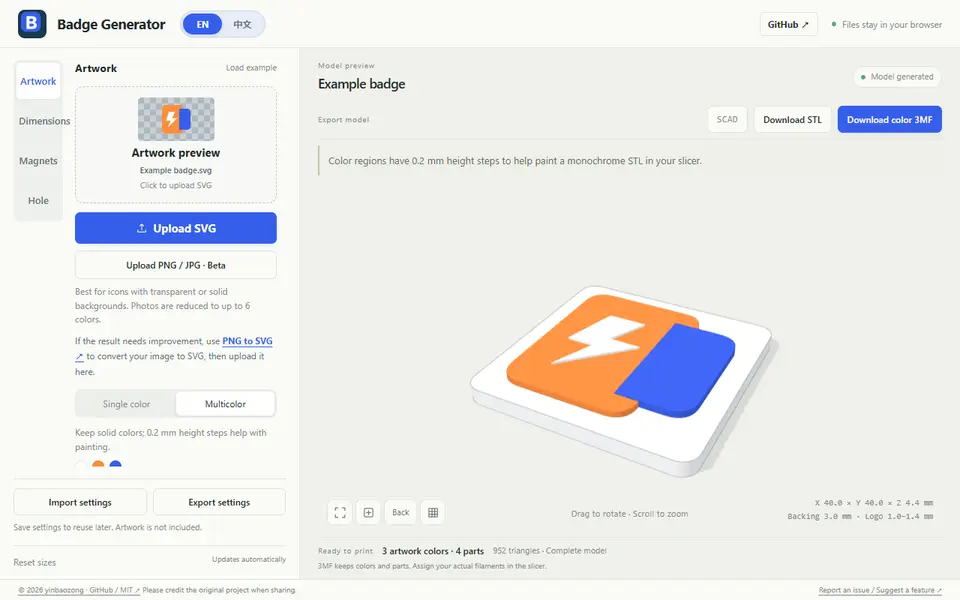
Image to Relief
Badge Generator (SVG to 3D)
Free browser tool that turns an SVG logo into a raised badge or magnet, single or multicolor, as STL or color 3MF
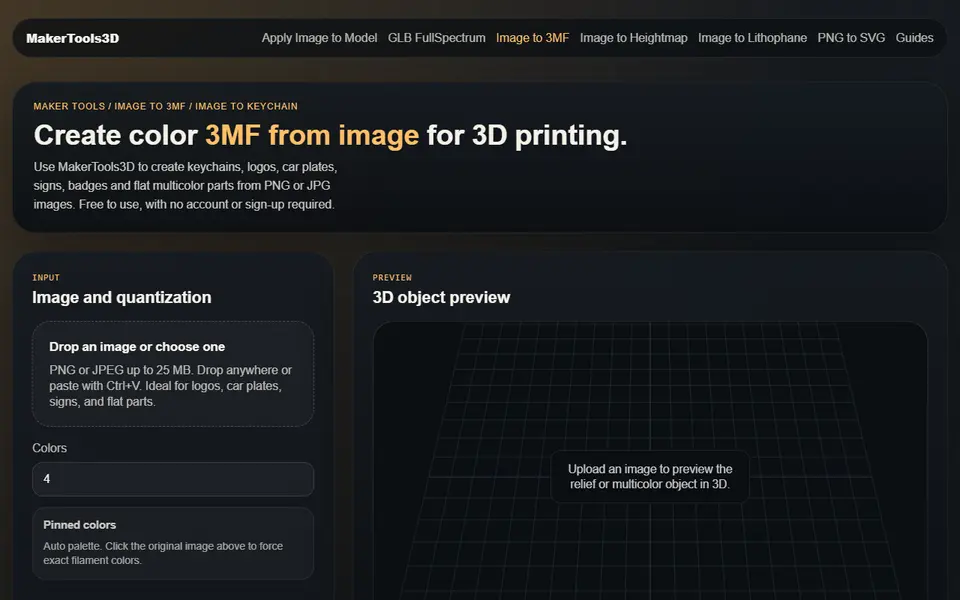
Image to Relief
MakerTools3D
Turns PNG and JPG images into multicolor 3MF plates, keychains and decals
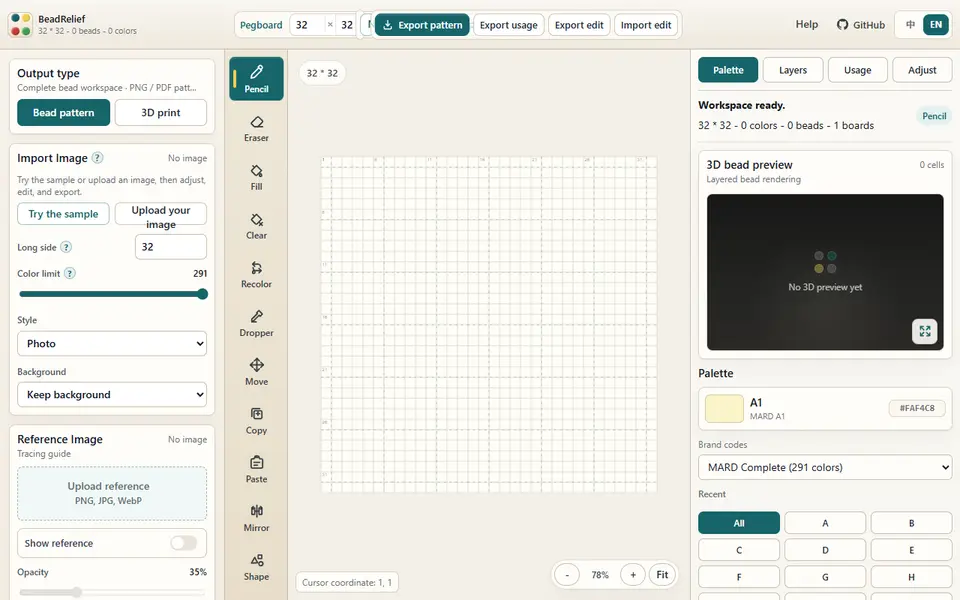
Image to Relief
BeadRelief
Turns an image into a bead-style pixel relief and a multicolor 3MF for Bambu AMS printers