Glintmake Image to STL Converter
Turn a PNG or JPG into a relief, an extruded logo or a lithophane STL, built in your browser
Glintmake Image to STL Converter is a free browser tool for turning a logo or drawing into a raised plaque or cutout. Free, no sign-up and no limit. Other Glintmake tools sell one-off packs, but this one does not. Exports STL. Last checked .
Opens glintmake.com
About this generator
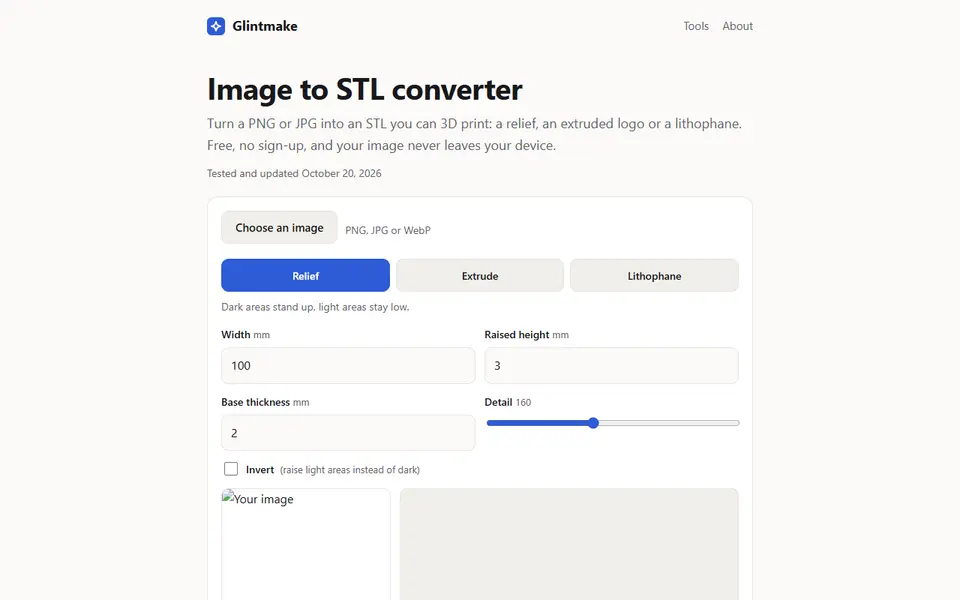
Glintmake's Image to STL Converter turns a PNG, JPG or WebP into a printable STL in one of three modes. Relief makes brightness into height, for plaques and textured tiles. Extrude raises everything darker than a threshold to one height with straight walls, for logos, text and silhouettes; set the base to 0 to get the shape alone. Lithophane makes a thin plate where dark areas are thicker, to hold up to a light.
You set the width in millimeters, the raised height, the base thickness and the detail (60 to 300 points across the long side), with an invert toggle and a 3D preview that updates as you change things. The download is a closed binary STL in millimeters. Everything runs in the browser, so there is no upload, no sign-up and no limit.
It makes heightmaps from one picture, so it cannot build a full 3D object with a back and sides. Glintmake is a small site of AI tools, some of which sell one-off packs; this converter is free.
What you can make
- Image reliefs and plaques
- Extruded logos and silhouettes
- Flat lithophanes
How to use Glintmake Image to STL Converter
- Open the converter and choose a PNG, JPG or WebP
- Pick Relief, Extrude or Lithophane
- Set the width, raised height, base and detail, and check the 3D preview
- Download the STL and open it in your slicer
What you'll need to print it
Filament and parts that suit what you make with Glintmake Image to STL Converter.
White PLA
- Bambu Lab PLA Basic Jade White (affiliate link) Amazon
- Polymaker PolyLite PLA Cold White (affiliate link) Polymaker EU: 3DJake (affiliate link)
Code gives 15% off your first order at Polymaker.
Multicolor PLA
Some of these are affiliate links: we may earn a small commission, at no extra cost to you. More about that
Glintmake Image to STL Converter pros
- Three modes in one tool: relief, extruded outline and lithophane
- Free with no account, and the image never leaves your device
- Exports a closed binary STL in millimeters, with a live 3D preview
Glintmake Image to STL Converter cons
- STL only, no 3MF or color
- Flat shapes only: no curved lithophanes and no full 3D models
Rate Glintmake Image to STL Converter
One rating per account. Signing in takes one email link, no password.
Reviews
Made with Glintmake Image to STL Converter
Read next
Glintmake Image to STL Converter alternatives
Image to STL and relief generators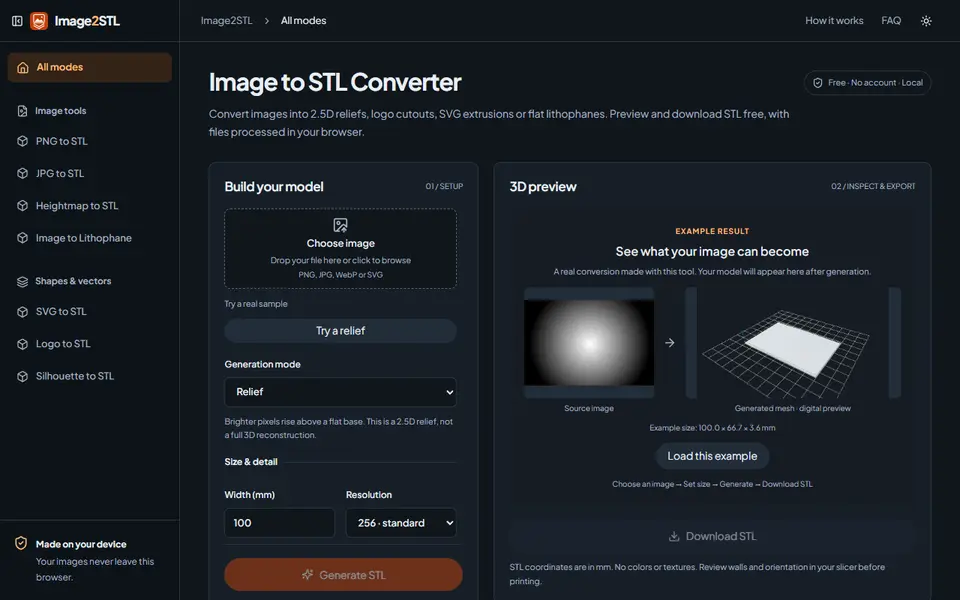
Image to Relief
Image2STL
Free image to STL in your browser: relief, lithophane, silhouette cutout or SVG extrusion, no account
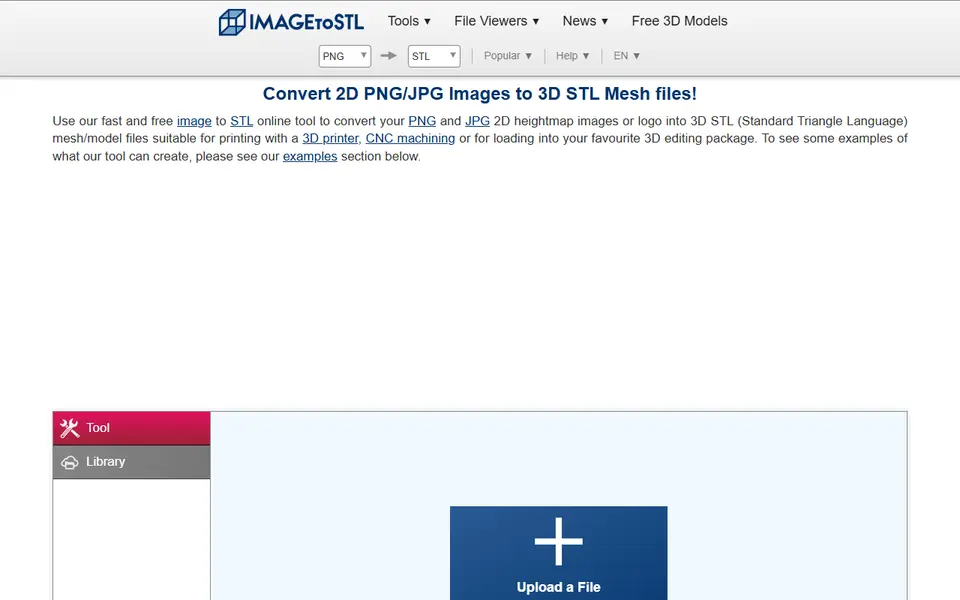
Image to Relief
ImageToStl
Free online converter that turns PNG or JPG images into heightmap or extruded STL
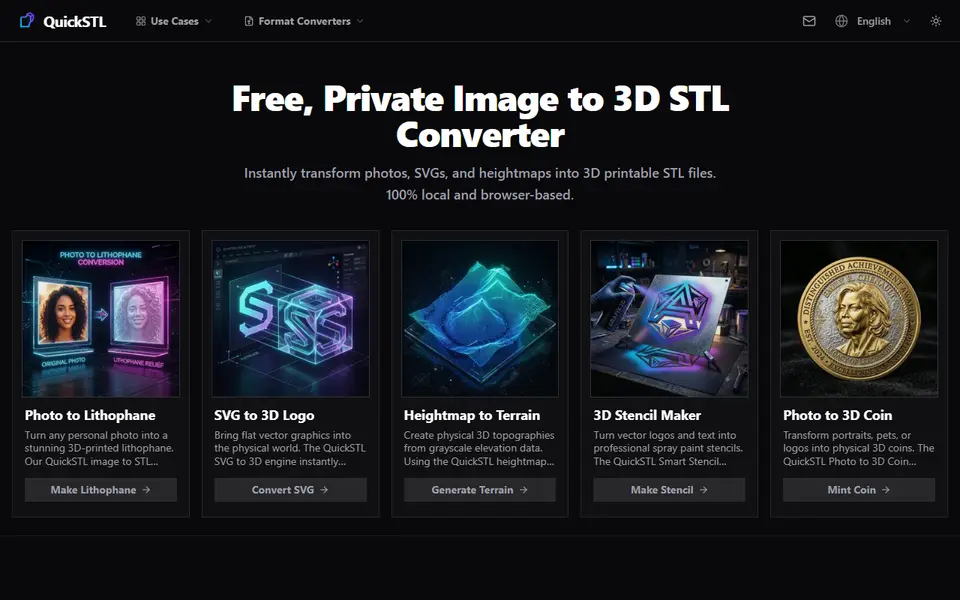
Image to Relief
QuickSTL Image to STL
Free browser converters for photo lithophanes, relief coins, SVG logos and heightmap terrain
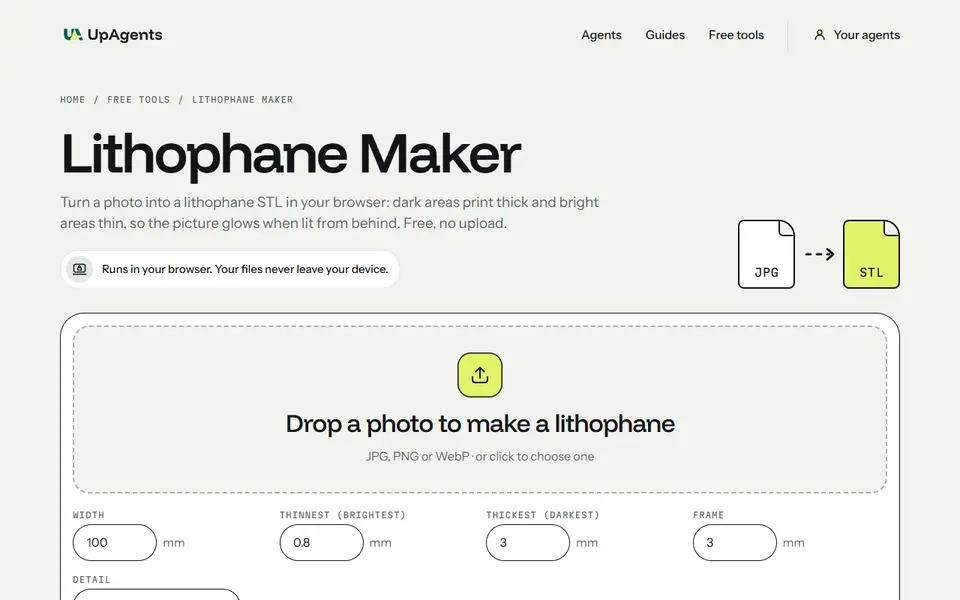
Lithophanes
UpAgents Lithophane Maker
Flat photo lithophanes with a frame, built in your browser so the photo never leaves your device
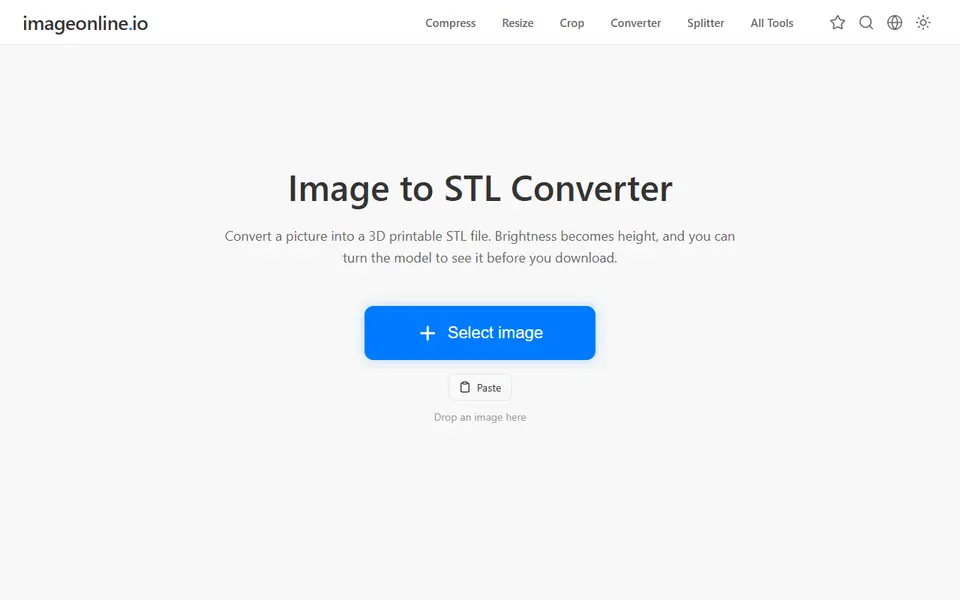
Image to Relief
Image Online Image to STL
Free image to STL relief, lithophane or extruded logo, made in your browser with no upload or account
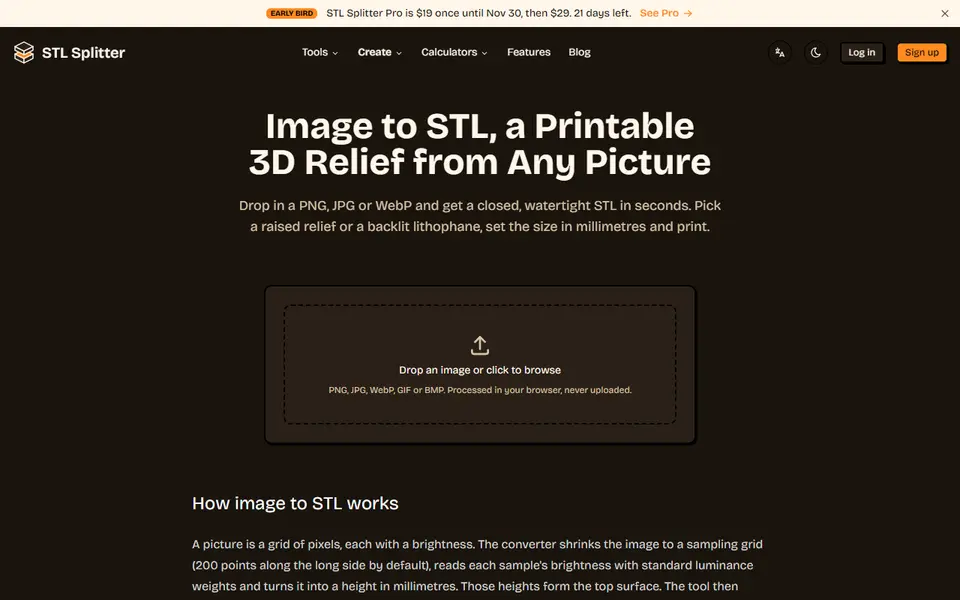
Image to Relief
STL Splitter Image to STL
Free browser tool that turns a picture into a watertight relief or lithophane STL