QuickSTL Image to STL
Free browser converters for photo lithophanes, relief coins, SVG logos and heightmap terrain
QuickSTL Image to STL is a free browser tool for quick, private photo and logo conversions to STL. Free STL downloads with no sign-up; the site's FAQ says there is no paywall, subscription or watermark, and no paid tier was seen. Exports STL. Last checked .
Opens quickstl.app
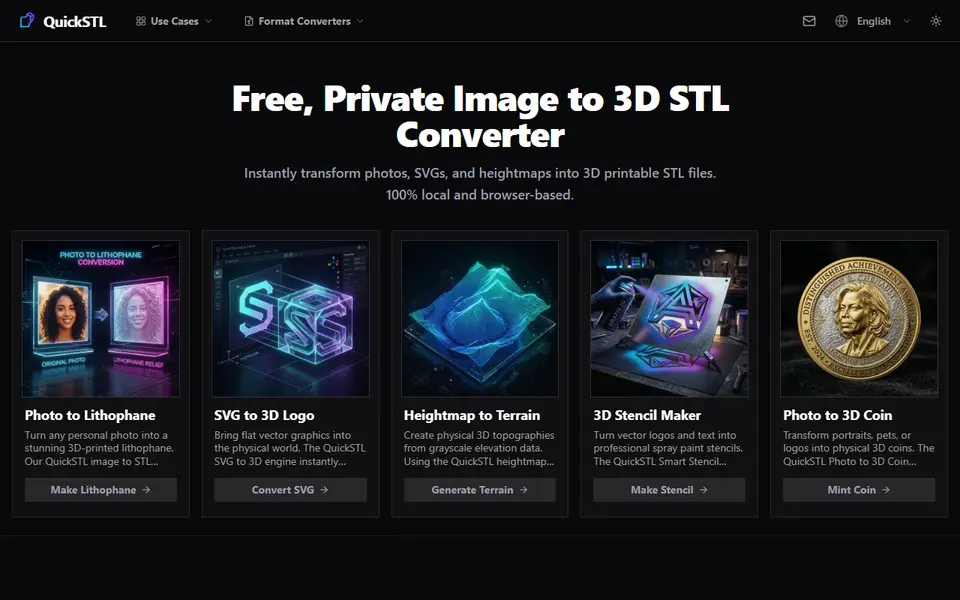
What is QuickSTL Image to STL?
QuickSTL Image to STL is a free group of browser tools that turn photos, SVG logos and grayscale heightmaps into printable STL files. It covers four converters: a photo lithophane maker, a photo to coin maker, an SVG to 3D logo extruder and a heightmap to terrain generator. Each one shows a live 3D preview next to a few sliders, and the STL downloads without an account. The site's stencil maker has its own listing.
The lithophane tool sets size, maximum and minimum thickness, a flat or arced shape and an optional border. The PNG, JPG and WebP to STL pages reuse the same lithophane controls. The coin maker turns a portrait or pet photo into a raised relief with a rim and base, and offers optional AI depth mapping and background removal. The SVG tool extrudes a logo to a set thickness, can round the edges and can add a rectangle, circle or contour base plate. The terrain tool sets peak height, base thickness, smoothing, a flat margin and a cutoff that keeps low areas such as water flat.
The site says all processing happens in your browser, so photos are not uploaded. It suits makers who want quick single-color conversions for gifts, logos or tabletop scenery. The domain was registered in March 2026 and the tools export STL only, so multicolor prints need a different tool.
What you can make
- Flat and arced photo lithophanes
- Relief coins and medals from portraits
- Extruded 3D logos from SVG files
- Terrain models from grayscale heightmaps
How to use QuickSTL Image to STL
- Pick a tool: lithophane, coin, SVG to 3D or heightmap to terrain
- Upload a PNG, JPG or WebP image, or an SVG for the logo tool
- Set size and thickness with the sliders and check the 3D preview
- Turn on extras such as an arc, border, base plate or AI depth
- Download the STL and slice it
What you'll need to print it
Filament and parts that suit what you make with QuickSTL Image to STL.
White PLA
Resin
- Siraya Tech Fast ABS-like Resin (affiliate link) Siraya Tech
- Siraya Tech Blu Tough Resin (affiliate link) Siraya Tech
0.2 mm nozzle
Some of these are affiliate links: we may earn a small commission, at no extra cost to you. More about that
QuickSTL Image to STL pros
- Lithophane, coin, SVG and terrain converters on one free site, each with a live 3D preview
- Coin maker adds optional AI depth mapping and background removal
- No account or watermark, and the site says images are processed in the browser rather than uploaded
QuickSTL Image to STL cons
- STL only and single color; colors in an SVG are ignored in the export
- Lithophanes are flat or arced only, with no cylinder, lamp or light box shapes
- New site from 2026 with little outside community feedback, and the PNG, JPG and WebP pages repeat the lithophane tool
Rate QuickSTL Image to STL
One rating per account. Signing in takes one email link, no password.
Reviews
Made with QuickSTL Image to STL
Read next
QuickSTL Image to STL alternatives
Image to STL and relief generators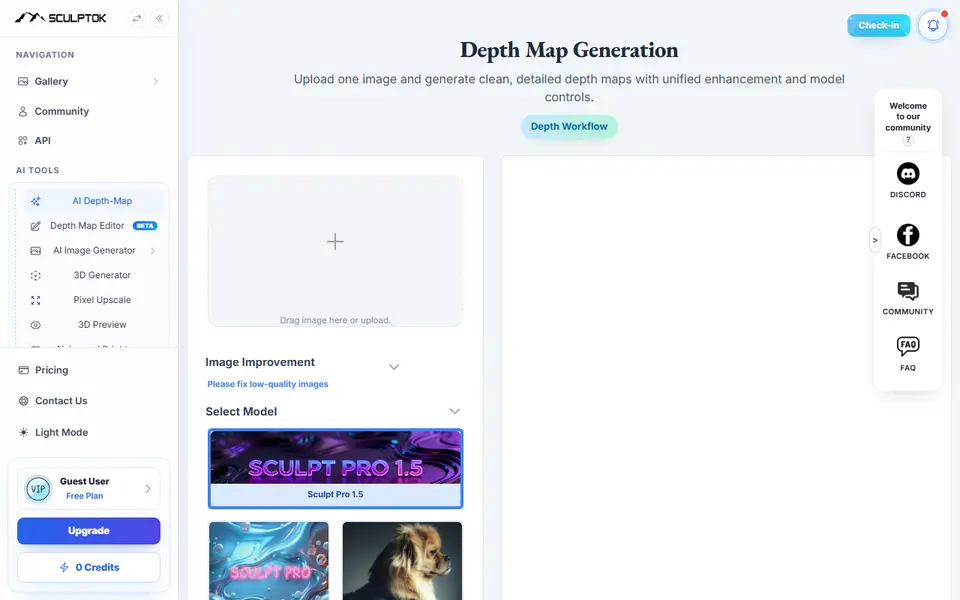
Image to Relief
SculptOK
AI turns a photo into a depth map, then into a relief or lithophane STL to print
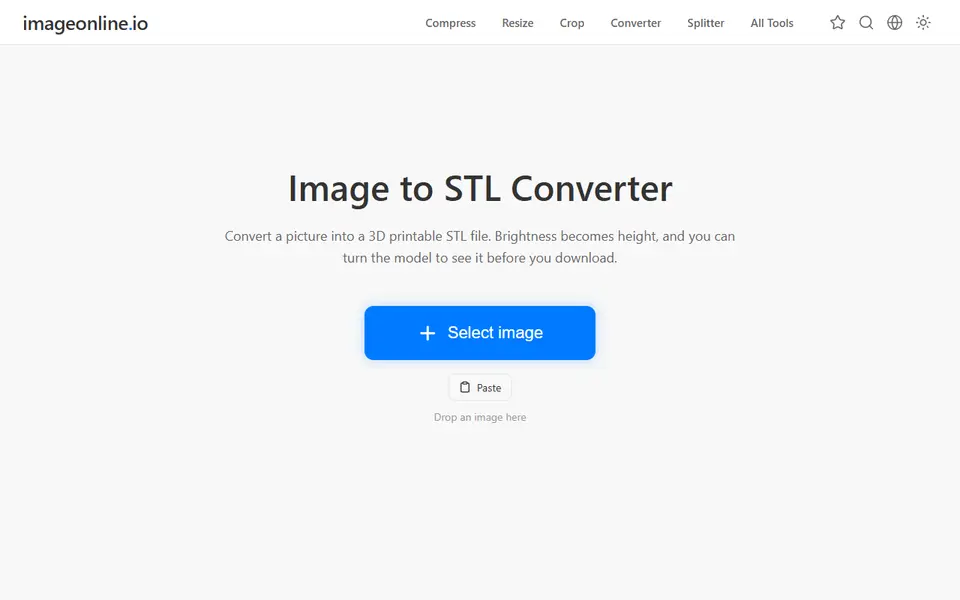
Image to Relief
Image Online Image to STL
Free image to STL relief, lithophane or extruded logo, made in your browser with no upload or account
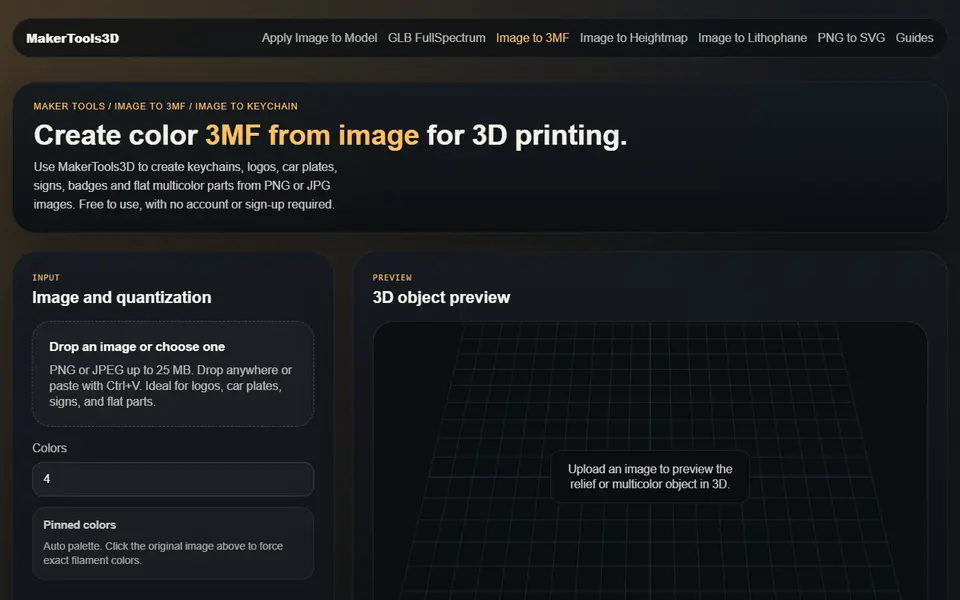
Image to Relief
MakerTools3D
Turns PNG and JPG images into multicolor 3MF plates, keychains and decals

Image to Relief
AutoForge
Open-source optimizer that picks filament colors and swap layers for a HueForge-style picture print
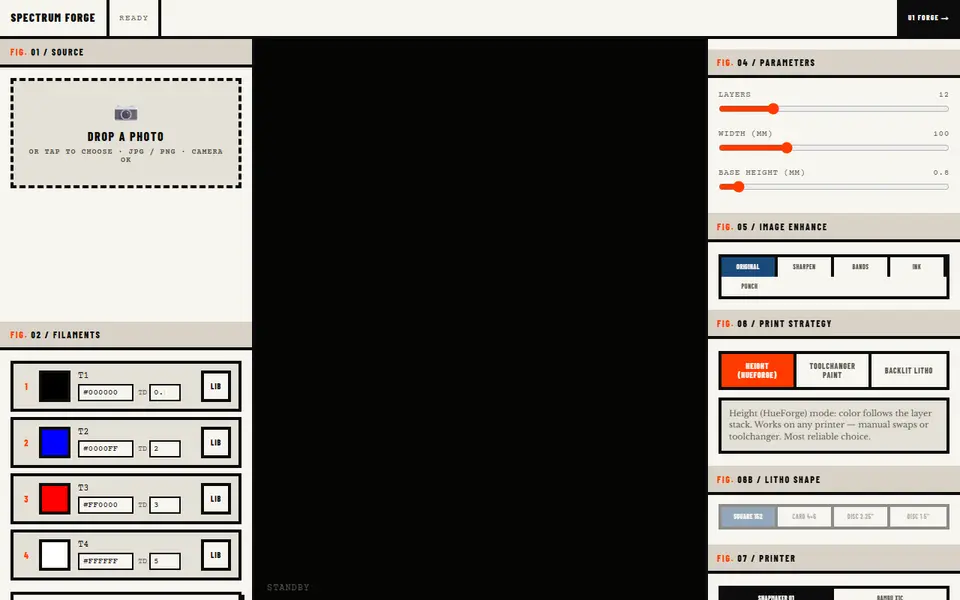
Image to Relief
Spectrum Forge
Photo to a four-filament color 3MF in HueForge-style, toolchanger paint or backlit litho mode; first export free
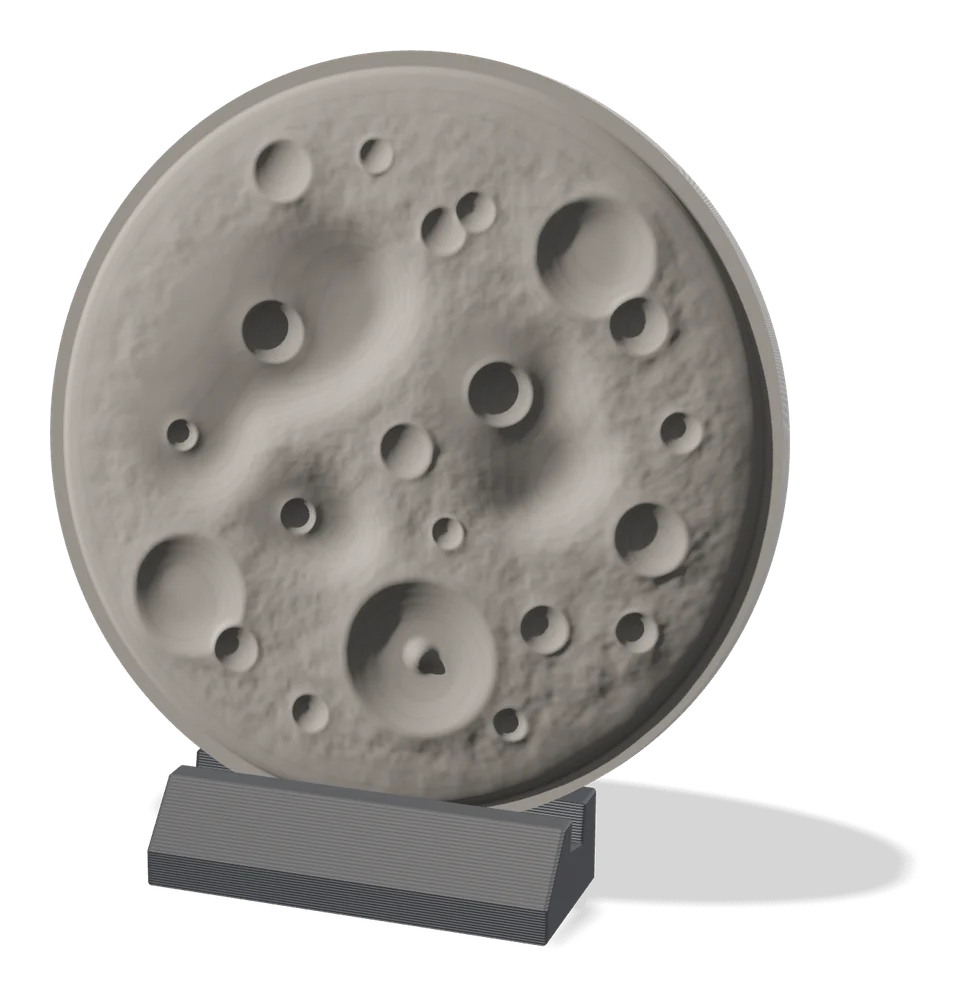
Image to Relief
MakerLab Relief Sculpture Maker
AI tool that turns photos or 3D models into printable bas-relief plaques