SculptOK
AI turns a photo into a depth map, then into a relief or lithophane STL to print
SculptOK is a freemium browser tool for photo reliefs, portrait plaques and relief coins. 100 free credits on sign-up (about 50 depth maps or 5 HD downloads) plus 10 credits per daily check-in that expire after 7 days. Plans: PRO $19, MASTER $35, ULTIMATE $75 a month, or $16, $30 and $63 a month billed yearly; one-time credit packs are also sold. STL and OBJ export in the Depth Map Editor (in beta as of September 2026) needs a membership. Exports STL, OBJ, GLB and PNG; an account is needed to download. Last checked .
Opens sculptok.com
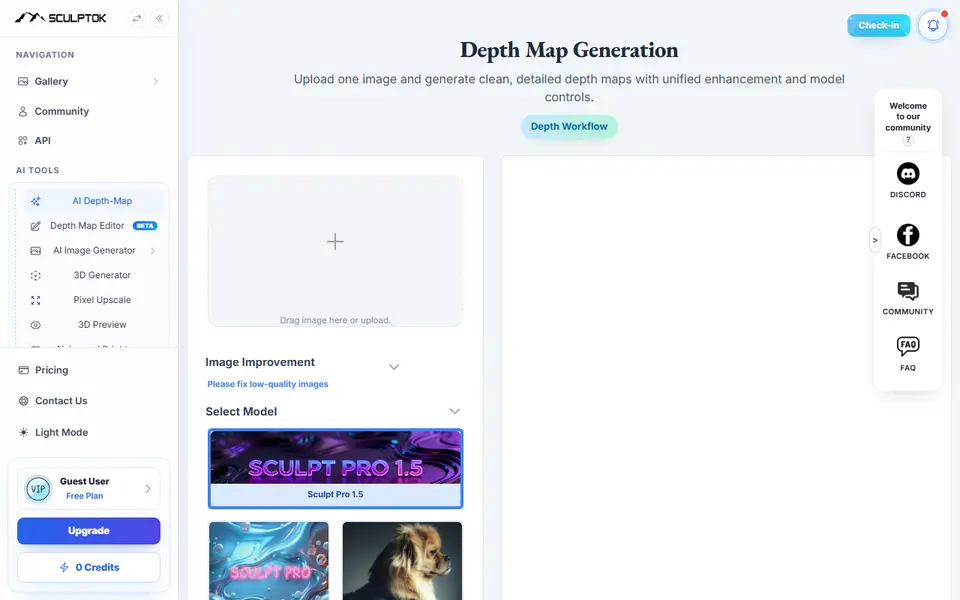
What is SculptOK?
SculptOK is a credit-based browser tool that turns a photo or drawing into an AI depth map and then into a printable relief or lithophane. It started out serving laser engravers and CNC carvers, and 3D printing hobbyists use the same maps. You upload a JPG, PNG or WEBP, pick the model that fits the picture (Sculpt Pro 1.5, Color Image, Portrait Image or Line Art) and the AI returns a grayscale height map.
A built-in 3D Lithophane Generator turns that map into a mesh. You set the width in millimeters, the minimum and maximum thickness and a square or round base, and you can add a frame, raised or engraved text, a second map for a double-sided piece, or remove the base for a cut-out look. The model downloads as STL or OBJ. Other tools on the site make GLB models from images, upscale pictures and remove backgrounds.
Everything runs on credits. New accounts get 100, enough for about 50 depth maps but only about 5 watermark-free HD downloads, so regular use means a subscription. It suits people who want portrait plaques, pet reliefs or lithophanes from their own pictures and do not mind tuning a few sliders.
What you can make
- Bas-relief plaques from photos
- Portrait and pet reliefs
- Relief coins and medallions
- Flat lithophanes
- Double-sided reliefs
- Grayscale depth maps for laser and CNC
How to use SculptOK
- Sign up and upload a JPG, PNG or WEBP to the depth map generator
- Pick a model such as Sculpt Pro 1.5, Color Image, Portrait Image or Line Art and generate
- Spend credits on the watermark-free HD map or preview if you want a clean model
- Open the 3D preview and set width, thickness, base shape and any frame or text
- Download the STL or OBJ and slice it
What you'll need to print it
Filament and parts that suit what you make with SculptOK.
White PLA
Matte PLA
0.2 mm nozzle
Some of these are affiliate links: we may earn a small commission, at no extra cost to you. More about that
SculptOK pros
- Separate AI models for color photos, portraits and line art, plus a higher resolution Sculpt Pro model
- The 3D page has real print settings: width in mm, min and max thickness, base shape, frames and text
- The same depth map also works for laser engraving and CNC carving, and Blender and ZBrush plugins run on the same credits
SculptOK cons
- Needs an account and credits, and a clean watermark-free result costs extra credits
- STL and OBJ export from the newer Depth Map Editor is limited to paying members
- The FAQ warns that portraits and fine detail may need touch-up, and generated images are deleted after a month
Rate SculptOK
One rating per account. Signing in takes one email link, no password.
Reviews
Made with SculptOK
Read next
SculptOK alternatives
Image to STL and relief generators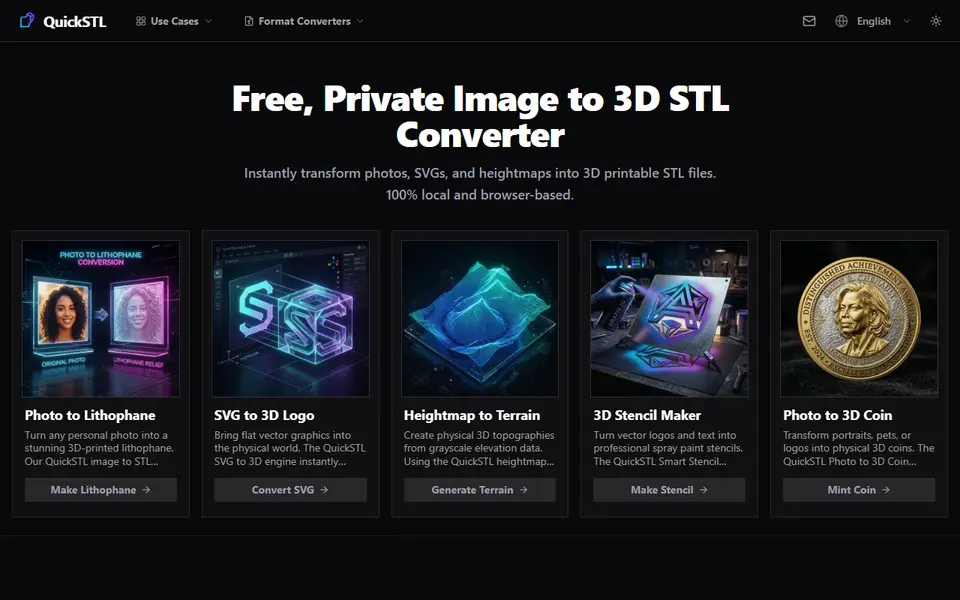
Image to Relief
QuickSTL Image to STL
Free browser converters for photo lithophanes, relief coins, SVG logos and heightmap terrain
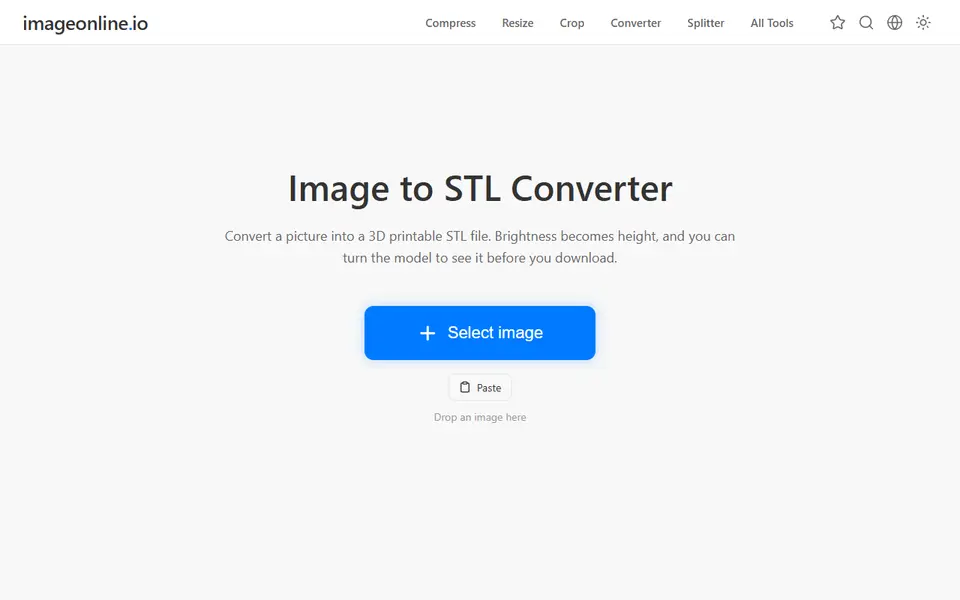
Image to Relief
Image Online Image to STL
Free image to STL relief, lithophane or extruded logo, made in your browser with no upload or account
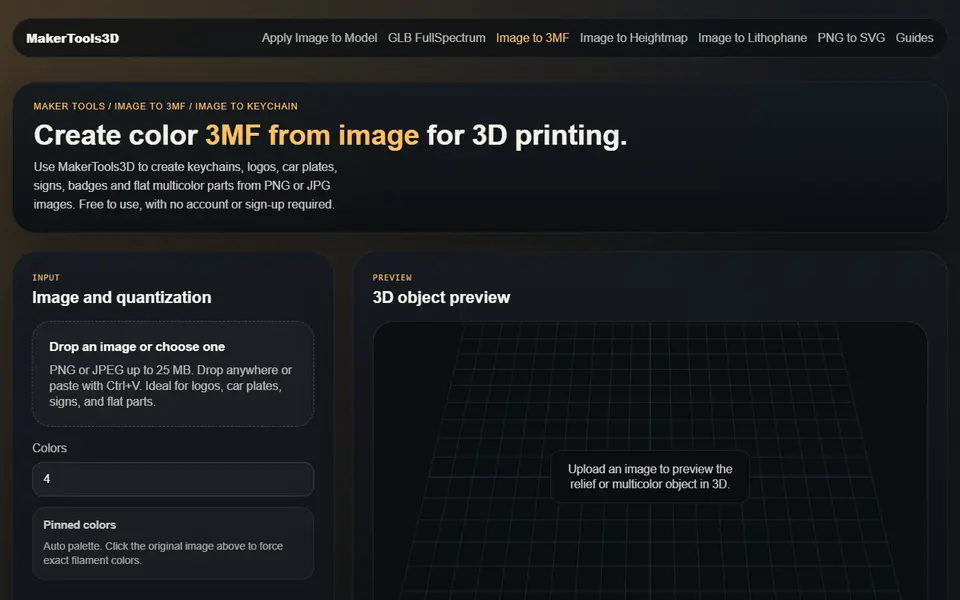
Image to Relief
MakerTools3D
Turns PNG and JPG images into multicolor 3MF plates, keychains and decals
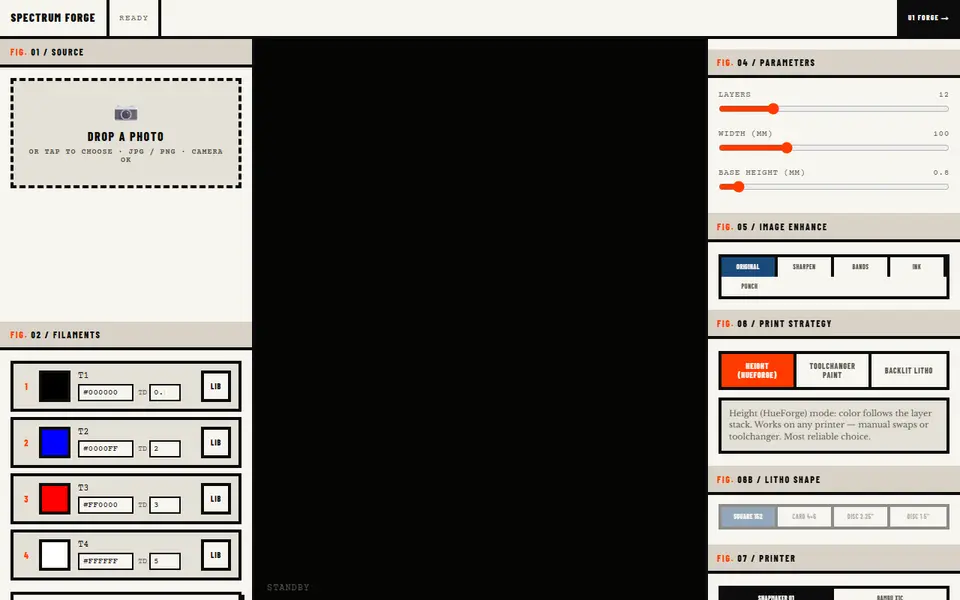
Image to Relief
Spectrum Forge
Photo to a four-filament color 3MF in HueForge-style, toolchanger paint or backlit litho mode; first export free

Image to Relief
AutoForge
Open-source optimizer that picks filament colors and swap layers for a HueForge-style picture print
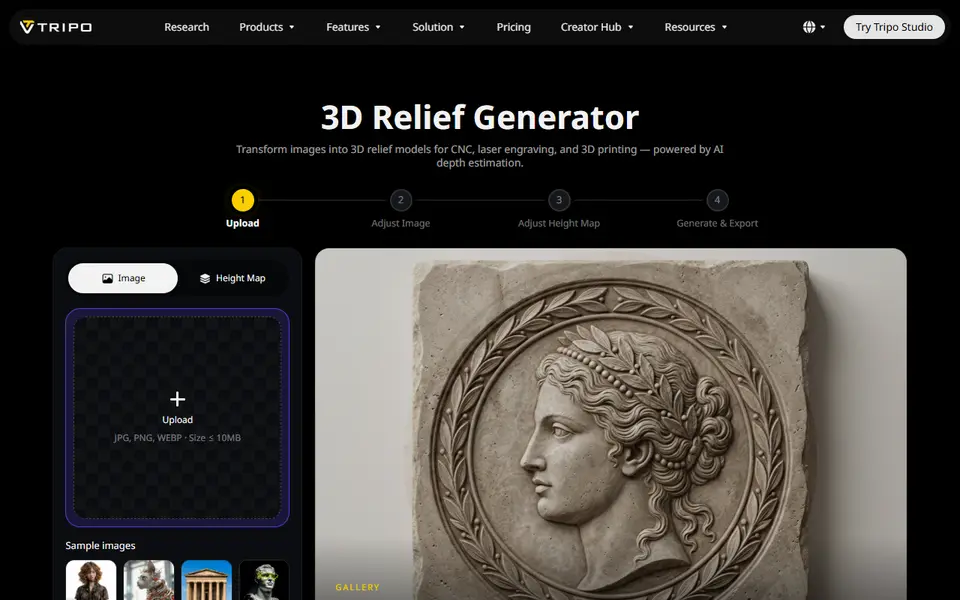
Image to Relief
Tripo AI 3D Relief Generator
Turns a photo or logo into a raised relief panel via an AI height map, as STL or OBJ