Image to 3D · Comparison
HueForge and the Free Alternatives: Filament Painting Compared
Turn any image into a multicolour print made of stacked filament layers. HueForge, MakerLab Chroma Canvas, Kromacut, Filament Painter and ColorStack compared.

Quick comparison
| Generator | Best for | Price | Files | Link |
|---|---|---|---|---|
| 01HueForge | Serious filament painting and wall art | Paid | STL, 3MF | Open |
| 02MakerLab Chroma Canvas | First filament paintings on a Bambu Lab printer | Free | 3MF | Open |
| 03Kromacut | Advanced filament painting without paying | Free | STL, 3MF | Open |
| 04Filament Painter | Trying filament painting for free | Free | STL | Open |
| 05ColorStack | Browser-based multicolor art prints | Freemium | STL, 3MF | Open |
| 06ImageToStl | Quick logo plaques and simple reliefs | Free | STL, 3MF, OBJ, GLB, FBX | Open |
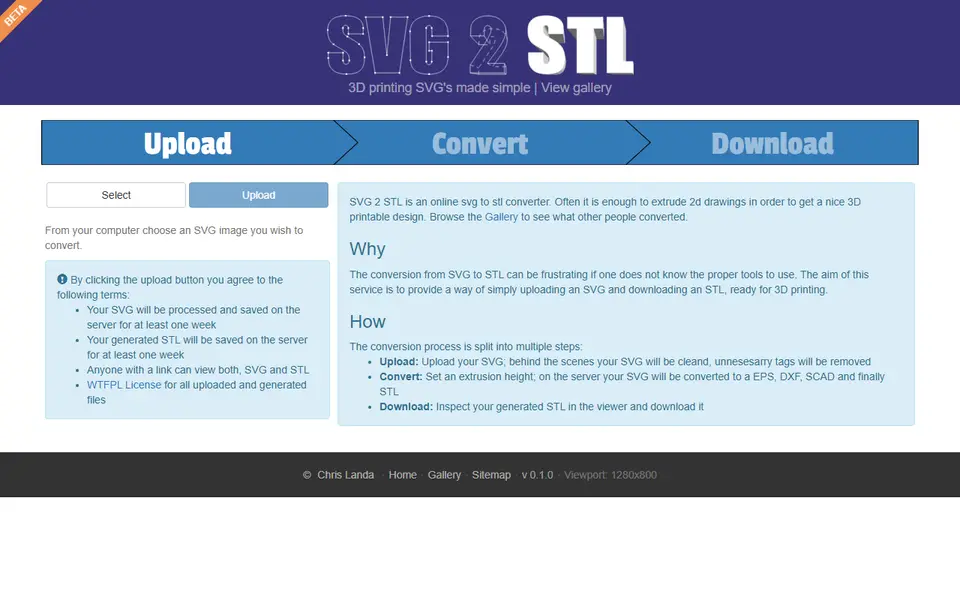
| 07SVG 2 STL | Quick logo and silhouette extrusions | Free | STL | Open |
Filament painting is one of the most striking things a hobby printer can make: a flat print, a few millimetres thick, that looks like a painting or a photo. HueForge made the technique popular, and since then several free tools have appeared that do something similar in the browser.
Quick answer
- Most powerful: HueForge. The desktop app that started it all, with the most control. $24 lifetime for personal use.
- Best free option for Bambu Lab users: MakerLab Chroma Canvas, free in the browser with a MakerWorld account, exports a ready 3MF.
- Best free and open source: Kromacut, with auto-paint and 3MF export.
- Simplest free browser tool: Filament Painter, free for non-commercial use.
How filament painting works
Thin layers of filament let some light through. Print a dark base, then lighter layers on top, and the thickness at each spot decides how much of each colour you see. The software turns your image into a height map and tells you at which layer to switch filament. Every colour you add gives more tones, but also more swaps.
HueForge
HueForge is a desktop app (Windows, Mac and Linux) and the reference for this technique. It has the deepest control over filament choice, layer heights and blending, a large community sharing settings, and it exports an STL with a swap plan (3MF through a plugin). The Personal Use licence is a one-time $24; selling prints needs a commercial licence ($60 a year for Limited Commercial).
If you plan to make many filament paintings, or sell them, HueForge is worth the money.
MakerLab Chroma Canvas
Chroma Canvas is Bambu Lab’s free take on the idea, running inside MakerWorld’s MakerLab. Upload an image, pick a colour palette the way you would pick a photo filter, and download a 3MF that already contains the colour-change plan. Its AI can split the picture into regions, such as subject and background, with a different palette for each. You need a free MakerWorld account.
Kromacut, Filament Painter and ColorStack
Kromacut is free and open source, with an auto-paint mode that picks colours for you and 3MF export.
Filament Painter runs in the browser, is free for non-commercial use, and costs $20 for a commercial licence. It exports STL.
ColorStack has a free tier with STL export, up to 8 colour layers and a daily limit; 3MF export is part of the paid plan. It also makes flat multicolour prints and simple image-to-STL conversions.
When you want a relief instead
Not every image wants to be a painting. For a raised logo, a sign or a plaque, a relief works better:
- ImageToStl converts PNG or JPG into a heightmap or an extruded STL, for free.
- SVG 2 STL takes a vector logo and extrudes it to the height you choose.
Tips for your first filament painting
- Start with 4 colours: black, a dark grey or colour, a light colour, and white.
- Print at 0.08 to 0.12 mm layers for smooth blends. It takes longer, but the result is worth it.
- Keep the base solid: two or three layers of your darkest colour give the picture its contrast.
- Back-light test: hold your first print against a window. If colours look muddy, increase the base layers.
Frequently asked questions
What is filament painting?
Filament painting prints a picture as a thin, flat model where each layer can be a different colour. Because thin layers of filament are slightly see-through, the colours blend and create shading. The result looks like a painted image straight off the build plate.
Do I need a multicolour printer for HueForge-style prints?
No. The colour changes happen at set layer heights, so a single-nozzle printer works if you pause and swap filament by hand. A multicolour unit such as an AMS just makes it automatic.
Is HueForge free?
No. HueForge is a desktop app with a Personal Use lifetime licence of $24 and commercial licences on top. Free alternatives include MakerLab Chroma Canvas, Kromacut and Filament Painter (free for non-commercial use).
Which filament works best?
Matte PLA in a wide range of colours works best, starting with black and white. Each filament has a transmission distance (how see-through it is), and the tools use that value to calculate the blends.
What you'll need
Multicolour PLA for keychains and HueForge
Dual- and tri-colour silks give a single-nozzle printer colour shifts with no extra hardware, and a matched colour set is what lets HueForge and colour lithophanes blend thin layers into a full image.
- Bambu Lab PLA Silk Multi-ColorCo-extruded dual and tri colours that shift with the viewing angle; great for keychains and name tags.
- SUNLU Multi-Color Silk PLA (dual/tri/four-colour)Budget dual-, tri- and four-colour silk for colourful prints without an AMS.
- Bambu Lab PLA CMYK Lithophane BundleFour 1 kg spools (cyan, magenta, yellow, white) made for colour lithophanes and handy for HueForge-style layering.
Matte PLA for signs and Gridfinity
Matte filament hides layer lines and cuts glare, so raised lettering on signs and nameplates stays readable from any angle and a drawer full of bins looks uniform.
- Bambu Lab PLA MatteWide colour range with AMS-ready RFID, ideal for multi-colour signs.
- Polymaker Panchroma Matte PLA (formerly PolyTerra)The former PolyTerra line under a new name: soft matte look and good value for printing Gridfinity in bulk.
- SUNLU Matte PLALow-cost matte option for large batches of bins and baseplates.
Multicolour filament systems
An automatic filament changer prints multi-colour signs, keychains and HueForge pieces without you standing by to swap filament at every colour layer.
- Bambu Lab AMS liteFour-spool open unit for the A1 series; the cheapest way into Bambu multicolour.
- Bambu Lab AMS 2 ProEnclosed four-spool unit with built-in filament drying for Bambu's enclosed printers.
- Creality CFS (Creality Filament System)Creality's multicolour unit for K2-series printers; expands to 16 colours with RFID and moisture-proof storage.
Some of these are affiliate links: we may earn a small commission, at no extra cost to you. More about that
Every generator in this guide
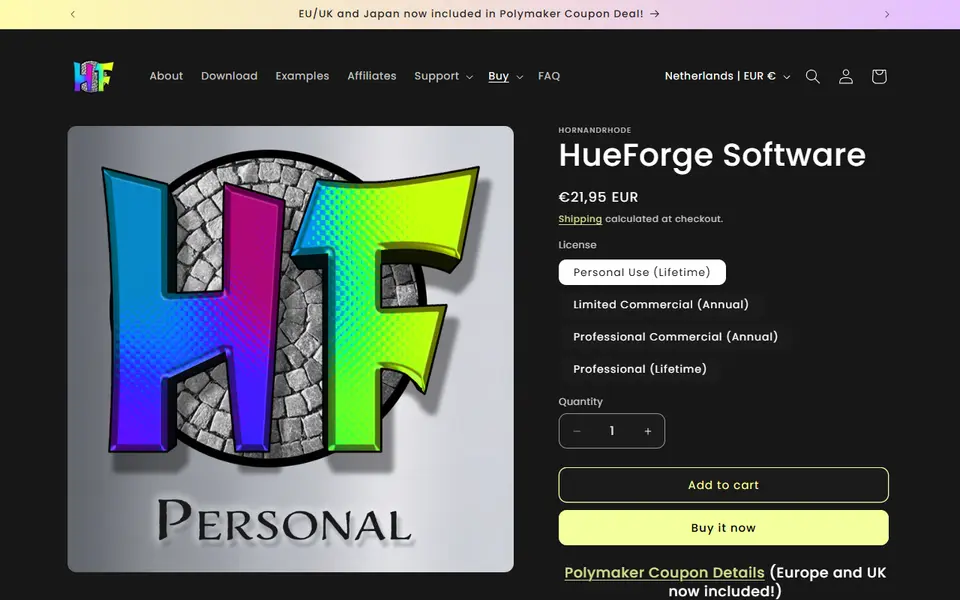
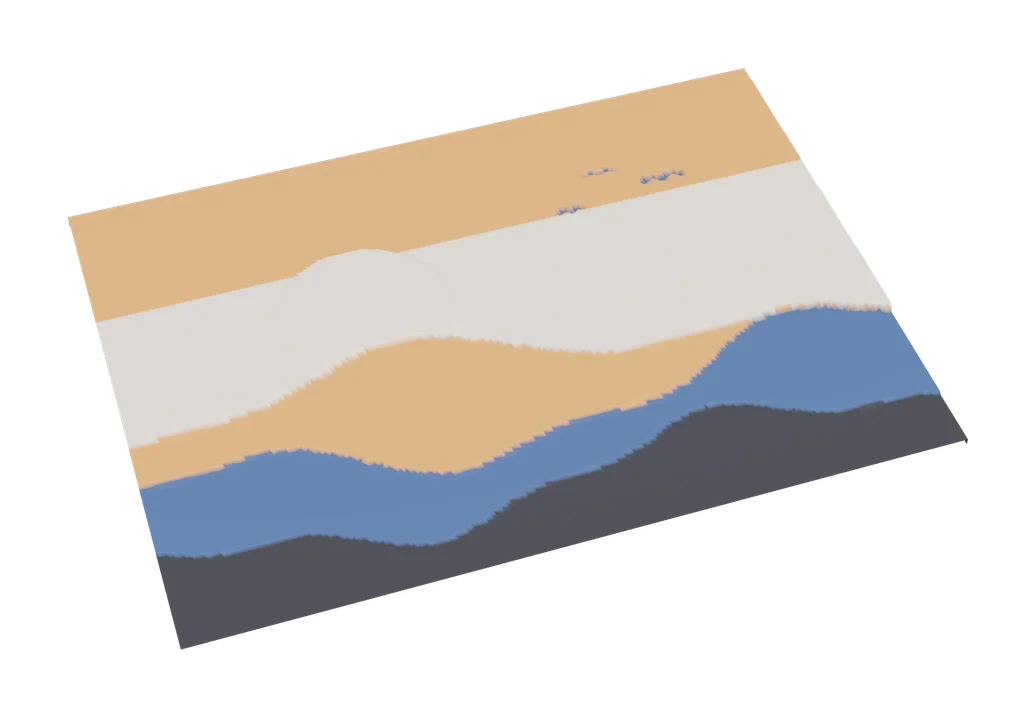
Image to 3D
MakerLab Chroma Canvas
Bambu Lab's free browser tool for HueForge-style filament paintings from any image
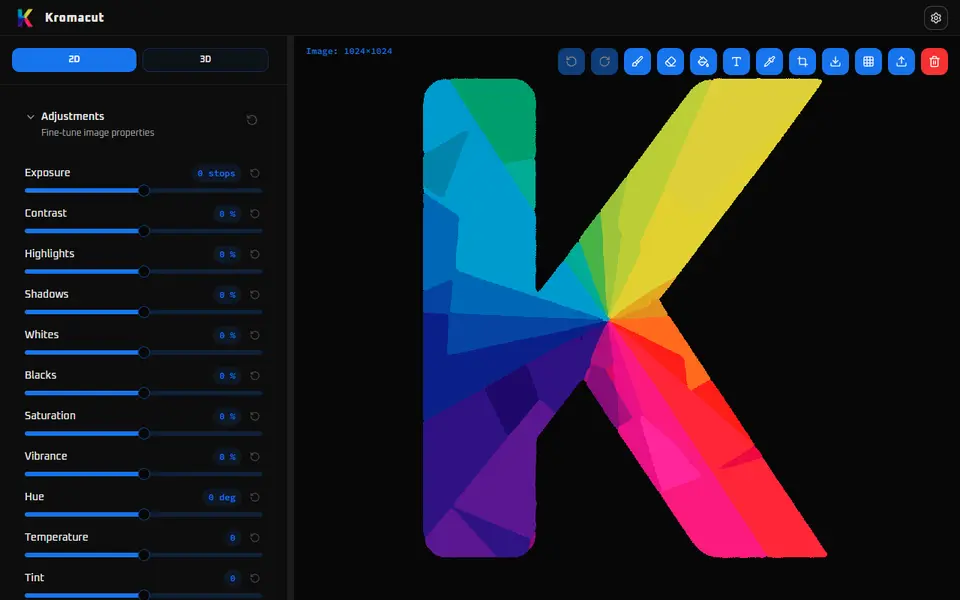
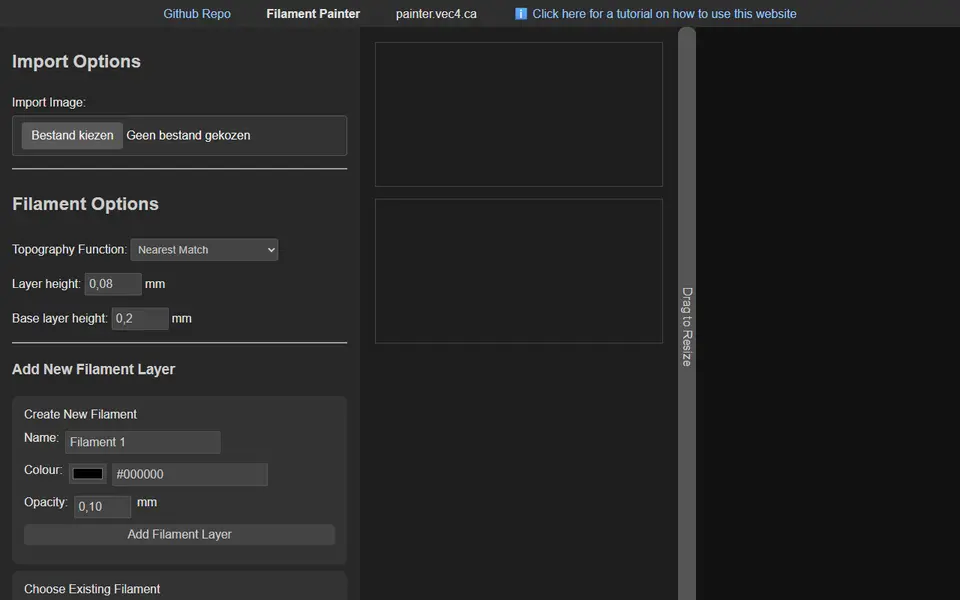
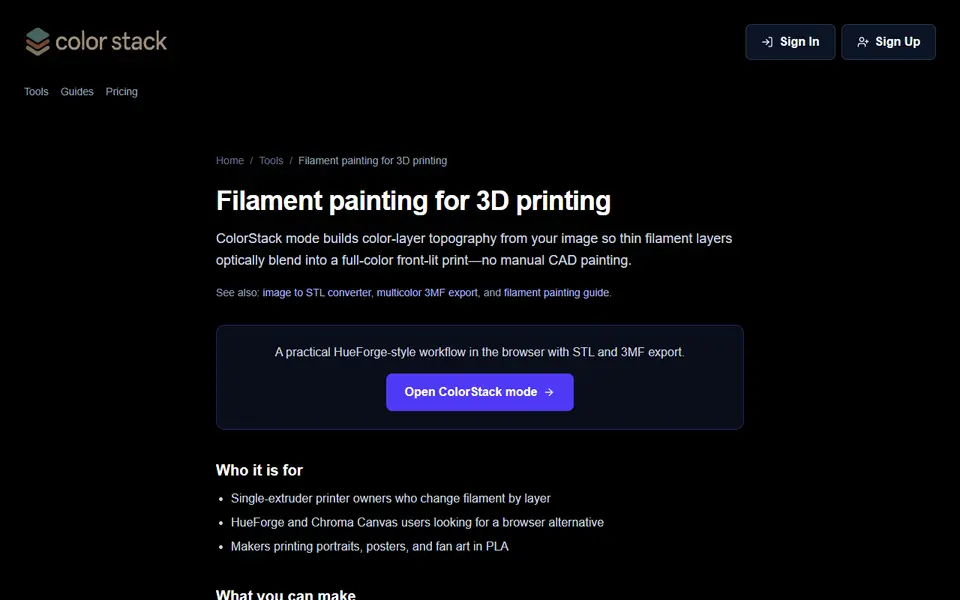
Image to 3D
ColorStack
Browser filament painting with 3MF export, plus flat multicolor and image to STL
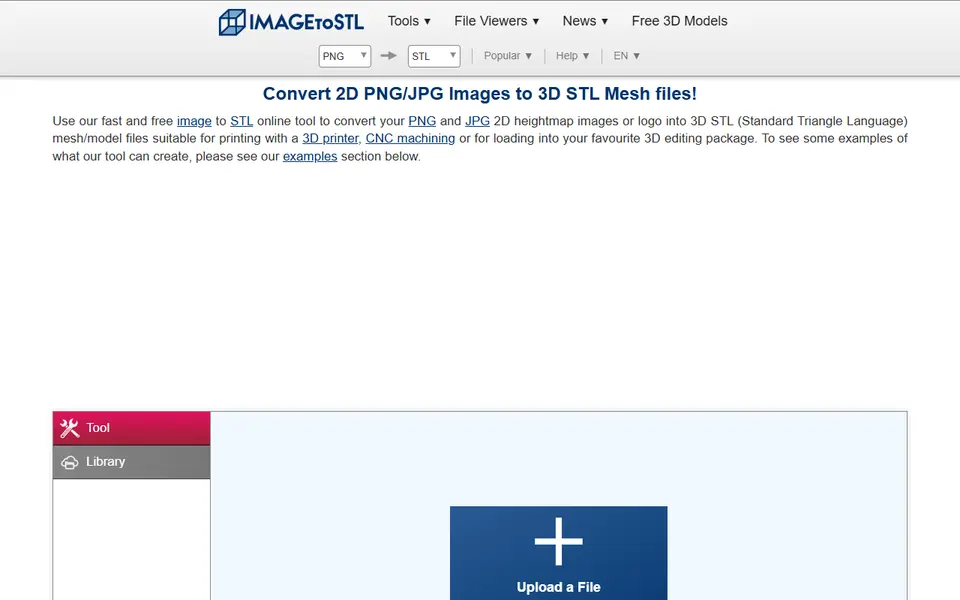
Image to 3D
ImageToStl
Free online converter that turns PNG or JPG images into heightmap or extruded STL