AutoForge
Open-source optimizer that picks filament colors and swap layers for a HueForge-style picture print
AutoForge is a free browser and desktop tool for automatic color plans for filament paintings. Free. The software is CC BY-NC-SA 4.0; prints you make are covered by the MIT license. Exports STL and PNG; no account needed. Last checked .
Opens huggingface.co

What is AutoForge?
AutoForge turns an image into a layered filament painting and works out the color plan for you. Instead of placing each color change by hand, as you would in HueForge, it runs an optimization that chooses which filament goes on which layer and then writes out the model and the swap list.
You give it a picture and your filament library, either a CSV exported from HueForge or a JSON file with each filament's color and transmission distance (TD). It returns an STL, a preview image of the final colors, swap instructions and a HueForge project file (.hfp) you can open to fine tune the result. A FlatForge mode makes one STL per color for face-down printing. Default settings use 0.04 mm layers and up to 75 layers.
There is a free browser version on Hugging Face Spaces, a pip package for the command line and a one-click web UI installer for Windows, macOS and Linux. It runs faster with a CUDA, ROCm or Apple GPU. It suits filament painters who want a good starting color plan without hours of manual tweaking.
What you can make
- Filament paintings from photos
- HueForge project files
- Per-color STLs for face-down printing
How to use AutoForge
- Open the Hugging Face Space or install AutoForge locally
- Upload your image and your filament list
- Set layer height and maximum layers
- Run the optimization and download the STL and swap instructions
- Slice, add the color changes and print face up
What you'll need to print it
Filament and parts that suit what you make with AutoForge.
Multicolor PLA
Multicolor filament systems
Some of these are affiliate links: we may earn a small commission, at no extra cost to you. More about that
AutoForge pros
- Chooses filament order and swap layers automatically
- Exports a HueForge project for manual fine tuning
- Free, with a browser version and a local web UI
AutoForge cons
- You need accurate TD values for your filaments
- Local install needs Python, and the web UI also needs Node.js
- Slow without a supported GPU
Rate AutoForge
One rating per account. Signing in takes one email link, no password.
Reviews
Made with AutoForge
Read next
AutoForge alternatives
Image to STL and relief generators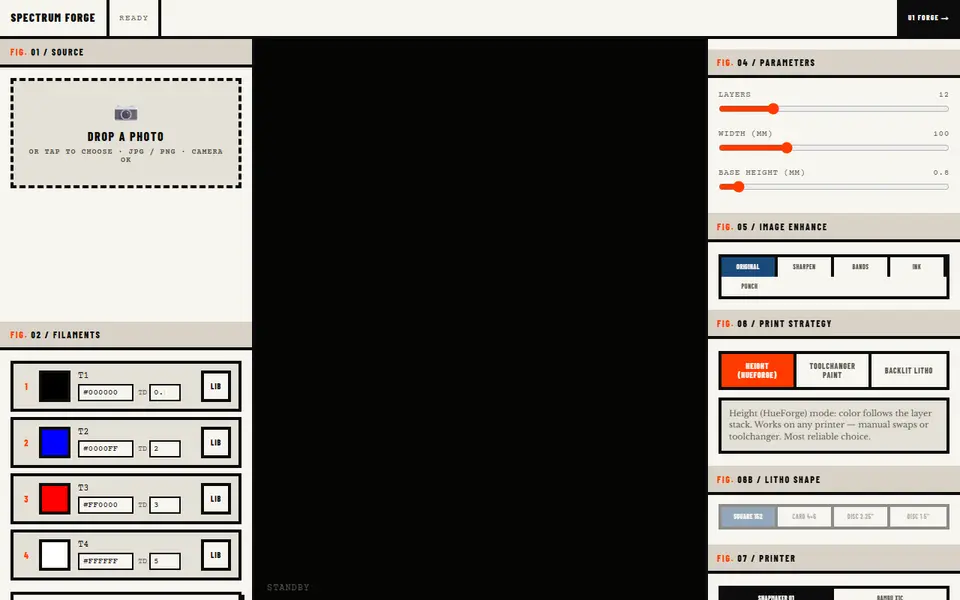
Image to Relief
Spectrum Forge
Photo to a four-filament color 3MF in HueForge-style, toolchanger paint or backlit litho mode; first export free
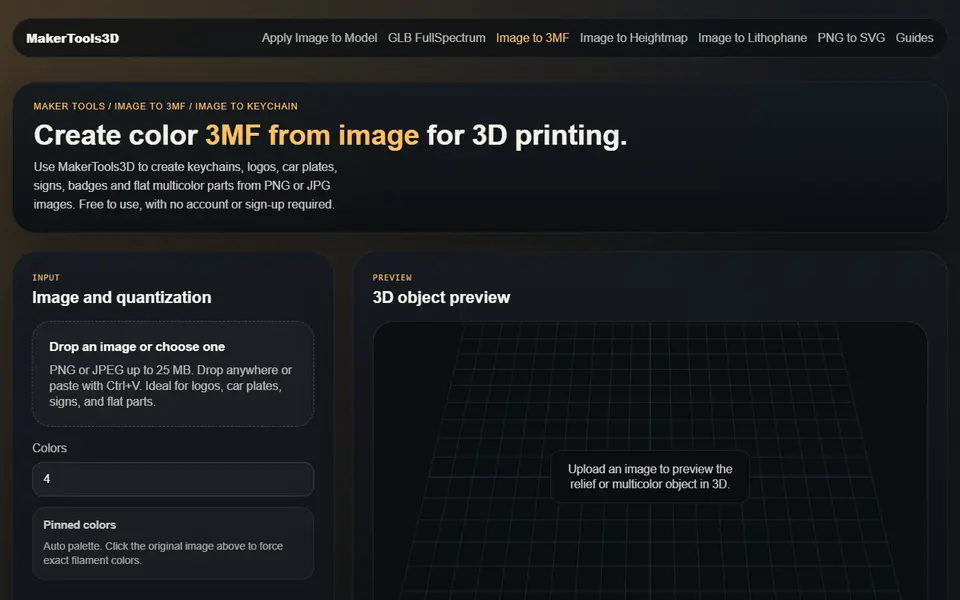
Image to Relief
MakerTools3D
Turns PNG and JPG images into multicolor 3MF plates, keychains and decals
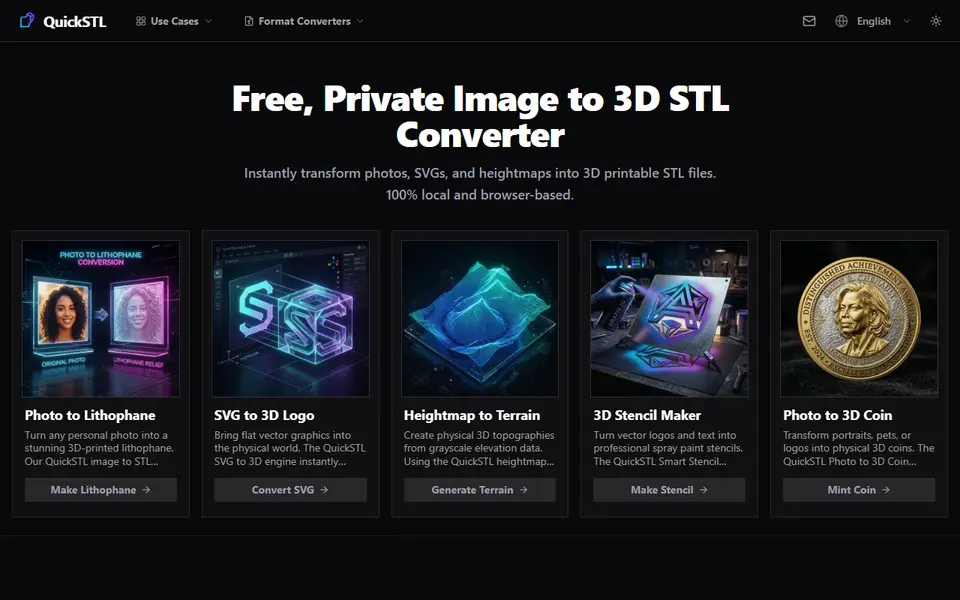
Image to Relief
QuickSTL Image to STL
Free browser converters for photo lithophanes, relief coins, SVG logos and heightmap terrain
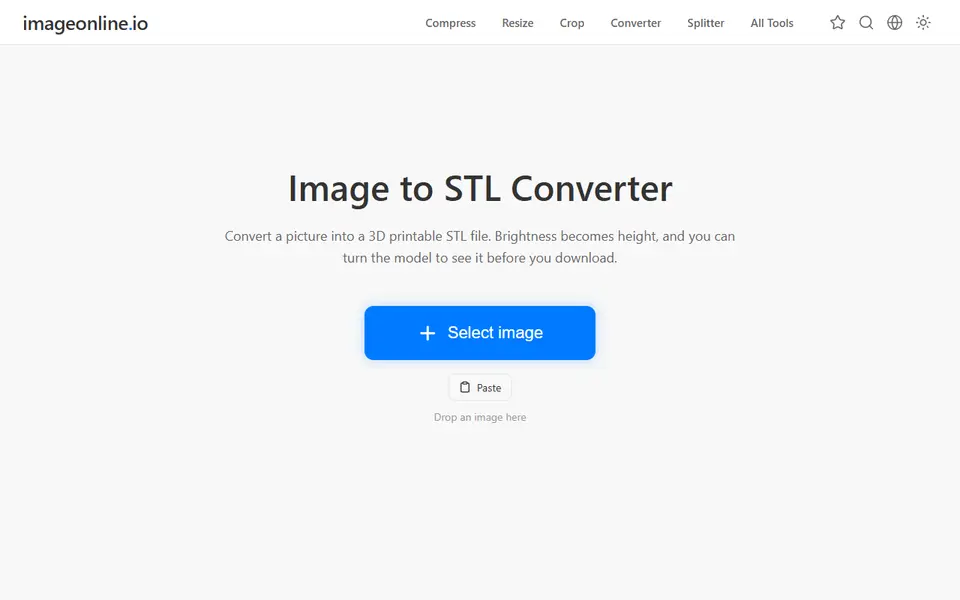
Image to Relief
Image Online Image to STL
Free image to STL relief, lithophane or extruded logo, made in your browser with no upload or account
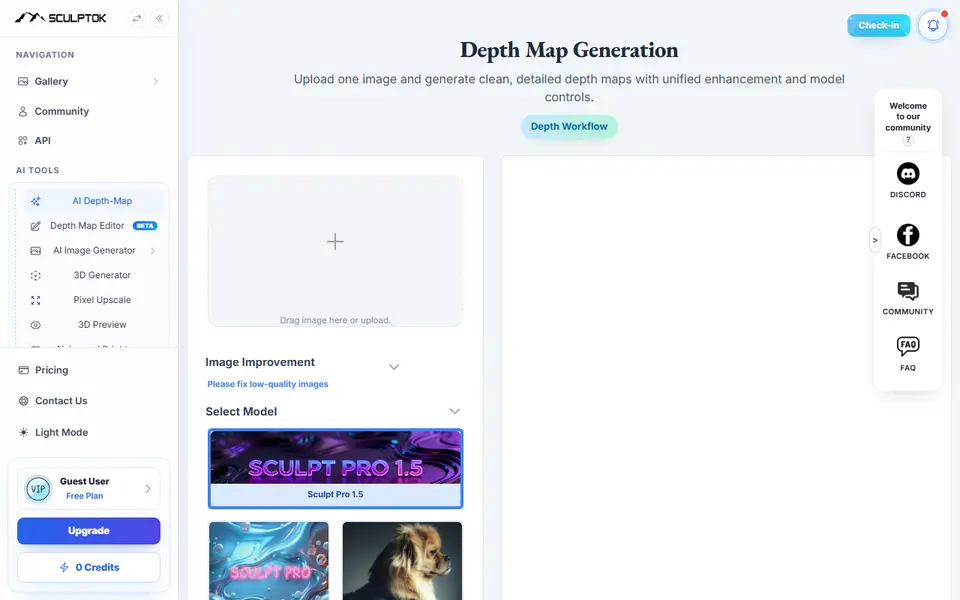
Image to Relief
SculptOK
AI turns a photo into a depth map, then into a relief or lithophane STL to print
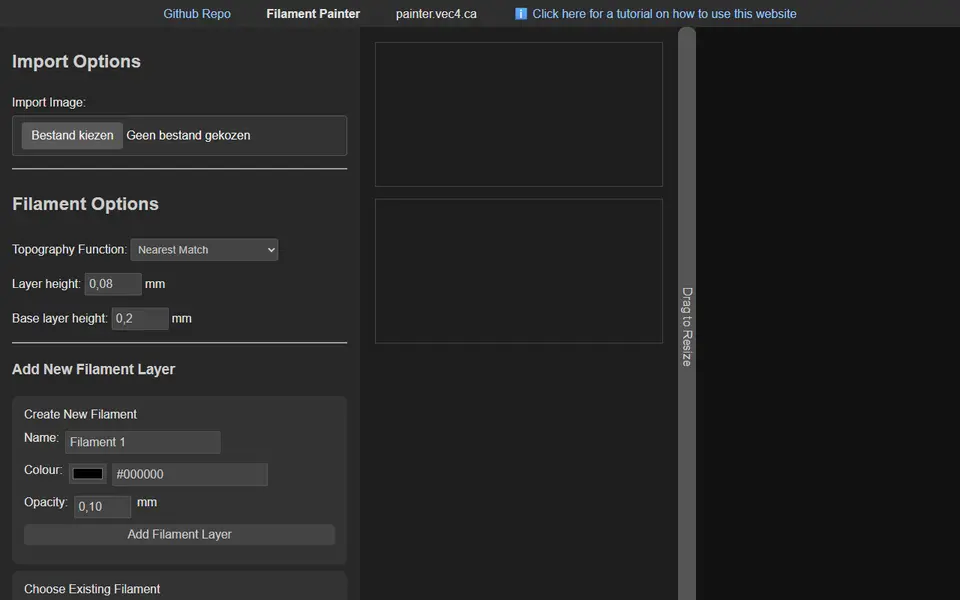
Image to Relief
Filament Painter
Free browser-based HueForge alternative for layered filament paintings