Filament Painter
Free browser-based HueForge alternative for layered filament paintings
Opens painter.vec4.ca
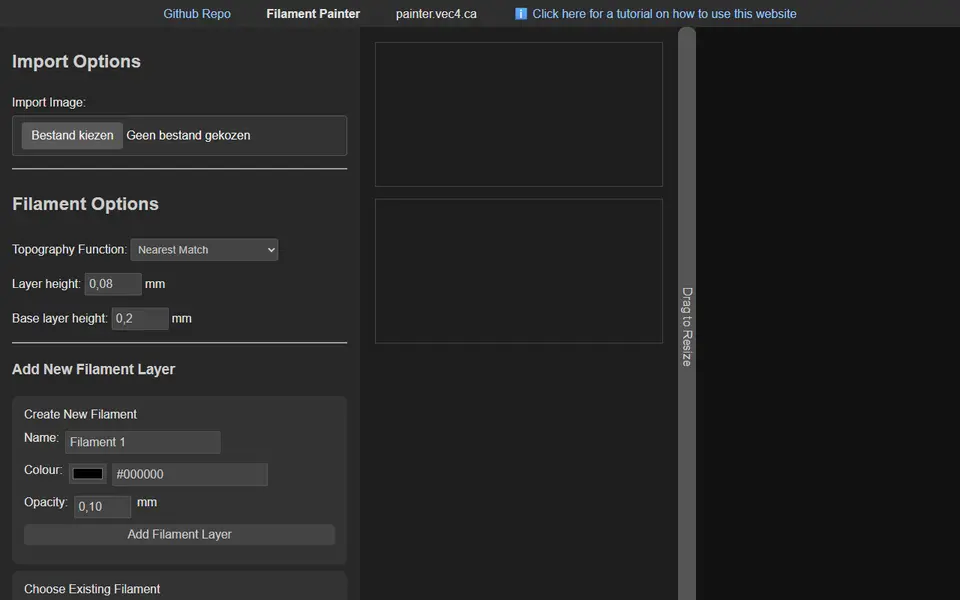
About Filament Painter
Filament Painter is a free web app for making HueForge-style filament paintings. It runs entirely in the browser: you import an image, define your filaments with their colors and opacity, and the tool builds a layered surface so that thin layers of different filaments blend into the picture. A real-time preview shows how the print should look.
You can choose how the image maps to height, with options such as nearest color match, greyscale luminance, greyscale max or a custom function, and set layer heights, physical size and resolution. Before exporting the STL it estimates the file size, which helps when a detailed image would create a huge mesh.
The tool is free for non-commercial use, and a commercial license costs $20. The source code is published on GitHub, and there is a small subreddit for help. It suits hobbyists who want to try filament painting on any printer with manual swaps before buying paid software.
What you can make
- Filament paintings
- Portraits
- Landscape art
- Logos with color blends
How to use it
- Open painter.vec4.ca
- Import an image and add your filaments
- Pick a height-mapping mode and layer height
- Export the STL and set the color swaps in your slicer
Good
- Free and runs in the browser
- Several height-mapping modes
- Real-time preview of color blending
Not so good
- Commercial use needs a paid license
- STL only, so swap heights are set by hand in the slicer
- Less polished than paid software, with some features still in development
What you'll need to print it
Materials and parts that give the best results with Filament Painter.
Matte PLA for signs and Gridfinity
Matte filament hides layer lines and cuts glare, so raised lettering on signs and nameplates stays readable from any angle and a drawer full of bins looks uniform.
- Bambu Lab PLA MatteWide colour range with AMS-ready RFID, ideal for multi-colour signs.
- Polymaker Panchroma Matte PLA (formerly PolyTerra)The former PolyTerra line under a new name: soft matte look and good value for printing Gridfinity in bulk.
- SUNLU Matte PLALow-cost matte option for large batches of bins and baseplates.
White PLA for lithophanes
A lithophane is only as good as the light passing through it. A neutral, evenly pigmented white gives smooth grey gradients, while an off-white or patchy batch shows up as blotches and colour casts once it is backlit.
- Bambu Lab PLA Basic Jade WhiteThe white Bambu uses in its own lithophane workflow; RFID presets make first prints predictable on Bambu printers.
- Polymaker PolyLite PLA Cold WhiteA cool-toned white (listed next to the warmer standard White) that keeps backlit photos crisp instead of yellowish.
- eSUN PLA+ WhiteAffordable and easy to find, good for large or batch lithophane panels.
Some of these are affiliate links: we may earn a small commission, at no extra cost to you. More about that
Read next
Alternatives to Filament Painter
All image to 3d generators
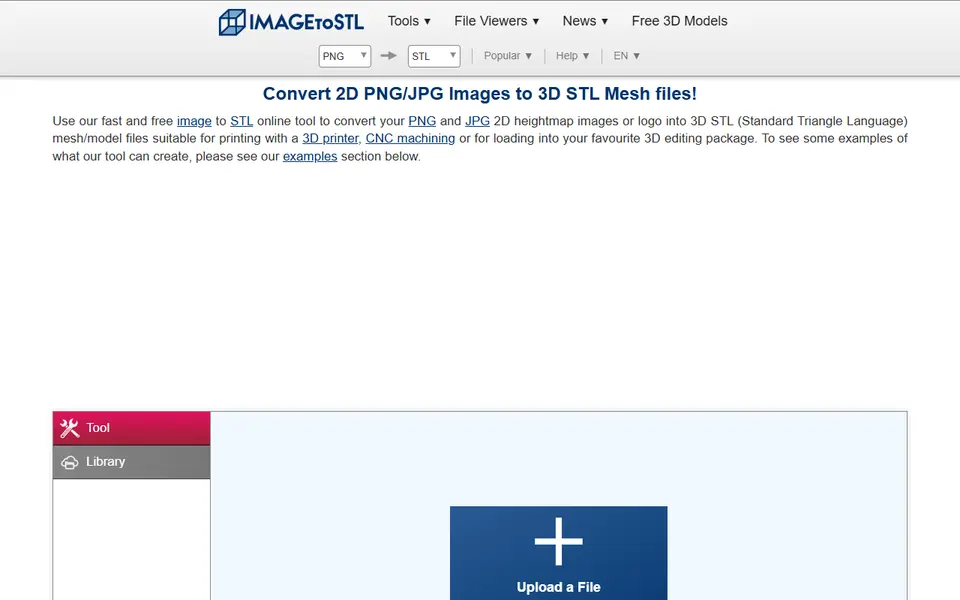
Image to 3D
ImageToStl
Free online converter that turns PNG or JPG images into heightmap or extruded STL
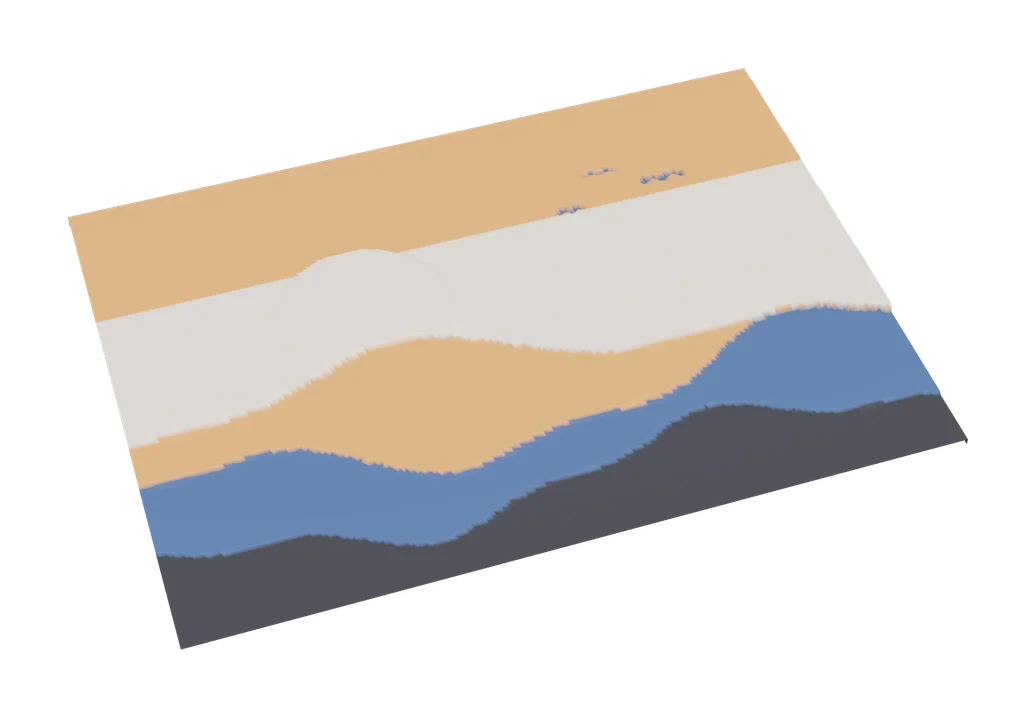
Image to 3D
MakerLab Chroma Canvas
Bambu Lab's free browser tool for HueForge-style filament paintings from any image