PrintPal Filament Painter
Free browser filament painter that splits an image into up to 8 color layers, exported as OBJ or STL
PrintPal Filament Painter is a free browser tool for trying HueForge-style photo prints for free. Free with no sign-up, watermark or usage limit; PrintPal's paid plans cover its AI generator, not this tool. Exports OBJ and STL. Last checked .
Opens printpal.io
What is PrintPal Filament Painter?
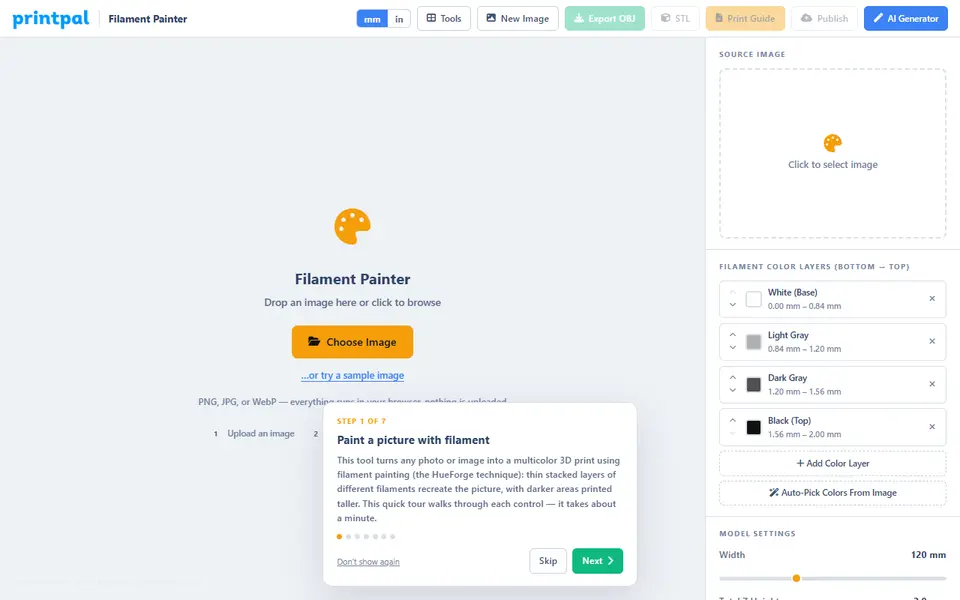
PrintPal Filament Painter is a free browser tool that turns a picture into a HueForge-style filament painting. You load a PNG, JPG or WebP image, or try the built-in sample, and the tool maps brightness to height so that stacked layers of different filament colors rebuild the picture. Everything runs on your own computer, and you can generate and download without an account.
The side panel holds up to eight color layers, ordered bottom to top, plus a button that matches those layers to the main tones in your image. Sliders cover width (30 to 300 mm), total height, base thickness, resolution, brightness, contrast and smoothing. You also pick a print layer height from 0.08 to 0.20 mm, choose whether dark or light areas stand tallest, and set a smooth or stepped surface. The 3D view switches between a color preview and a height map, and a stats panel lists every swap height.
Export gives you a ZIP with an OBJ and MTL file so Bambu Studio and similar slicers see the color groups, a plain STL, and a text print guide. It suits makers who want to try filament painting before buying desktop software, whether they swap filament by hand or use an AMS or MMU.
What you can make
- Filament-painted photo portraits
- Pet and family photo panels
- Logo and album cover wall art
- Landscape scenes with color gradients
How to use PrintPal Filament Painter
- Open the Filament Painter and drop in a PNG, JPG or WebP image
- Set up to eight color layers, or let Auto-Pick match them to the image
- Adjust width, height, base, layer height and contrast while watching the preview
- Export the OBJ ZIP or STL together with the print guide
- Slice with a pause or AMS swap at each listed height
What you'll need to print it
Filament and parts that suit what you make with PrintPal Filament Painter.
Matte PLA
White PLA
Multicolor filament systems
Some of these are affiliate links: we may earn a small commission, at no extra cost to you. More about that
PrintPal Filament Painter pros
- No account needed, and your image is processed in the browser rather than uploaded
- OBJ plus MTL export keeps the color groups for Bambu Studio and similar slicers
- Auto-matches the color layers to your image and writes a print guide with every swap height
PrintPal Filament Painter cons
- No 3MF export, and the STL has no color data, so you enter the swap heights in the slicer yourself
- Filaments are defined by color only, without the transmission (TD) values HueForge uses
- Resolution tops out at 500 pixels, which limits fine detail on large panels
Rate PrintPal Filament Painter
One rating per account. Signing in takes one email link, no password.
Reviews
Made with PrintPal Filament Painter
Read next
PrintPal Filament Painter alternatives
Image to STL and relief generators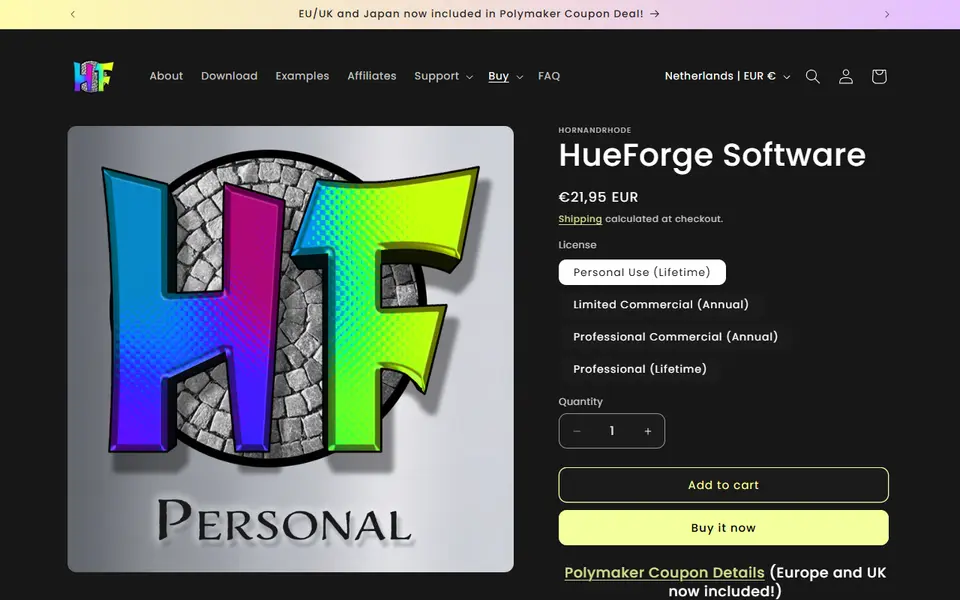
Image to Relief
HueForge
Desktop app that turns images into filament paintings using layered color swaps
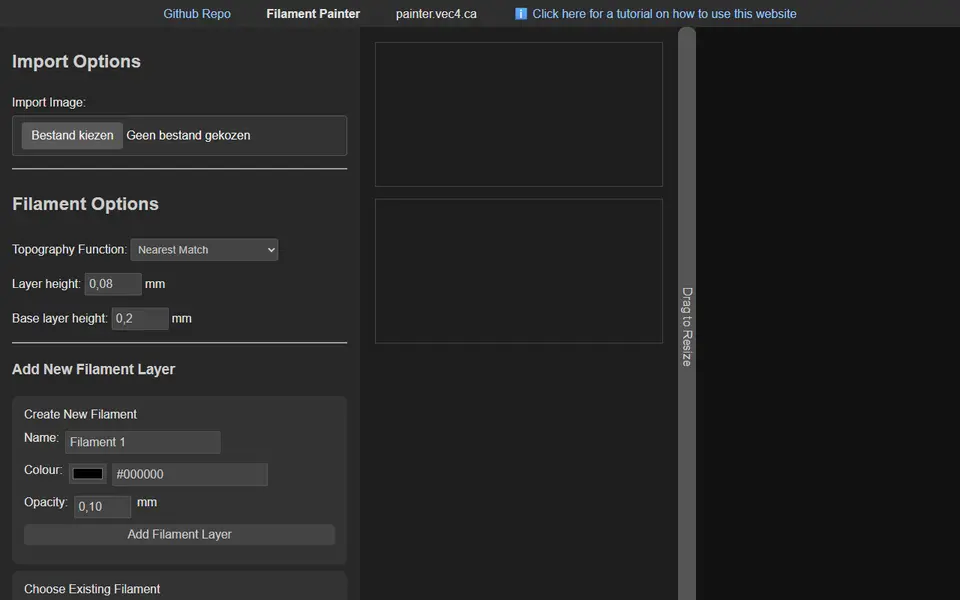
Image to Relief
Filament Painter
Free browser-based HueForge alternative for layered filament paintings
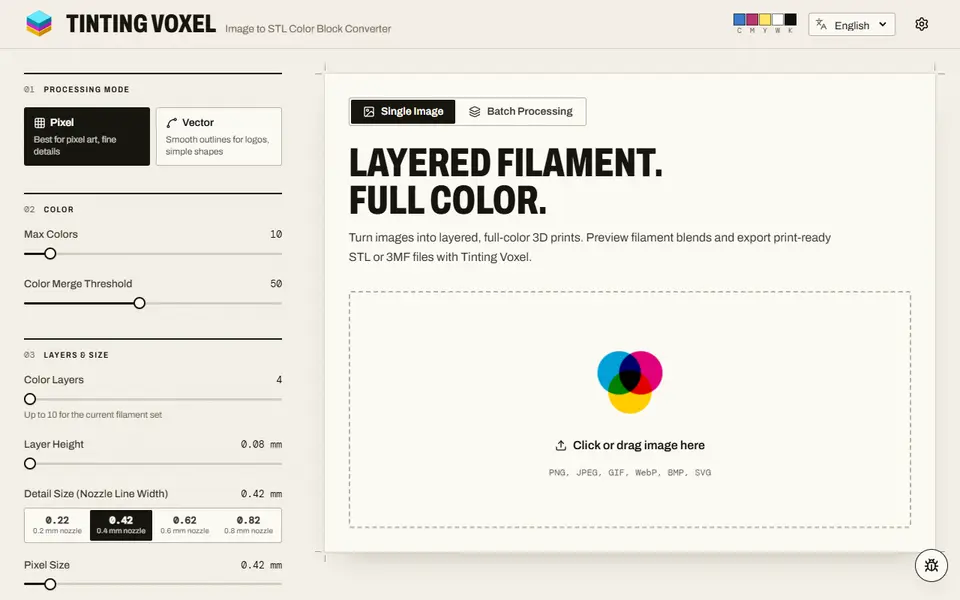
Image to Relief
Tinting Voxel
Free filament painting from a photo, pixel art or logo, mixing 4 to 16 of your filaments, as 3MF or STL, no account
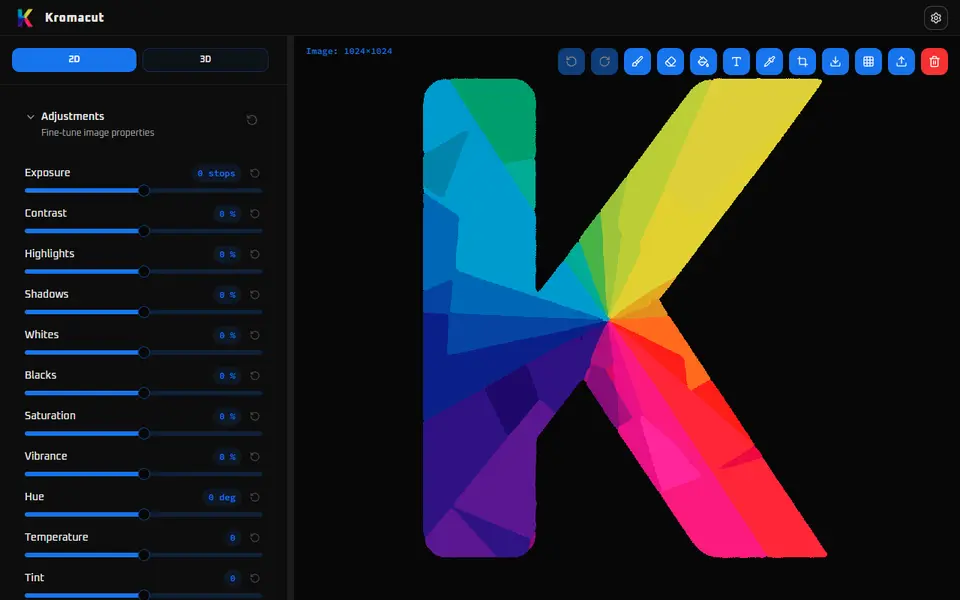
Image to Relief
Kromacut
Free open-source image to color-layer print tool with auto-paint and 3MF export

Image to Relief
Shadowbox Maker (MakerLab)
Turns a flat image into stacked cut-out layers for a framed 3D shadowbox
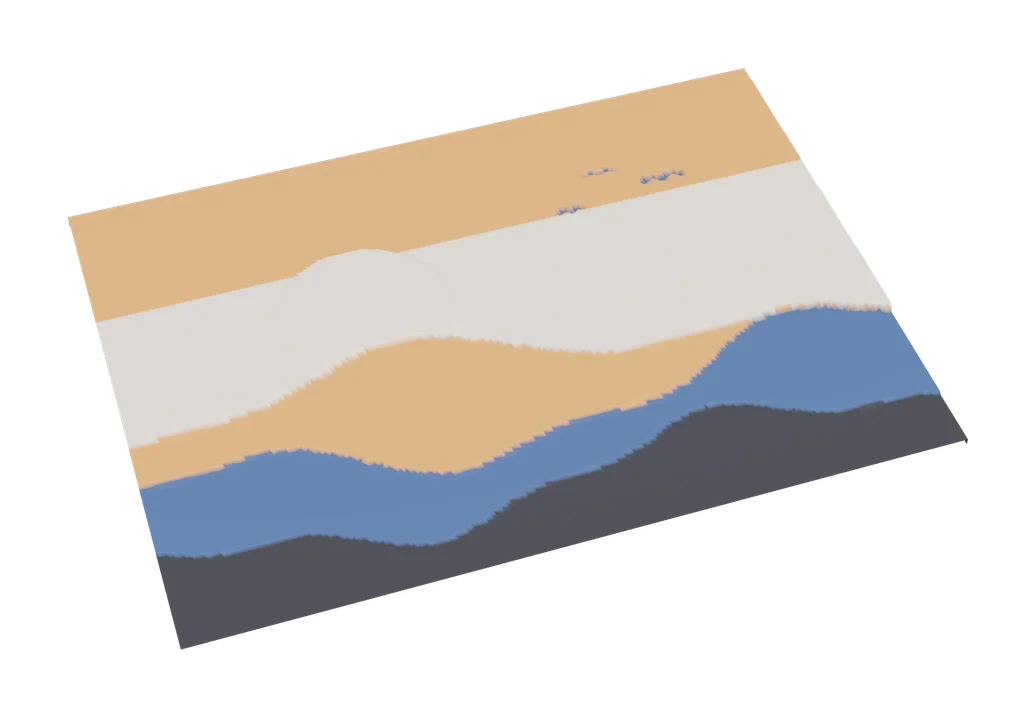
Image to Relief
MakerLab Chroma Canvas
Bambu Lab's free browser tool for HueForge-style filament paintings from any image