MakerLab Chroma Canvas
Bambu Lab's free browser tool for HueForge-style filament paintings from any image
Opens makerworld.com
About MakerLab Chroma Canvas
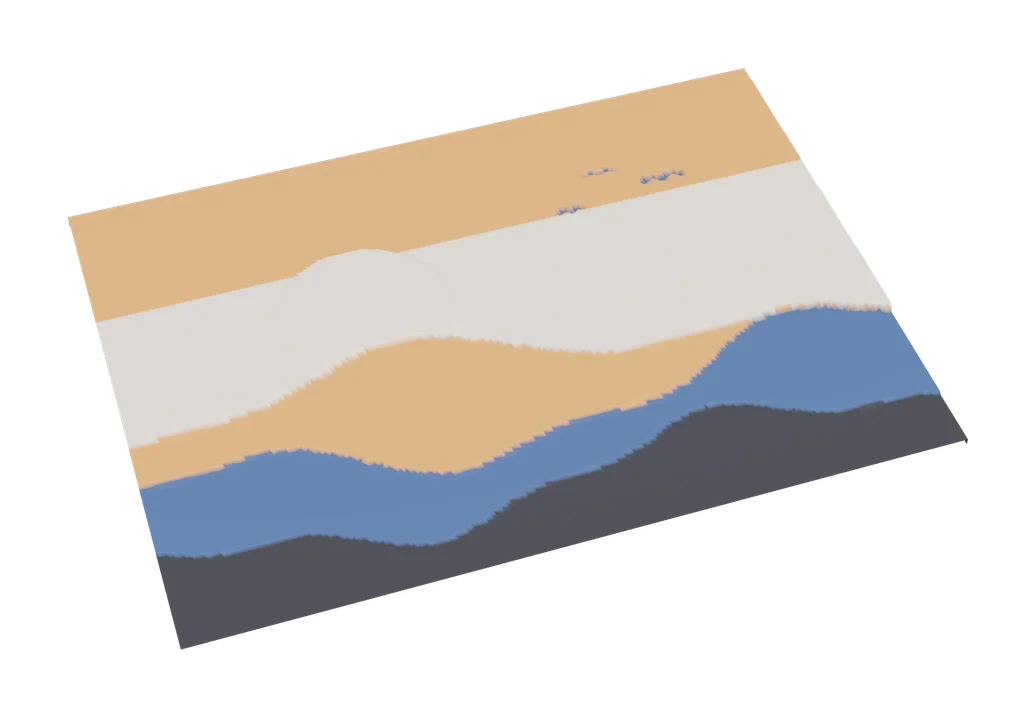
Chroma Canvas is MakerLab's take on filament painting, launched in November 2025 and openly inspired by HueForge. You upload a picture and pick a color palette the way you would choose a filter in a photo app, and the tool builds a layered print where color changes at set heights recreate the image.
Its headline feature is AI segmentation. The tool can split an image into two or three regions, such as subject and background, and apply a different palette to each. Helper tools let you crop, round the corners or punch a hole, which is handy for bookmarks, fridge magnets and charms. The output includes the color change plan, so the printer knows which filament to use at each layer.
Chroma Canvas is free with a MakerWorld account. Early users describe it as simpler than HueForge: there is no filament color matching and no lithophane mode, and very thin prints can be fragile. It is a great starting point for Bambu Lab owners who want to try filament painting before buying dedicated software.
What you can make
- Filament paintings
- Bookmarks
- Fridge magnets
- Small wall art
How to use it
- Open Chroma Canvas in MakerLab
- Upload an image
- Choose palettes, optionally per segmented region
- Export and print with the planned color changes
Good
- Free, with very easy palette picking
- AI splits subject and background for separate palettes
- Helper tools for bookmarks, magnets and charms
Not so good
- No filament color matching like HueForge
- Thin results can be fragile
- Tied to MakerWorld and Bambu Lab printers
What you'll need to print it
Materials and parts that give the best results with MakerLab Chroma Canvas.
Matte PLA for signs and Gridfinity
Matte filament hides layer lines and cuts glare, so raised lettering on signs and nameplates stays readable from any angle and a drawer full of bins looks uniform.
- Bambu Lab PLA MatteWide colour range with AMS-ready RFID, ideal for multi-colour signs.
- Polymaker Panchroma Matte PLA (formerly PolyTerra)The former PolyTerra line under a new name: soft matte look and good value for printing Gridfinity in bulk.
- SUNLU Matte PLALow-cost matte option for large batches of bins and baseplates.
Multicolour filament systems
An automatic filament changer prints multi-colour signs, keychains and HueForge pieces without you standing by to swap filament at every colour layer.
- Bambu Lab AMS liteFour-spool open unit for the A1 series; the cheapest way into Bambu multicolour.
- Bambu Lab AMS 2 ProEnclosed four-spool unit with built-in filament drying for Bambu's enclosed printers.
- Creality CFS (Creality Filament System)Creality's multicolour unit for K2-series printers; expands to 16 colours with RFID and moisture-proof storage.
Some of these are affiliate links: we may earn a small commission, at no extra cost to you. More about that
Read next
Alternatives to MakerLab Chroma Canvas
All image to 3d generators
Image to 3D
ImageToStl
Free online converter that turns PNG or JPG images into heightmap or extruded STL

Image to 3D
MakerLab Relief Sculpture Maker
AI tool that turns photos or 3D models into printable bas-relief plaques