Image to Relief · Comparison
Best SVG to STL Converters: Turn a Logo into a 3D Print
Free SVG to STL and logo to STL converters compared: one-color extrusions, multicolor 3MF logos, stencils, stamps, keychains and coasters from your own SVG.

Quick comparison
| Generator | Best for | Price | Account | Exports | Multicolor | Link |
|---|---|---|---|---|---|---|
| 01 Bekuto 3D | Multi-color prints of logos and icons from SVG files | Free Free with no account | Not needed | STL, 3MF | Yes | Open Bekuto 3D |
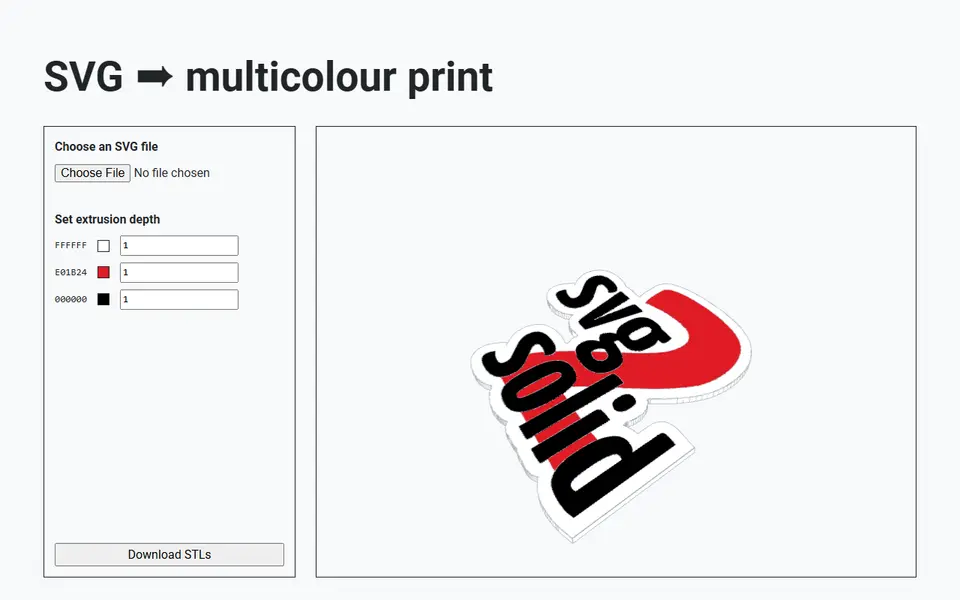
| 02 svg2solid | Multicolor logos and badges from vector art | Free No account, runs in the browser | Not needed | STL | Yes | Open svg2solid |
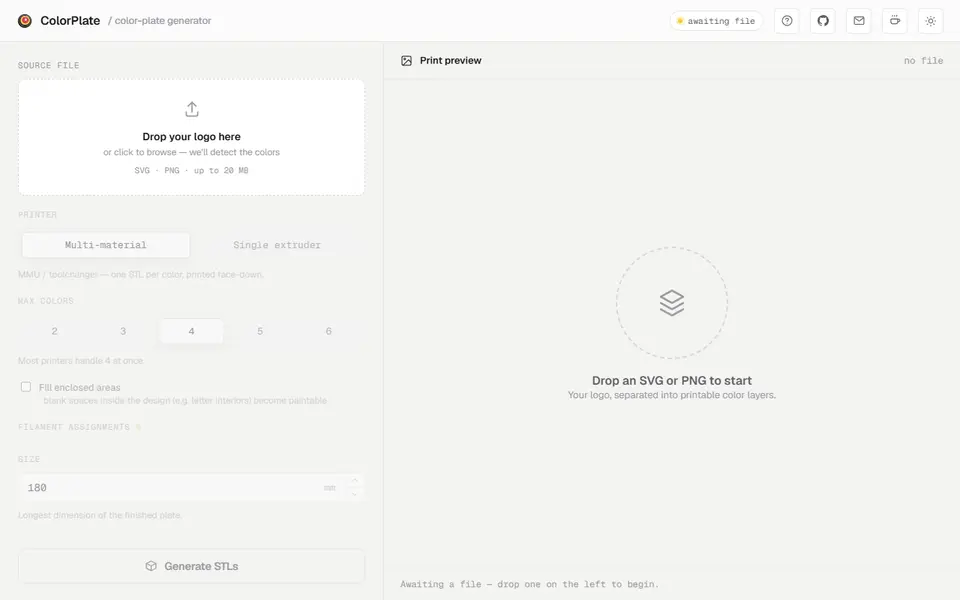
| 03 ColorPlate | A colored logo sign printed face down | Free No account, optional tip | Not needed | STL, 3MF, PNG | Yes | Open ColorPlate |
| 04 SVG 2 STL | Quick logo and silhouette extrusions | Free | Not needed | STL | No | Open SVG 2 STL |
| 05 QuickSTL Image to STL | Quick, private photo and logo conversions to STL | Free Free STL downloads with no sign-up | Not needed | STL | No | Open QuickSTL Image to STL |
| 06 MakerTools3D | Multicolor logos, signs and keychains on AMS-style printers | Free Free with no account | Not needed | 3MF, STL, SVG | Yes | Open MakerTools3D |
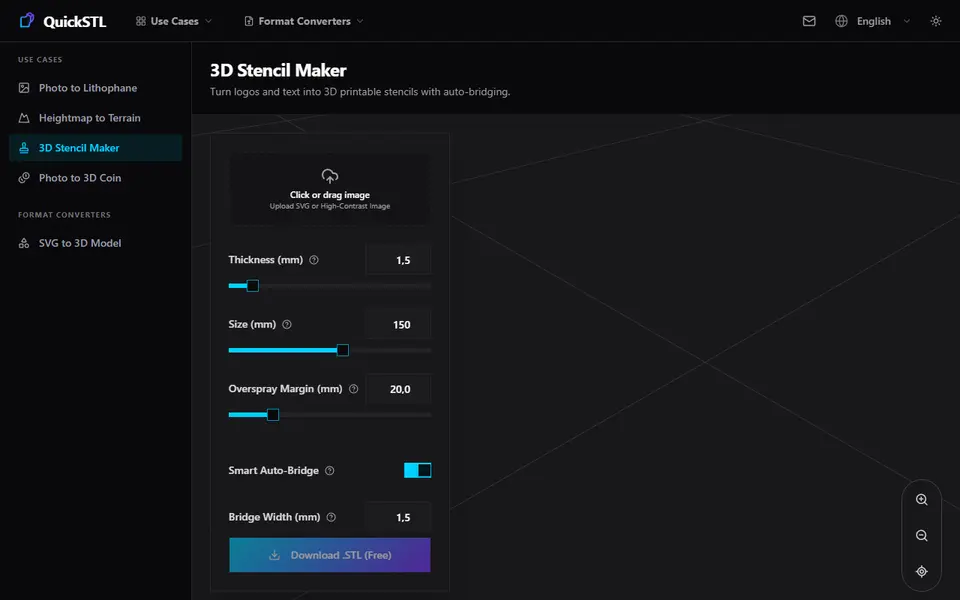
| 07 QuickSTL 3D Stencil Maker | Spray stencils from existing logos | Free Free STL download, no sign-up or paid tier seen | Not needed | STL | No | Open QuickSTL 3D Stencil Maker |
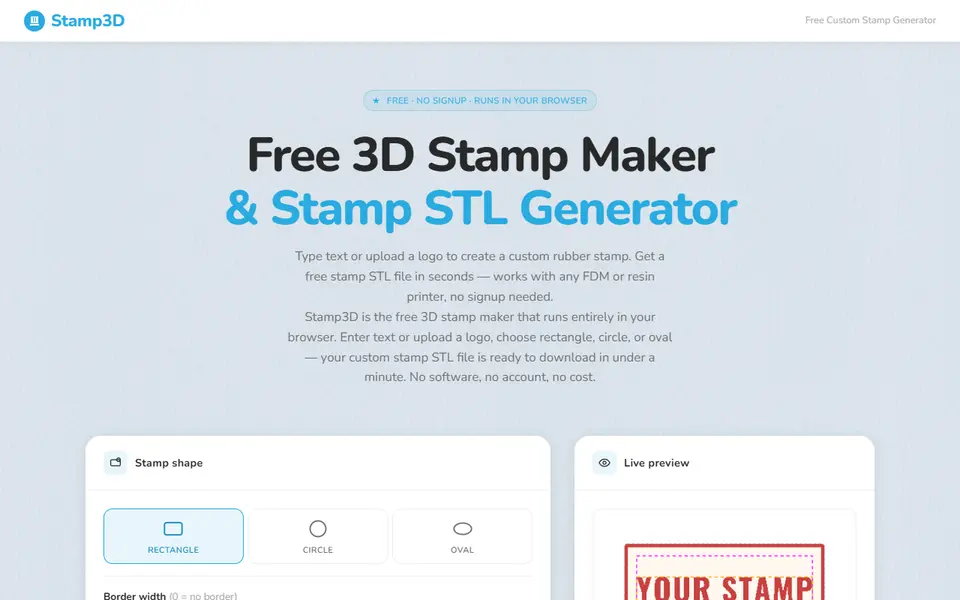
| 08 Stamp3D | Logo, name and return address stamps | Free Free with no account | Not needed | STL, SVG | No | Open Stamp3D |
| 09 Multi-Line Stencil Generator | Name and number stencils for jerseys, signs and crates | Free Free on MakerWorld with a login | Needed | STL, 3MF | No | Open Multi-Line Stencil Generator |
| 10 Custom Name Keychain Generator (Multilingual Fonts) | Name keychains in unusual fonts or languages | Free Free for personal use | Needed | 3MF, STL | Yes | Open Custom Name Keychain Generator (Multilingual Fonts) |
| 11 3D Keychain Generator | Creative keychains with codes, icons and logos | Free No prices shown as of September 2026 | Needed | STL, 3MF | No | Open 3D Keychain Generator |
| 12 Make my logo coaster (MiloMatic) | Branded or personalized coaster sets | Free Free to customize and download with a MakerWorld login | Needed | 3MF | Yes | Open Make my logo coaster (MiloMatic) |
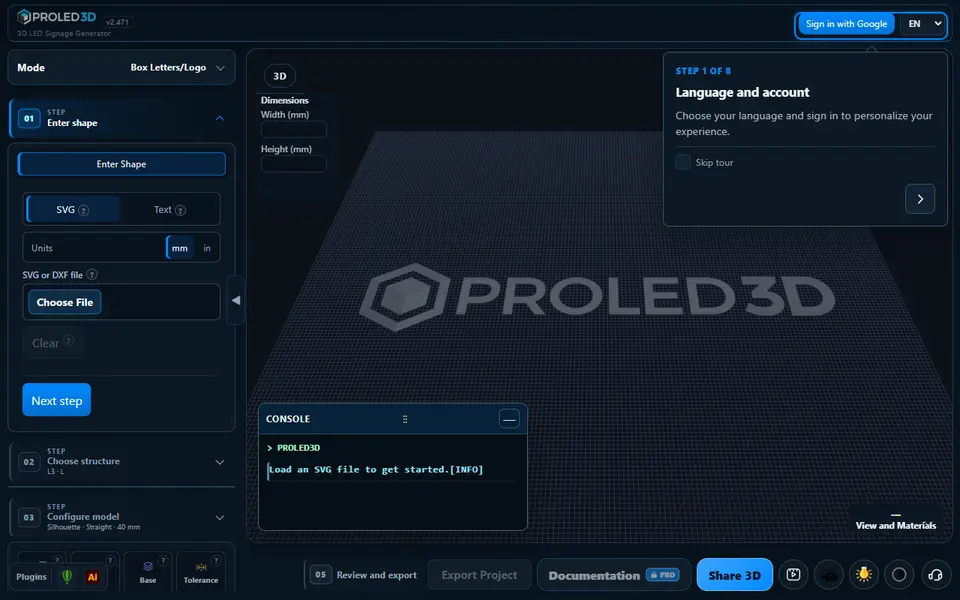
| 13 PROLED3D | Backlit shop signs and LED channel letters | Freemium Free plan exports 4 of the 27 letter structures | Needed | STL | No | Open PROLED3D |
The best free SVG to STL converter for most logos is Bekuto 3D: it runs in your browser with no account, gives every shape in the SVG its own color, height and depth, and exports STL or a 3MF with each color as a separate part. For a quick one-color extrusion, SVG 2 STL needs only an upload and a height. If you want the logo on a finished object, such as a stencil, a stamp or a keychain, a tool made for that object saves you the modeling.
An SVG is the best starting point for a logo print. Because it is a vector drawing, the edges stay crisp at any size, unlike a traced photo.
Quick answer
- Best overall: Bekuto 3D. Per-shape color, height and depth, STL or multicolor 3MF, free and open source.
- Simplest: SVG 2 STL. Upload, set a height, download. Files are public by link.
- Best for one STL per color: svg2solid. Groups shapes by fill color and exports a ZIP with one STL each.
- Best multicolor logo without an AMS: ColorPlate. Its Single extruder mode stacks the colors by height and lists the layers to change filament at.
- Best logo plate with a base: QuickSTL Image to STL. Rounded edges and a rectangle, circle or contour base plate.
- Best from a PNG logo: MakerTools3D. 2 to 16 colors as separate 3MF parts.
- Best logo stencil: QuickSTL 3D Stencil Maker, with automatic bridges.
- Best logo stamp: Stamp3D.
The full list is on the image to STL and relief generators page.
SVG to STL converters compared
| Tool | Input | Colors | Size and height | Export | Account | Price |
|---|---|---|---|---|---|---|
| Bekuto 3D | SVG, pasted SVG code, PNG, JPG | One part per color in the 3MF | Longest side in mm, height and depth per shape | STL, 3MF | No | Free |
| svg2solid | SVG | One STL per fill color | Depth per color, size from the SVG’s own units | STL | No | Free |
| ColorPlate | SVG, PNG | Up to six, one STL per color plus a 3MF | Longest side, front and backing thickness | STL, 3MF, PNG | No | Free |
| SVG 2 STL | SVG | One | Extrusion height only | STL | No | Free |
| QuickSTL Image to STL | SVG | One, SVG colors ignored | Thickness, rounded edges, base plate | STL | No | Free |
| MakerTools3D | PNG, JPG | 2 to 16 parts | Width, thickness, flat or relief | 3MF, STL, SVG | No | Free, with ads |
| QuickSTL 3D Stencil Maker | SVG or image | One | Plate thickness, size, bridges | STL | No | Free |
| Stamp3D | PNG, JPG, SVG or text | One | Size in mm or inches, relief presets | STL, SVG | No | Free |
| Multi-Line Stencil Generator | Text plus an SVG logo | One | Plate thickness, corner radius | STL, 3MF | MakerWorld | Free, no selling |
| Custom Name Keychain Generator | Text or your own SVG | Layered, for an AMS or a swap | Text, base and border sizes | 3MF, STL | MakerWorld | Free for personal use |
| 3D Keychain Generator | Text, icons, SVG logos | Not listed | Layered editor | STL, 3MF | Yes | Free public beta |
| Make my logo coaster | SVG | Colors linked to Bambu Lab filaments | Texture and holder options | 3MF | MakerWorld | Free, no selling |
| PROLED3D | Text or SVG | One | Walls, lips, acrylic thickness | STL, plus DXF | Google sign-in | 4 of 27 structures free, Premium $10 a month |
Checked on September 25 and 26, 2026 against each tool’s own pages, and on October 10, 2026 for ColorPlate. How we check explains what we looked at.
Which SVG to STL converter is best for a multicolor logo?
Bekuto 3D is the easiest. You drop in an SVG or paste its code, and the app splits the drawing into its separate filled shapes. Each shape gets a row with a color picker, a starting height and an extrude depth, so you can lift the letters of a logo above its background or sink one part below another; a depth of zero leaves a shape out. You type the longest side in millimeters, and the 3MF keeps every color as a separate part on its own filament slot. The 3MF comes set up for a Bambu Lab A1, so other printers need their own profile in the slicer. It is MIT-licensed and the conversion runs in your browser.
svg2solid does a similar job with plain files. It groups the shapes by fill color, gives each color its own depth field with a live preview, and downloads a ZIP with one STL per color, which you load in your slicer as parts of one object. There is no size control: the size comes from the SVG’s own coordinates, so artwork drawn in pixels can come out large. Each color has to be a filled path that does not overlap the others, and the page lists the Inkscape steps to get there.
ColorPlate is made for a flat colored sign or badge. It finds the colors in an SVG or PNG and lets you pick up to six, then splits the design so the color areas sit side by side with no gaps or overlaps, on a solid backing plate in one color that keeps the back of the print clean. The plate prints face down. You set the longest side, your nozzle width and the front and backing thickness, and it warns when part of a color is thinner than your nozzle can print. The ZIP holds one STL per color, the backing STL and a 3MF, all lined up on one origin. On a printer without an AMS or MMU, Single extruder mode stacks the colors by height into one STL with a list of filament change layers. It is free and open source with no account, but unlike Bekuto 3D and svg2solid it processes your file on its server.
If your logo is only a PNG or JPG, MakerTools3D reduces it to 2 to 16 colors and exports a 3MF where each color is a separate part. You can click the image to pin exact filament colors and choose a flat plate or a relief with a height per color. Your image is uploaded to the site’s server for conversion.
Which converter is best for a one-color logo?
SVG 2 STL is the quickest: upload, set how tall the extrusion should be, check the result in the viewer and download. That is its only setting, with no base plate. Uploaded SVGs and generated STLs are kept for at least a week and anyone with the link can view them, so do not use it for confidential artwork.
The SVG logo tool in QuickSTL Image to STL gives you more. It extrudes a logo to a set thickness, can round the edges and can add a rectangle, circle or contour base plate, with a live 3D preview. Colors in the SVG are ignored, and the site says processing happens in your browser. The same site also makes lithophanes, relief coins and terrain from images; see the image to STL guide for photo tools.
If your one-color logo is a picture rather than a vector file, the Extrude mode in Image Online Image to STL cuts the logo or silhouette out at one threshold and stands it up with flat sides, with or without a backing plate. It is free and ad-funded with no account, the image is processed in your browser, and its terms allow commercial use.
Logo stencils and stamps
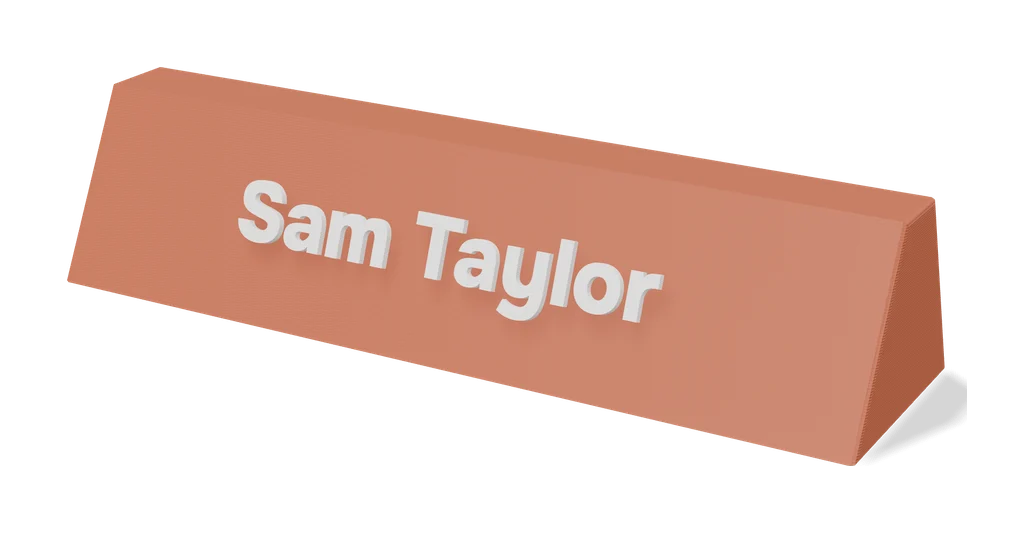
A stencil needs bridges, or the middle of an O or A falls out. The QuickSTL 3D Stencil Maker finds these islands in your SVG or image and ties them to the frame. You set the plate thickness, overall size, overspray margin, bridge width and bridges per island, and download the STL for free. For text with a logo, version 2 of the Multi-Line Stencil Generator on MakerWorld adds an SVG logo field with holding bars to up to five lines of stencil text. Its license rules out selling prints.
Stamp3D turns an SVG, PNG or JPG logo into a rectangle, circle or oval stamp. SVG logos keep their smooth vector edges, the STL is mirrored by default, and you can download a matching handle as a separate STL or build it in. Stamps that work with ink pads need TPU or flexible resin. For cookie cutters and clay stamps from a logo, see the cookie cutter generators guide.
Logo keychains, coasters and signs
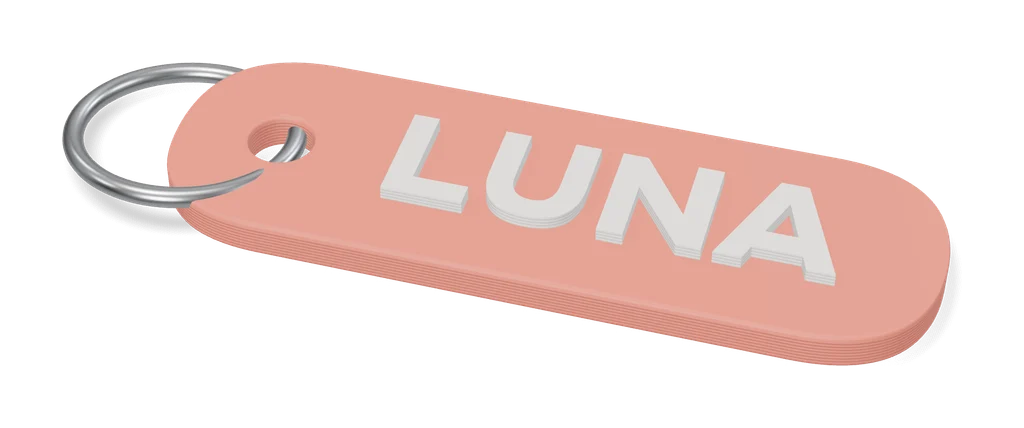
Several MakerWorld customizers take your own SVG. The Custom Name Keychain Generator accepts an SVG for logos or fonts it does not support, and builds a layered keychain for an AMS or a manual swap. Outside MakerWorld, the 3D Keychain Generator combines text, Material icons and SVG logos in a layered editor, behind a free account. More options are in the name keychain generators guide.
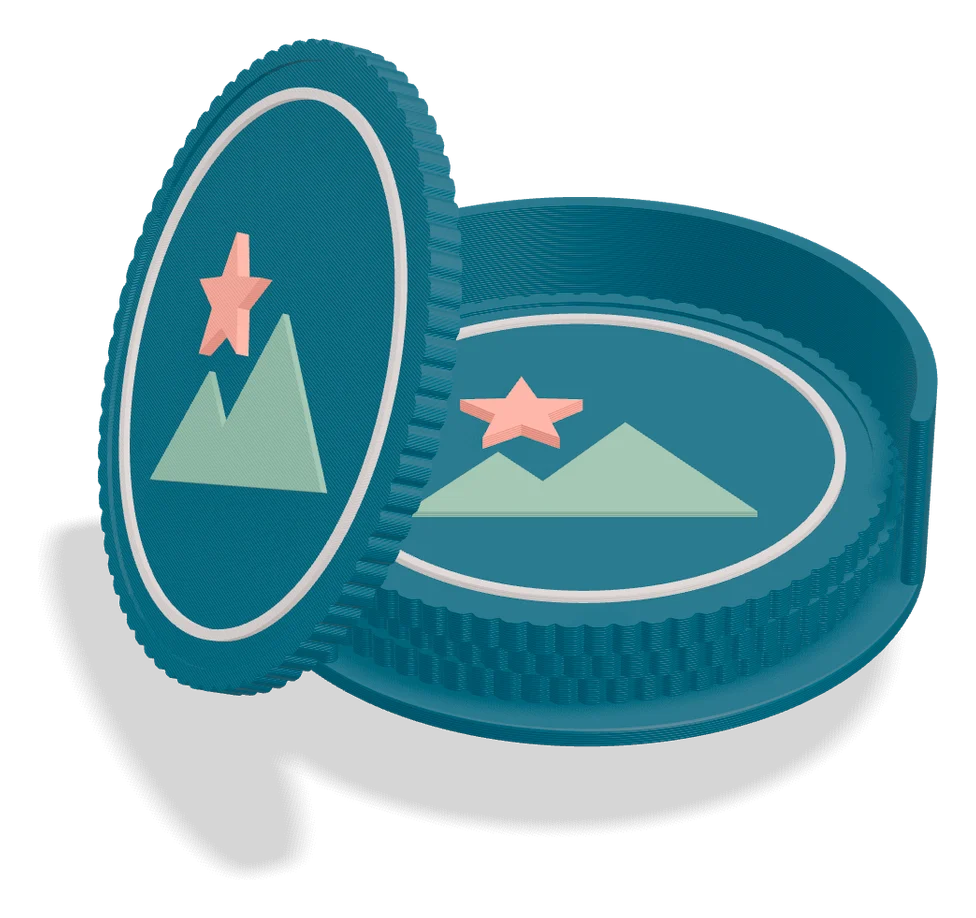
Make my logo coaster puts your SVG logo on an insert that sits in a textured coaster tray, with an optional holder, as a 3MF for Bambu Studio. A multicolor logo comes in as one shape, so extra colors are painted in the slicer, and the license does not allow selling the coasters.
For backlit shop letters, PROLED3D turns an SVG into a full channel letter housing: a printed base, a face, and DXF outlines for cutting acrylic. It needs a Google sign-in, and only 4 of its 27 letter structures export on the free plan. More sign tools are in the sign and 3D text generators guide, and for typed words without a logo, see the text to STL generators guide.
How to prepare an SVG for 3D printing
- Use filled shapes, not strokes. Bekuto 3D, svg2solid and Make my logo coaster only use filled shapes, so convert objects and strokes to paths in Inkscape or a similar editor.
- Merge shapes of the same color so each color is one clean path, and avoid shapes stacked on top of each other.
- Do not embed a photo. An image placed inside an SVG is not vector art and will not load in tools such as Make my logo coaster.
- Check the size in the preview. svg2solid takes the size from the SVG’s units, so scale the model in your slicer if it comes out too big.
- Keep details wider than your nozzle, usually 0.4 mm, or thin lines will not print.
Frequently asked questions
How do I convert an SVG to STL for free?
Upload the SVG to a free browser converter such as Bekuto 3D, svg2solid, SVG 2 STL or QuickSTL, set the extrusion height and download the STL. None of them needs an account. Bekuto 3D and svg2solid also split the design by color, so you can print a multicolor logo.
Why does my SVG come out empty or incomplete?
Tools such as Bekuto 3D, svg2solid and Make my logo coaster only use filled shapes, so lines drawn as strokes come out incomplete, and an image embedded inside an SVG will not load. In Inkscape or a similar editor, convert objects and strokes to paths and merge them, then export the SVG again. For a multicolor print with svg2solid, each color also has to be a filled path that does not overlap the others.
Can I turn a PNG or JPG logo into an STL?
Yes. MakerTools3D reduces a PNG or JPG to 2 to 16 colors and exports a 3MF with one part per color. Bekuto 3D traces a PNG or JPG into a single silhouette on a plate. Stamp3D turns a color image into black and white with a threshold slider. For the cleanest edges, trace the logo into an SVG first.
Is it safe to upload my logo to an SVG converter?
Check where the file goes. Bekuto 3D and svg2solid run in your browser, and QuickSTL says its processing happens in the browser too. SVG 2 STL keeps uploaded SVGs and generated STLs for at least a week, anyone with the link can view them, and all files fall under the WTFPL license, so avoid it for confidential artwork.
What you'll need
Multicolor PLA and color sets
Dual- and tri-color silks give a single-nozzle printer color shifts with no extra hardware, and a matched color set is what lets HueForge and color lithophanes blend thin layers into a full image.
- Bambu Lab PLA Silk Multi-Color (affiliate link) Co-extruded dual and tri colors that shift with the viewing angle; great for keychains and name tags.
- SUNLU Multi-Color Silk PLA (dual/tri/four-color) (affiliate link) Budget dual-, tri- and four-color silk for colorful prints without an AMS. In Europe? Buy from 3DJake (affiliate link)
- Bambu Lab PLA CMYK Lithophane Bundle (affiliate link) Four 1 kg spools (cyan, magenta, yellow, white) made for color lithophanes and handy for HueForge-style layering.
Matte PLA that hides layer lines
Matte filament hides layer lines and cuts glare, so raised lettering on signs and nameplates stays readable from any angle and a drawer full of bins looks uniform.
- Bambu Lab PLA Matte (affiliate link) Wide color range with AMS-ready RFID, ideal for multi-color signs.
- Polymaker Panchroma Matte PLA (formerly PolyTerra) (affiliate link) The former PolyTerra line under a new name: soft matte look and good value for printing Gridfinity in bulk. In Europe? Buy from 3DJake (affiliate link)
- SUNLU Matte PLA (affiliate link) Low-cost matte option for large batches of bins and baseplates. In Europe? Buy from 3DJake (affiliate link)
Multicolor filament systems
An automatic filament changer prints multi-color signs, keychains and HueForge pieces without you standing by to swap filament at every color layer.
- Bambu Lab AMS lite (affiliate link) Four-spool open unit for the A1 series; the cheapest way into Bambu multicolor.
- Bambu Lab AMS 2 Pro (affiliate link) Enclosed four-spool unit with built-in filament drying for Bambu's enclosed printers.
- Creality CFS (Creality Filament System) (affiliate link) Creality's multicolor unit for K2-series printers; expands to 16 colors with RFID and moisture-proof storage.
Some of these are affiliate links: we may earn a small commission, at no extra cost to you. More about that
Every generator in this guide
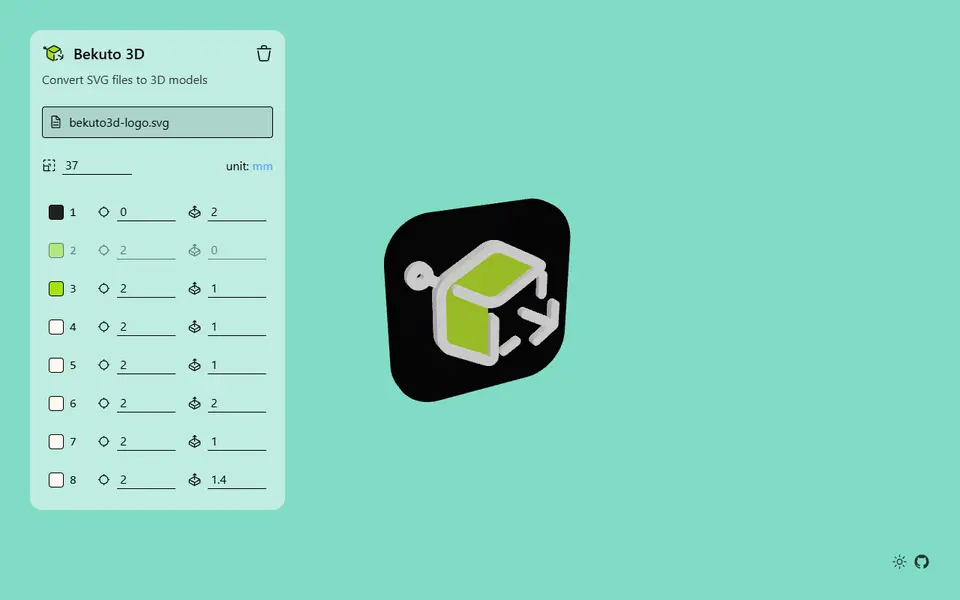
Image to Relief
Bekuto 3D
Turn SVG logos and simple images into layered, multi-color 3D models in your browser
Signs & Text
ColorPlate
Free logo to multicolor plate: one STL per color plus a backing plate, or a filament-swap version, no account
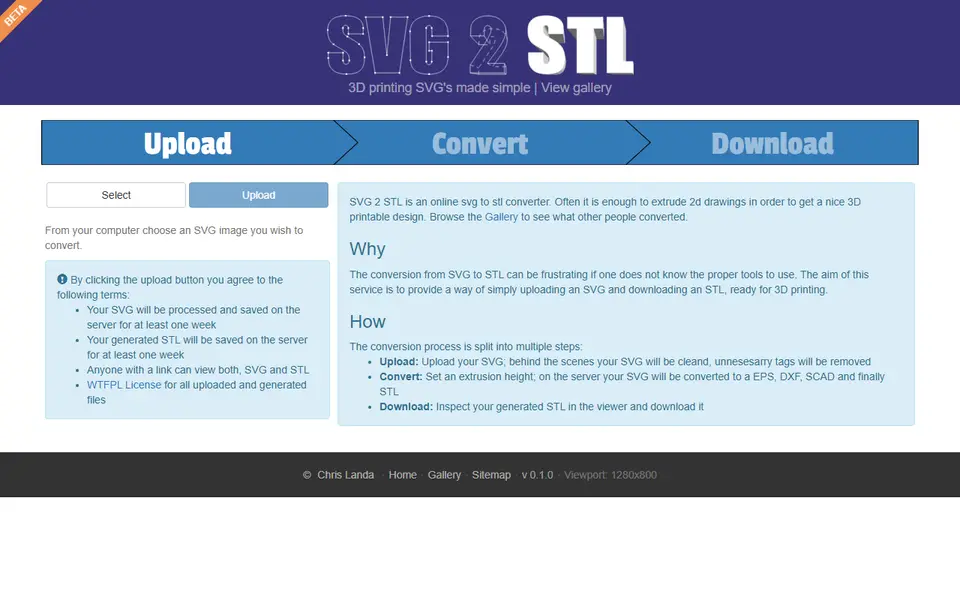
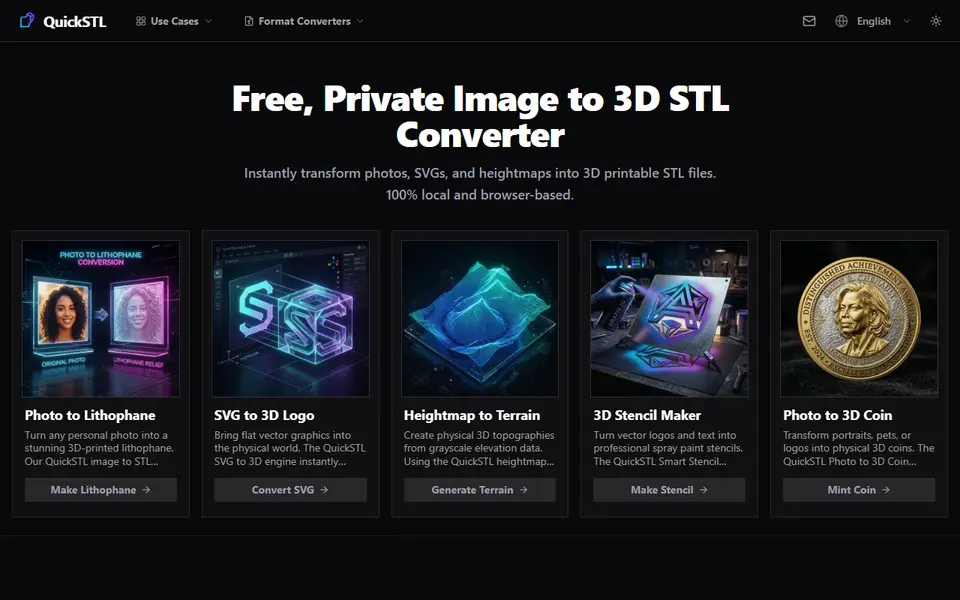
Image to Relief
QuickSTL Image to STL
Free browser converters for photo lithophanes, relief coins, SVG logos and heightmap terrain
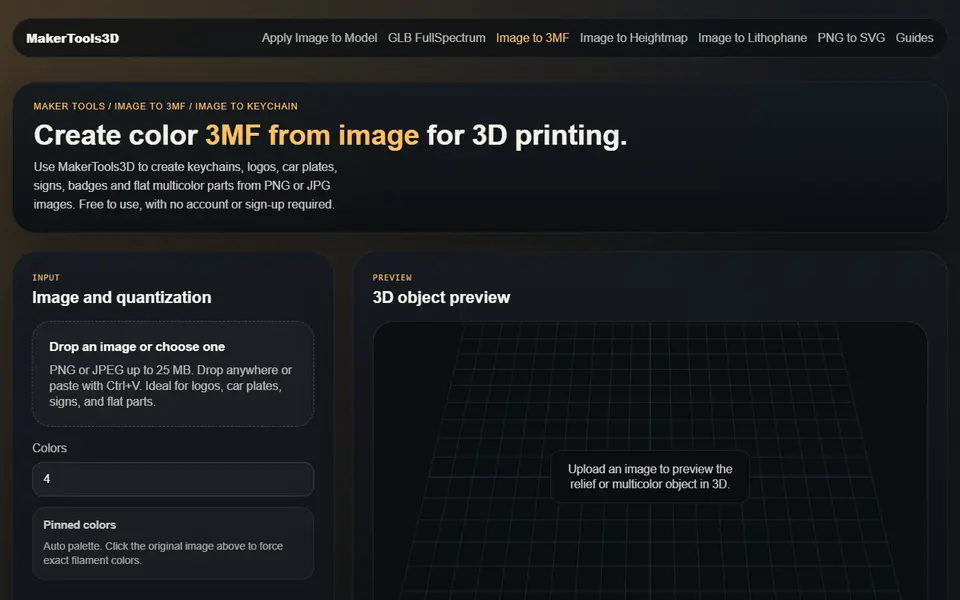
Image to Relief
MakerTools3D
Turns PNG and JPG images into multicolor 3MF plates, keychains and decals
Signs & Text
QuickSTL 3D Stencil Maker
Turns a logo or lettering image into a spray stencil with automatic bridges
Cookie Cutters
Stamp3D
Turns text or a logo into a printable stamp STL, with an optional matching handle
Signs & Text
Multi-Line Stencil Generator
Stencil plates for up to five lines of text, with 11 bridged fonts and an SVG logo option
Keychains
Custom Name Keychain Generator (Multilingual Fonts)
Layered name keychains in any Google Font, non-Latin text or your own SVG
Keychains
3D Keychain Generator
Keychain editor for text, icons, SVG logos, QR, Spotify-style codes and waveforms
Gifts
Make my logo coaster (MiloMatic)
Round textured coasters with your own SVG logo, plus an optional matching holder
Signs & Text
PROLED3D
LED channel letters and 3D signs from text or SVG, exported as STL and DXF parts
Get the next guide in your inbox
Every two weeks: the newest no-CAD generators, one guide and a print tip. Free, no spam, unsubscribe any time.