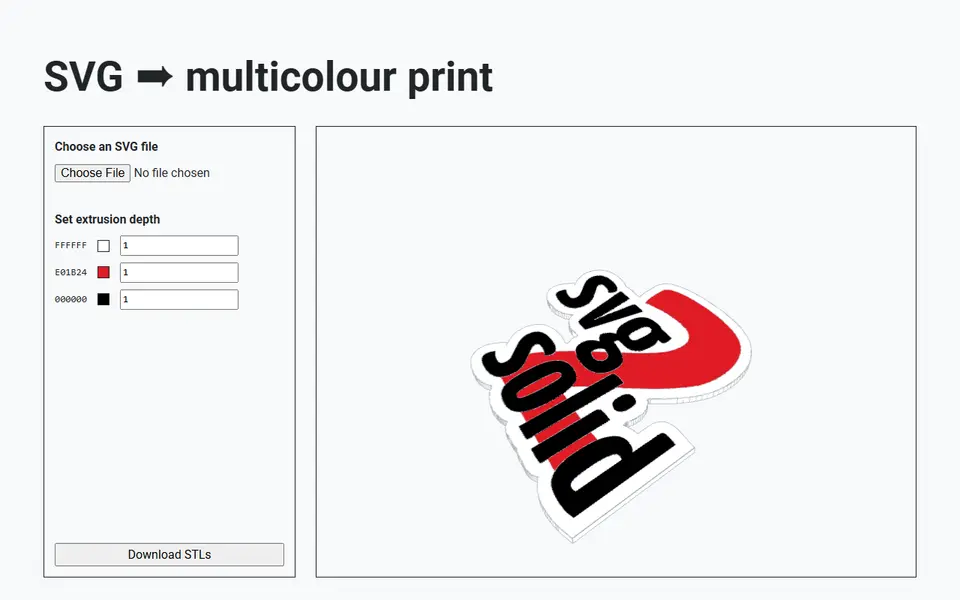
What is svg2solid?
svg2solid is a free browser tool that reads an SVG, groups its shapes by fill color and extrudes each group into a 3D solid. Every color gets its own depth field, and the 3D preview redraws as you type, so you can make one color stand above another or keep the whole design flat. One click then downloads a zip with a separate STL for every color.
Those per-color files are the point. Load them into your slicer as parts of one object, give each part its own filament, and a multi-material printer reproduces the design in its original colors. Logos, badges and simple illustrations suit it well. There is no size control on the page: the size comes straight from the SVG's own coordinates, so artwork drawn in pixels can come out large and may need scaling in the slicer. A depth can also be set negative, which the built-in tips use to add a solid base underneath.
The catch is preparation. Each color has to be a filled path that does not overlap the others, so artwork with strokes or stacked shapes needs a short cleanup in Inkscape first, and the page lists the menu steps for that. It fits makers who already have vector art and want a quick route to a multicolor print without touching CAD.
What you can make
- Multicolor logo plates
- Layered badges and emblems
- Two-tone signs from vector art
- Per-color STL sets for multi-material printing
How to use svg2solid
- Prepare an SVG where each color is a separate filled shape with no overlaps
- Open svg2solid and choose your SVG file
- Set an extrusion depth for each color and check the 3D preview
- Click Download STLs and unzip the per-color files
- Load all STLs into your slicer as one object and assign a filament to each part
What you'll need to print it
Filament and parts that suit what you make with svg2solid.
Multicolor PLA
Multicolor filament systems
Some of these are affiliate links: we may earn a small commission, at no extra cost to you. More about that
svg2solid pros
- Splits the SVG by fill color and lets you set a separate extrusion depth for each one
- Live 3D preview updates as you change the depths
- Runs entirely in the browser with no sign-up, and the source code is on GitHub
svg2solid cons
- The SVG must use clean, non-overlapping filled paths, so most artwork needs Inkscape prep first
- No scaling, base plate or 3MF option: you get plain STLs sized from the SVG's units and combine them in the slicer
- Small hobby project with no code updates since 2024 and only a short tips section for help
Rate svg2solid
One rating per account. Signing in takes one email link, no password.
Reviews
Made with svg2solid
Read next
svg2solid alternatives
Image to STL and relief generators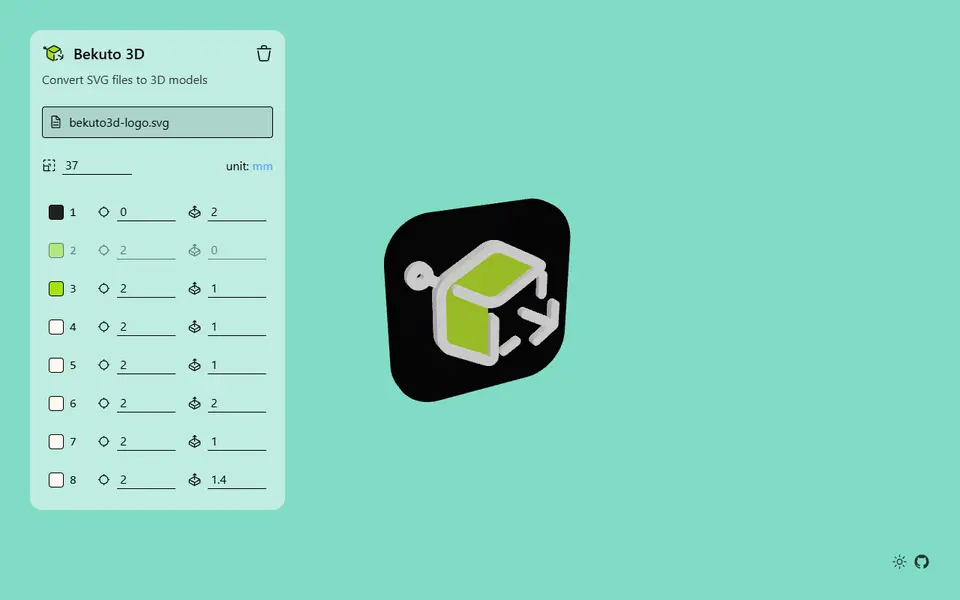
Image to Relief
Bekuto 3D
Turn SVG logos and simple images into layered, multi-color 3D models in your browser
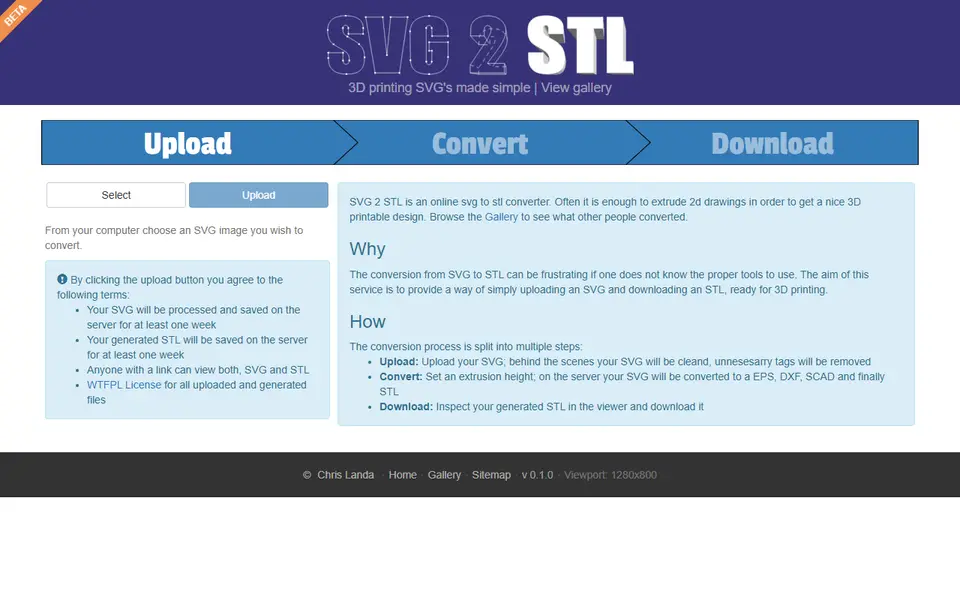
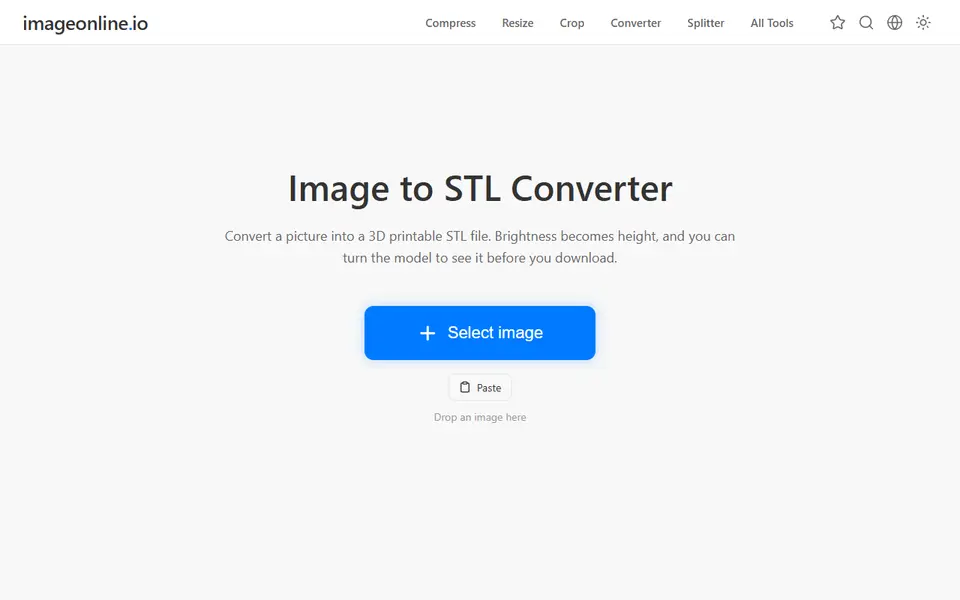
Image to Relief
Image Online Image to STL
Free image to STL relief, lithophane or extruded logo, made in your browser with no upload or account
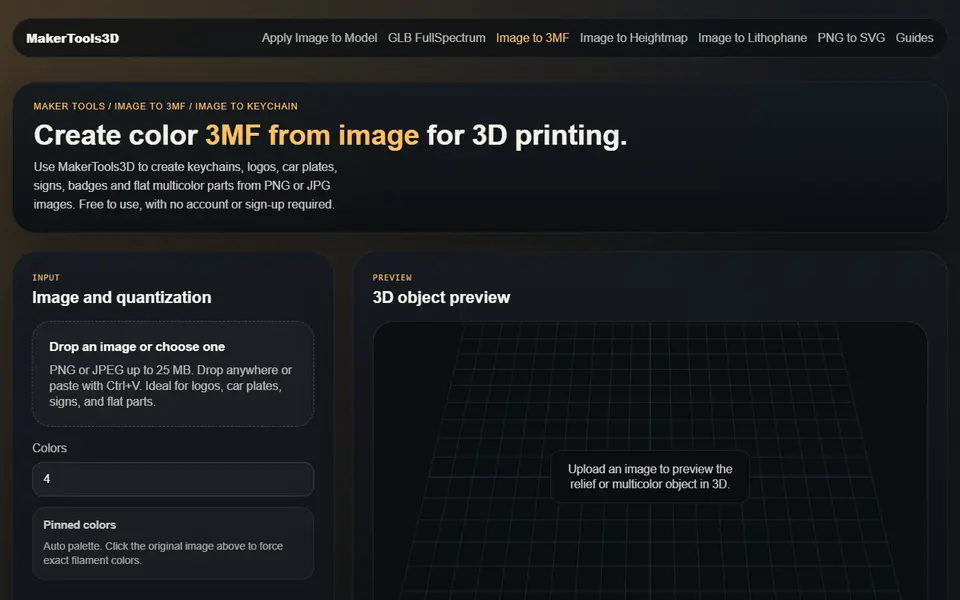
Image to Relief
MakerTools3D
Turns PNG and JPG images into multicolor 3MF plates, keychains and decals
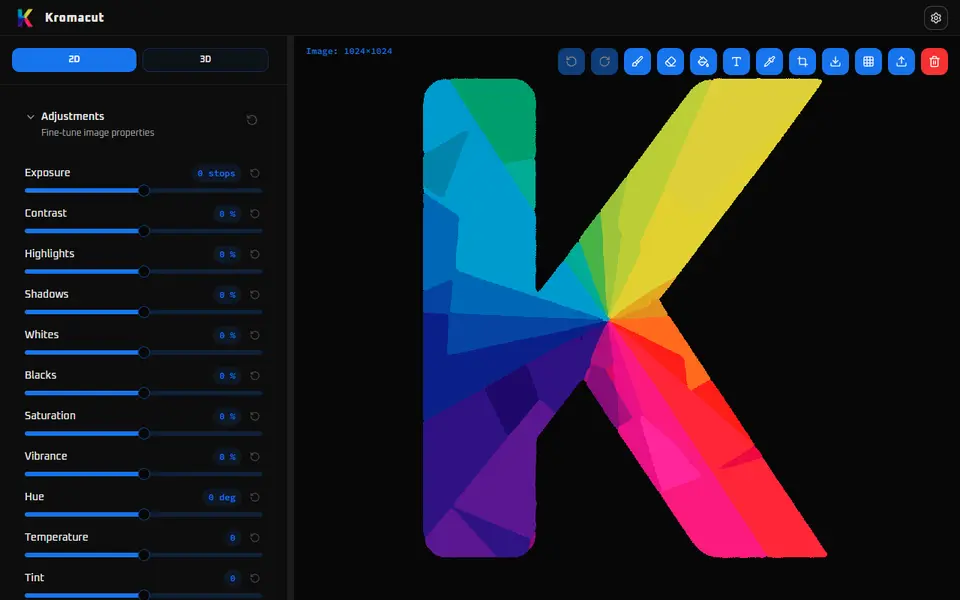
Image to Relief
Kromacut
Free open-source image to color-layer print tool with auto-paint and 3MF export

Image to Relief
AutoForge
Open-source optimizer that picks filament colors and swap layers for a HueForge-style picture print