Bekuto 3D
Turn SVG logos and simple images into layered, multi-color 3D models in your browser
Bekuto 3D is a free browser tool for multi-color prints of logos and icons from SVG files. Free with no account; the developer accepts optional support through GitHub Sponsors. Exports STL and 3MF. Last checked .
Opens bekuto3d.ayaka.io
What is Bekuto 3D?
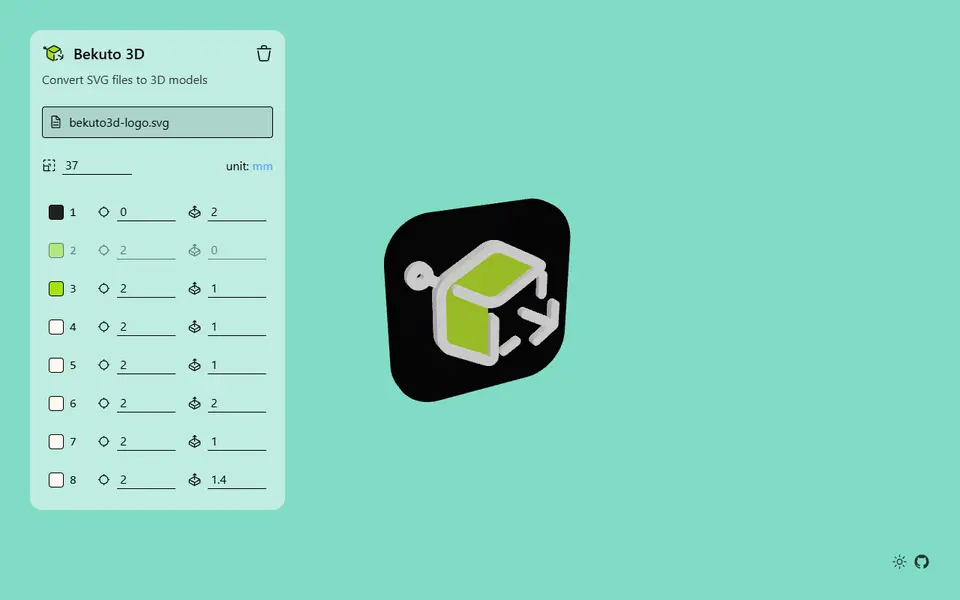
Bekuto 3D is a free, open-source browser tool that turns flat vector art into a printable 3D model. You drop in an SVG, paste SVG code, or upload a PNG or JPG, and the app splits the drawing into its separate filled shapes. Each shape gets its own row with a color picker, a starting height and an extrude depth, so you can lift a logo's letters above its background or sink one part below another. Shift-click or Ctrl-click selects several shapes to change them together, and a depth of zero leaves a shape out.
You type the length of the longest side in millimeters and read the final width, height and thickness below the list. Export gives you STL, GLTF or 3MF. The 3MF keeps every color as a separate part on its own filament slot and comes set up for a Bambu Lab A1, so a multi-color print needs little work in the slicer. The conversion runs in your browser, so your file is not uploaded anywhere.
It suits makers who already have a clean logo, icon or emblem and want a layered multi-color plaque or badge fast. Photos are traced into a single dark silhouette on a white rounded plate, so detailed pictures lose most of their detail.
What you can make
- Multi-color logo plaques
- Layered icon and emblem badges
- Raised lettering and sign art from SVG files
- Traced image silhouettes on a rounded plate
How to use Bekuto 3D
- Open the site and drop in an SVG or image, or paste SVG code
- Enter the size of the longest side in millimeters
- Set the color, starting point and extrude depth for each shape
- Export a 3MF for multi-color printing, or an STL for a single part
- Open the file in your slicer, check the filament colors and print
What you'll need to print it
Filament and parts that suit what you make with Bekuto 3D.
Multicolor PLA
Multicolor filament systems
Some of these are affiliate links: we may earn a small commission, at no extra cost to you. More about that
Bekuto 3D pros
- 3MF export keeps each SVG color as a separate part with its own filament slot
- Color, starting height and depth per shape, with multi-select to edit several at once
- Free and MIT-licensed; the conversion runs in your browser with no sign-up or upload
Bekuto 3D cons
- Raster images become a one-color silhouette on a white plate, not a detailed relief
- Only filled shapes are used, so line-only (stroke) SVGs come out incomplete
- The 3MF is preset for a Bambu Lab A1, so other printers need their own profile in the slicer
Rate Bekuto 3D
One rating per account. Signing in takes one email link, no password.
Reviews
Made with Bekuto 3D
Read next
Bekuto 3D alternatives
Image to STL and relief generators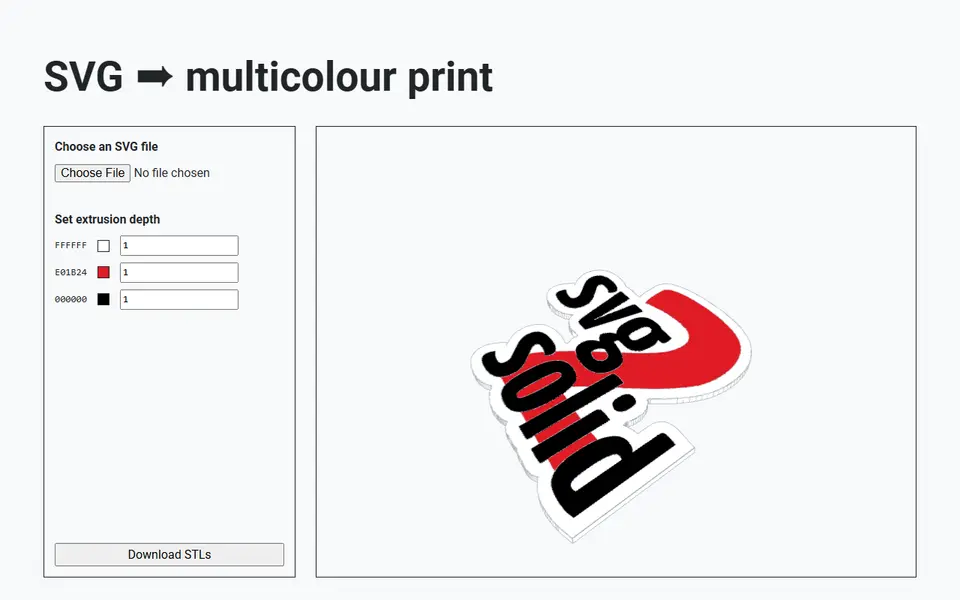
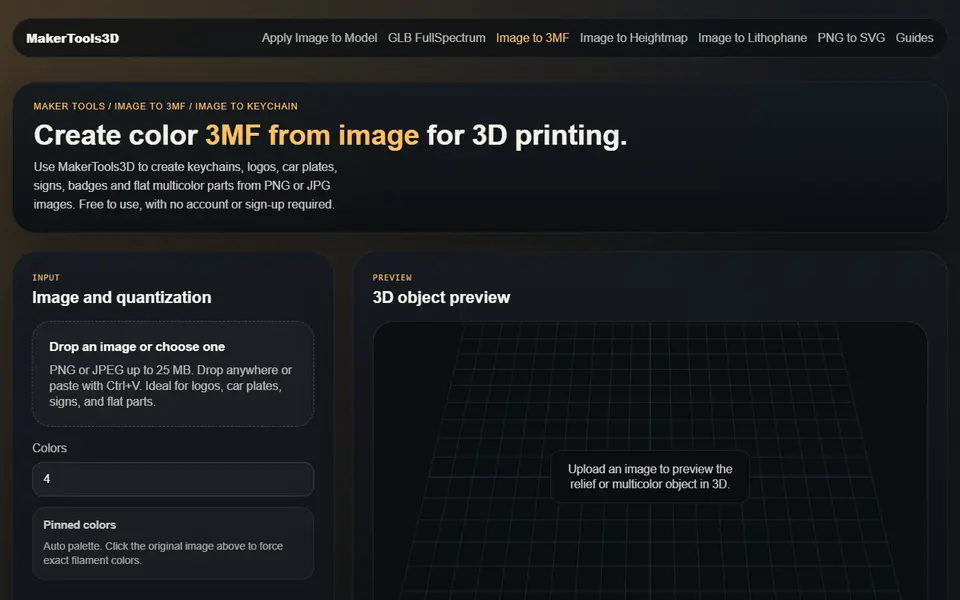
Image to Relief
MakerTools3D
Turns PNG and JPG images into multicolor 3MF plates, keychains and decals

Image to Relief
Shadowbox Maker (MakerLab)
Turns a flat image into stacked cut-out layers for a framed 3D shadowbox
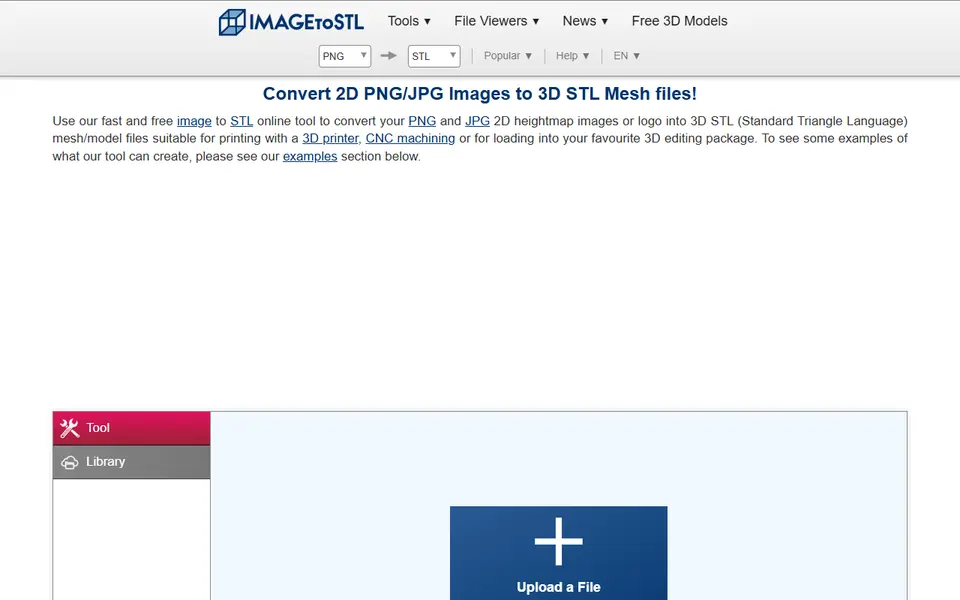
Image to Relief
ImageToStl
Free online converter that turns PNG or JPG images into heightmap or extruded STL
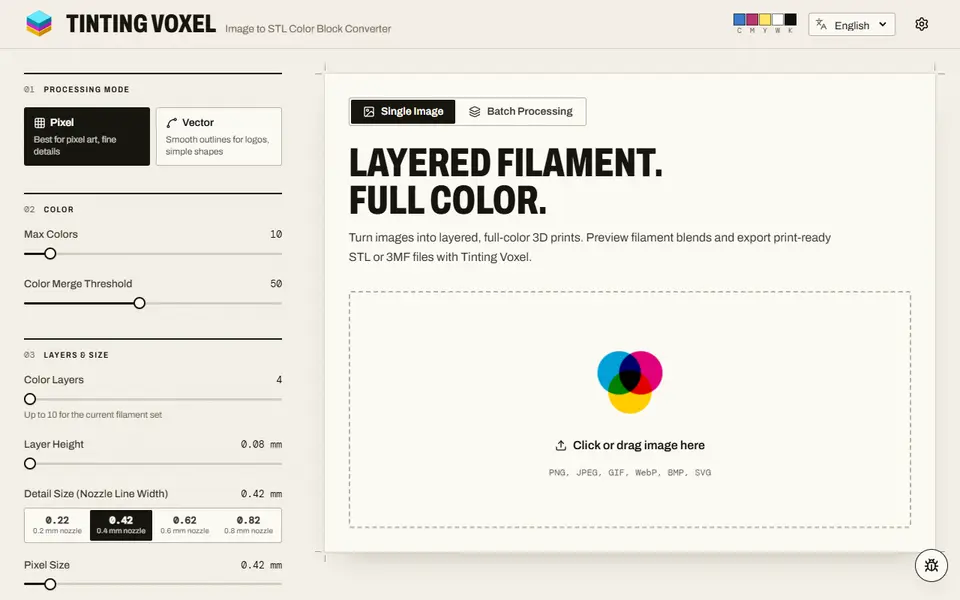
Image to Relief
Tinting Voxel
Free filament painting from a photo, pixel art or logo, mixing 4 to 16 of your filaments, as 3MF or STL, no account