ImageToStl
Free online converter that turns PNG or JPG images into heightmap or extruded STL
ImageToStl is a free browser tool for quick logo plaques and simple reliefs. Free and ad-supported; files are kept for 4 hours, or 24 hours with a long-term download link. Exports STL, 3MF, OBJ, GLB and FBX; no account needed. Last checked .
Opens imagetostl.com
What is ImageToStl?
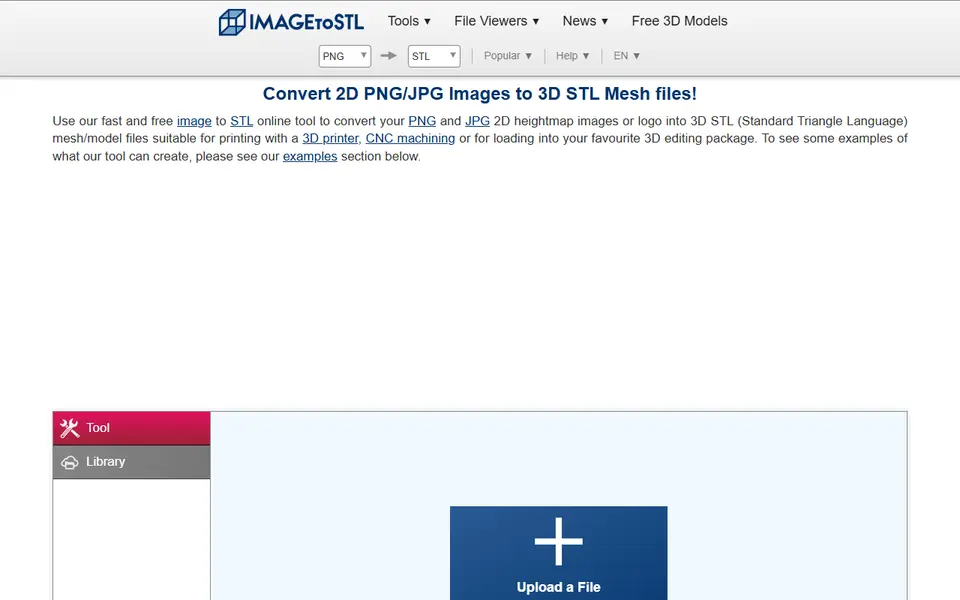
ImageToStl is a free browser tool that converts PNG or JPG images into heightmap or extruded 3D models for printing. Heightmap mode raises bright areas and keeps dark areas low, which gives you a relief or textured plate, while extrude mode traces the shapes in a logo or silhouette and pushes them up into clean solid geometry.
Options include inverting the height, smoothing to remove spikes, a depth curve, outline simplification, a solid base and an optional keyring loop. Color variants of both modes carry the image colors into formats that support them. You can download STL, 3MF, OBJ, GLB and several other formats, and the same site offers dozens of other converters, from PNG to SVG to conversions between 3D and CAD file types.
There is no account and no cost. Generated files are deleted after 4 hours, or kept for 24 hours if you create a long-term download link. Large images are scaled down to about 1,000 to 1,200 pixels (the site quotes both), so very fine detail is limited. It suits quick logo plaques, textures and simple reliefs when you do not want to install anything.
What you can make
- Logo plaques
- Heightmap reliefs
- Extruded silhouettes
- Textured plates
How to use ImageToStl
- Open the image to STL converter
- Upload a PNG or JPG
- Choose heightmap or extrude and set the options
- Convert and download the STL or 3MF
What you'll need to print it
Filament and parts that suit what you make with ImageToStl.
Matte PLA
- Bambu Lab PLA Matte (affiliate link) Amazon
- Polymaker Panchroma Matte PLA (formerly PolyTerra) (affiliate link) Polymaker EU: 3DJake (affiliate link)
Code gives 15% off your first order at Polymaker.
Multicolor PLA
Multicolor filament systems
Some of these are affiliate links: we may earn a small commission, at no extra cost to you. More about that
ImageToStl pros
- Free with no account
- Both heightmap and extrude modes
- Many output formats including 3MF
ImageToStl cons
- Large images are scaled down to about 1,000 to 1,200 pixels
- Heightmap results can look noisy without smoothing
- Basic preview compared with dedicated relief tools
Rate ImageToStl
One rating per account. Signing in takes one email link, no password.
Reviews
Made with ImageToStl
Read next
ImageToStl alternatives
Image to STL and relief generators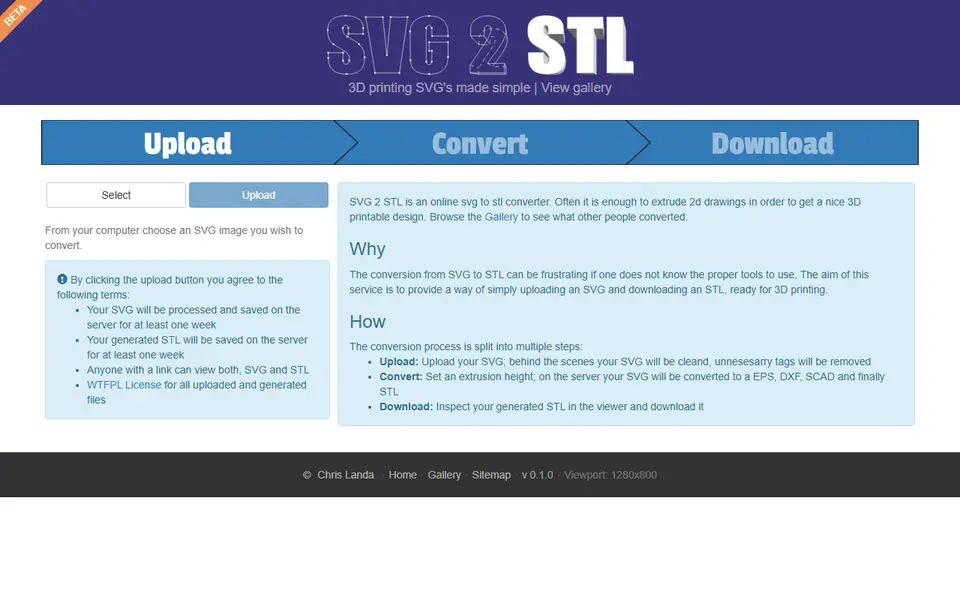
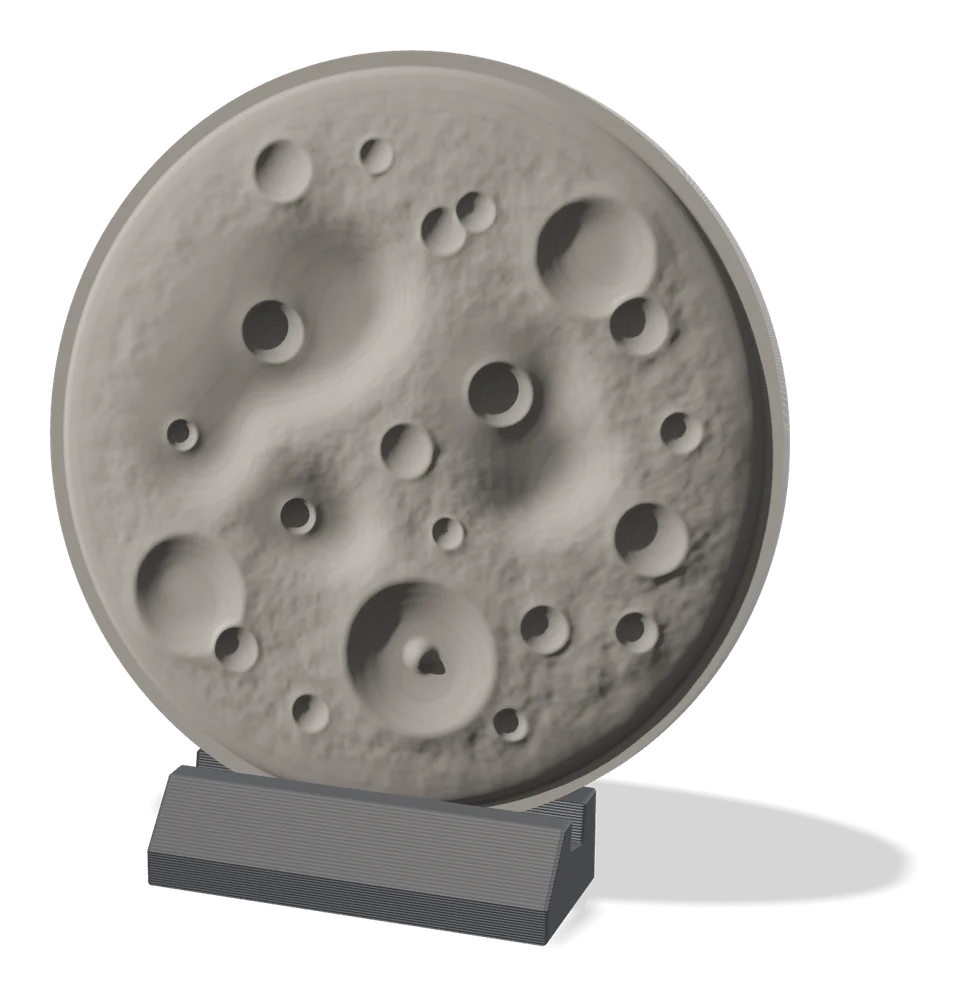
Image to Relief
MakerLab Relief Sculpture Maker
AI tool that turns photos or 3D models into printable bas-relief plaques
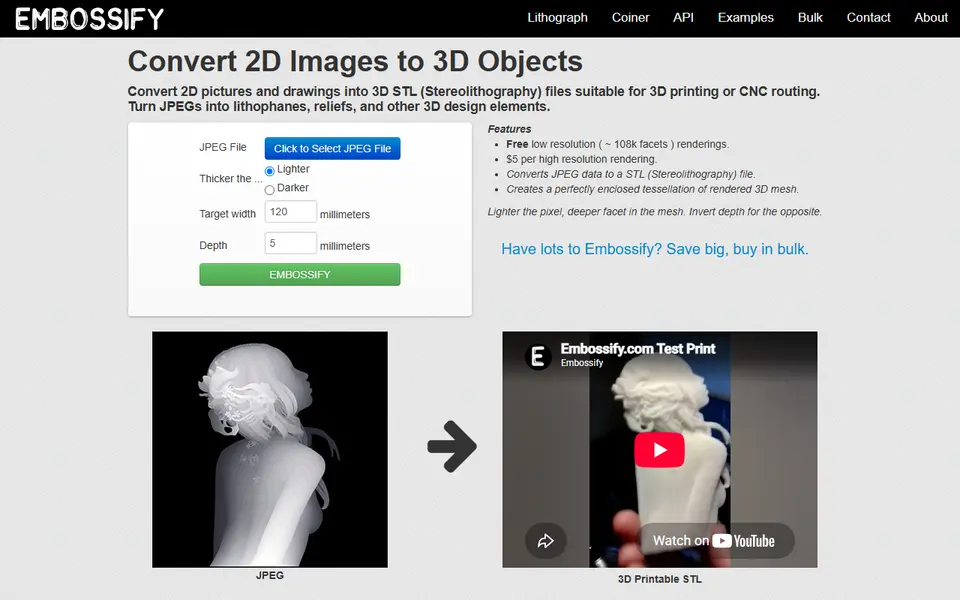
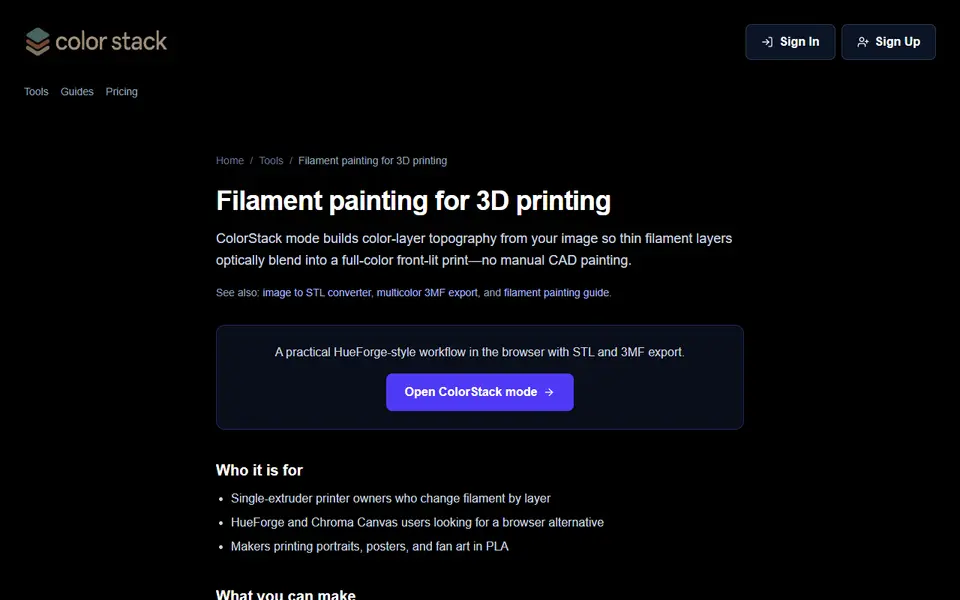
Image to Relief
ColorStack
Browser filament painting with 3MF export, plus flat multicolor and image to STL
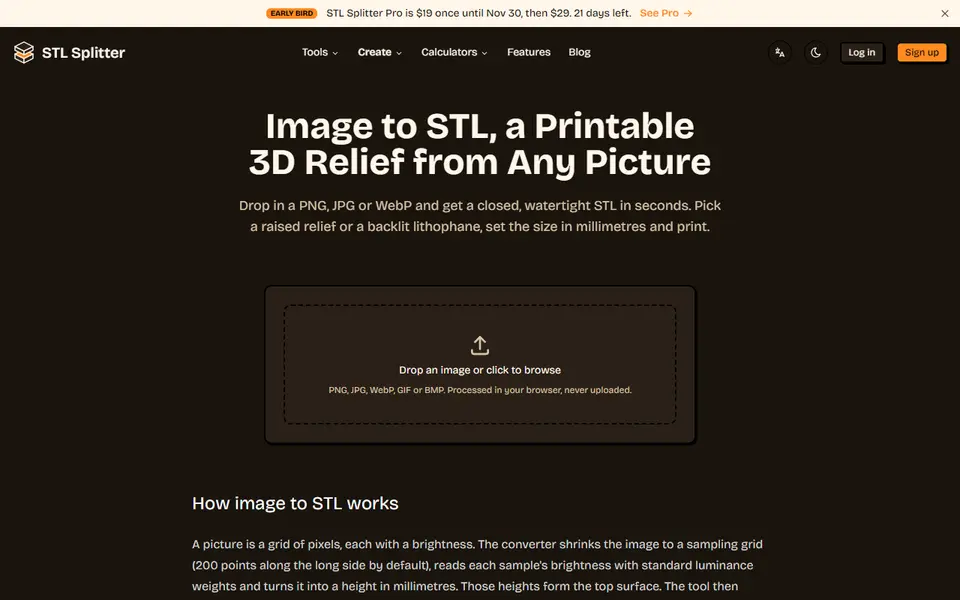
Image to Relief
STL Splitter Image to STL
Free browser tool that turns a picture into a watertight relief or lithophane STL
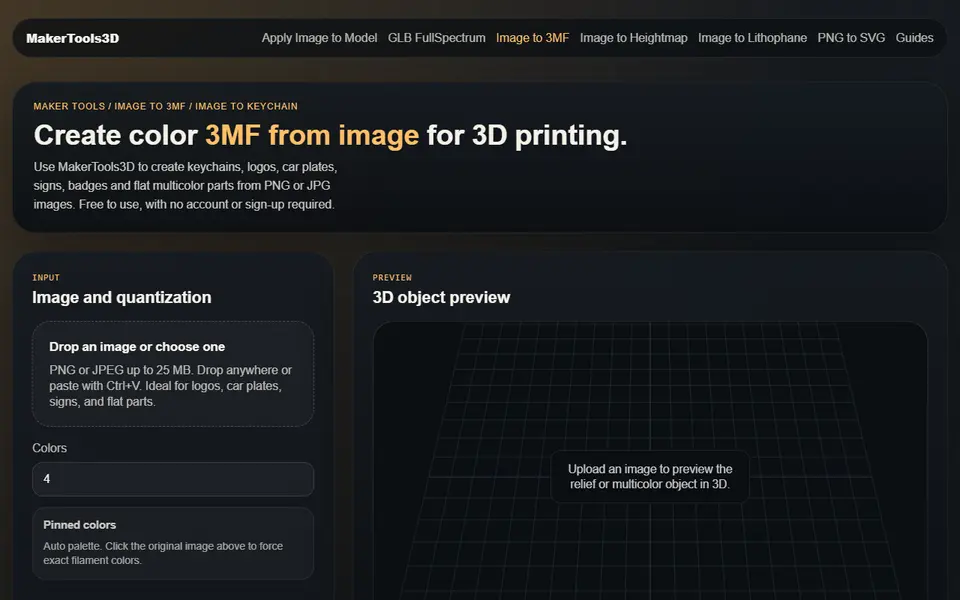
Image to Relief
MakerTools3D
Turns PNG and JPG images into multicolor 3MF plates, keychains and decals