Embossify
Convert a JPEG into an embossed STL relief for 3D printing or CNC carving
Opens embossify.com
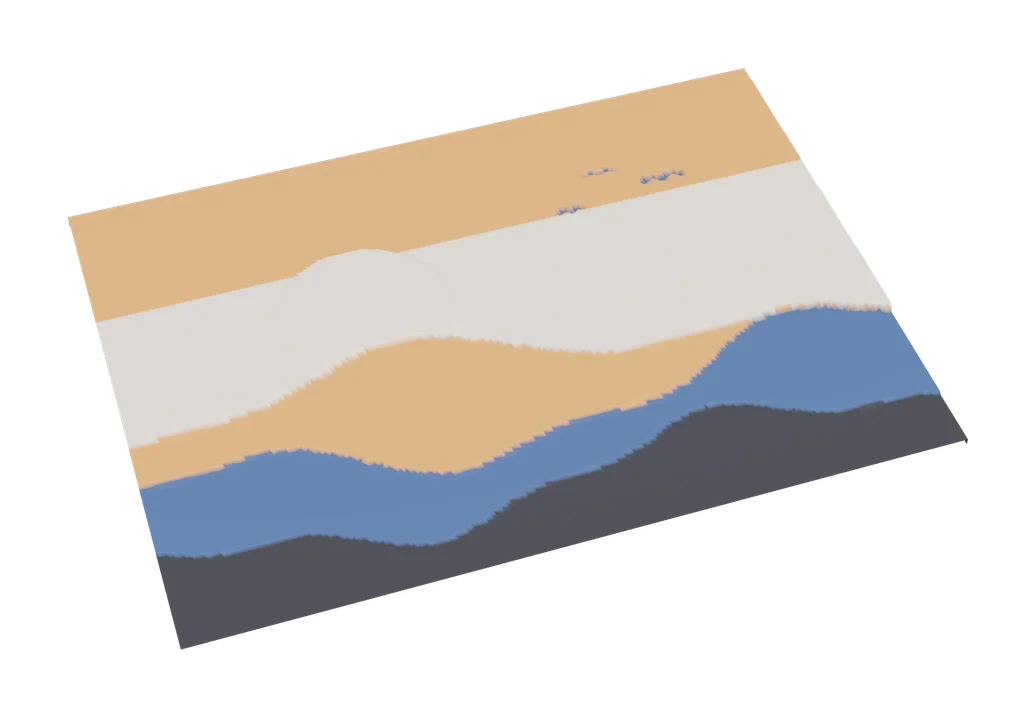
About Embossify
Embossify is a long-running, single-purpose web tool that converts a JPEG photo into an embossed 3D surface. Brightness controls depth, with lighter pixels becoming deeper by default and an option to invert, and you set the target width and depth in millimetres. The result is a closed STL mesh you can print as a relief plaque or send to a CNC router for carving.
It is not flashy, and the interface looks dated, but it does one job and does not need an account. Low resolution renders of around 108,000 facets are free, which is fine for small plaques and tests. High resolution renders cost $5 each through PayPal, with bulk options for heavy users.
Embossify suits people who want a quick photo relief or texture panel, or who also work with CNC and want one file that serves both machines. For multicolor results, look at the filament painting tools instead.
What you can make
- Photo relief plaques
- Embossed textures
- CNC carving reliefs
How to use it
- Open embossify.com and upload a JPEG
- Set width, depth and whether to invert
- Render the free low-resolution version
- Download the STL, or pay for high resolution
Good
- No account needed
- Simple width and depth settings in millimetres
- Output works for both 3D printing and CNC
Not so good
- JPEG input only
- High resolution costs $5 per render
- Dated interface with few options
What you'll need to print it
Materials and parts that give the best results with Embossify.
Matte PLA for signs and Gridfinity
Matte filament hides layer lines and cuts glare, so raised lettering on signs and nameplates stays readable from any angle and a drawer full of bins looks uniform.
- Bambu Lab PLA MatteWide colour range with AMS-ready RFID, ideal for multi-colour signs.
- Polymaker Panchroma Matte PLA (formerly PolyTerra)The former PolyTerra line under a new name: soft matte look and good value for printing Gridfinity in bulk.
- SUNLU Matte PLALow-cost matte option for large batches of bins and baseplates.
Some of these are affiliate links: we may earn a small commission, at no extra cost to you. More about that
Read next
Alternatives to Embossify
All image to 3d generators
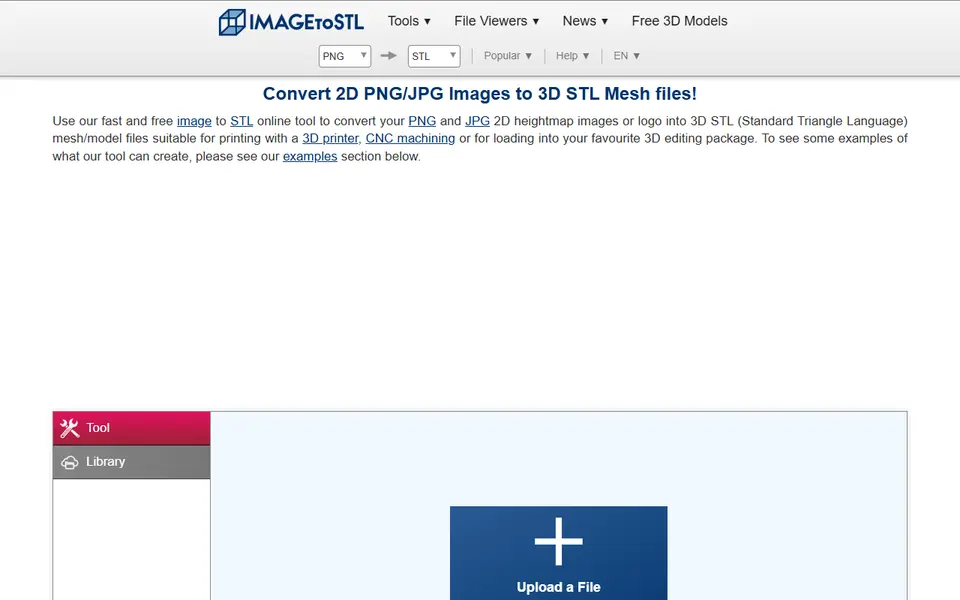
Image to 3D
ImageToStl
Free online converter that turns PNG or JPG images into heightmap or extruded STL
Image to 3D
MakerLab Chroma Canvas
Bambu Lab's free browser tool for HueForge-style filament paintings from any image