STL Splitter Image to STL
Free browser tool that turns a picture into a watertight relief or lithophane STL
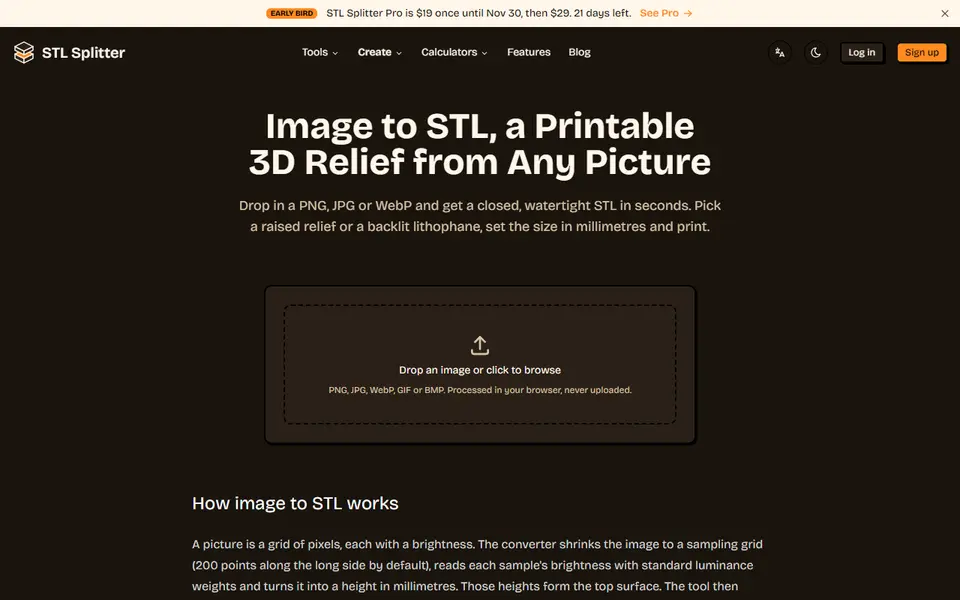
STL Splitter Image to STL is a free browser tool for a quick relief or lithophane from any picture. Free with no account; the image never leaves your browser. Exports STL and 3MF. Last checked .
Opens stlsplitter.com
What is STL Splitter Image to STL?
Image to STL is a free converter on STL Splitter, the site best known for its bed splitter. You drop in a PNG, JPG, WebP, GIF or BMP and choose Relief, a raised picture on a solid base like a coin or a plaque, or Lithophane, a thin panel that shows the photo when light shines through it.
You set the width in millimeters (the depth follows the aspect ratio), the base and relief height or the lithophane's thinnest and thickest points (0.8 and 3.2 mm by default), an optional frame, the resolution from 50 to 400 samples on the long side and up to three smoothing passes. For dark artwork on a white background you can flip which areas are raised. The panel shows the exact size and triangle count before you download, and the result is one closed, watertight body.
Everything runs in your browser and the image is never uploaded. There is no account and no cost; the site also has PNG to STL for logos, JPG to STL for photos and an SVG to STL converter for vector artwork.
What you can make
- Picture reliefs and plaques
- Photo lithophanes
- Logo reliefs
How to use STL Splitter Image to STL
- Open Image to STL and drop in a picture
- Choose Relief or Lithophane
- Set the width, heights, resolution and smoothing
- Download the STL or 3MF and print it flat, or upright for a lithophane
What you'll need to print it
Filament and parts that suit what you make with STL Splitter Image to STL.
White PLA
- Bambu Lab PLA Basic Jade White (affiliate link) Amazon
- Polymaker PolyLite PLA Cold White (affiliate link) Polymaker EU: 3DJake (affiliate link)
Code gives 15% off your first order at Polymaker.
Matte PLA
Some of these are affiliate links: we may earn a small commission, at no extra cost to you. More about that
STL Splitter Image to STL pros
- Relief and lithophane in one tool, with sensible defaults
- Exact size and triangle count shown before you download
- Runs in your browser, nothing is uploaded
STL Splitter Image to STL cons
- Flat panels only, no curved or framed lamp shapes
- Brightness is turned into height, so photos need good contrast for a relief
- Single color: no multicolor 3MF
Rate STL Splitter Image to STL
One rating per account. Signing in takes one email link, no password.
Reviews
Made with STL Splitter Image to STL
Read next
STL Splitter Image to STL alternatives
Image to STL and relief generators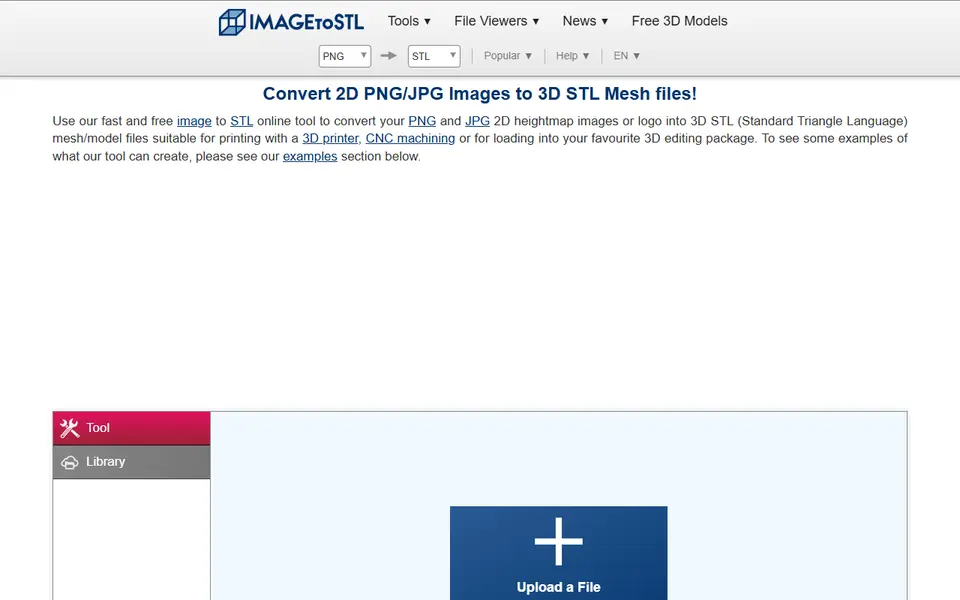
Image to Relief
ImageToStl
Free online converter that turns PNG or JPG images into heightmap or extruded STL
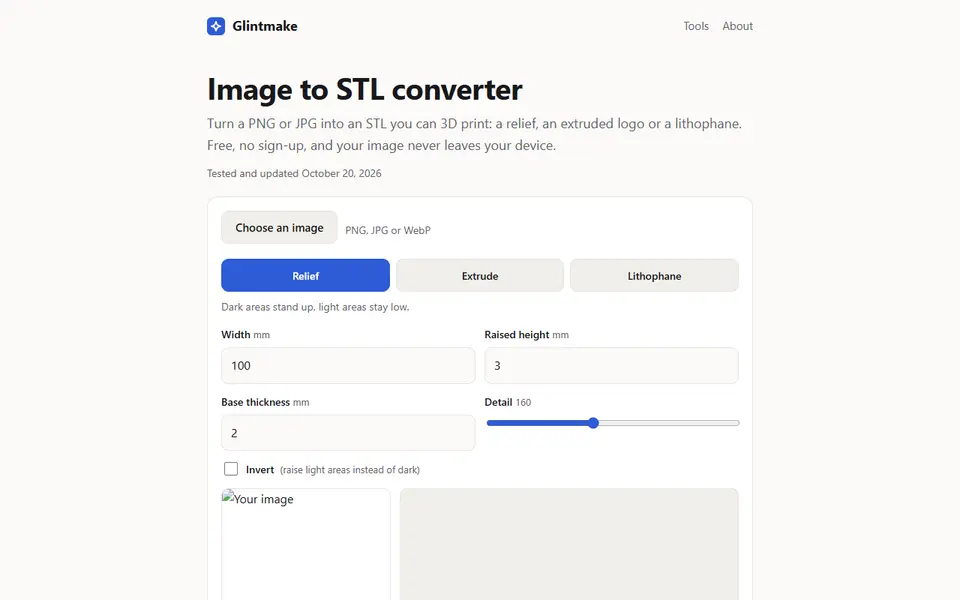
Image to Relief
Glintmake Image to STL Converter
Turn a PNG or JPG into a relief, an extruded logo or a lithophane STL, built in your browser
Lithophanes
Make My Lithophane (MakerLab)
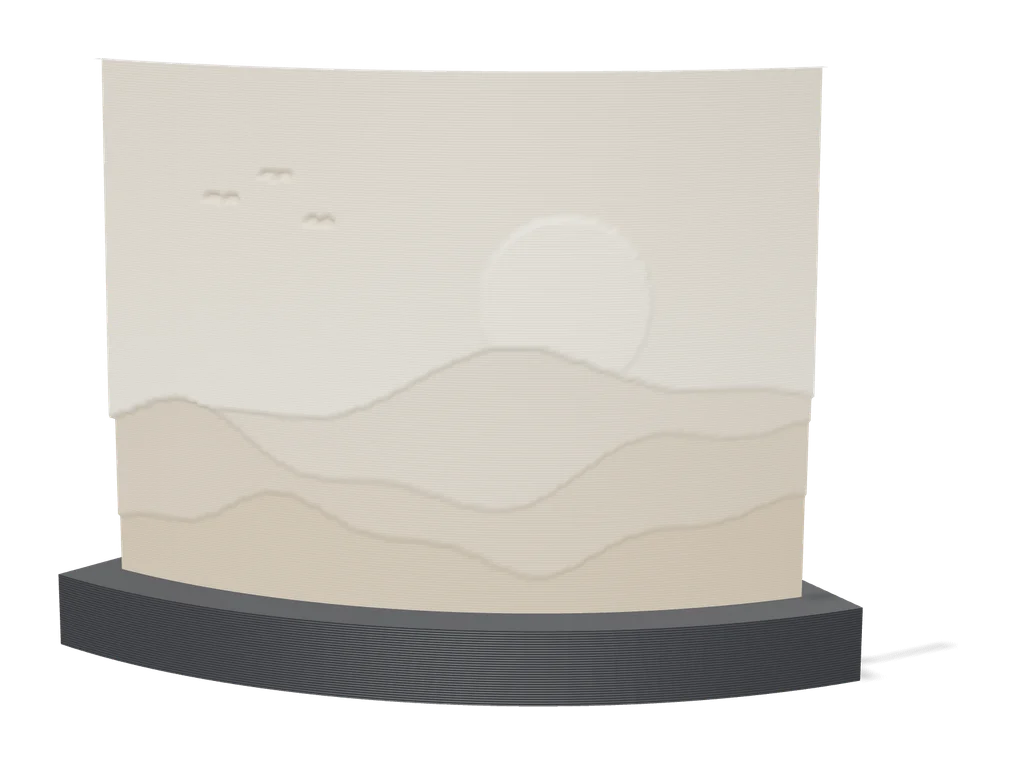
Bambu Lab's free lithophane tool with mono and CMYK color modes and frames
Signs & Text
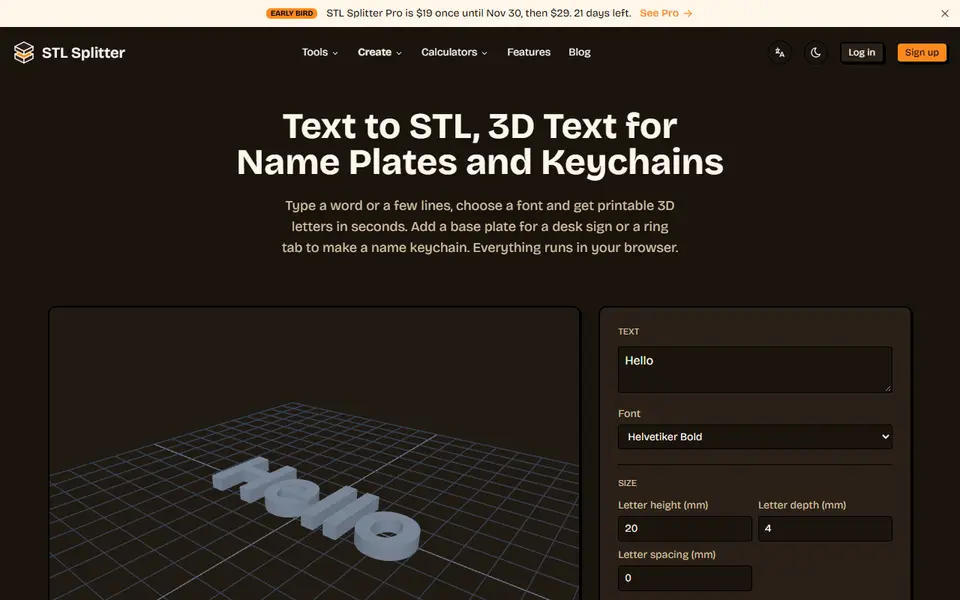
STL Splitter Text to STL
Free 3D text generator for name plates, desk signs and name keychains
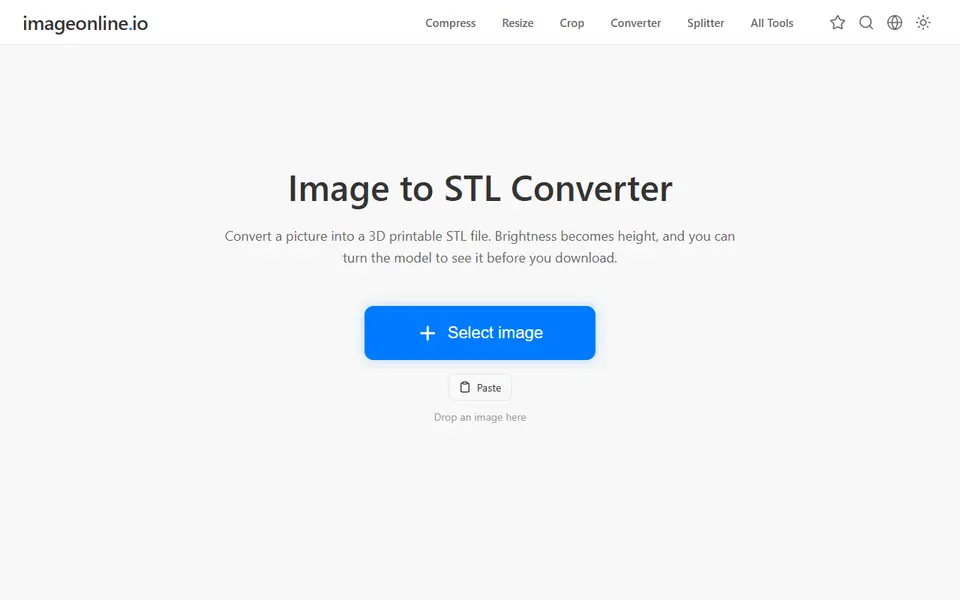
Image to Relief
Image Online Image to STL
Free image to STL relief, lithophane or extruded logo, made in your browser with no upload or account
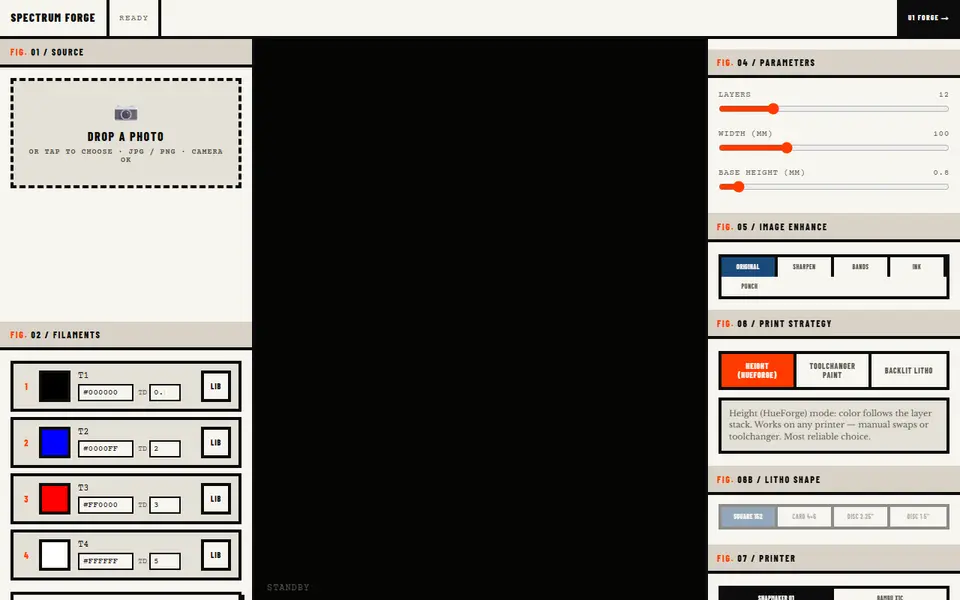
Image to Relief
Spectrum Forge
Photo to a four-filament color 3MF in HueForge-style, toolchanger paint or backlit litho mode; first export free