Spectrum Forge
Photo to a four-filament color 3MF in HueForge-style, toolchanger paint or backlit litho mode; first export free
Spectrum Forge is a freemium browser tool for a four-color photo print on a toolchanger or AMS. First export free, then 40 ink per export; monthly free allowance; no account to start. Exports 3MF. Last checked .
Opens inkwell.wiki
What is Spectrum Forge?
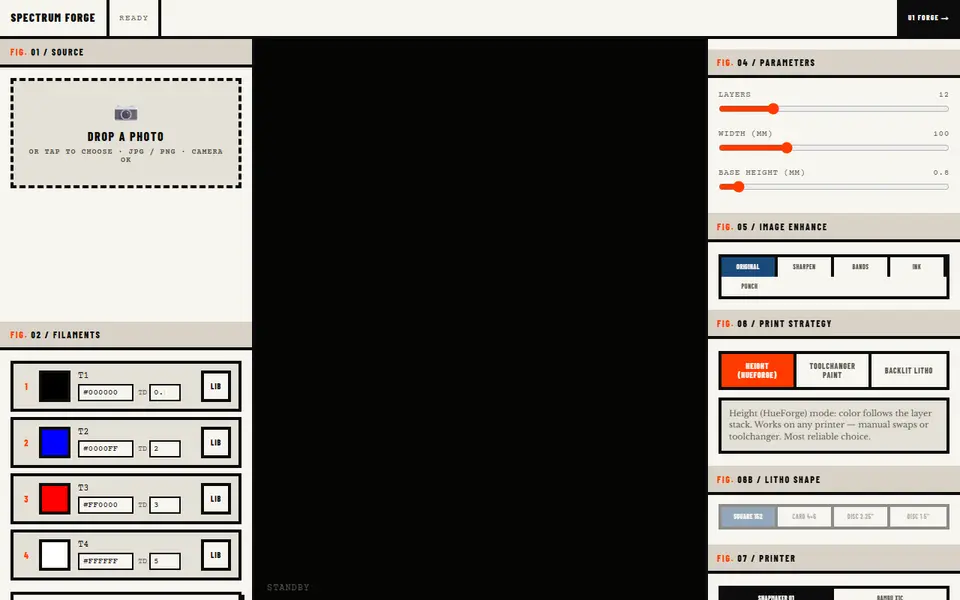
Spectrum Forge turns a photo into a multicolor 3MF built for four filaments. It was made for the Snapmaker U1 toolchanger, but it has presets for the Bambu X1C and P1S, Prusa XL, Prusa MK4 with MMU3, Snapmaker Artisan and J1, and a generic printer. You set four filament slots with their colors and TD values, or tap one of nine palettes (grayscale, sepia, sunset, portrait and others), and an AI Eye button suggests a palette from the photo.
There are three print strategies. Height (HueForge) mode lets color follow the layer stack, so it works with manual filament swaps on any printer. Toolchanger Paint lets color change within a layer for toolchanger and AMS printers. Backlit Litho makes a color lithophane in fixed shapes: a 152 mm square, a 4x6 card or a 2.25 or 1.5 inch disc. You also set the number of layers, width, base height and an image enhance style. The 3MF has the filament colors baked in and comes with a short readme on opening it as a project.
The page needs no account and the first export is free; after that each export costs 40 ink, the credit used across the Inkwell site, with a monthly free allowance per device and a magic-link email sign-in to buy more. Files can be large: a small test image gave a 52 MB 3MF. We found no terms on selling prints; the Legal and Terms link did not load. It suits toolchanger and AMS owners who want a quick color print from a photo.
What you can make
- HueForge-style color prints from photos
- Toolchanger paint 3MFs
- Backlit color lithophane cards and discs
How to use Spectrum Forge
- Drop a photo on the page
- Pick four filaments or a palette and choose your printer
- Choose Height, Toolchanger Paint or Backlit Litho and set layers and width
- Export the 3MF and open it as a project in your slicer
What you'll need to print it
Filament and parts that suit what you make with Spectrum Forge.
Multicolor PLA
White PLA
Multicolor filament systems
Some of these are affiliate links: we may earn a small commission, at no extra cost to you. More about that
Spectrum Forge pros
- Three modes: layer-stack color, in-layer toolchanger paint and backlit litho
- Printer presets for Snapmaker U1, Bambu, Prusa XL and MMU3
- Colors baked into the 3MF, first export without an account
Spectrum Forge cons
- Exports after the free one cost ink, and the pricing is spread over the Inkwell site
- Large files (a 52 MB 3MF from a small test image)
Rate Spectrum Forge
One rating per account. Signing in takes one email link, no password.
Reviews
Made with Spectrum Forge
Read next
Spectrum Forge alternatives
Image to STL and relief generators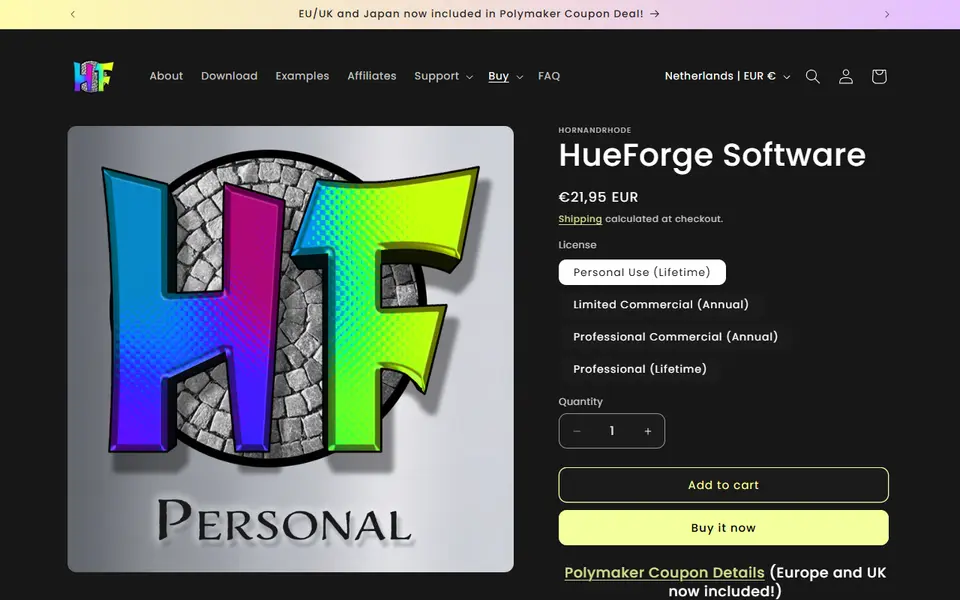
Image to Relief
HueForge
Desktop app that turns images into filament paintings using layered color swaps
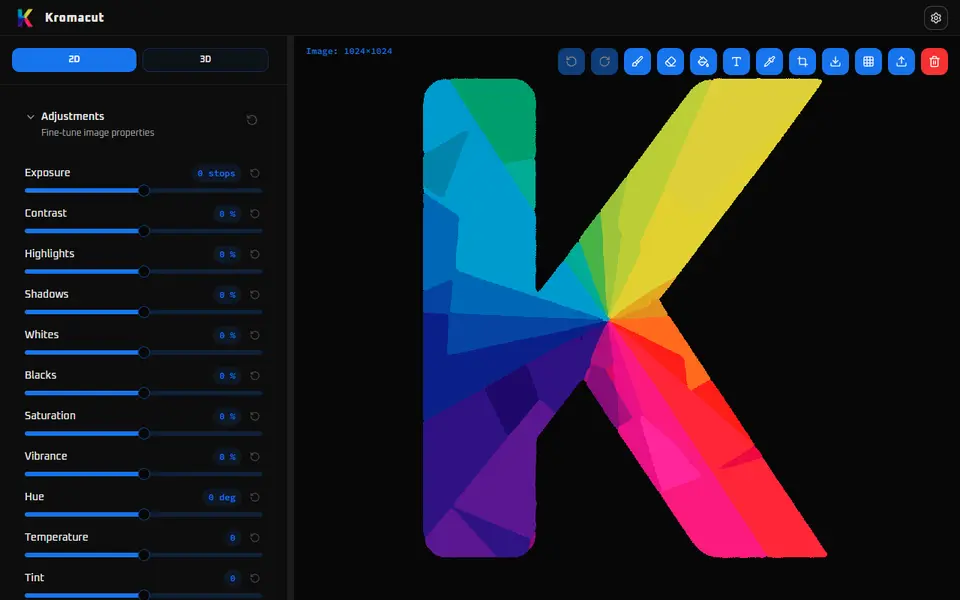
Image to Relief
Kromacut
Free open-source image to color-layer print tool with auto-paint and 3MF export
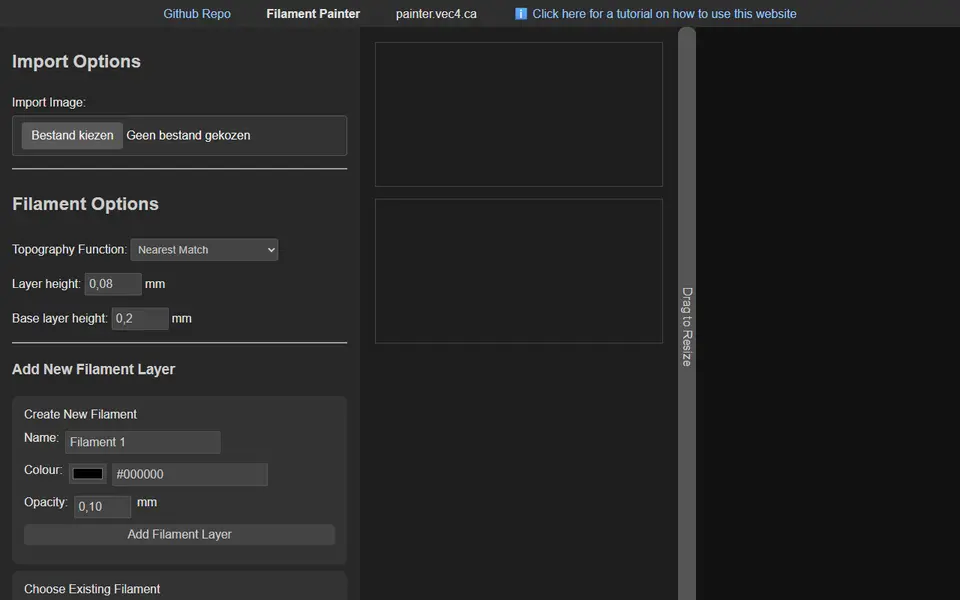
Image to Relief
Filament Painter
Free browser-based HueForge alternative for layered filament paintings
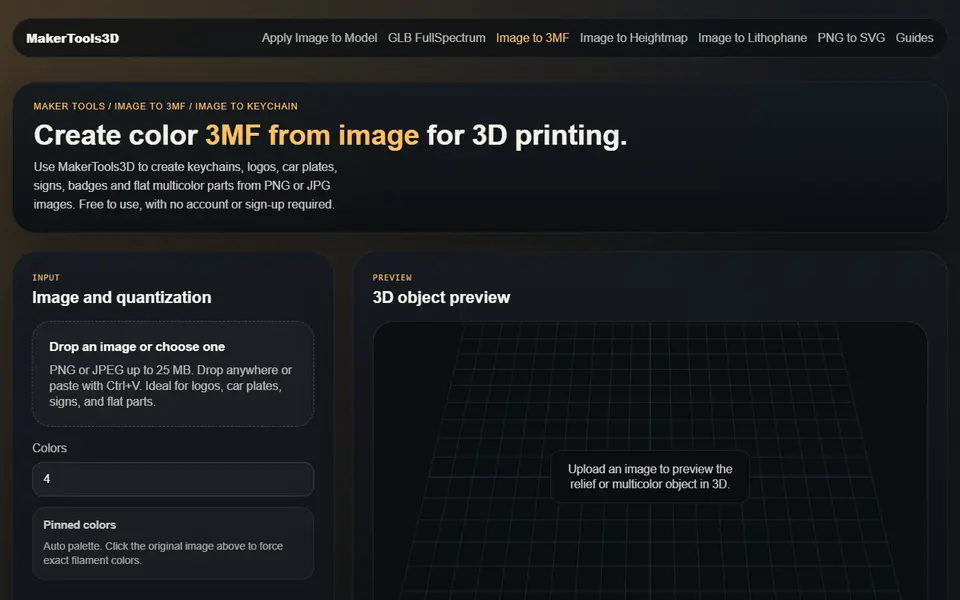
Image to Relief
MakerTools3D
Turns PNG and JPG images into multicolor 3MF plates, keychains and decals

Image to Relief
AutoForge
Open-source optimizer that picks filament colors and swap layers for a HueForge-style picture print
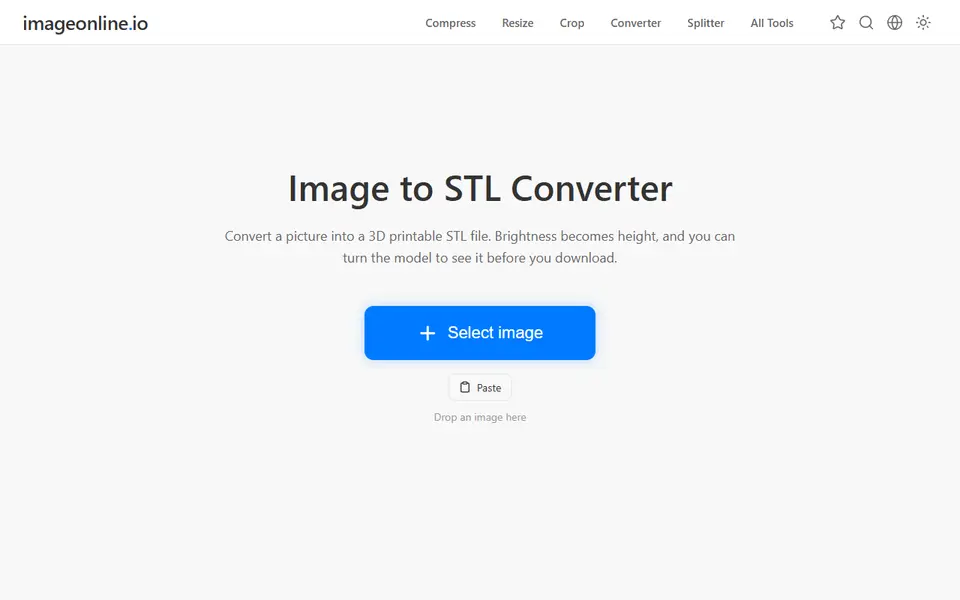
Image to Relief
Image Online Image to STL
Free image to STL relief, lithophane or extruded logo, made in your browser with no upload or account